
dsh-plugin-colorscheme
Manifest validdsh-plugin-colorscheme
为 DeepSeek Harness 提供配色方案(colorscheme):内置多款知名开源主题的 配色,加载后可在 设置 → 插件 → 插件配置 → 配色方案 卡片中一键切换,选择会持久化并 在刷新后自动恢复。
- 内置 8 个预设主题(Dracula、Nord、One Dark/Light、Tokyo Night、
Catppuccin Mocha、VS Code Dark/Light),许可与署名见
THIRD_PARTY_NOTICES.md - 支持三种用户扩展方式(见下),也可以在 设置 → 插件 → 配色方案 页签里 直接「新增主题」(填几个颜色即可,自动写入主题目录)、删除自定义主题, 并可在 设置 → 插件 → 插件配置 → 配色方案 卡片内在线修改主题目录。
安装
本仓库已包含构建产物(client.js 与 dist/),克隆后可直接使用;只有修改过
源码才需要先执行 npm install && npm run build。
一键安装(推荐)
# macOS / Linux
bash install.sh

# Windows(PowerShell)
powershell -ExecutionPolicy Bypass -File install.ps1
脚本会:安装依赖(含 devDependencies,便于本地开发)→ 链接进
~/.dsh/profiles/node_modules → 注册 cordis.patch.yml → 提示重启与验证。
手动安装
用链接而不是拷贝:
Copy-Item复制一份后改源码不会同步,重复安装还会 冲突;用下面的链接(Junction / 符号链接)指向本仓库,改源码即时生效。
# 1. 克隆并进入目录
git clone https://github.com/Civitasv/dsh-plugin-colorscheme.git
cd dsh-plugin-colorscheme

# 2. 链接进 profile 依赖目录
#    macOS / Linux:
ln -sfn "$PWD" ~/.dsh/profiles/node_modules/dsh-plugin-colorscheme
#    Windows(PowerShell,Junction 无需管理员权限):
#    New-Item -ItemType Junction -Path "$HOME\.dsh\profiles\node_modules\dsh-plugin-colorscheme" -Target "$PWD"

# 3. 注册到 ~/.dsh/profiles/web/cordis.patch.yml
#    - insert:
#        - id: colorscheme
#          name: dsh-plugin-colorscheme

# 4. 重启 dsh web
装了 pnpm 的话,也可以用
dsh plugin --profile web add <本插件绝对路径>代替 第 2 步(等价于链接)。pnpm 未安装时先npm install -g pnpm(或corepack enable)。
验证
dsh --profile web --dump-config | grep dsh-plugin-colorscheme
# 输出应包含:- id: colorscheme / name: dsh-plugin-colorscheme
重启后打开 设置 → 插件 → 插件配置 → 配色方案 卡片即可切换主题。
开发
插件以链接方式接入 profile,改源码后:
npm run build # 重新生成 dist/ 与 client.js
server 端改动需重启 dsh web;纯 client 端改动刷新页面即可。
预览
设置 → 插件 → 插件配置 → 配色方案 卡片(点击即切换并持久化):
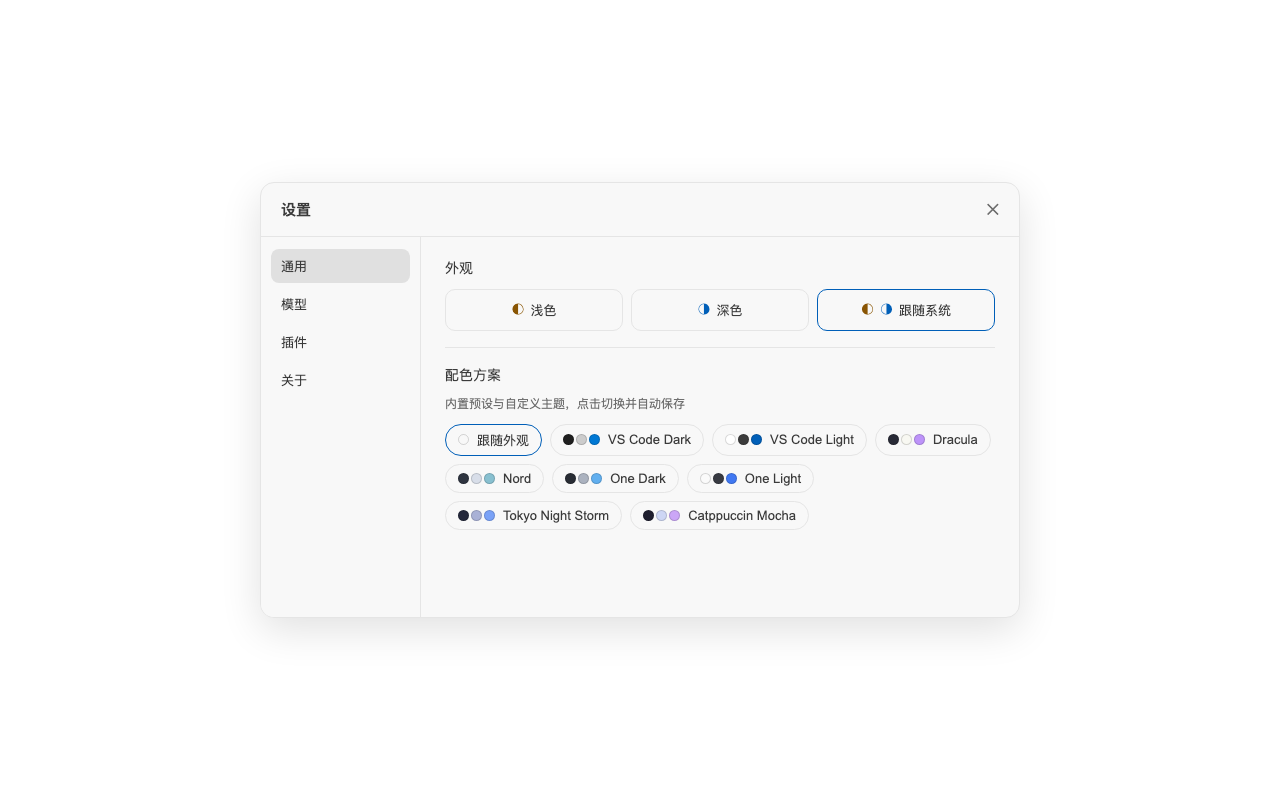
各主题效果:
| 主题 | 预览 |
|---|---|
| VS Code Dark | 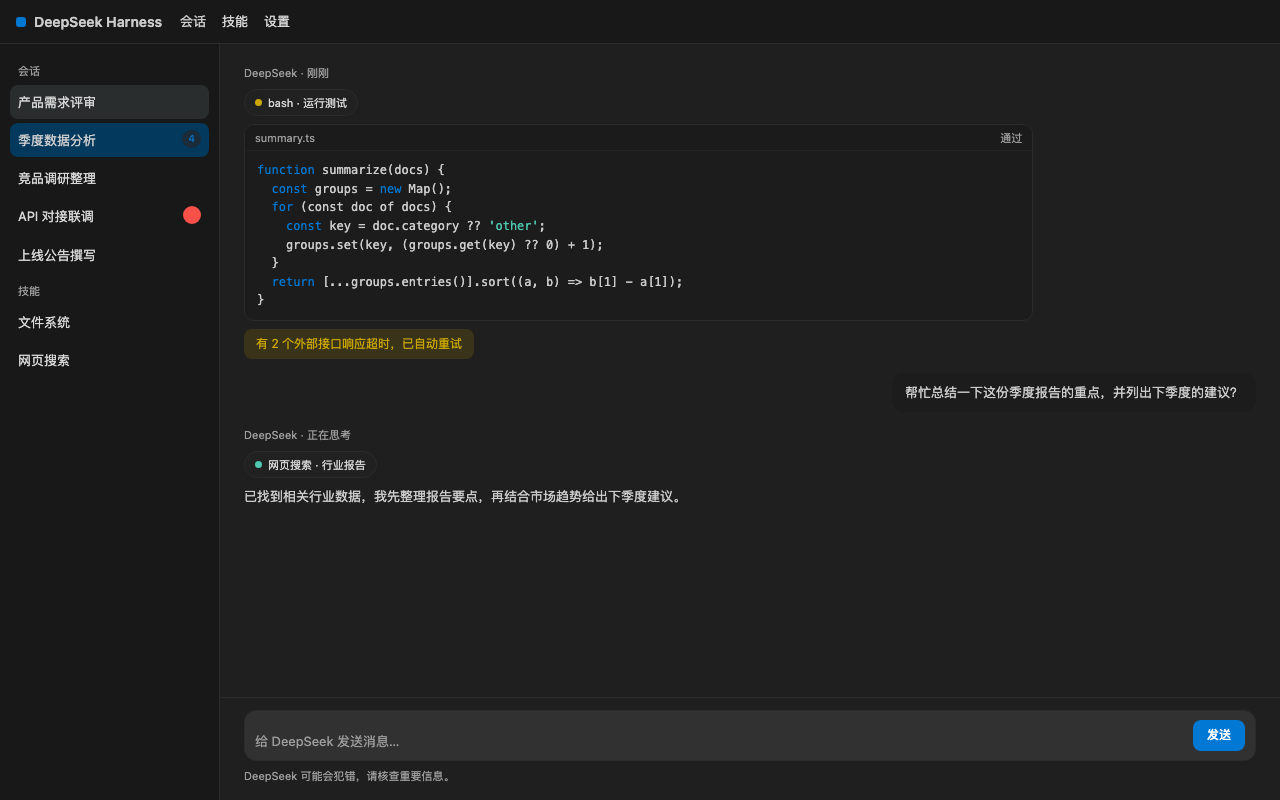 |
| VS Code Light | 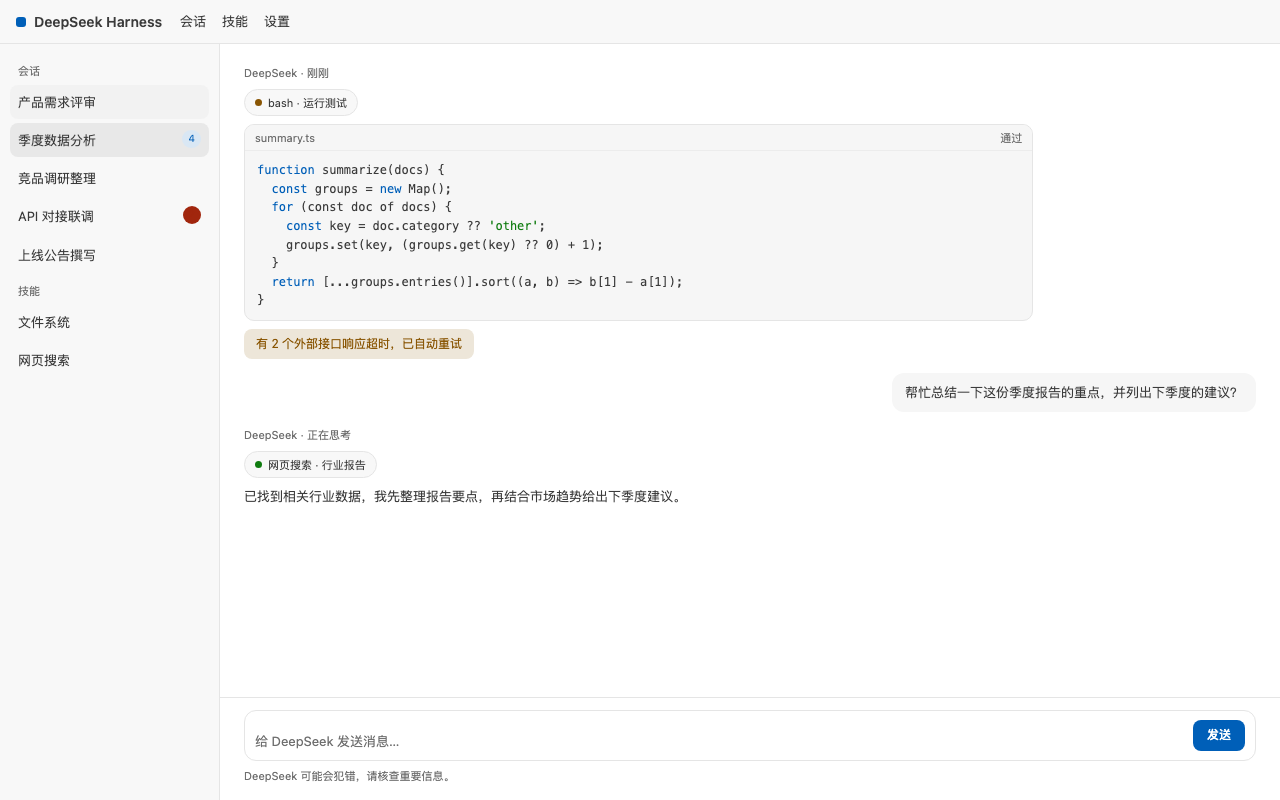 |
| Dracula | 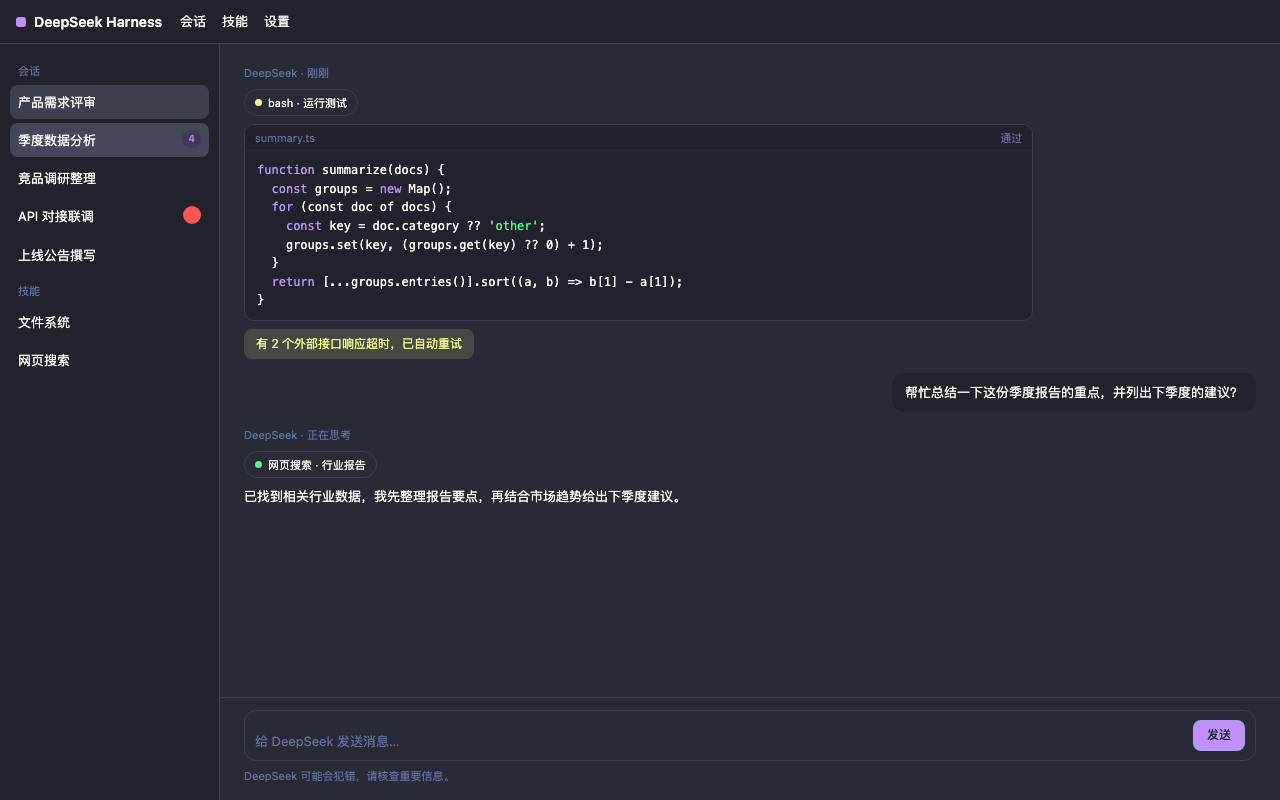 |
| Nord | 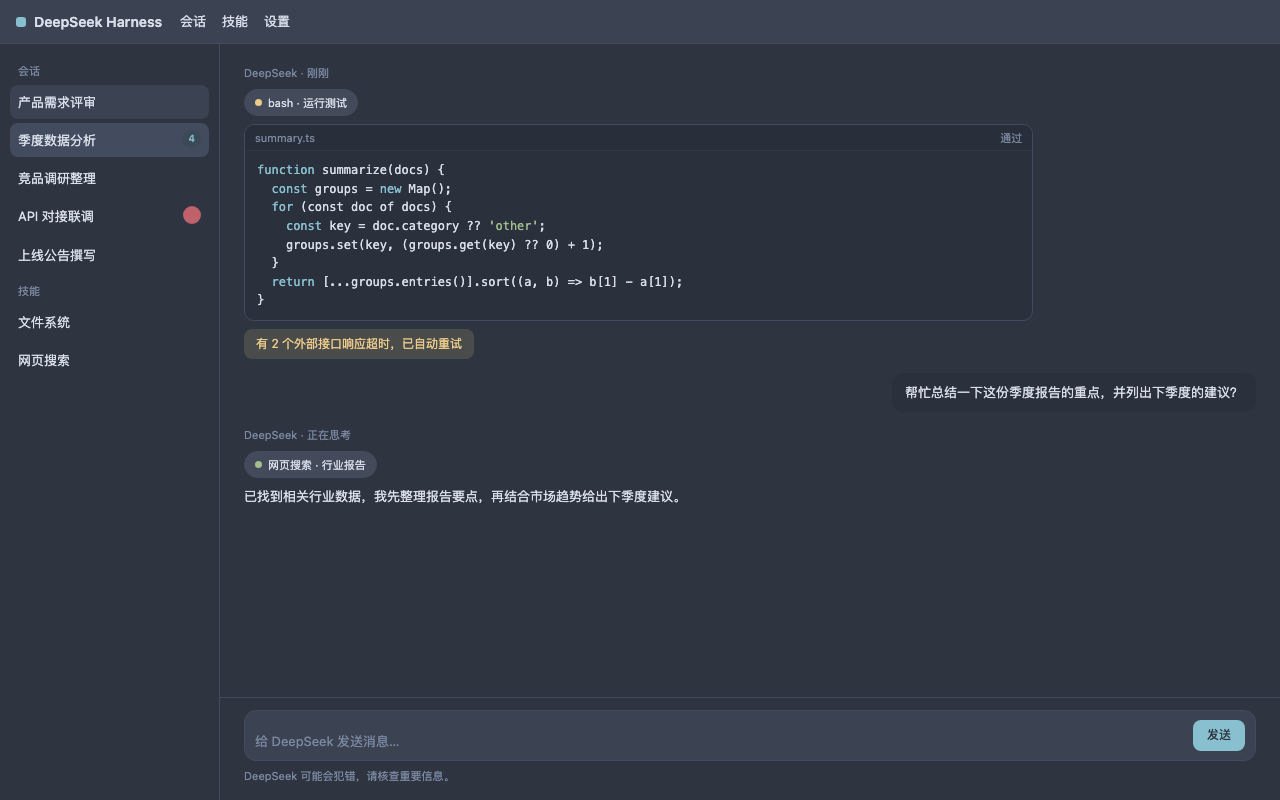 |
| One Dark | 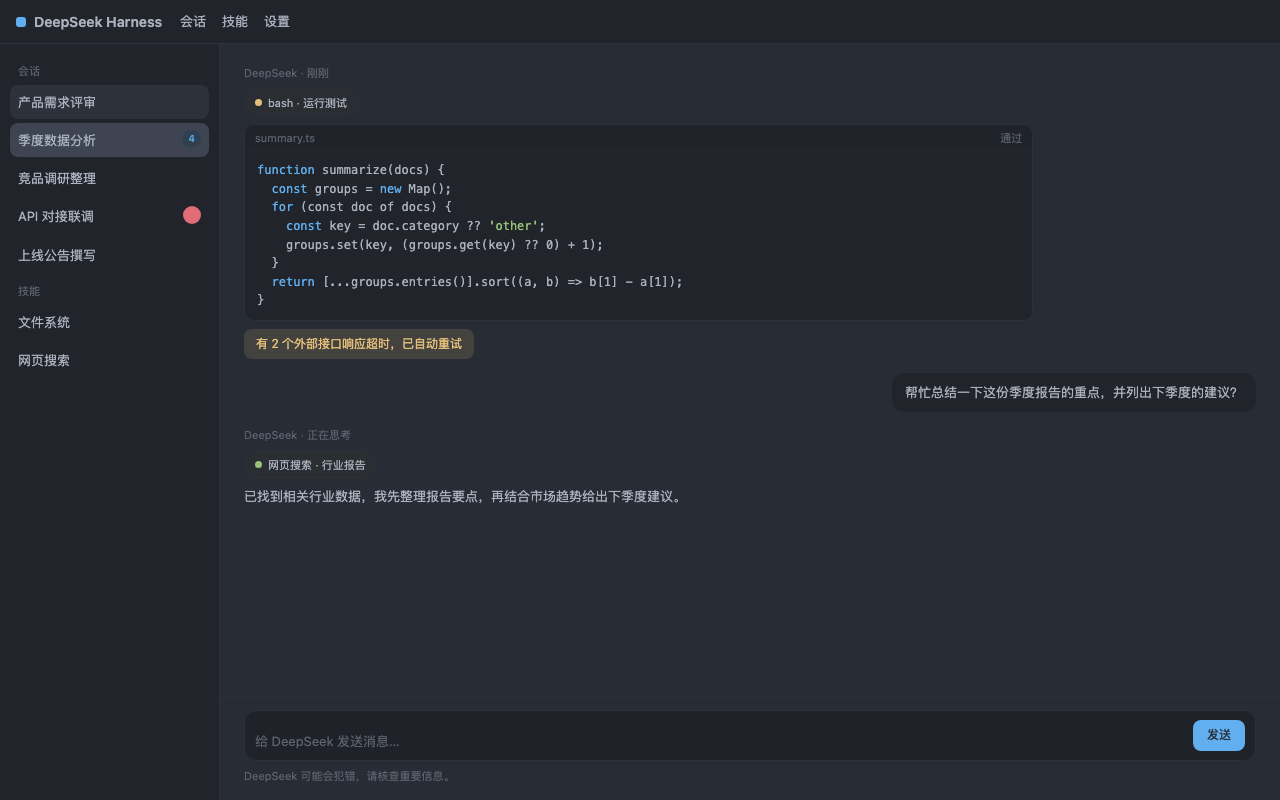 |
| One Light | 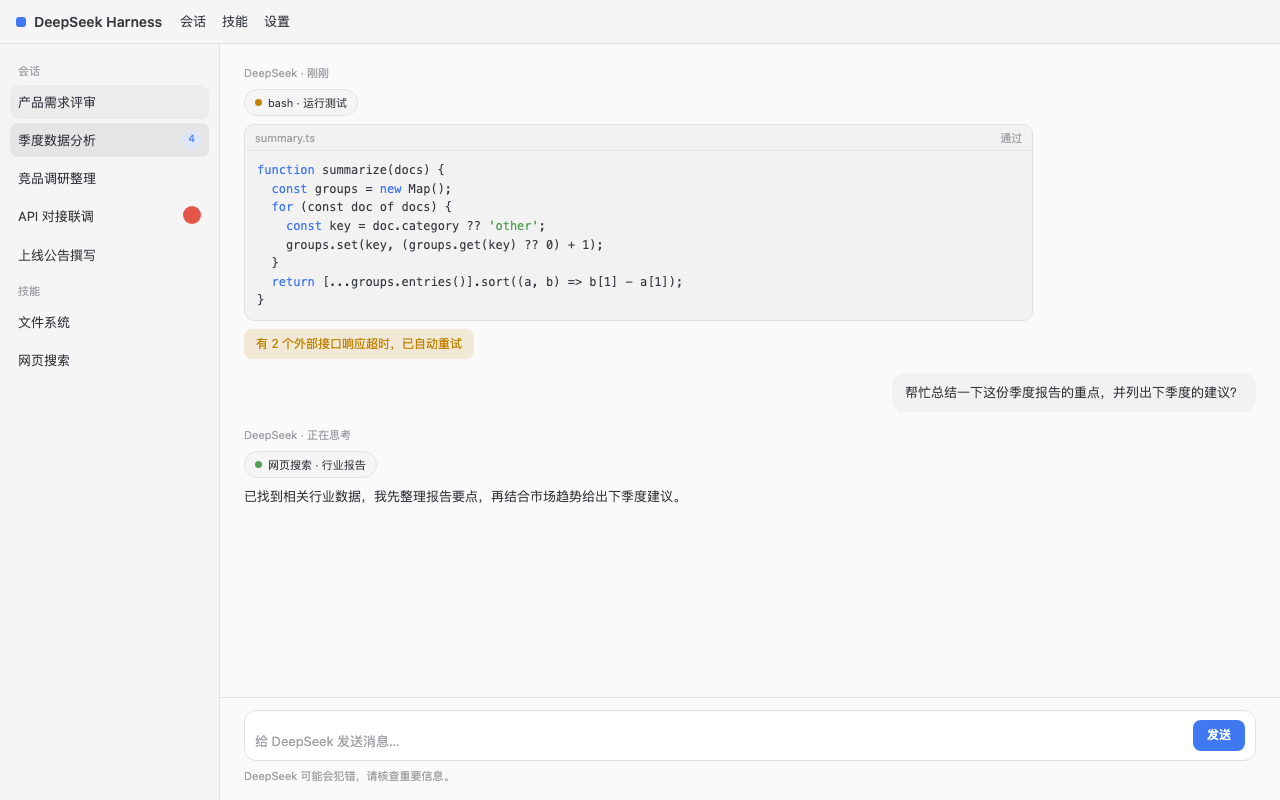 |
| Tokyo Night Storm | 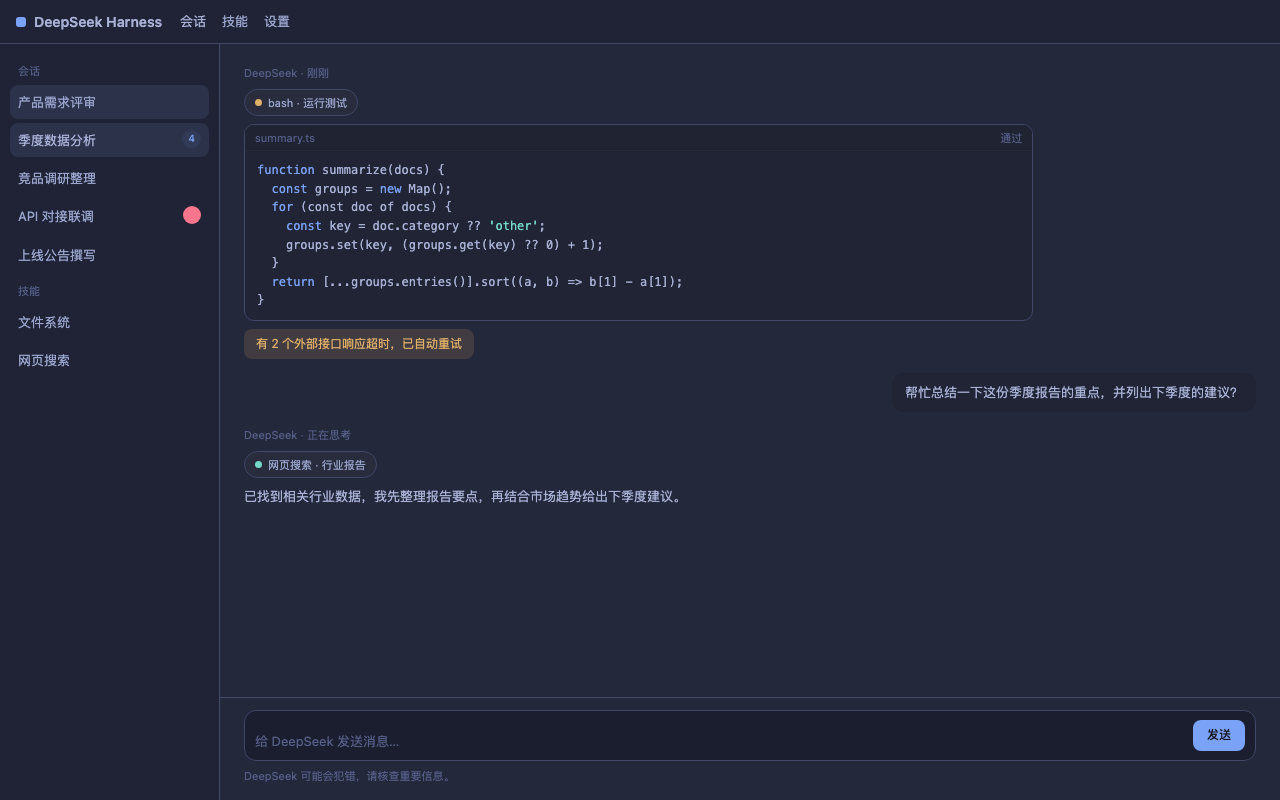 |
| Catppuccin Mocha | 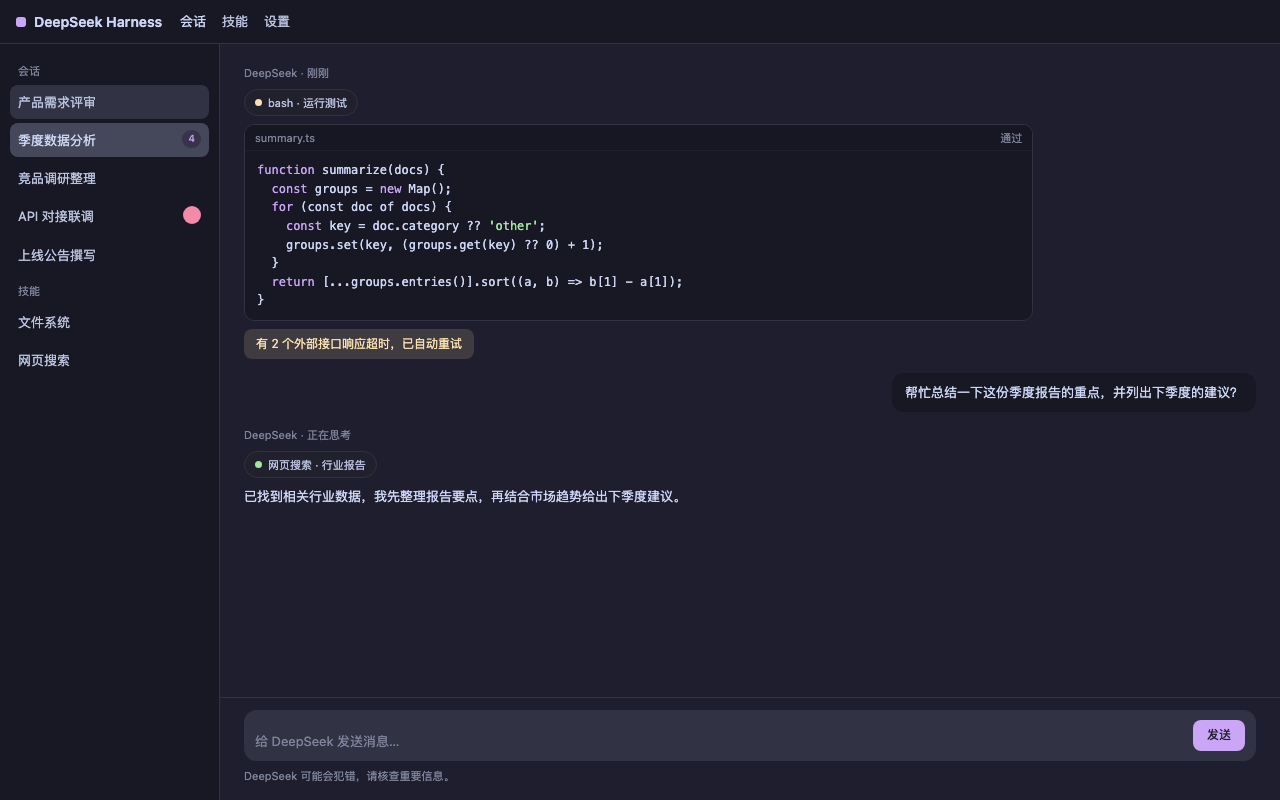 |
扩展方式
1. 主题目录(推荐)
把主题 JSON 文件放进 ~/.dsh/themes/(或通过 themesDir 配置指向其他
目录),每个文件一个主题:
{
  "id": "my-solarized-dark",
  "name": "My Solarized Dark",
  "colorScheme": "dark",
  "roles": {
    "bg": "#002b36",
    "fg": "#839496",
    "accent": "#268bd2"
  }
}
上面的示例用 roles 描述配色(背景、文字、强调色等),通常够用;想
进一步微调时,也可以直接写展开后的 tokens(键以 --dsw- 开头)。
id 不能与内置主题重名。
2. 插件配置
编辑 ~/.dsh/profiles/web/cordis.patch.yml:
- insert:
    - id: colorscheme
      name: dsh-plugin-colorscheme
      config:
        themesDir: /abs/path/to/my/themes   # 默认 ~/.dsh/themes
        defaultTheme: dracula               # 未手动选择时的默认主题
3. settings 用户层
直接编辑 ~/.dsh/settings.yaml:
colorscheme:
  selection: dracula
  customThemes:
    - id: my-inline-theme
      name: My Inline Theme
      colorScheme: light
      tokens:
        --dsw-alias-bg-base: "#ffffff"
        --dsw-alias-label-primary: "#333333"
保存后重启 dsh web(或等待 HMR)。customThemes 与主题目录文件等价。
贡献主题
- 想让主题随插件开箱即用(所有用户装上就有):作为内置预设提交,在
src/themes/presets.ts新增条目,并在THIRD_PARTY_NOTICES.md与presets-licenses/中补充署名与许可。 - 只想分享一个自定义主题文件:放进
example-themes/作为示例即可 (注意:示例不会被自动加载,使用者需复制到~/.dsh/themes/才会生效)。
许可
插件代码为 MIT(LICENSE)。内置预设的原色板归属与许可见
THIRD_PARTY_NOTICES.md 与
presets-licenses/。
Comments
Loading…
From the same category
 4
4No screenshots
by Small-tailqwq
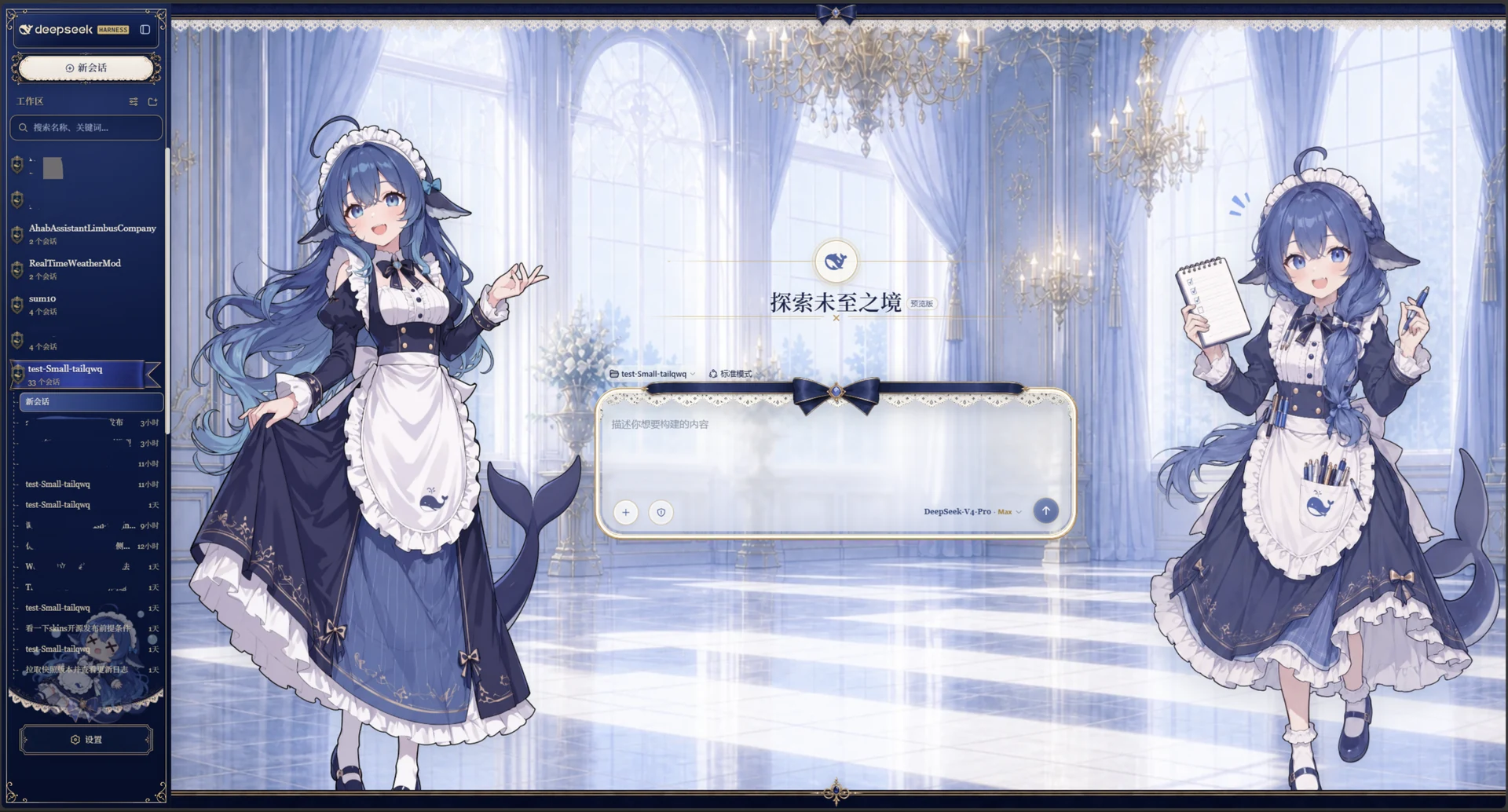
Whale Girl skin series for DeepSeek Harness. 适用于 DeepSeek Harness 的,鲸鱼娘系列皮肤。
★ 2.5k
NOASSERTION
TypeScript
Oct 4, 2026
 5
5No screenshots
by elysia395
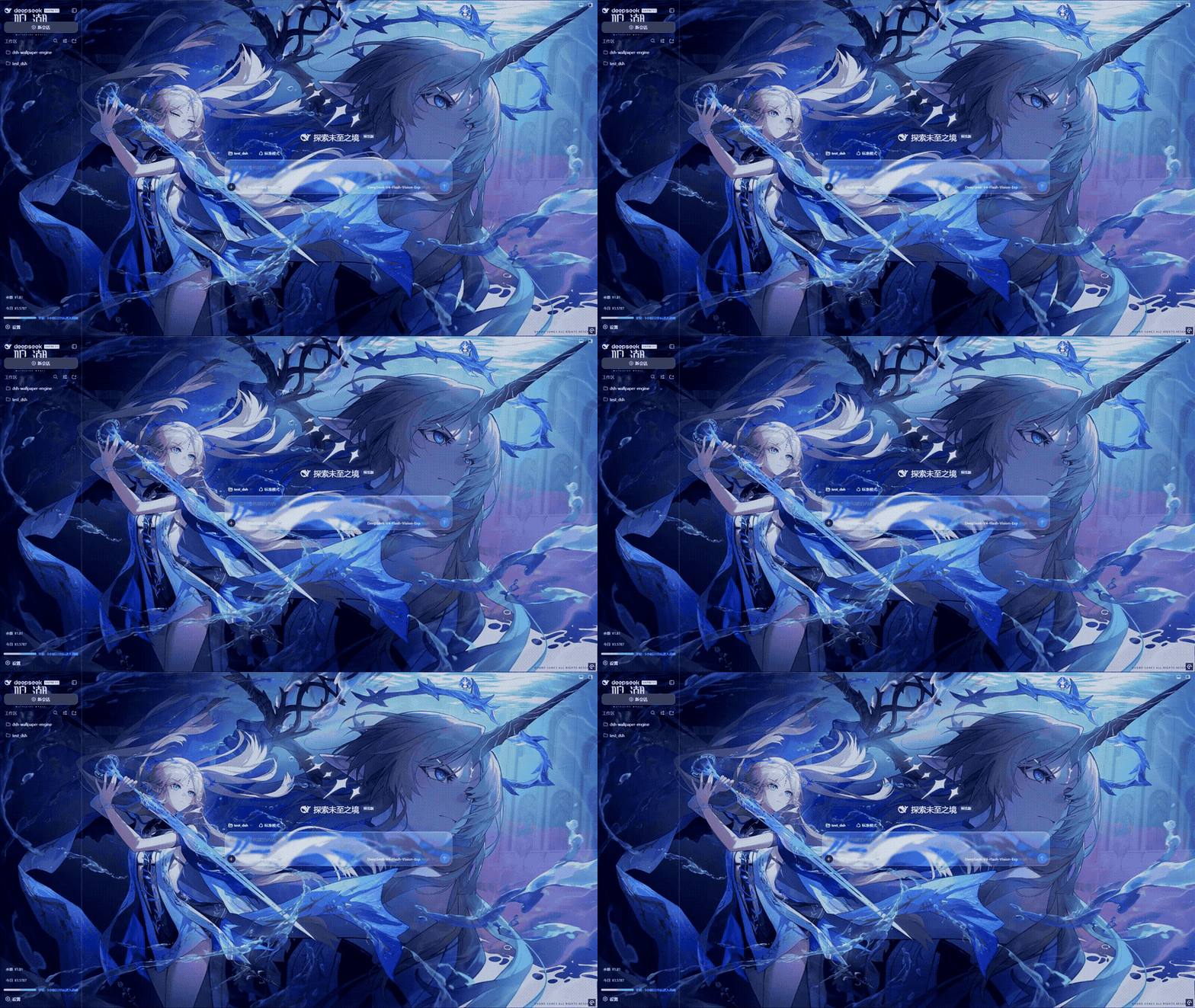
把本机 Wallpaper Engine 的壁纸变成 DSH 网页界面的背景:Video 动态播放、Web 以 iframe 加载、Scene 壁纸提取主纹理作为静态帧;iOS 液态玻璃设置窗口(配色 / 玻璃颜色 / 透明度)、内容分级与类型过滤、自定义壁纸上传、紧凑 CD 架布局、黑胶唱片展示、隐藏 / 恢复、倍速 / 翻转与自动轮播。感谢 Jerry 维护 macOS 版。
★ 752
↓ 13.4k/wk
MIT
JavaScript
Oct 7, 2026
dsh plugin --profile web add dsh-plugin-wallpaper-engine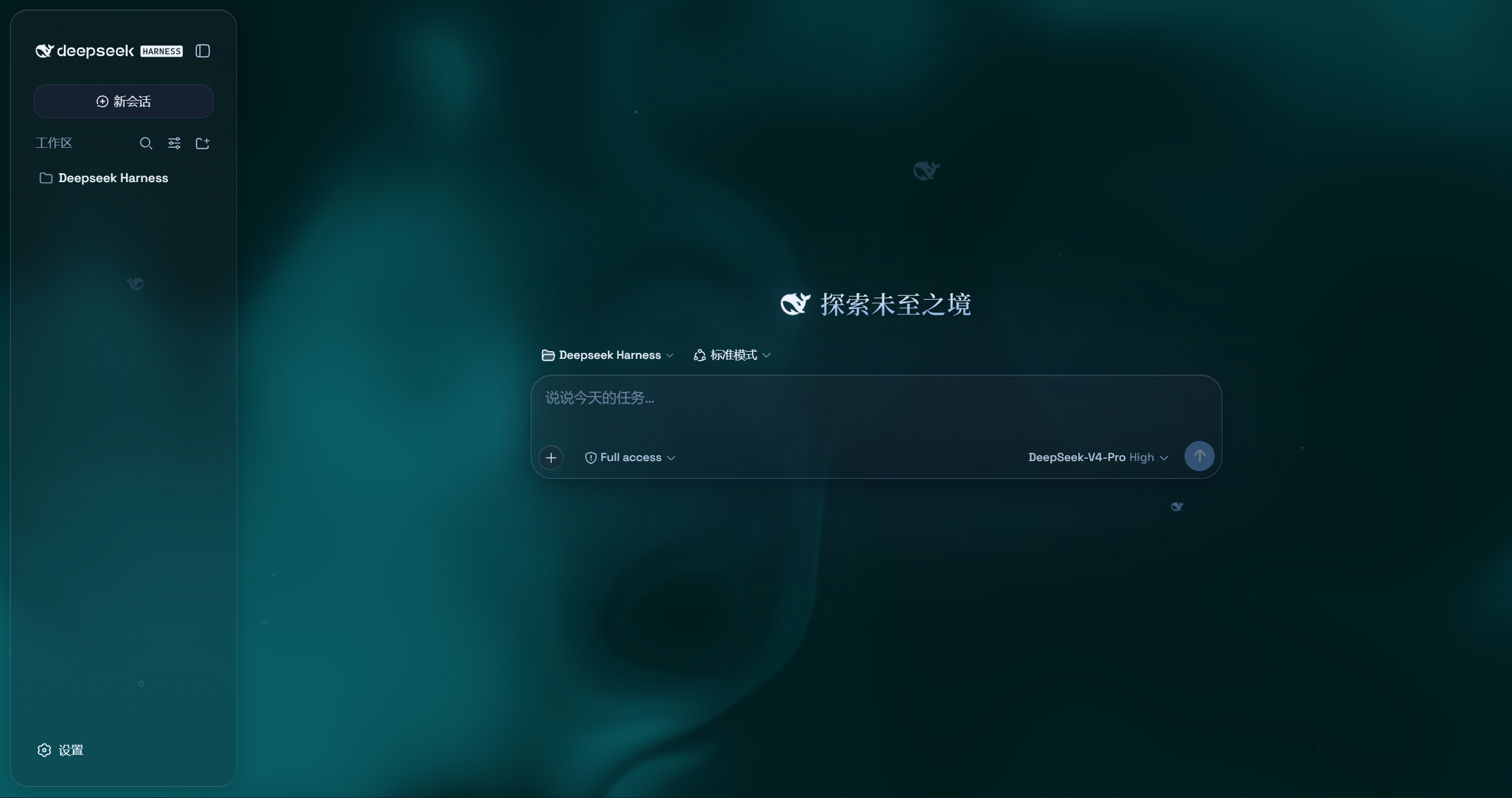 4
4No screenshots
by WYH66666666
是一层高自由度的玻璃质感主题,套在 DeepSeek Harness 网页端。顶栏、侧边栏、输入框、统计行、轨迹视图都成了磨砂玻璃片。玻璃模糊度、磨砂度、背景(流体或自定义壁纸,壁纸还能单独调模糊和磨砂)全都能在设置卡片里自由调节。关掉开关就回到原生界面,不改 DSH 任何一行源码。
★ 414
AGPL-3.0
JavaScript
Aug 22, 2026
dsh plugin --profile web add @deepseek-ai/dsh-client-ui-aqua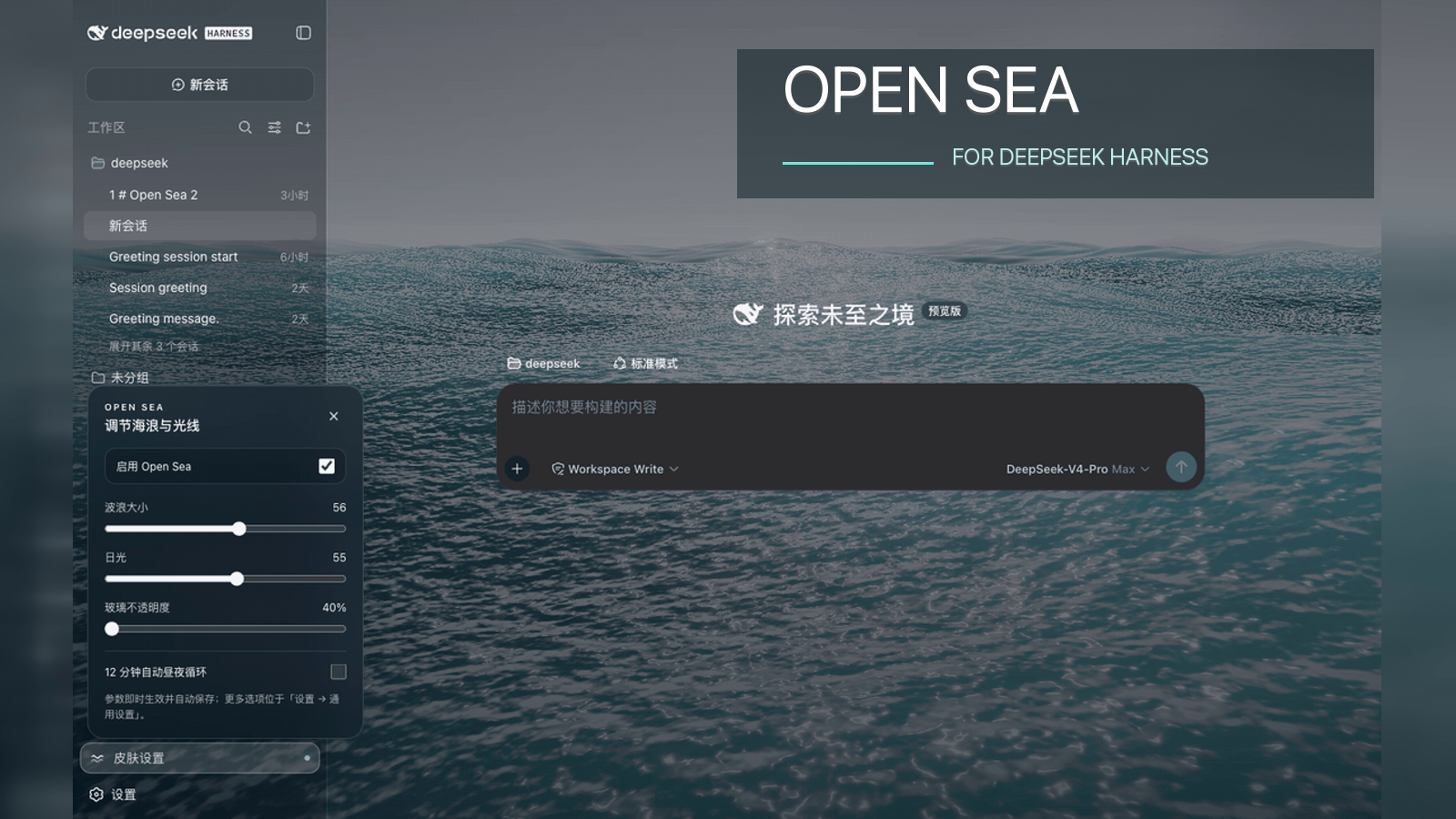 6
6No screenshots
by d-dev0101
🌊 DeepSeek Harness 海洋皮肤与动态主题 | Real-time ocean theme with adjustable waves, sunset & glass opacity. DSH plugin + Chrome/Edge extension; keeps your new-tab homepage.
★ 389
↓ 1.8k/wk
MIT
JavaScript
Sep 11, 2026
dsh plugin --profile web add open-sea-skin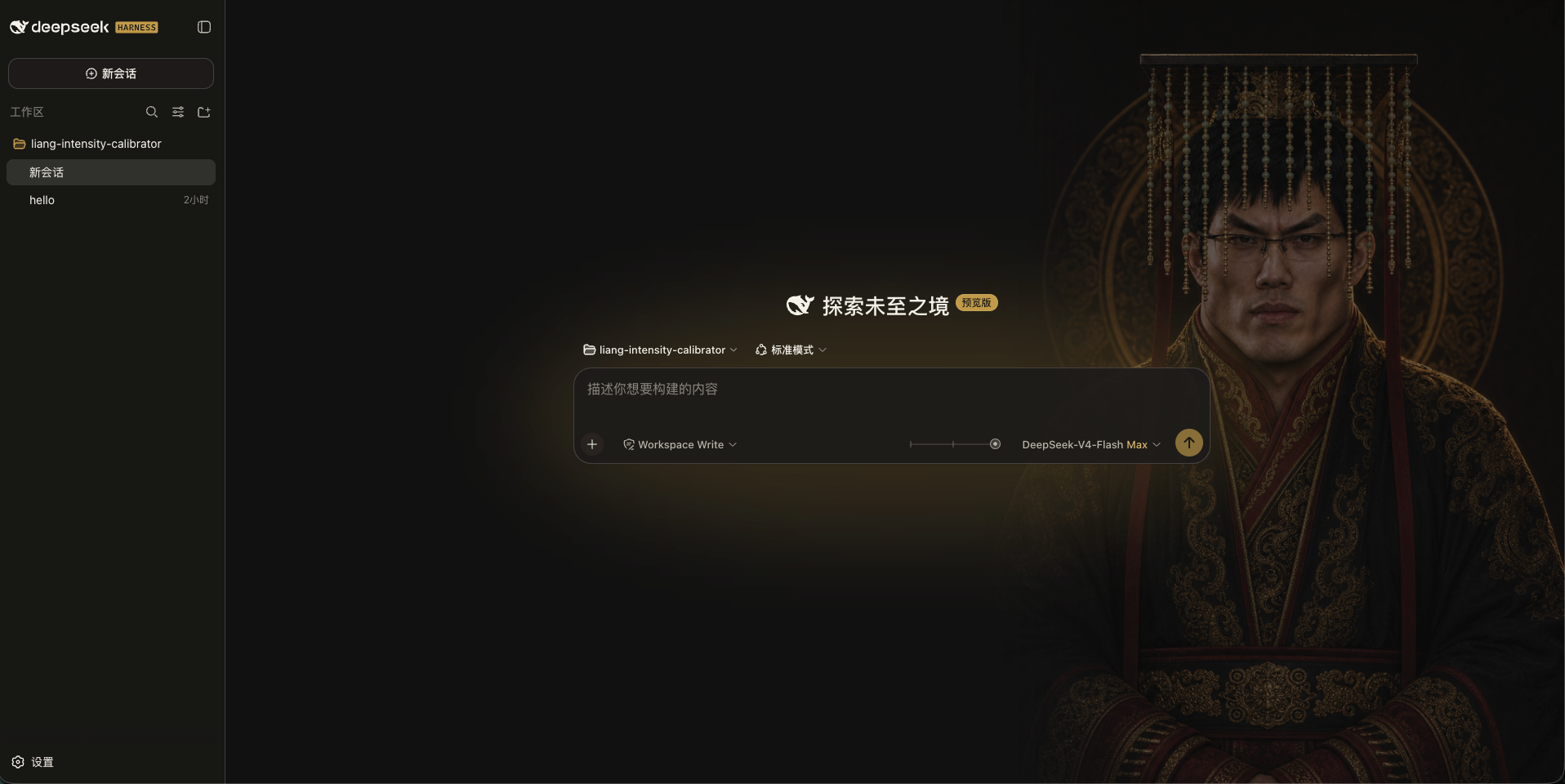
No screenshots
by kingOfSoySauce
DeepSeek Harness 滑动变阻器皮肤
★ 238
↓ 2k/wk
NOASSERTION
TypeScript
Oct 7, 2026
dsh plugin --profile web add dsh-client-liang-intensity-skin 8
8No screenshots
by RevolutionLA
DeepSeek Harness 换肤 / 壁纸 / 主题包插件 (dsh-plugin) — 8 套 Mirage 主题、每用户强调色、壁纸2.0、主题包导入导出/分享链接、收藏与随机,纯原生 token 系统实现。
★ 211
MIT
JavaScript
Oct 8, 2026
dsh plugin --profile web add dsh-dream-skin