

dsh-deep-whale
Manifest valid★ 2.9kWhale Girl skin series for DeepSeek Harness. Whale Girl series skins for DeepSeek Harness.
dsh-deep-whale · Whale Girl Skin Series
English · 简体中文 · Tiếng Việt
Whale girl theme skin series for DeepSeek Harness Web GUI (independent distribution repository).
Preview
Click to view full size.
| Skin | Light Mode | Dark Mode |
|---|---|---|
| maid-atelier |  |  |
| orca-link |  |  |
Residents
| Skin | Package | Description | License |
|---|---|---|---|
| maid-atelier | @smalltailqwq/dsh-client-ui-skin-maid-atelier | Deep-Sea Maid Atelier: dual-maid backgrounds, deep-sea blue lace UI, and a chibi sidebar | MIT (code) / CC BY-NC-SA 4.0 (artwork) |
| orca-link | @smalltailqwq/dsh-client-ui-skin-orca-link | Orca Link: pearl-white mechanical cabin, orca girl character, and electric-blue link signals | MIT (code) / CC BY-NC-SA 4.0 (artwork) |
| skin-manager | @smalltailqwq/dsh-client-ui-skin-deep-whale-manager | General-purpose skin discovery, switching, and self-declared skin configuration panel | MIT |
Copyright Holders
| Copyright Holder | Copyrighted Content | Associated Skin(s) | Personal Page |
|---|---|---|---|
| 上善 | Original orca girl character design | maid-atelier / orca-link | Pixiv · Bilibili (上善无形) |
| ZipZipPipe | Fanart redesign of the maid orca girl with DeepSeek elements added | maid-atelier | Pixiv · Bilibili (ZipZipPipe) |
*Please file issues via the issue tracker rather than reaching out to the two artists above. That said, do follow them for more orca-girl fanart. Thanks, meow~
Installation
One-line install (recommended)
Confirm your distribution first: The commands below are only for running DSH in a standalone environment. If you have already installed
@linxin666/dsh-web-all(dsh-web), install themaid-atelierandorca-linkadapters from dsh-web's built-in skin center / install entry instead; do not additionally install this repository's standalone packages into the same profile, or the component and style contracts will be inconsistent and the UI may render abnormally.
The three distribution packages (skin manager + two skin sets) are published on npm. Without a dist-tag, the stable latest is installed — no clone required.
Linux / macOS / WSL:
dsh plugin --profile web add '@smalltailqwq/dsh-client-ui-skin-deep-whale-manager' && dsh plugin --profile web add '@smalltailqwq/dsh-client-ui-skin-maid-atelier' && dsh plugin --profile web add '@smalltailqwq/dsh-client-ui-skin-orca-link'
PowerShell (separate commands with ;):
dsh plugin --profile web add '@smalltailqwq/dsh-client-ui-skin-deep-whale-manager'; dsh plugin --profile web add '@smalltailqwq/dsh-client-ui-skin-maid-atelier'; dsh plugin --profile web add '@smalltailqwq/dsh-client-ui-skin-orca-link'
If you only want one of the two skin sets, delete the line you don't need (keep skin-manager — it's required for switching and mutual exclusion).
The first install adds new plugin packages, so restart DSH once. On restart, skin-manager detects "two skins active" and auto-falls back atomically to the official default, so no skin-stacking occurs; then open "Settings → Skin Management" and click "Switch" on the target skin for a hot-reload — no further restarts or AI involvement needed.
需要直接跟随 GitHub
main时,也可用github:Small-tailqwq/dsh-deep-whale#path:/<子目录>(需要 pnpm ≥ 9);本地开发见独立子包安装。npm、GitHub 与本地 link 是同一包名的不同来源,混用时以最后一次add为准。
Updates
Linux / macOS / WSL:
dsh plugin --profile web update @smalltailqwq/dsh-client-ui-skin-deep-whale-manager @smalltailqwq/dsh-client-ui-skin-maid-atelier @smalltailqwq/dsh-client-ui-skin-orca-link
PowerShell (tokens starting with @ are recommended to be quoted):
dsh plugin --profile web update '@smalltailqwq/dsh-client-ui-skin-deep-whale-manager' '@smalltailqwq/dsh-client-ui-skin-maid-atelier' '@smalltailqwq/dsh-client-ui-skin-orca-link'
npm dependencies follow latest by default; update re-resolves the version the tag currently points to. GitHub dependencies re-resolve the repo's latest commit. You can also run dsh plugin --profile web update without a package name (updates all dependencies in the profile; the effect is the same if only this repo's skins are installed). Bundle content updates go through config hot-reload; only adding/removing plugin packages requires a restart.
Migrating from the old placeholder scope
Versions installed from GitHub before 0.1.3 use @dsh-external/* dependency keys; these are merely historical source-code placeholders from this project. You must remove the three old keys before running the npm one-liner above, otherwise DSH may retain two sets of plugin identities simultaneously:
dsh plugin --profile web remove '@dsh-external/dsh-client-ui-skin-orca-link'
dsh plugin --profile web remove '@dsh-external/dsh-client-ui-skin-maid-atelier'
dsh plugin --profile web remove '@dsh-external/dsh-client-ui-skin-deep-whale-manager'
Then restart DSH once. Skin preferences are stored by the skin id of maid-atelier / orca-link and are not affected by the npm scope rename.
Too lazy to type commands? Let AI install it
Send the following to any AI (or DSH itself). INSTALL.md is the standard install entry point: the AI will read it and guide you to the repo's built-in dsh-skin-install skill — for a normal install, it runs the one-liner above; for migrating old installs, local development, or testing specific commits, it follows the skill's workflow (presetting mutual exclusion, absolute-path linking, cold-start verification), which is more reliable than typing by hand.
读取 https://github.com/Small-tailqwq/dsh-deep-whale/INSTALL.md 并按其中的指引安装本仓库皮肤
Skin mutual-exclusion (must read)
- First, distinguish:
skin-manageris not a skin but a skin manager (providing discovery, switching and a customization panel) that must stay enabled; mutual exclusion targets the skins themselves — this repo's skins are maid-atelier and orca-link. - Skin enable/disable is controlled at the patch layer: the
- id: <wiring.id>+disabled: true/falselines in the profile's~/.dsh/profiles/web/cordis.patch.ymland the home layer's~/.dsh/cordis.patch.yml(both layers must be written; the home layer takes precedence). - No
disabledline for a skin in the patch → that skin is enabled by default. So installing just one skin means it works out of the box; install both and never switch, and they will run simultaneously: decoration layers stack on each other and the sidebar/settings area gets mangled — typical symptoms are settings button disappearing, sidebar width/layout anomalies, a chaotic UI (the original is fine). - Mutual exclusion is backstopped by skin-manager: a one-line install registers all three packages; on first restart the manager merges the profile→home layer state, detects two or more skins actually enabled → auto atomically falls back to "official default" and writes the exclusion lines; an existing legal selection of zero or one enabled skin is left untouched. No manual presetting needed before install.
- When skin-manager (Settings → Skin Management) is active, it automatically writes exclusion lines into both patch layers; when writing by hand, "keep only one set" requires explicitly disabling every other set.
- After installing the skin manager, skin customization items (e.g. the "less-2D mode" time window) are stored in the current browser and applied uniformly by the manager.
Standalone subpackage install (local dev & weak network)
Regular users don't need this section: the npm one-liner install requires no clone. This section is for local development, testing specific commits, or when the registry network is unavailable. npm/GitHub dependencies and local link target the same package name — use whichever applies, don't mix them.
git clone --depth 1 https://github.com/Small-tailqwq/dsh-deep-whale   # clone 到任意位置(浅克隆足够,跳过历史)
node <clone 的绝对路径>/.agents/skills/dsh-skin-install/scripts/stage-mutual-exclusion.mjs --profile web --target maid-atelier
dsh plugin --profile web add <clone 的绝对路径>/skin-manager   # 常驻皮肤管理面板(推荐)
dsh plugin --profile web add <clone 的绝对路径>/maid-atelier   # 深海女仆工坊
dsh plugin --profile web add <clone 的绝对路径>/orca-link      # 虎鲸链路
The first
nodecommand is an optional optimization: it sets the target skin as the only enabled entry beforeplugin add, so the first launch is directly the target skin; it preserves non-skin YAML and does not overwrite the whole patch file. Skipping it is safe — on first launch, skin-manager's backstop falls back to the official default; just switch in "Settings → Skin Management". To default to orca-link, change target toorca-link; to keep the original, useofficial.
Method A (recommended): Settings → Skin Management → click "Switch" on the set you want to use. The manager automatically writes the mutual-exclusion disabled lines into both patch layers and hot-reloads; just refresh the page.
Method B: hand-write the two patch layers. Append the lines below to ~/.dsh/profiles/web/cordis.patch.yml and ~/.dsh/cordis.patch.yml (both are required; the home layer overrides the profile layer):
# 示例:只启用 maid-atelier;改为 orca-link 时把 false 移到它那行,两套皮肤只能有一套是 false
- id: ui-skin-maid-atelier
  disabled: false
- id: ui-skin-orca-link
  disabled: true
- id: ui-skin-deep-whale-manager
  disabled: false
If the patch file is still DSH's default template (comment + a single
[]line), replace that[]line with the list above — "comment +[]+ other entries" is invalid YAML and config parsing will fail (the server keeps the last usable config running; fix and refresh to apply).
Windows example (forward or back slashes both work; pnpm normalizes automatically):
dsh plugin --profile web add C:/Users/<你>/code/dsh-deep-whale/skin-manager
dsh plugin --profile web add C:/Users/<你>/code/dsh-deep-whale/maid-atelier
Over-installed / anomalies?
Symptoms: missing settings button, sidebar overlay/wrap issues, messy UI (recovered after disabling the skin).
- 打开 设置 → 皮肤管理,点击「官方默认」或任一皮肤——管理器会自动写互斥行并热重载,刷新即可恢复;
- 管理器不可用时(或配置已被写坏):运行上方
stage-mutual-exclusion.mjs,用--target official或目标皮肤恢复两个 patch 层; - 也可以直接摘掉不用的包:
dsh plugin --profile web remove <包名>,摘除后同样检查互斥行。
Relative path rules (easy pitfalls)
- Relative paths (starting with
./or../) resolve relative to the working directory of the dsh command, not the skin repo directory. - Don't write bare directory names:
dsh plugin --profile web add maid-atelierwill be treated as an npm package name, pulled from the registry, and fail with 404. Use./maid-atelier(already inside the skin repo),../dsh-deep-whale/maid-atelier(sibling of dsh-deep-whale), or an absolute path. - Using
../dsh-deep-whale/maid-atelieraftercd <harness>assumes dsh-deep-whale is a sibling of your harness directory; cloning it elsewhere will make the relative path link to the wrong location (no error, but the skin won't apply). When unsure, use an absolute path.
Verify after install
dsh plugin --profile web list          # 应看到三个 @smalltailqwq/dsh-client-ui-skin-* 依赖
dsh --profile web --dump-config        # manager 行 disabled: false;两套皮肤互斥:skins 恰一套 false
一行安装后、尚未重启前
--dump-config的状态取决于你的 patch 层:干净环境下两套皮肤都还没有互斥行(默认启用,是正常过渡态——首次重启时 skin-manager 兜底回退并写入互斥行);若 home 层残留过互斥行(之前装过本仓库皮肤又卸载),则直接沿用该状态。冷启动后还必须在浏览器控制台检查 client roster(仅有配置 entry 不代表浏览器包已注册)。启动页 HTML 必须引用 manager 与启用皮肤的/plugins/<真实包名>/client.js;不同 DSH 版本载体不同(旧版在window.__DSH_BOOT__JSON 里,0.1.1rc2+ 是直接<script src>标签),下面这条两种版本都能用:
document.documentElement.outerHTML.match(/\/plugins\/@smalltailqwq\/[^"'\s]+/g) ?? []
结果必须包含 manager 与当前启用的皮肤包名;被停用的皮肤可以不出现。刷新浏览器页面即可看到皮肤;皮肤开关走配置热重载,无需重启 dsh(新增/删除插件包才需要重启)。
常见安装失败排查
| 现象 | 原因 | 处理 |
|---|---|---|
ERR_PNPM_FETCH_404 | npm 包名/GitHub spec 拼写错误、网络不可用,或独立子包用了裸目录名 | 正式安装复制上方 npm 包名;开发 link 使用绝对路径 |
The matching commit.../无法解析 ref | pnpm < 9,#path: 子目录语法不被支持 | 升级 pnpm 到 ≥ 9(npm i -g pnpm@latest) |
ERR_PNPM_EXOTIC_SUBDEP | 尝试安装会再带 Git 依赖的“根包/聚合包”(pnpm 11 安全策略,本仓库不提供此类包) | 按本页 npm 一行命令安装三个发行包 |
pnpm not found on PATH | 环境缺少 pnpm | 安装 pnpm(npm i -g pnpm)后重试 |
| 包在列表里但页面无效果 | 皮肤被 disabled(多皮肤互斥开关)或浏览器未刷新 | --dump-config 核对 disabled;刷新页面 |
| PowerShell 命令不完整/报错 | # 未加引号被当注释截断 | spec 一律单引号包裹 |
贡献者
感谢以下开发者对 dsh-deep-whale 的贡献:
有价值但未合入的 PR
以下 PR 因与现有上游实现冲突未能合入,但其功能需求已在仓库中落地,特此致谢:
- @yaoyiqun — 按所选模型切换角色位置(#15)
- @Chartreuse310 — 对话区衬线字体(#22)
- @Vergemesh — 原版/鲸鱼娘皮肤即时切换(#27)
- @joejojoking-cloud — top-trim 装饰层级(#26)、字符舞台层级(#31)修复
许可
项目自有代码采用 MIT,许可范围见 LICENSE。美术资源保留原作者版权与既有授权:两套皮肤的全部美术(包括 AI 生成及加工的图片)按 CC BY-NC-SA 4.0 使用,禁止商业性使用,署名链见各自 NOTICE,许可正文见 LICENSE-ARTWORK。图片即使嵌入源码、CSS 或构建产物,也不属于 MIT 授权范围。第三方材料保留其适用许可;历史版本已授出的权限不因本说明而撤销。
皮肤工程脚手架来自 zhu1090093659/dsh-web-ui,本仓库仅分发皮肤成品,不包含脚手架。
Comments
Loading…
Similar plugins
by KurosawaGeeker
轻量版鲸鱼娘 DSH 皮肤 Lightweight Whale Musume theme for DeepSeek Harness.
★ 21
↓ 282/wk
NOASSERTION
JavaScript
Oct 21, 2026
dsh plugin --profile web add dsh-moe-clean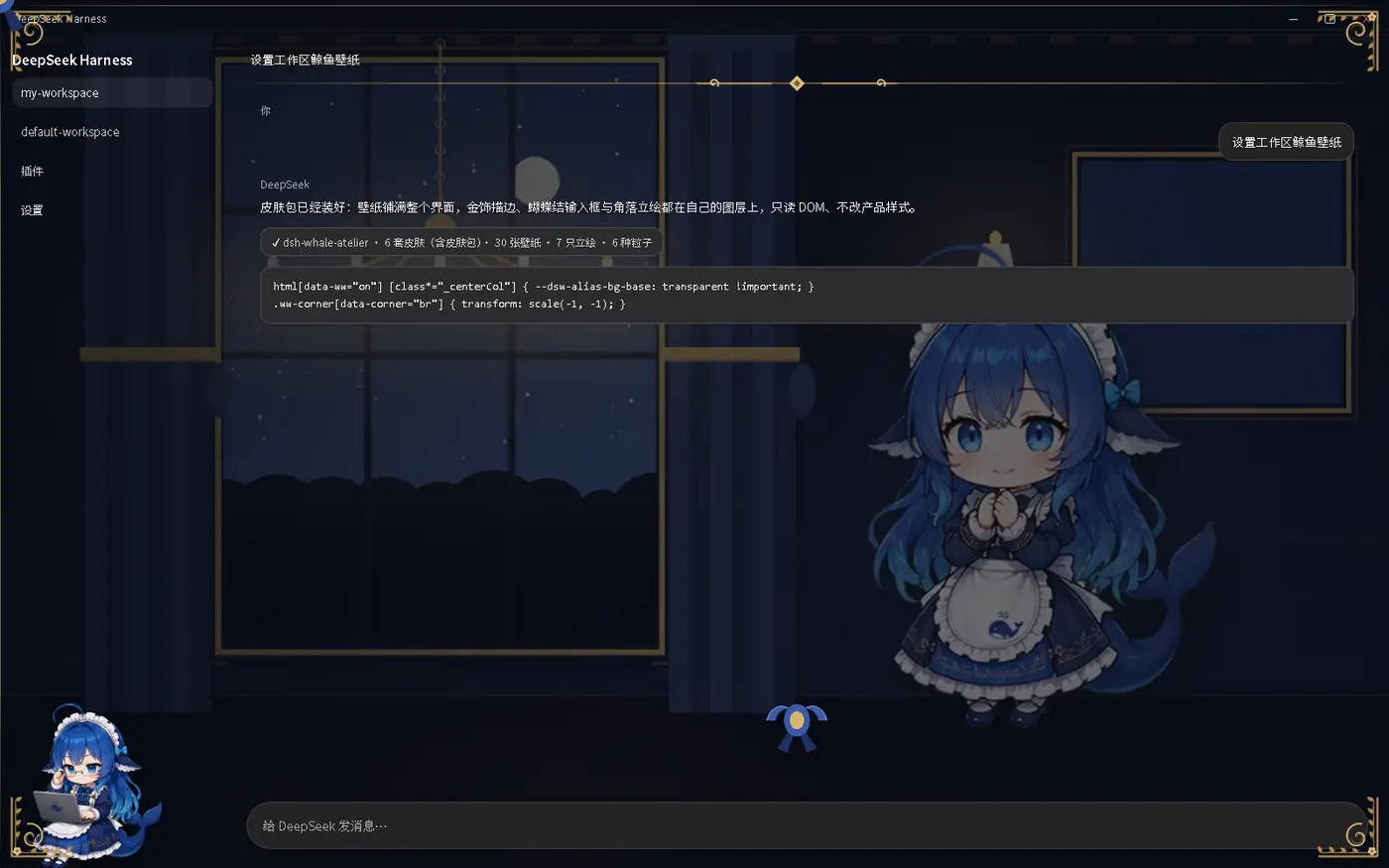 6
6No screenshots
by Cicero010
DeepSeek Harness 的鲸鱼皮肤包:全界面壁纸 + 金/银描边装饰 + 蕾丝蝴蝶结 + 角落立绘 + 环境粒子,支持第三方皮肤包与 Agent 状态联动
★ 3
MIT
Python
Oct 5, 2026
dsh plugin --profile web add dsh-whale-atelier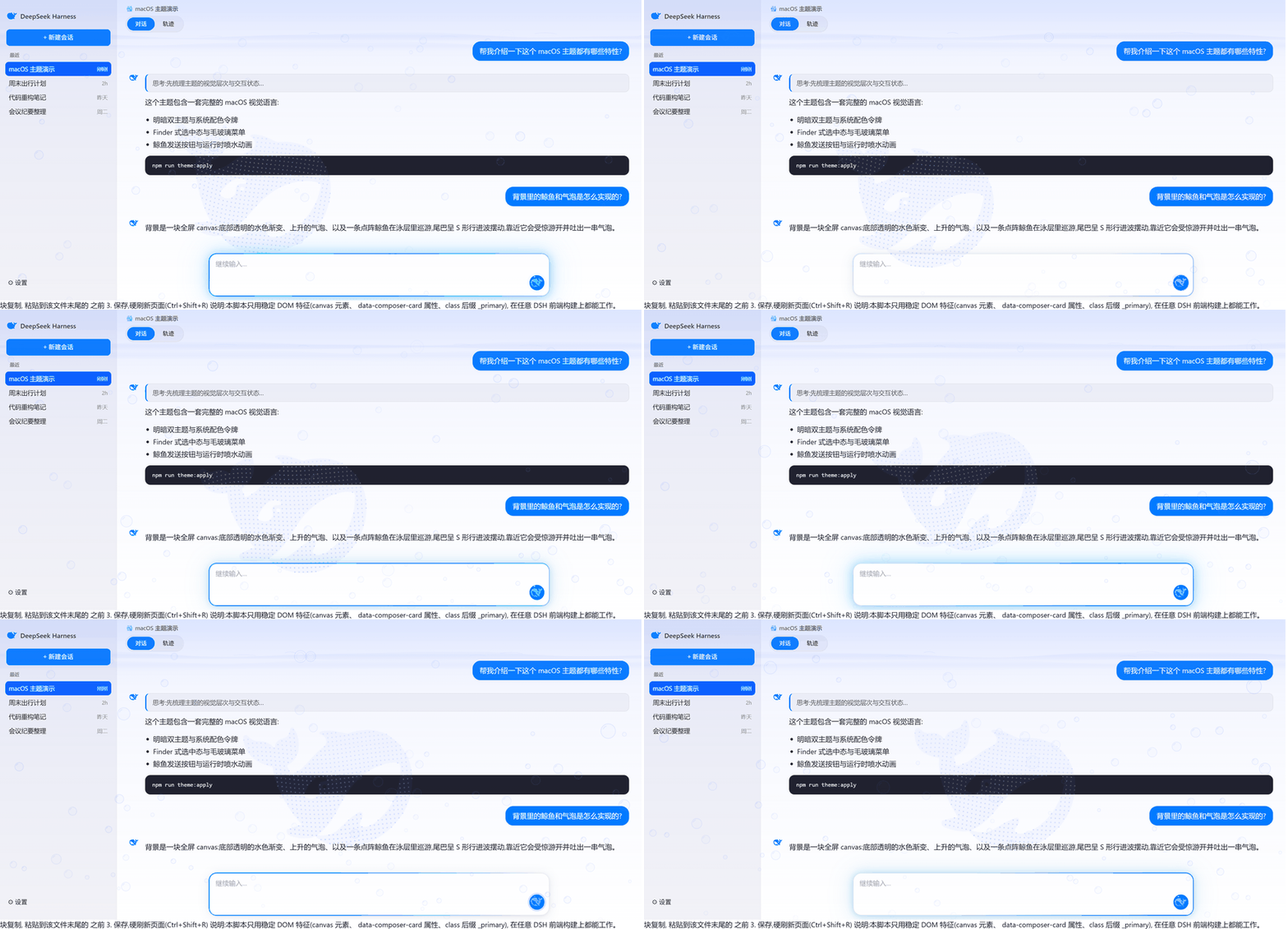 8
8No screenshots
by dataizu
macOS-style skin with a swimming whale aquarium background and a dot-matrix whale send button for the DeepSeek Harness Web GUI.
★ 2
MIT
HTML
Oct 19, 2026
dsh plugin --profile web add dsh-whale-aqua-theme✦
No screenshots
by changan0617
DeepSeek Harness homepage-style chat background skin: fluid + dot grid + digitile whale
★ 3
↓ 229/wk
MIT
JavaScript
Oct 18, 2026
dsh plugin --profile web add dsh-skinby Er1c0v0
Cute whale-girl pet plugin for the DeepSeek Harness Web UI
★ 4
↓ 360/wk
MIT
TypeScript
Aug 18, 2026
dsh plugin --profile web add dsh-whale-pet✦
No screenshots
by tiantyu
Skin manager for the DeepSeek Harness web GUI: a draggable whale button that restores the default look on left-click and switches between installed skins on right-click.
★ 4
MIT
JavaScript
Aug 17, 2026
dsh plugin --profile web add dsh-skin-toggle