
dsh-style-studio
Manifest validReskins the whole app from a sidebar panel with five skins — pixel arcade, midnight terminal, neon cyber, paper study and aurora glass — changing the palette, type and texture, with one click to resto
dsh-style-studio · 视觉风格工坊
一个带左侧边栏入口的 DeepSeek Harness 插件:用五套皮肤一键换掉整个应用的配色、字体与质感。
A DeepSeek Harness plugin with a left-sidebar entry: reskin the whole app — palette, type and texture — with five skins, one click.



这是什么
dsh-style-studio 在 DeepSeek Harness 左侧边栏加一个 视觉风格 入口,点开就是风格库:
| 皮肤 | id | 一眼看上去 |
|---|---|---|
| 像素街机 | pixel | 8-bit 硬边、方角、等宽字,像在打红白机 |
| 午夜终端 | terminal | 磷光绿字与 CRT 扫描线,安静的黑客机房 |
| 霓虹赛博 | cyber | 青与洋红的霓虹描边,深夜雨城的玻璃反光 |
| 纸感书房 | paper | 暖米色纸面与衬线字,像摊开的一本旧书 |
| 极光玻璃 | aurora | 半透明玻璃层与柔光,界面浮在极光上 |
「恢复默认」回到 Harness 原版外观。选择保存在本机 localStorage(键 dsh-style-studio.skin),刷新或重启后自动恢复。
皮肤只改界面呈现——对话内容、会话记录、模型行为都不受影响。
安装
# 从 GitHub 安装(pnpm 的 github: 简写)
dsh plugin --profile web add github:zeme56/dsh-style-studio
--profile 换成你实际在用的 profile(官方 Desktop 用 desktop,dsh web 一般是 web)。装完重启宿主:dsh web 重开一次,Desktop 版退出重开。
从本地目录开发调试时用
link::dsh plugin --profile web add link:C:\path\to\dsh-style-studio。
用法
- 启动后看左侧边栏,多了一行 视觉风格(图标是一支画笔)。
- 点开,在风格库里点任意一张卡片,整个应用立刻换装——不用刷新。
- 点 恢复默认 回到原版。
面板底部的「效果示例」区会跟着皮肤一起变,用来快速对比按钮、输入框、徽章、发送键的质感。
它是怎么做到的
点卡片 → select(id) → ① localStorage 记一笔
                     → ② 把该皮肤的 ~70 个 CSS 变量以行内自定义属性写到 <body>
                     → ③ 给 <html> 打上 data-dsh-skin="<id>",color-scheme 跟着切
                     → ④ 通知订阅者,React 面板重渲染
几个关键取舍:
- 不走主题注册表,直接写行内变量。 Harness 的主题把色板定义在
body和body[data-ds-dark-theme]上。插件的行内style优先级高于任何选择器,所以不需要!important,也不会和宿主主题互相覆盖。卸载时按进入前记下的旧值逐条还原。 ctx.on("theme/change")重画。 用户切换明暗主题时宿主会重写同一批变量,我们在事件里把自己的值再盖回去。- 皮肤是纯数据。 每个皮肤就是
{ id, scheme, font, mono, r, elev, c, css }一个对象,换色不碰逻辑——这也是扩展皮肤只需要加一段代码的原因。 - 不用
slots.register直接注册。 侧栏槽位由 shell 自己的条目在激活时声明,插件可能在它之前激活;直接注册会抛错并拖垮整个网页启动。这里全部用ctx.slots.inject(slot, () => ctx.slots.register(...))。原因和通用解法见 docs/BOOT-FAILURE.md。
扩展
- 加一套皮肤(改代码,5 分钟):见 docs/EXTENDING.md,里面有可直接抄的模板、字段表和配色建议。
- 改出别的形态(比如把皮肤做成可导入的 JSON、加个「随机」按钮):同一个文档里写了在哪改。
写一个同款插件
从零做一个带侧栏入口的 Harness 插件要动的文件、要理解的槽位和主题令牌,都整理在 docs/BUILD-A-PLUGIN.md。
兼容性
- 需要声明
dsh.bundle的宿主(0.1.0-rc.6 起),在dsh0.2.x 上开发与验证。 - 只影响 Web 客户端;
dsh无头模式不受影响。 - 皮肤用到的字体走系统字体栈,不会联网下载字体。
来历
本项目是照着 DeepSeek Harness Creator Mode 官方示例 prompt 合集 (dsh-creator-mode-prompt-collection)里第 3 条 「DSH pixelated interface」 的题目动手做的:题目要求「带左侧边栏入口、能切换整个应用视觉风格、提供 5 种风格、像素风是其中一种」。实现、五套皮肤的具体配色与面板 UI 都是自己写的,不是官方产物。
License
Comments
Loading…
Similar plugins
 2
No screenshots
by RizenHNT
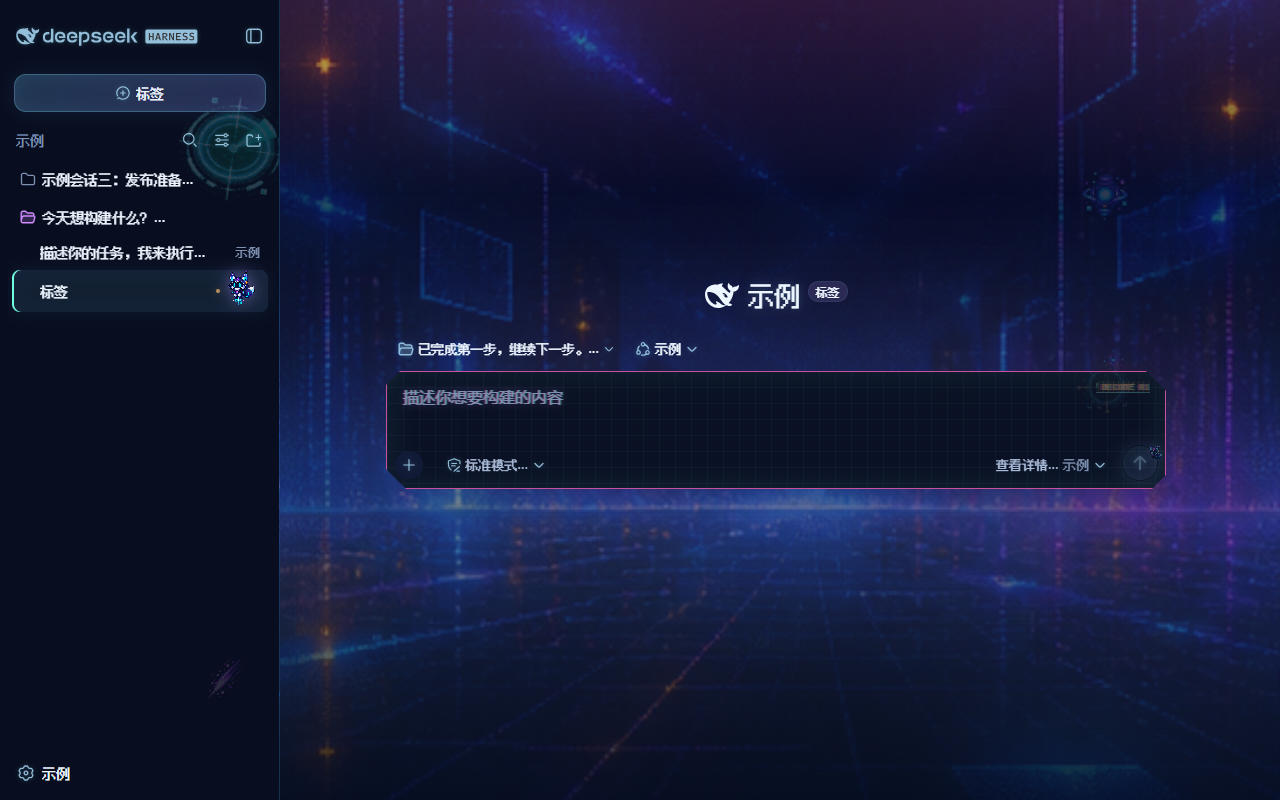
Digital arcade HUD skin: neon cyan/violet/magenta palette, Fusion Pixel fonts, animated sprites (city backdrop, data core, mascot), custom crosshair cursor; light and dark themes follow the system.
★ 1
MIT
CSS
Oct 13, 2026
dsh plugin --profile web add dsh-skin-digital-arcadeby yoli-mi
Configurable DSH web-surface plugin: wallpaper & frosted-glass themes, accent colors, custom keyboard shortcuts, app-usage panel, history strip, message Markdown — zero shell edits.
★ 39
↓ 31/wk
MIT
TypeScript
Sep 28, 2026
dsh plugin --profile web add @ha-na-bi/dsh-client-ui-custom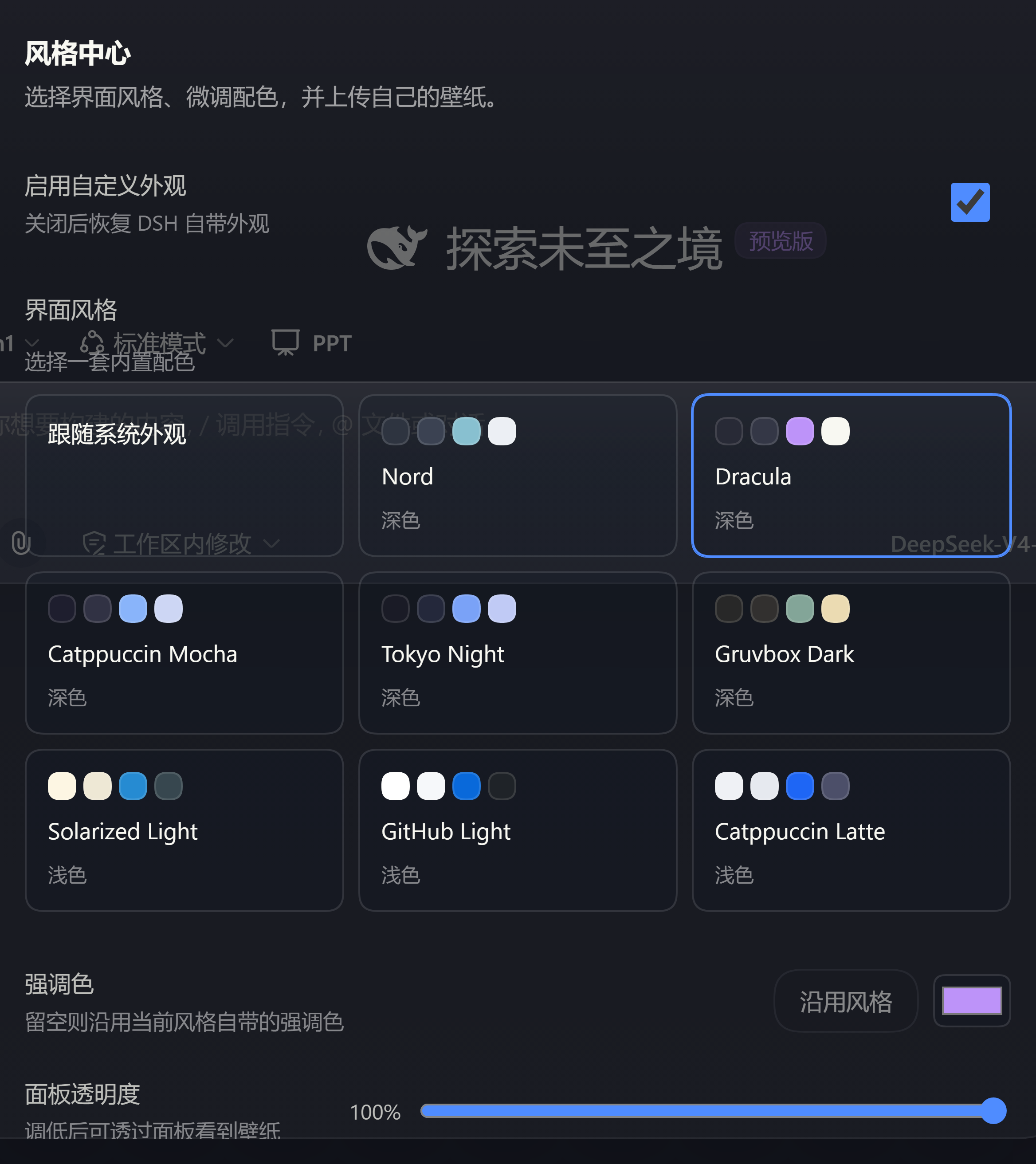 3
No screenshots
by Au1314
Theme studio for the DeepSeek Harness web GUI: eight switchable preset styles, accent and panel-translucency fine-tuning, host-side wallpapers painted on the first frame, and a one-click fix when the
★ 0
MIT
TypeScript
Sep 26, 2026
dsh plugin --profile web add dsh-style-hubby uckkk
DSH 皮肤合集:苹果风/赛博朋克/魔兽世界/极光/暗黑金/樱花/复古终端/深空 共 8 套。8 skins for DeepSeek Harness web UI.
★ 0
JavaScript
Aug 17, 2026
dsh plugin --profile web add dsh-skin-pack✦
No screenshots
by KinGao294
Skin switcher + custom wallpaper for DeepSeek Harness (dsh): curated --dsw-alias-* palettes, translucent wallpaper with opacity/blur controls, persisted per browser (like Codex themes) — 换皮肤 / 自定义背景插件
★ 18
↓ 291/wk
MIT
JavaScript
Aug 18, 2026
dsh plugin --profile web add dsh-skin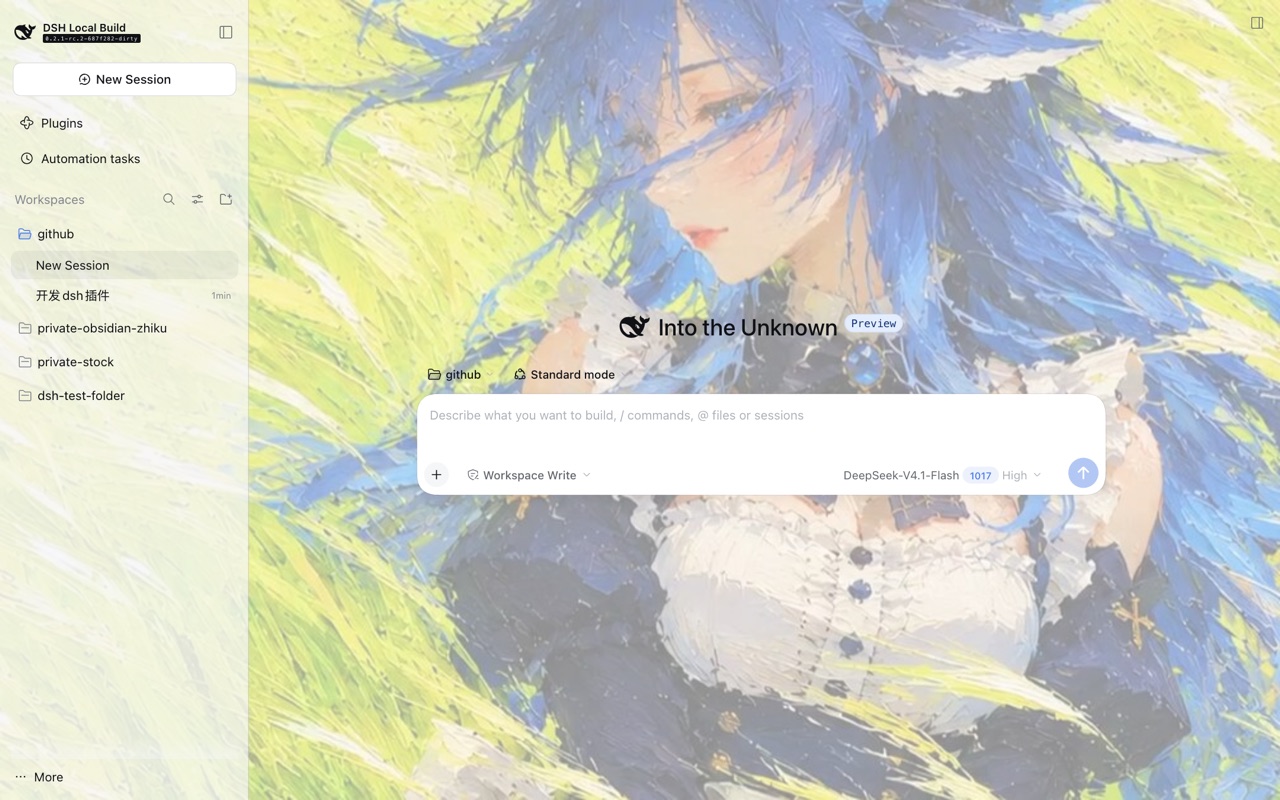 5
No screenshots
by raven3005672
DSH 浏览器皮肤插件:开场动画、自定义壁纸、面板透明度,设置即时生效。
★ 0
MIT
TypeScript
Oct 24, 2026
dsh plugin --profile web add dsh-plugin-shell-skin