
dsh-chat-wallpaper
IdentifiedImage wallpaper behind the DSH chat UI: the composer card, the user's own bubbles and the new-chat button become frosted glass, the blur deepens by 5px once the composer has text or the conversation a
dsh-chat-wallpaper
One picture behind the DeepSeek Harness chat UI — and the surfaces in front of it rebuilt as glass, so the picture shows through instead of being covered.

What it does
- Wallpaper layer. A fixed image layer sits behind the whole shell; the app's background tokens are repointed at translucent tints so the frame, sidebar and content column all let the picture through.
- Glass surfaces. The composer card, the user's own message bubbles and the new-chat button get a frosted treatment (blur + tint + a 1px inner ring), so they read as material in front of the wallpaper rather than flat boxes.
- Blur follows the conversation. An empty new conversation shows the wallpaper at exactly the slider's blur. As soon as the composer has text — or the conversation already has messages — 5px is added on top, with a 0.45s transition, and it stays after the message is sent.
- Settings-style windows frost the backdrop. When a stacked window opens
(settings, plugin market, pairing dialog…), the background is frosted instantly
and the window in front keeps its own crisp pixels; closing it restores the
sharp picture immediately. In-composer popups such as the
/command palette are not treated as windows and never freeze the background. - Your own picture. The panel's 选择图片… button stores any local image in IndexedDB (per browser profile, never uploaded). 默认 restores the bundled picture.
- Controls in the sidebar footer. A small button next to the sidebar's utility icons opens the sliders, so nothing is added to Settings.
Install
dsh plugin add dsh-chat-wallpaper
Not on npm yet — install the prebuilt tarball instead:
dsh plugin add https://github.com/yuxiangwhn/dsh-chat-wallpaper/releases/download/v1.1.1/dsh-chat-wallpaper-1.1.1.tgz
Or from the plugin market in DSH (Plugins → discover/search dsh-chat-wallpaper)
once the entry is listed.
Controls
| Control | Range | What it changes |
|---|---|---|
| 亮度 / Brightness | 50–220% | brightness filter on the wallpaper layer |
| 透明度 / Opacity | 15–100% | opacity of the wallpaper layer |
| 磨砂 / Blur | 0–24px | base blur of the wallpaper layer |
| 面板 / Panel | 15–98% | opacity of the shell tints (content, sidebar, panels) |
| 图片 / Image | — | pick a local image, or restore the bundled default |
| 重置 / Reset | — | back to the defaults |
Settings are stored in localStorage under dsh-chat-wallpaper:settings:v1; a
picked image lives in IndexedDB (dsh-chat-wallpaper).
Compatibility
Developed and verified on the DSH desktop window (Windows, DSH 0.2.2-rc.1).
The browser (Web) surface is supported by the same code paths; macOS uses the
darwin frame rules the shell publishes.
Privacy
The plugin makes no network requests and has no host-side code or storage. The
bundled default picture is generated by scripts/make-wallpaper.py; an image you
pick stays in this browser profile's IndexedDB.
Known limits
- The glass treatment targets the shell's current DOM: the composer card, the user-bubble rows and the sidebar footer. A large host update that renames those components can leave parts of the UI untreated until the selectors are updated.
- The wallpaper is one fixed layer: very wide or multi-monitor setups show it scaled to cover the window, not tiled per screen.
- Blur and transparency are CSS effects on the page; they do not affect the window's own drop shadow or the OS title bar.
Development
python build_client.py                 # client.src.js -> lib/client.js, embeds assets/wall.jpg
python scripts/make-wallpaper.py       # regenerate the bundled default picture
client.src.js is the readable source; lib/client.js is what DSH loads and
contains the image as a data URL (the desktop shell answers file-looking
dsh-app:// paths itself, so the picture cannot be fetched as a URL).
License
MIT. The bundled wallpaper is generated procedurally by the script above and carries the same license.
Versions
| Latest version | Published | Size |
|---|---|---|
| 1.1.1 | — | — |
Comments
Loading…
Similar plugins
✦
No screenshots
by yezitotempeace
聊天背景美化:本地图片/视频或预设渐变,可调清晰度、透明度、缩放、位置、遮罩、动效与玻璃面板;文件只存浏览器本地
★ 0
MIT
JavaScript
Oct 25, 2026
dsh plugin --profile web add dsh-chat-background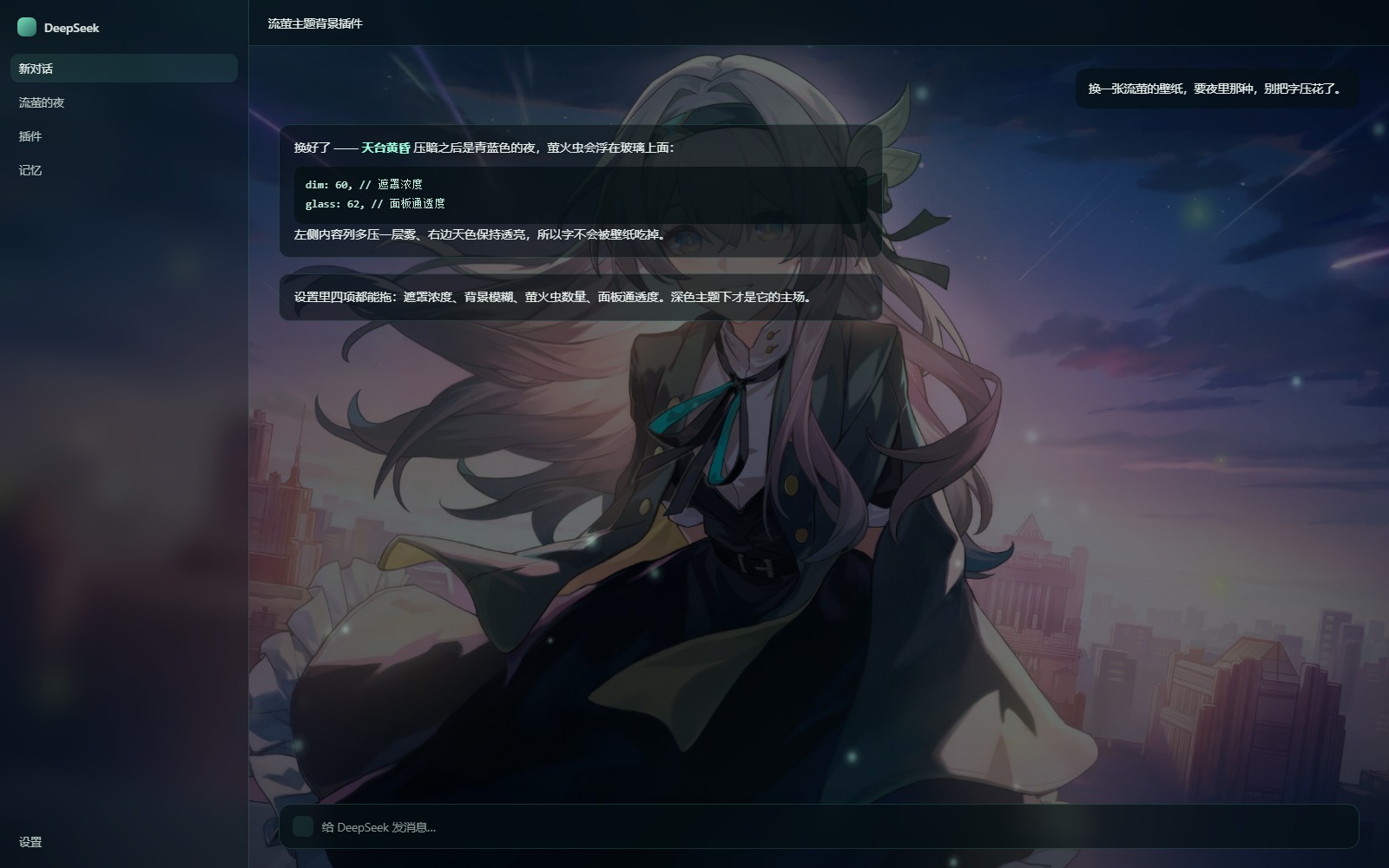 3
No screenshots
Firefly-themed wallpaper background for the DSH Web GUI: four hand-picked wallpapers behind the chat, a canvas firefly field on top, and sliders for veil, blur, particle count and panel transparency.
★ 0
dsh plugin --profile web add dsh-firefly-bg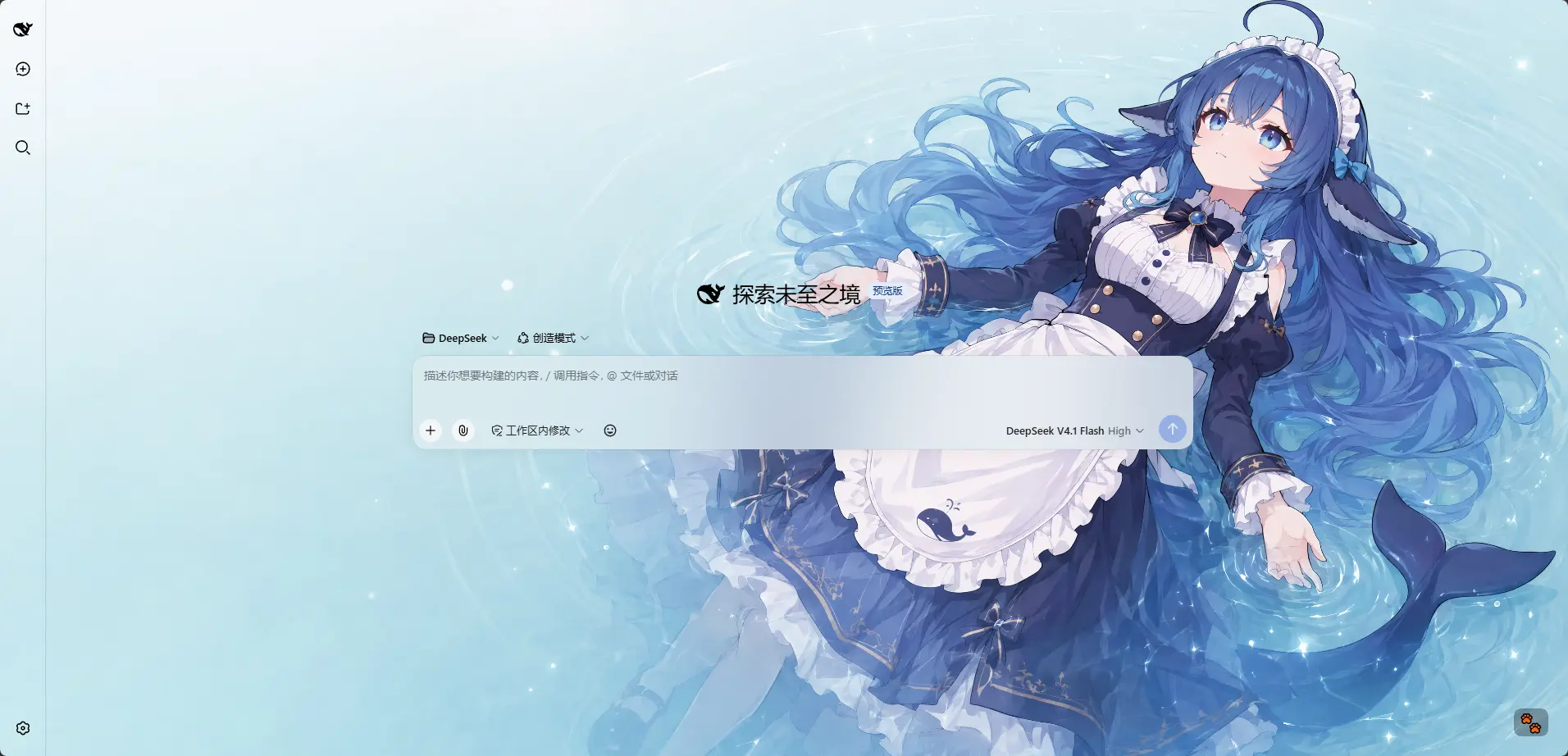 3
No screenshots
by HarmlessFunny
Per-model appearance for the DSH Web UI: an ordered rule list matched against the current session model name, each rule carrying its own wallpaper, theme colour, layout mode, framing and wallpaper opa
★ 25
↓ 1.5k/wk
MIT
TypeScript
Nov 9, 2026
dsh plugin --profile web add dsh-background-by-modelby outmanwt
Draws every question and answer in the DSH Web conversation blurred until the pointer rests on that row, and locks the mask to always-blurred while the window is unfocused; one control below the compo
★ 0
MIT
JavaScript
Nov 4, 2026
dsh plugin --profile web add @local/dsh-chat-privacy-blur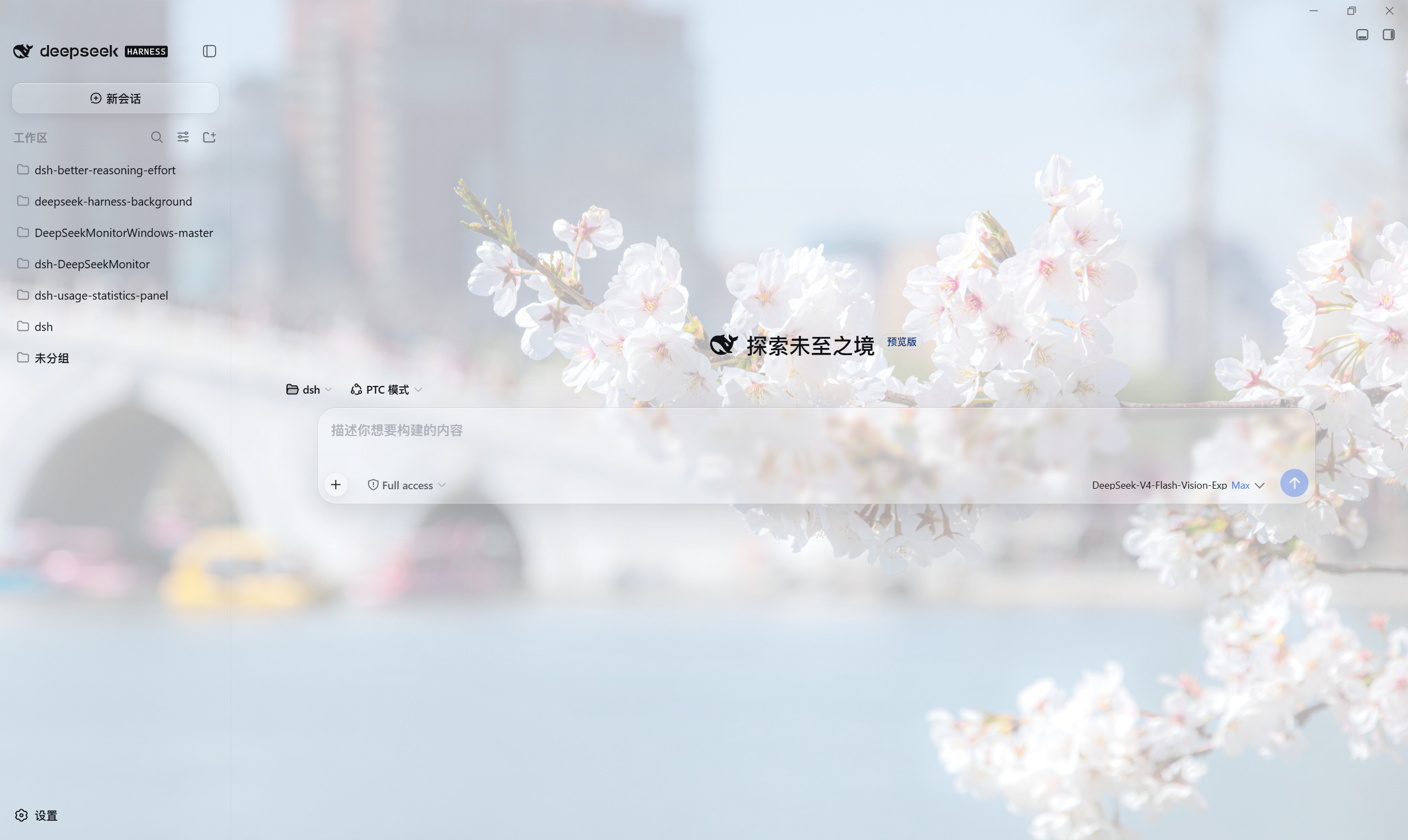 3
No screenshots
by HaoyueQin
Custom background image for the DSH Web UI: upload a picture or paste an image URL behind the whole app surface, with opacity, theme-aware scrim, panel transparency, frosted-glass and wallpaper blur,
★ 11
↓ 633/wk
MIT
TypeScript
Oct 23, 2026
dsh plugin --profile web add deepseek-harness-backgroundby AumiSatori
Configurable DSH UI surfaces, overlay sidebars, task and Artifact cards, custom user-message bubbles, local media and particle backgrounds, welcome animations, and focus mode.
★ 10
↓ 166/wk
MIT
JavaScript
Nov 10, 2026
dsh plugin --profile web add dsh-ui-beautify