

dsh-darkplus-code
Manifest validVS Code Dark+ syntax colors and font-size control for DeepSeek Harness (dsh) code blocks
dsh-darkplus-code
VS Code Dark+ syntax colors and font-size control for DeepSeek Harness (dsh) code blocks.
DSH ships exactly two palettes (light / dark) and fixes code blocks at 11px, so chat code does not follow the content font size you set in Settings → General → Font size. This plugin changes only the code blocks — nothing else in the interface is touched.
What it does
1. Dark+ syntax colors
Replaces the built-in code-block token palette with the VS Code Dark+ palette:
| Token | Dark | Light | Example |
|---|---|---|---|
| keyword | #c586c0 | #af00db | public class, if, return |
| constant | #b5cea8 | #098658 | 0f, 10000, true |
| string | #ce9178 | #a31515 | "配置" |
| comment | #6a9955 | #008000 | // comment |
| parameter | #9cdcfe | #001080 | identifiers, locals |
| punctuation | #d4d4d4 | #1f1f1f | ( ) { } ; |
| link | #4fc1ff | #0563c1 | markdown links |
| type / function | #4ec9b0 | #267f99 | MapNpc, LateUpdate |
Code block background #1e1e1e (dark) / #ffffff (light), foreground #9cdcfe (dark) / #001080 (light).
2. Font size that follows your font-size setting
DSH sizes every other content font with calc(base + var(--dsh-content-font-delta)) — headings grow when you raise the font size, code blocks do not. This plugin puts code blocks onto the same mechanism:
| Your DSH font size | Body text | Code block (default follow mode) |
|---|---|---|
| 12 | 12px | 10px |
| 14 | 14px | 12px |
| 17 | 17px | 15px |
3. Its own settings row
Settings → General → Code block appearance, placed next to the built-in font-size row:
- Follow font size (default) · Ratio · Fixed — plus
13 14 15 16 17px presets - Type/function teal or function yellow — shiki assigns both
entity.name.typeandentity.name.functionto one variable, so they cannot differ; this picks which one wins - Palette on/off
- A live readout (
body 17px · code 15px · inline 15px)
Settings persist to ~/.dsh-darkplus-code/config.json, so they survive restarts and port changes.
Install
dsh plugin --profile <your-profile> add dsh-darkplus-code
Use your real profile name (desktop for DSH Desktop, web for the web build). Then restart DSH — or reload the page after a profile patch reload — and open Settings → General to configure it.
To remove it:
dsh plugin --profile <your-profile> remove dsh-darkplus-code
Scope
This plugin writes only --shiki-* token variables, the two --dsw-font-markdown-code* font tokens, and code-block element rules under .md-code-block / pre.shiki. It does not touch any other --dsw-alias-* interface token, so background, borders, radii, glass effects and every other surface keep their current theme.
Why !important
DSH renders code through shiki's css-variables theme: each token span carries an inline style="color:var(--shiki-token-*)". Measured against a live DSH instance, the variable itself resolves correctly on <body> while the span still computed to the inherited color, so a variable-only override does not always take effect. An author rule with !important is the one declaration that outranks an inline non-important style, so this plugin writes the resolved color on the span as well as rewriting the variable.
Compatibility
- DSH Desktop and the
webprofile. - Verified against DSH
dsh-web-appwith theshikicss-variables theme and.md-code-blockcode surfaces. - No host dependencies beyond the optional
webServerservice; without it the plugin still styles code blocks and simply cannot persist settings.
License
MIT
Comments
Loading…
Similar plugins
by luckbiao
Rich syntax highlighting for DSH Markdown: activates builtin Shiki theme colors and styles diff codeblocks with green/red backgrounds and split-view
★ 0
MIT
JavaScript
Sep 27, 2026
dsh plugin --profile web add @my-plugins/dsh-markdown-highlighterby leonardoxr
Secure bounded coding tools for DeepSeek Harness
★ 0
MIT
TypeScript
Aug 24, 2026
dsh plugin --profile web add dsh-coding-toolsby tsonglew
VS Code-style workspace keyword search for DeepSeek Harness: a Search tab in dsh-better-sidebar
★ 5
MIT
JavaScript
Aug 14, 2026
dsh plugin --profile web add dsh-workspace-searchby NOirBRight
Codex-app-style sidebar for a DeepSeek Harness 主会话
★ 0
TypeScript
Sep 25, 2026
dsh plugin --profile web add dsh-codex-sidebarby g-yixuan
Codex-style side chat + selection annotations for DSH web.
★ 7
↓ 1.1k/wk
MIT
TypeScript
Sep 24, 2026
dsh plugin --profile web add dsh-sidenote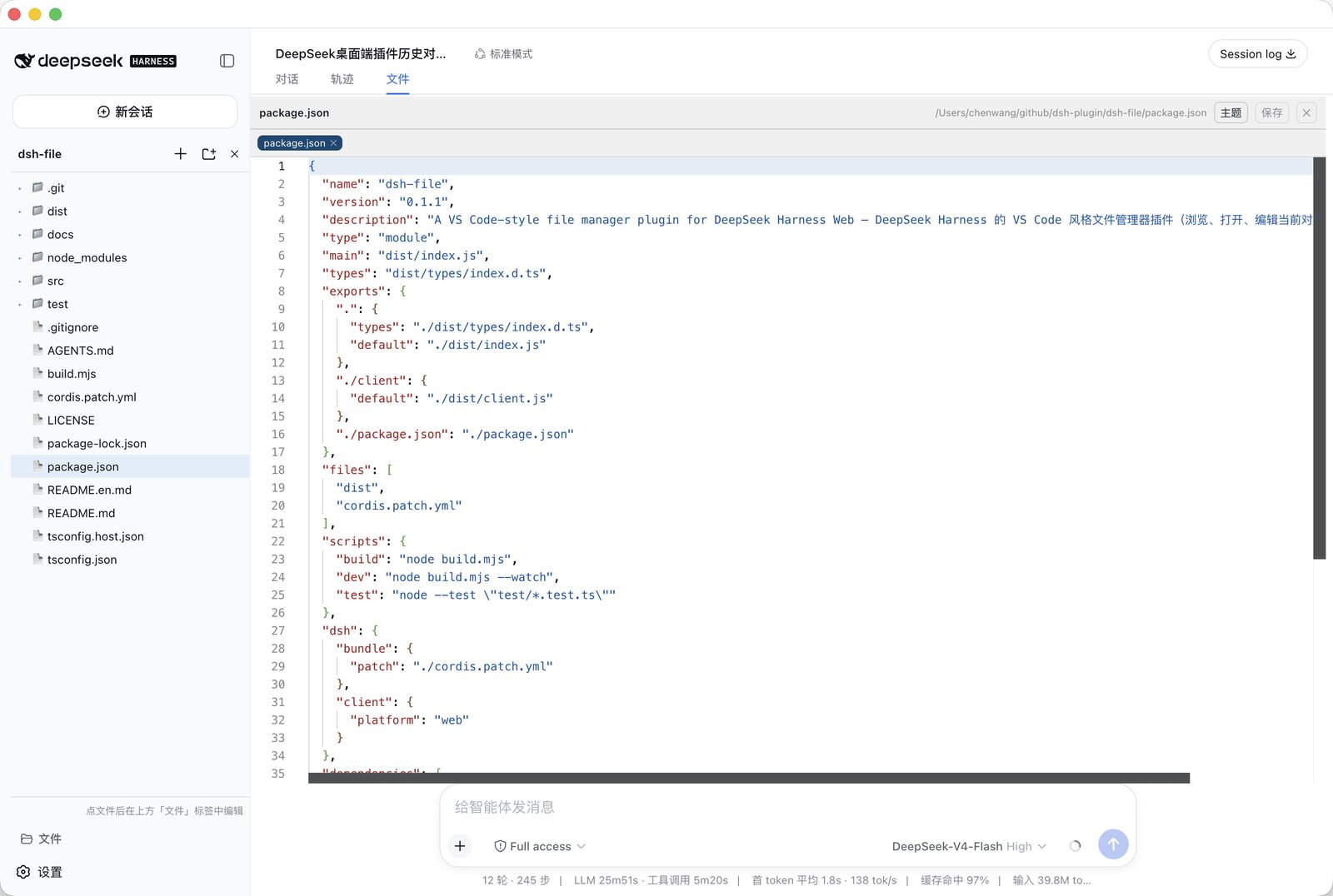
No screenshots
by chengzhi43
A VS Code-style file manager plugin for DeepSeek Harness Web / DeepSeek Harness 的 VS Code 风格文件管理器插件
★ 8
↓ 139/wk
MIT
TypeScript
Sep 4, 2026
dsh plugin --profile web add @rose43/dsh-file