

dsh-theme-palette
Manifest validTheme palette picker for the DeepSeek Harness Web UI: nine palettes, an Obsidian theme, and a Cyberpunk neon theme with a HUD backdrop and custom brand mark.
Theme palette
Adds a Theme palette row to Settings → General in the DSH Web UI. A palette recolors the interface (surfaces, borders, text, sidebar, menus, code blocks, links, and focus ring) while the shipped Appearance row keeps deciding light / dark / system.
| Palette | Character |
|---|---|
| Default | The built-in untinted look |
| Ocean | Cool blue |
| Forest | Deep green |
| Ember | Warm orange |
| Violet | Purple |
| Rose | Pink-red |
| Sand | Warm neutral |
| Obsidian | Neutral near-black with a violet accent, after the Obsidian editor theme |
| Cyberpunk | Neon HUD: translucent panels over a glowing grid backdrop, cyan/magenta accents, and a custom gradient brand mark |
Cyberpunk
The Cyberpunk palette is the complex one. Besides its token set it owns two extra pieces that appear only while it is selected:
- Backdrop — a plugin-owned stylesheet paints two pointer-transparent
pseudo-elements (
body::before/body::after): a neon horizon of cyan, violet, and magenta glows, a 44px HUD grid with scanlines, and a soft vignette mask. Its surface tokens are translucent, so panels float over it. A pale daylight variant is used while Appearance is in light mode. Removing the palette removes the stylesheet. - Brand mark — an original SVG emblem (gradient hex, diamond core, HUD ticks,
cyan glow) replaces
sidebar.brand.markand fillsconversation.hero.brand.mark. The sidebar mark is a single slot whose shipped occupant sits at priority 0, so the mark registers at priority −1 to shadow it and disposes when another palette is selected, restoring the shipped mark.
How it works
client.jsregisters onesettings.general.itemrow (order 11.5, next to Appearance and font size) with a swatch preview per palette.- Choosing a palette stacks a
ctx.theme.overrideTokens()layer of--dsw-*alias tokens over the active light/dark theme. Each palette carries the same token set for both color schemes, so Appearance keeps working. - The choice is stored in this plugin's Host config (
palette, a volatile text field), read and written withctx.configForms.get('theme-palette'). It survives restarts, and a refused write reverts the row.
Install
In the DSH Web UI, open Plugins → Add plugin, paste the absolute path to this directory, install, then switch the bundle on. The row appears in Settings → General, directly under Appearance.
From the Desktop CLI:
dsh plugin --profile desktop add /absolute/path/to/dsh-theme-palette
Because a local directory installs as a link:, edits to the client half apply
after a page reload without reinstalling.
Vendored dependencies
vendor/schemastery.mjs and vendor/cosmokit.mjs are the Harness's own
@deepseek-ai/schemastery 3.19.0 and @deepseek-ai/cosmokit 1.9.0 builds.
Both are MIT: see vendor/LICENSE-schemastery (DeepSeek) and
vendor/LICENSE-cosmokit (Shigma, 2021-present). A profile-installed bundle
cannot resolve the Harness installation's packages, so the Host half needs a
local copy to declare its Config schema. Volatile config references are
identified with Symbol.for, so these copies interoperate with the Host's
settings service.
License
MIT — see LICENSE. The vendored files keep their upstream licenses.
Comments
Loading…
Similar plugins
by kemone
Cyberpunk neon skin for the DeepSeek Harness web GUI — dark & light themes, in-app control page, pure CSS token overrides. | DSH 赛博朋克主题
★ 0
MIT
JavaScript
Nov 11, 2026
dsh plugin --profile web add dsh-client-ui-cyberpunkby mwilljx-web
DeepSeek Harness web plugin: a cyberpunk skin for the sidebar and icon buttons, plus a custom background image - managed from the Settings panel.
★ 0
MIT
JavaScript
Sep 11, 2026
dsh plugin --profile web add dsh-plugin-wallpaper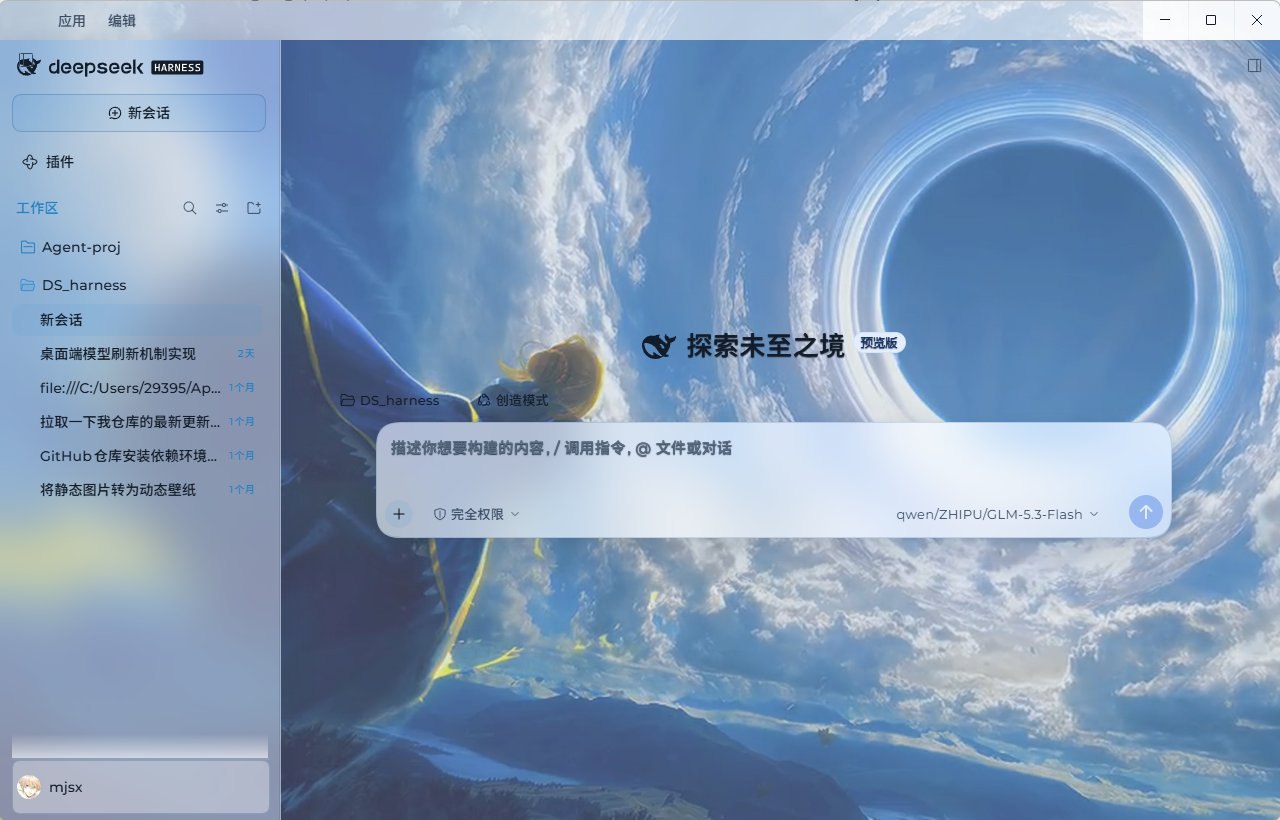 3
No screenshots
by sayzwx
Deep-space theme for the Harness Web GUI: two fully designed light and dark palettes over a seamless cross-dissolve nebula wallpaper, plus a model probe that reports which configured models actually a
★ 1
MIT
JavaScript
Oct 11, 2026
dsh plugin --profile web add dsh-xingkong-theme✦
No screenshots
by daybreakcold
Dual-palette theme for the DeepSeek Harness Web client: indigo dark and frost light palettes with an original generated nebula wallpaper.
★ 0
MIT
JavaScript
Nov 14, 2026
dsh plugin --profile web add dsh-theme-nebula-glass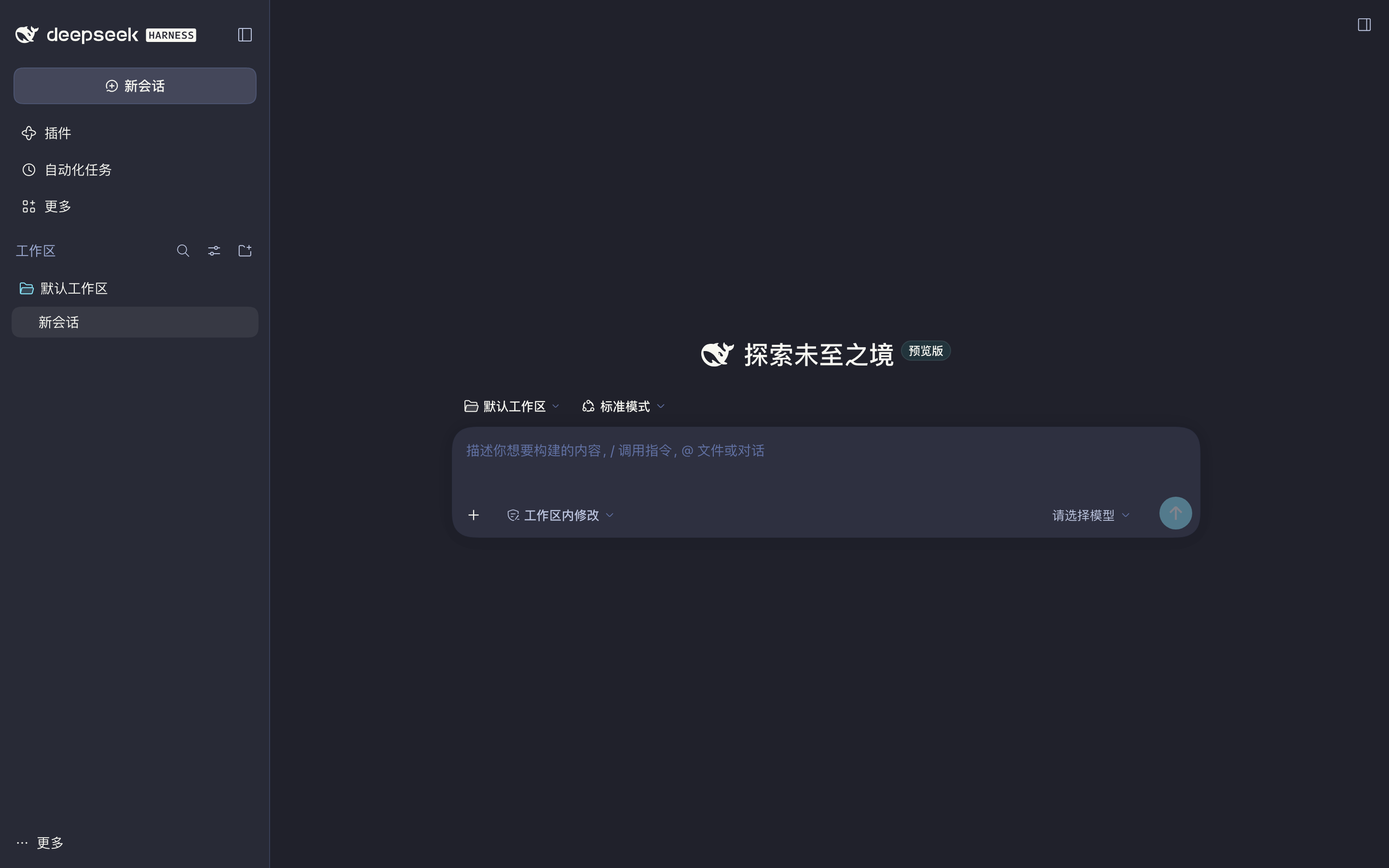 4
No screenshots
Dracula color theme for the DeepSeek Harness Web GUI built on the official DeepSeek port palette: product alias tokens, the sidebar/composer/menu module tokens and shiki syntax colors, injected at fir
★ 0
dsh plugin --profile web add dsh-theme-dracula 2
No screenshots
by Linxi-1105
Free, unofficial Cyrene-inspired theme for DeepSeek Harness
★ 3
NOASSERTION
JavaScript
Nov 17, 2026
dsh plugin --profile web add dsh-theme-cyrene