

malfoy-desktop
Discovered★ 29马尔福桌面:住着马尔福小姐的 AI 女友 / AI 陪伴桌面。斯莱特林休息室动态壁纸加互动剧情角色扮演,点她会回应,好感度解锁装扮和相册。用即梦 AI 短剧工作室制作,支持 macOS 和 Wallpaper Engine。Malfoy Desktop: an AI girlfriend and companion living wallpaper. Role-play with Miss Mal
马尔福桌面 · Malfoy Desktop
和马尔福小姐(Miss Malfoy)一起,住进斯莱特林公共休息室的互动桌面。
Live with Miss Malfoy in the Slytherin common room — an interactive short drama on your desktop.










中文 · English
怎么用
macOS(仅支持 Apple Silicon)
- 到 Releases 下载
Miss-Malfoy-mac-arm64.dmg,打开后把 Miss Malfoy 拖进「应用程序」。 - 安装包没有签名,第一次打开会被拦下:右键 → 打开;如果还是打不开,到「系统设置 → 隐私与安全性」,在最下面点「仍要打开」。
- 打开后她会出现在桌面上,菜单栏多出一个 🐍。选「和她互动…」进入互动模式,就能点她、打开下面的菜单,第一章在「剧情」里。按 Esc 回到壁纸模式。
Windows(Wallpaper Engine)
- 在 Steam 上装好 Wallpaper Engine。
- 打开创意工坊页面,点「订阅」,然后在 Wallpaper Engine 里选中它。
- 第一次打开会先播第一章,看完她会走进休息室。
- 要能点到她,在 Wallpaper Engine 的设置里打开「鼠标输入」。声音默认是关的,在壁纸属性里打开「壁纸声音」。
DeepSeek Harness(主题插件)
- 装好 DeepSeek Harness,然后执行:
dsh plugin --profile web add https://github.com/op7418/malfoy-desktop/releases/latest/download/dsh-malfoy-desktop.tgz dsh web - 整个窗口会变成斯莱特林公共休息室:开场一团飞路火烧出界面,对话时背景虚化,agent 做完或等你批准时她会抬头说一句。剧情、相册、换装在侧栏的「休息室」里。详见 插件说明。
一个用 即梦 AI 短剧工作室 做的沉浸式角色扮演加 AI 女友桌面 Demo。
你扮演刚转进斯莱特林的转学生,在午夜的禁书区遇见马尔福小姐。看完第一章之后,她会一直待在你桌面上的斯莱特林公共休息室里:
- 待机:她看书、翻页、伸懒腰,晚上会睡着
- 互动:点她,她会回你一句
- 好感度:好感度越高,她对你的称呼越近,还会解锁新装扮和她的 CCD 合照
- 冥想盆:看过的剧情随时可以回看
画面、角色和对白配音全部由即梦生成,音乐由 Suno 生成;剪辑、魔法转场特效和桌面程序是用代码做的。
仓库里有什么
这里只放代码。视频、图片、音乐、剧本和文章是我们自己的作品,不公开;安装包里已经带好了运行需要的素材。
├─ 共享资源/                三个项目共用的代码与字体
│  ├─ lib/magic.js          Three.js 魔法特效:飞路火焰、冥想盆、荧光闪烁、银墨书写、斯莱特林法阵
│  ├─ lib/hogwarts-ui.css   界面组件
│  ├─ lib/type-system.css   视频里的字体与排版
│  ├─ lib/fx.js             上一版特效(碎裂、银尘、粒子环),保留备查
│  └─ fonts/                Cormorant Garamond、Cinzel、DSEG7(均为 SIL OFL 1.1)
├─ 剪辑/                    剧情正片(HyperFrames 工程)
├─ 宣传片/                  宣传片(HyperFrames 工程)
├─ 桌面程序/
│  ├─ app/                  网页核心:播放引擎、剧情、好感度、相册、UI
│  ├─ mac/                  Electron 外壳与打包
│  ├─ wallpaper-engine/     Windows 版工程文件(其余内容从 app/ 拷贝)
│  └─ tools/                静止循环、图标生成脚本
├─ plugins/
│  └─ dsh-malfoy-desktop/   DeepSeek Harness 主题插件(网页部分复用 桌面程序/app/)
└─ 工具/                    语音识别、响度母带、运动热图、安装包打包
从源码运行,需要按 MEDIA.md 里的路径和文件名自备素材:
# 桌面程序
cd 桌面程序/mac && npm install
npm start           # 开发运行(会先把 ../app 同步到 web/)
npm run dist        # 打包 dmg

# 视频(在 剪辑/ 或 宣传片/ 目录里)
npx hyperframes preview --background
npx hyperframes render -o renders/输出.mp4
../工具/master-loudness.sh renders/输出.mp4 renders/输出_master.mp4   # 母带:-15 LUFS / -1 dBTP
依赖:Node 22、ffmpeg 8、HyperFrames CLI 0.8.210、Electron 33.2.1、electron-builder 25.1.8、three.js 0.160.0、GSAP 3.14.2。语音识别另需 faster-whisper(Python venv,small.en / medium.en)。
制作
- 画面、角色、场景、对白配音:即梦 AI 短剧工作室
- 音乐:Suno(主题曲 Say Nothing Tonight、剧情配乐 Clockwork Hush、桌面 BGM Hush, Piano Alone)
- 剪辑、特效、桌面程序:HyperFrames、Three.js、GSAP、Electron
许可
- 代码:PolyForm Noncommercial 1.0.0。可以学习、研究,也可以在非商业前提下修改和分发,不能商用;如需商用,请联系作者。
- 安装包里的素材(视频、图片、音乐):只用于个人体验,不授权再分发、二次剪辑或商用。
- 字体:各自遵循 SIL Open Font License 1.1。
声明
这是一个非商业的同人创作。《哈利·波特》相关的人物、名称、世界观版权归原作者及华纳兄弟所有,本项目与他们没有任何关联,也没有得到授权。角色"马尔福小姐"是基于原作人物的性转二创,所有出场人物均已成年。请勿将本项目用于商业用途,也不要把它重新打包上架到应用商店或创意工坊。官方的 Windows 版只发布在作者自己的创意工坊页面。
English
How to use
macOS (Apple Silicon only)
- Download
Miss-Malfoy-mac-arm64.dmgfrom Releases and drag Miss Malfoy into Applications. - The app is unsigned, so macOS blocks it the first time: right-click → Open. If it still won't open, go to System Settings → Privacy & Security and click Open Anyway at the bottom.
- She appears on your desktop and a 🐍 shows up in the menu bar. Choose "和她互动…" (Interact) to click her and use the menu; Chapter One is under 「剧情」 (Story). Press Esc to go back to wallpaper mode.
Windows (Wallpaper Engine)
- Install Wallpaper Engine on Steam.
- Open the Workshop page, click Subscribe, then select it in Wallpaper Engine.
- The first launch plays Chapter One, then she walks into the common room.
- Turn on Mouse input in Wallpaper Engine settings to interact with her. Sound is off by default; turn on 「壁纸声音」 (wallpaper sound) in the wallpaper's properties.
DeepSeek Harness (theme plugin)
- Install DeepSeek Harness, then run:
dsh plugin --profile web add https://github.com/op7418/malfoy-desktop/releases/latest/download/dsh-malfoy-desktop.tgz dsh web - The whole window becomes the Slytherin common room: a Floo fire burns the interface in, the room blurs while you chat, and she looks up with a line when the agent finishes or needs approval. The story, album and outfits are under 「休息室」 in the sidebar. See the plugin README.
Malfoy Desktop (马尔福桌面) is an immersive role-play demo and AI desktop companion starring Miss Malfoy, built with Jimeng AI Short Drama Studio (即梦 AI 短剧工作室).
You play a new transfer student sorted into Slytherin. Late one night in the Restricted Section, you run into Miss Malfoy. After Chapter One, she stays on your desktop, in the Slytherin common room:
- Idle life: she reads on the sofa, turns pages, stretches, and falls asleep after 11 PM. When she is still, the fire and the window light keep moving (4K).
- Interaction: click her and she answers back.
- Branching story: Chapter One, The Restricted Section, asks you to make a choice, and she reacts differently to each answer.
- Affection: as affection rises, the way she addresses you changes, and you unlock a home outfit, an armchair scene and a photo album of six Y2K-digicam snapshots.
- Pensieve: replay any memory you have already seen.
All footage, characters and voiced dialogue were generated with Jimeng; the music was made with Suno. Editing, the magic transitions (Floo flames, Pensieve swirl, Lumos flare, silver ink, a Slytherin sigil — all in Three.js) and the desktop app are code.
What is in this repo
Code only. The videos, images, music, script and article are our own work and are not published here; the installers already contain everything needed to run.
共享资源/(shared): the Three.js magic effects library (lib/magic.js), UI kit and fonts剪辑/(film) and宣传片/(trailer): HyperFrames video projects桌面程序/(desktop app): the web core (playback engine, story, affection, album, UI), the Electron shell and the Wallpaper Engine projectplugins/dsh-malfoy-desktop/: the DeepSeek Harness theme plugin, which reuses the web core工具/(tools): speech recognition, loudness mastering, motion maps, release packaging
To run from source, put your own media at the paths listed in MEDIA.md, then:
cd 桌面程序/mac && npm install
npm start        # run in development
npm run dist     # build the dmg
The full architecture and production process are documented (in Chinese) in 技术文档.md.
License
- Code: PolyForm Noncommercial 1.0.0. You may study, modify and share it for noncommercial purposes. Commercial use is not permitted; contact the author for a commercial license.
- Media in the installers (video, images, music): for personal use only. Redistribution, re-editing and commercial use are not permitted.
- Fonts: SIL Open Font License 1.1.
Disclaimer
This is a noncommercial fan project. Harry Potter characters, names and settings belong to J.K. Rowling and Warner Bros.; this project is not affiliated with or endorsed by them. "Miss Malfoy" is a gender-swapped fan interpretation, and all characters are adults. Please do not use this project commercially or repackage it for app stores or the Workshop. The official Windows version is published only on the author's own Workshop page.
Comments
Loading…
Similar plugins
by 12we21
蓝毛小女仆 (Blue-Haired Little Maid) · 住在 Windows 桌面上的 Q 版蓝发小女仆桌面宠物:106 个手绘透明动画、本地 Ollama 或在线模型陪聊、可选看屏幕吐槽、离线语音识别(安装器与便携版)。免费开源 MIT。同时是 DeepSeek Harness 桌面宠物插件(dsh-plugin)。By Mikolu.
★ 26
MIT
JavaScript
Oct 27, 2026
dsh plugin --profile web add cute-fat-fish-petby use3346631993
小D桌宠(dsh-xiaod-pet)· DeepSeek Harness 插件:鲸鱼正太女仆装桌宠 + 每轮 token/思考时间立牌 + 液态玻璃主题。搜 dsh-xiaod-pet 或 dsh xiaod pet
★ 1
NOASSERTION
JavaScript
Oct 23, 2026
dsh plugin --profile web add dsh-xiaod-petby bai111111
洛天依桌宠:住在 DSH 里的虚拟歌姬桌宠,可拖动、可互动(抚摸/喂食/睡觉/聊天),预设动作 + 接大模型的 AI 聊天。
★ 1
MIT
JavaScript
Oct 13, 2026
dsh plugin --profile web add dsh-pet-luotianyiA Taffy mood mascot for the DeepSeek Harness Web UI: the corner GIF reacts live to agent state — approval pending / approved / rejected / begging, thinking, tool runs, interrupts, ask_user_question wa
★ 0
dsh plugin --profile web add dsh-taffy-mood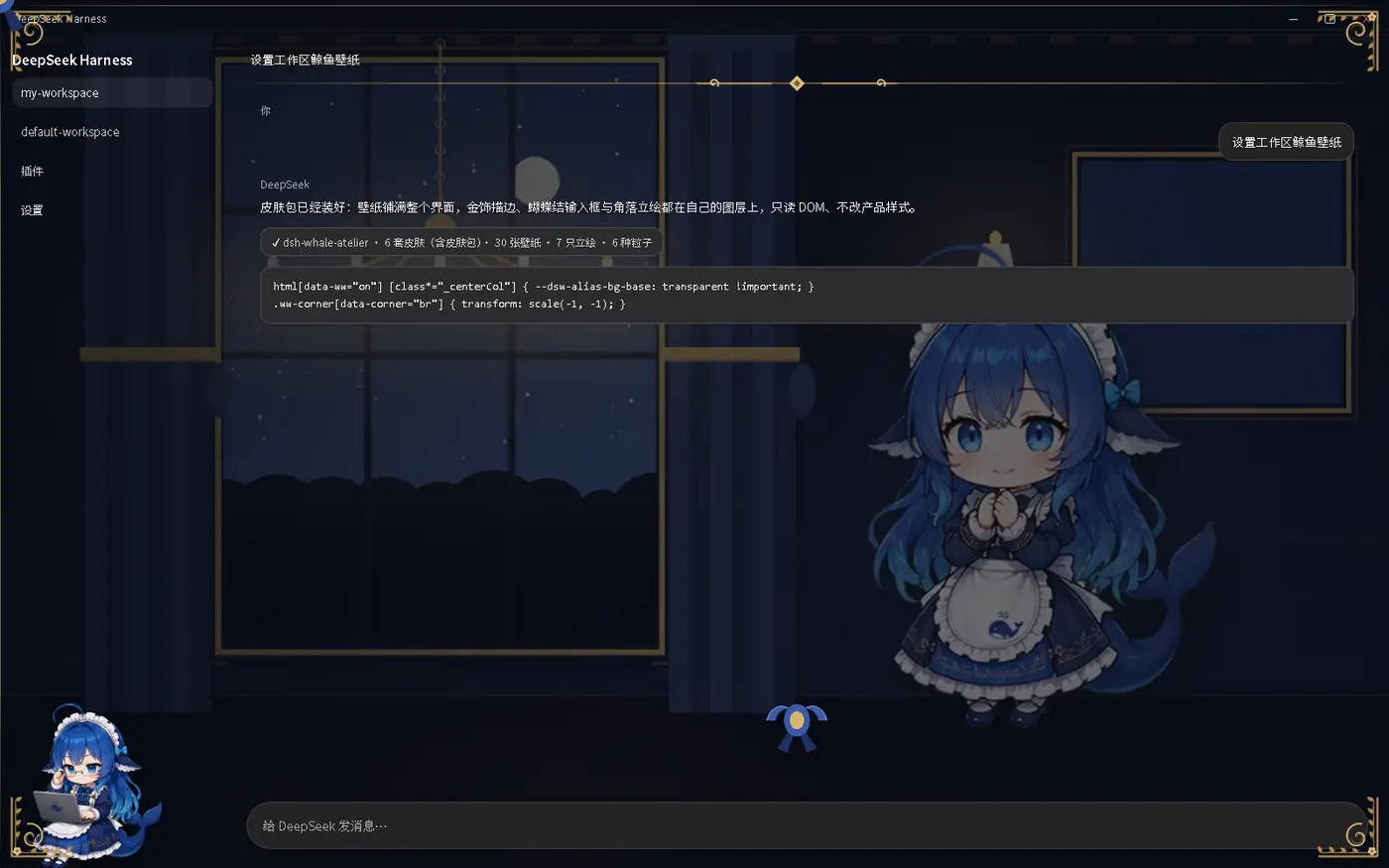 6
6No screenshots
by Cicero010
DeepSeek Harness 的鲸鱼皮肤包:全界面壁纸 + 金/银描边装饰 + 蕾丝蝴蝶结 + 角落立绘 + 环境粒子,支持第三方皮肤包与 Agent 状态联动
★ 3
MIT
Python
Oct 5, 2026
dsh plugin --profile web add dsh-whale-atelier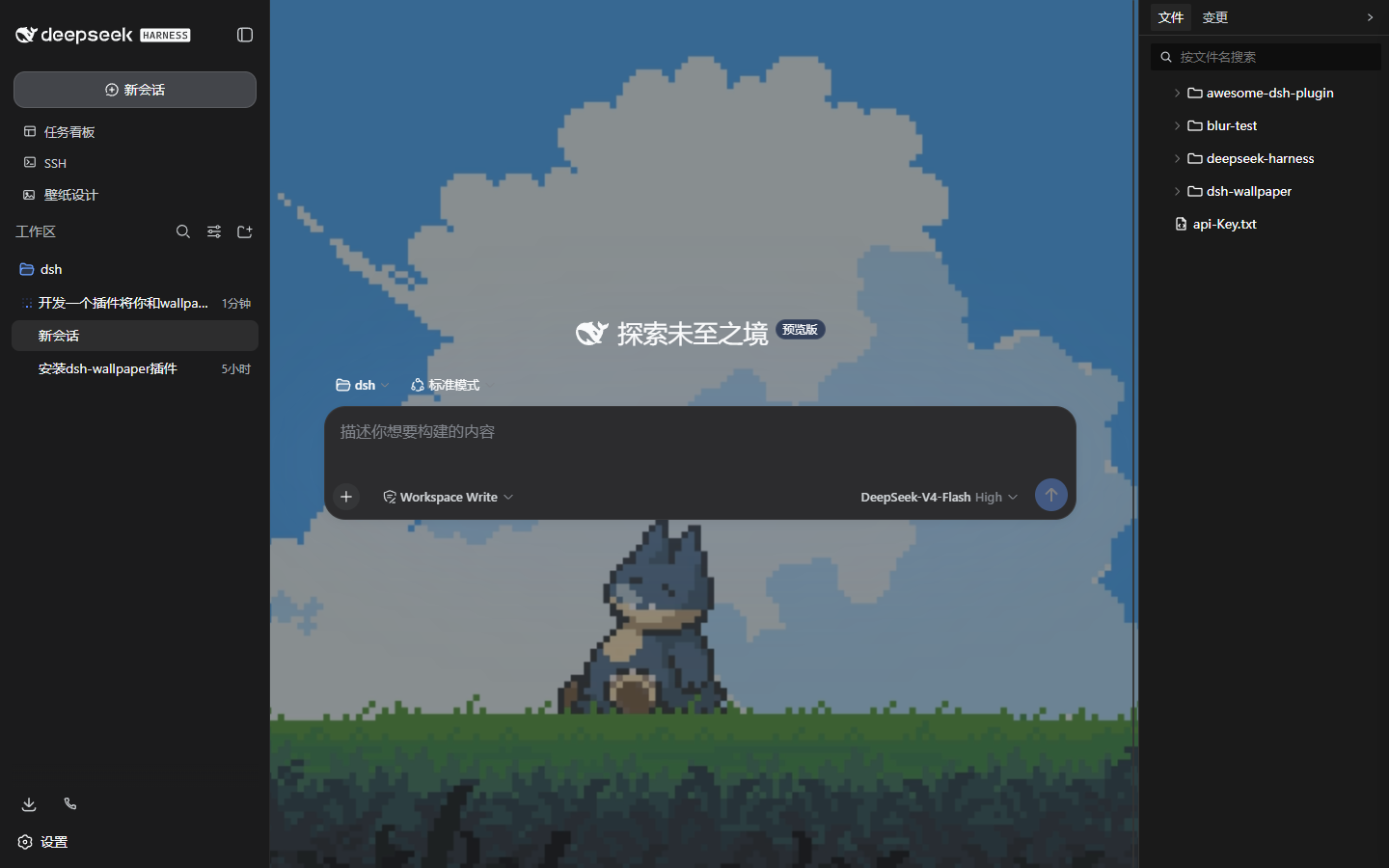 3
3No screenshots
Wallpaper Engine integration for the dsh web GUI: scan the local WE library (Steam workshop 431960 + local projects) and use its wallpapers as the page background — image/video/web rendered natively,
★ 0
↓ 247/wk
dsh plugin --profile web add dsh-wallpaper