

dsh-jinhsi-skin
Manifest validDeepSeek Harness webGUI's Jinhsi theme, Jinhsi (Wuthering Waves) theme for the DeepSeek Harness web GUI
Jinhsi · Tidal Resurgence
English | 简体中文
A Jinhsi (今汐) theme for the DeepSeek Harness web GUI — silver-white, ink black, gold filigree and mint teal, with tidal meanders and dragon scales along the frame, a Jinhsi avatar on the sidebar brand and every assistant message, and a conversation styled after the game's Feixun (飞讯) messenger. The backdrop is the animated wallpaper 「今汐——安静」 (Jinhsi — Quiet) that ships with the theme: a 1920×1080 loop, one and the same image for the light and dark variants, adapted only by a scrim and a filter each.
This is a skin plugin: installing it places the skin into
$DSH_HOME/skins/jinhsi-spectro/.


Requires — DSH ≥ 0.1.5-rc.1 · Node.js ≥ 22 · a renderer (the Skin Center, optional
but effectively required) · a Chromium-based browser (the DSH web GUI itself only runs
Chromium).
Install
dsh plugin --profile web add github:Mauit06/dsh-jinhsi-skin
Restart DSH once (adding a plugin package needs it).
Optional: the Skin Center (renderer + wallpaper)
A skin is a purely declarative asset directory — it needs a renderer to show up. This
plugin declares the Skin Center @linxin666/dsh-client-ui-skin-center as an optional peer
dependency: whether to install it is your call.
# DSH >= 0.1.7-rc.1 — latest Skin Center
dsh plugin --profile web add @linxin666/dsh-client-ui-skin-center

# DSH 0.1.5-rc.x — pin 0.3.24 (0.3.25 and later require DSH >= 0.1.7-rc.1)
dsh plugin --profile web add @linxin666/dsh-client-ui-skin-center@0.3.24
- With it: you get Settings → Skin Center, where you can try on / apply the skin, drag
the background-occlusion slider, and use wallpaper — the Wallpaper Engine bridge
(video, web and scene wallpapers, or pin one static frame) or point the manual-folder row
at any
.mp4/.webm, a single wallpaper project, or a folder of projects. - Without it: the skin is still synced into your skin directory and waits for a renderer. If your profile already has a Skin Center from somewhere else, you don't need a second one.
Remove
dsh plugin --profile web remove dsh-jinhsi-skin
Compatibility
| Host DSH | Skin Center | Skin contract | Status |
|---|---|---|---|
| ≥ 0.1.5-rc.1 | 0.3.23 / 0.3.24 | v2 | Supported (verified here: 0.1.5-rc.2 + 0.3.24) |
| ≥ 0.1.7-rc.1 | 0.3.25 … 0.4.x | v2 | Supported (verified here: 0.1.7-rc.2 + 0.4.2) |
| 0.1.5-rc.x | ≥ 0.3.25 | v2 | Don't. The Skin Center requires DSH ≥ 0.1.7-rc.1 |
- Skin Center 0.3.25 already required
>= 0.1.7-rc.1, and 0.4.0 stepped up another major. So on DSH0.1.5-rc.xpin@0.3.24— the last release whose range is>= 0.1.5-rc.1. - The loader treats
dsh.enginesas advisory and never hard-checks it: a newer Skin Center on an older host installs cleanly and can only misbehave at runtime. Pin the version yourself; do not expect it to fail loud. - This plugin declares
^0.3.23 || ^0.4.0, covering both majors; a future0.5will need the range widened.
A profile should hold exactly one Skin Center instance. If one is already mounted elsewhere (for example
web-ui-skin-centerfrom@linxin666/dsh-web-all), disable one of them: two live instances register duplicate/api/skin-center/*routes and mount the skin controller twice.
The full matrix and the per-item evidence are in docs/COMPATIBILITY.md.
What you get
- Light and dark themes; the palette is sampled from the artwork, and the backdrop is the bundled animated wallpaper (one image shared by both variants)
- Six fixed decoration layers, filled with CSS only — no client JavaScript of its own
- Sidebar brand and every assistant message carry a Jinhsi avatar; the new-session headline becomes 「桃夭灼灼牵丝动 漂泊者」
- Feixun-style conversation: assistant "letter" cards, jade user bubbles with a tail
- State projection is pure CSS too (
:has()reading attributes the official shell already sets): a gold sweep while streaming, mint pulse on tool calls, vermilion on turn errors
Wallpaper and background
Everything lives in the Skin Center card:
- Background occlusion (0–100%) — every translucent base in this skin is multiplied by
var(--dsw-skin-scrim), so the slider is a real knob: at 0 the artwork is clearest and the text sits on "paper" cards; at 100 it is nearly solid. - Background blur / input-card blur / bubble opacity — for the empty conversation, the filled one, the composer card and message bubbles respectively.
- Wallpaper panel — use the local Wallpaper Engine library (Steam app 431960) as the GUI backdrop.
The skin yields to a wallpaper, and a mounted wallpaper always wins over the bundled
backdrop: once one is active (body[data-dsh-wallpaper-active]) the background layer turns
from a base into a scrim, the ambient layer drops its diffraction glow, the foreground layer
deepens its vignette, and message rows get a paper card — while the gold filigree, dragon
scales, corner meanders and the magistrate seal stay. Under a wallpaper, those are the proof
the skin is still there. To get the bundled animation back, hit Remove in the wallpaper
panel.
Artwork and licensing
The avatar (skin/assets/jinhsi-head.webp) is © Kuro Games and is not shipped: the
skin/assets/*.webp and *.jpg patterns are git-ignored, and the plugin fetches them on
your machine from Kuro's official site / asset CDN at install time (sources, roles and
sha256 anchors in tools/asset-sources.json).
The background wallpaper (skin/assets/jinhsi-quiet.mp4, 1920×1080, 8 s, H.264) is the
exception: it ships with the package. There is no downloadable official copy of it — it
only ever existed as a local export — so without it an install would have no backdrop at all.
It comes from Wallpaper Engine Workshop item 3606711102「今汐——安静」: the picture is
official Jinhsi artwork (© Kuro Games), the scene project belongs to its Workshop author.
Sources and the full rights breakdown: NOTICE.
The skin/preview/*.jpg committed here are rendered from that real backdrop; regenerate
art-free versions with node tools/make-preview.mjs --placeholder if you need them.
Self-check
node tools/verify-standalone.mjs   # plugin contract (offline, no network)
node tools/validate-skin.mjs       # the skin itself (official JSON Schema + lightningcss + contrast)
verify-standalone checks that the patch mounts only the skin sync and never references
the optional dependency (an entry that cannot resolve is fail-loud at startup); that the
Skin Center really is declared as an optional peer; that every file skin.json references
exists; and that the sync is idempotent, never wipes artwork already fetched on this machine,
and re-fetches when a sha256 no longer matches (a failed fetch only warns and never empties an
existing file). It runs in a temporary DSH_SKINS_HOME with no network.
Repository layout
jinhsi-spectro/
├─ skin/                  ★ the skin itself (a v2-contract asset directory)
│  ├─ skin.json           manifest (fail-closed validation)
│  ├─ skin.css            L1 token remap + L2 semantic layer
│  ├─ patches.css         L3 decoration · state projection · wallpaper adaptation · identity
│  ├─ assets/             bundled animated wallpaper + original vector ornaments (avatar is fetched)
│  └─ preview/            light.jpg / dark.jpg
├─ lib/index.js           plugin host half: syncs skin/ into $DSH_HOME/skins/
├─ cordis.patch.yml       mounts that one line (never references the optional dependency)
├─ corpus/                Jinhsi corpus (9 Markdown files + raw JSON)
├─ tools/                 fetch / validate / preview / publish scripts
├─ docs/                  compatibility matrix + implementation notes
├─ NOTICE · LICENSE       rights breakdown and license
└─ package.json
Notes
- Built on the Skin Center's v2 skin contract; anchored on official
data-slotoutlets and thedata-dsh-surface/data-dsh-partsemantic attributes, never on CSS-Modules hash class names. - Contract compliance and the one disclosed deviation are in docs/IMPLEMENTATION.zh-CN.md (Chinese).
FAQ
- The backdrop isn't the one I want — a wallpaper (Wallpaper Engine or manual media) always wins. Hit Remove in the wallpaper panel to fall back to the bundled animation.
- The preview thumbnails look stale — the plugin deliberately keeps previews already
generated on your machine, and an upgrade will not overwrite them. Delete
$DSH_HOME/skins/jinhsi-spectro/preview/and restart DSH to pick up the packaged ones. - The skin isn't in the list — it needs a renderer (the Skin Center); restart DSH after installing one.
Credits
- Kuro Games — Wuthering Waves and Jinhsi, plus the official artwork and avatar used here (taken from the official website and in-game official resources; the avatar is fetched locally and never redistributed, the picture inside the bundled wallpaper is theirs too — see NOTICE).
- @linxin666/dsh-client-ui-skin-center (by zhu1090093659 / linxin666, Apache-2.0) — the Skin Center: the v2 skin contract, the six decoration layers, semantic-attribute stamping, the occlusion and blur sliders, and the Wallpaper Engine bridge and wallpaper panel. Without it, neither declarative third-party skins nor wallpaper would be possible.
- DeepSeek Harness — the host this theme targets.
- wuther.in — corpus source, and the source site for the avatar.
- dsh-deep-whale / maid-atelier (by Small-tailqwq) — reference for the skin directory layout and for packaging as a dsh bundle.
- Mornye Observation Skin
(by is-limo) — the "layered observation workbench" idea; that repository is UNLICENSED, no
code or assets were copied, and the state projection was reimplemented in pure CSS with
:has(). - Blue Fantasy (blue-fantasy) — the Skin Center's built-in skin, reference for the
--dsw-skin-scrimcoupling and decoration-layer usage. - Wallpaper Engine and its Workshop content belong to their authors and the original wallpaper artists. The bundled wallpaper 「今汐——安静」 is an export of Workshop item 3606711102 and is redistributed here solely as this theme's backdrop (the picture is © Kuro Games); there is also a CSS adaptation that yields to any other wallpaper and keeps text readable.
Unofficial fan project; not affiliated with or endorsed by any of the above.
MIT for the code, stylesheets, scripts, documentation and original vector ornaments; official artwork is not covered by it.
Comments
Loading…
Similar plugins
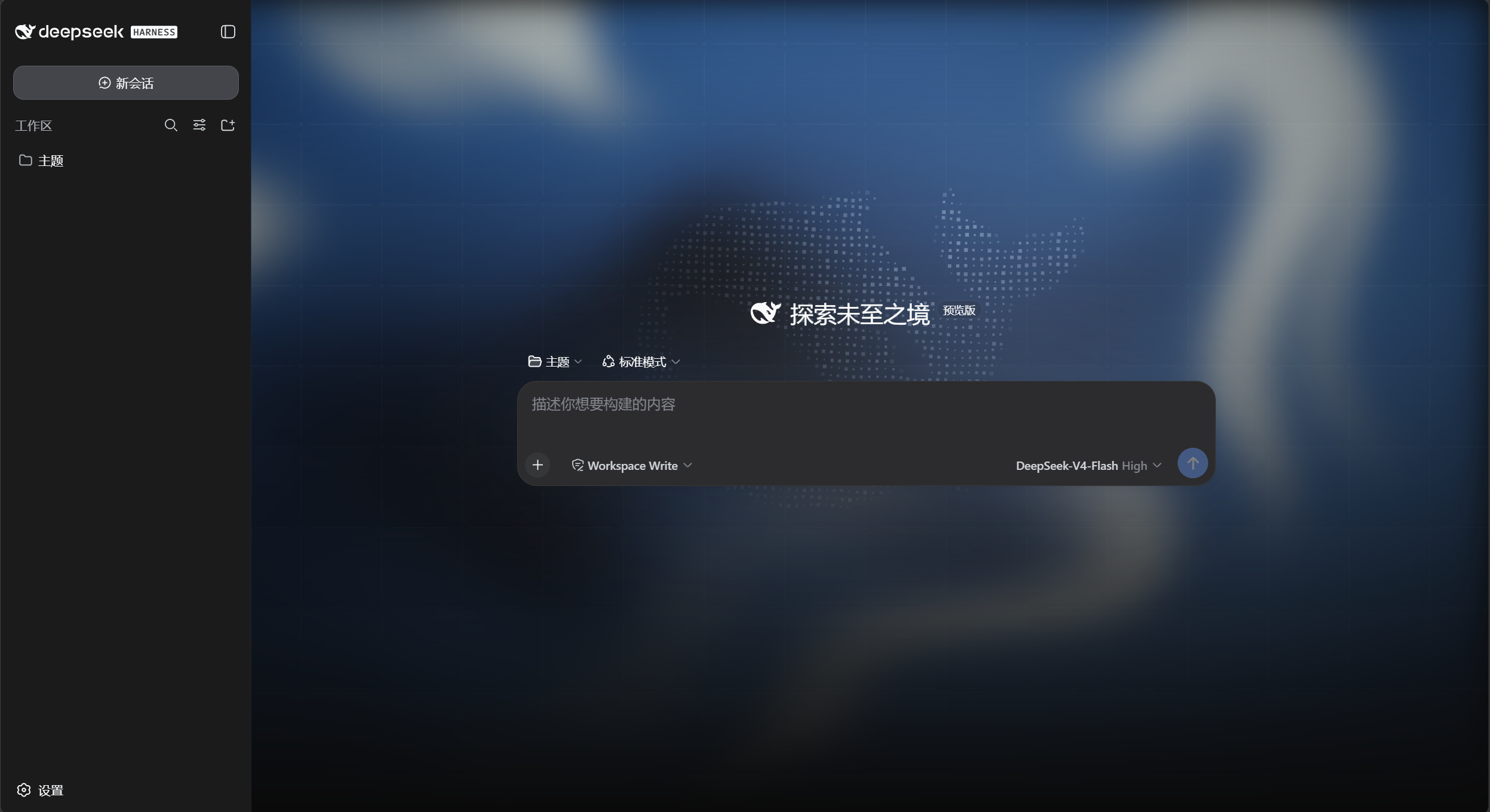 2
2No screenshots
by yushi-xxh
给 dsh web 换上 DeepSeek Harness 首页同款背景:深海流体、点线网格、数字鲸鱼,深浅双主题
★ 3
↓ 80/wk
MIT
JavaScript
Sep 4, 2026
dsh plugin --profile web add dsh-homepage-skin 8
8No screenshots
by tpmoonchefryan
轴伊 Joi 双衣装主题 for DeepSeek Harness — unofficial, non-commercial fan theme plugin 🍊
★ 19
↓ 562/wk
MIT
TypeScript
Sep 24, 2026
dsh plugin --profile web add dsh-joi-channel-theme✦
No screenshots
by RexCue
Wallpaper skin for the DeepSeek Harness (dsh) web UI: image background with opacity, mask and blur controls.
★ 4
↓ 311/wk
JavaScript
Aug 14, 2026
dsh plugin --profile web add dsh-wallpaper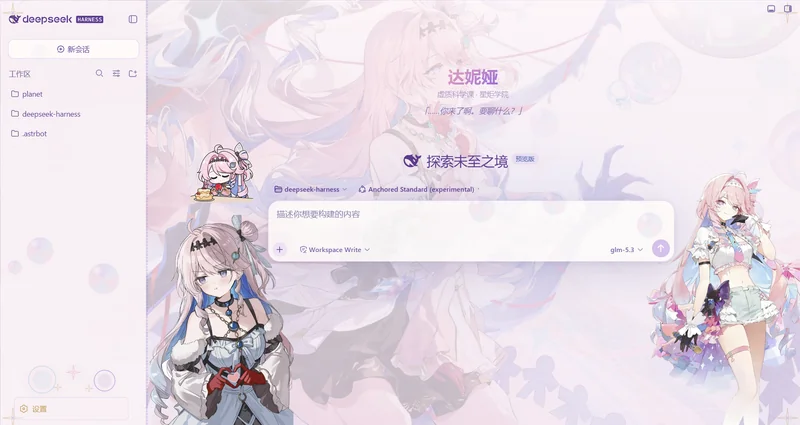 2
2No screenshots
by Ewnscat-ya
DeepSeek Harness Web GUI 皮肤 · 鸣潮·达妮娅(Denia)主题「虚无之泡」。双形态亮/暗、侧边立绘、可修改的玻璃卡片、浮动泡泡粒子、锁链边框。
★ 43
NOASSERTION
JavaScript
Sep 8, 2026
dsh plugin --profile web add @dsh-external/dsh-client-ui-skin-denia✦
No screenshots
by tsdfy
Skin switcher for DeepSeek Harness web UI: one-click theme switching with auto-discovery of community skins
★ 3
↓ 95/wk
MIT
JavaScript
Aug 19, 2026
dsh plugin --profile web add dsh-skin-switcherby lffrom0303
A faithful Windows 98 skin for the DeepSeek Harness web GUI, derived from the classic 98.css design system.
★ 0
MIT
JavaScript
Sep 8, 2026
dsh plugin --profile web add dsh-window98-theme