

dsh-web-attention-badge
Manifest valid★ 6Attention reminders for the DeepSeek Harness Web UI: frame badge, (N) tab title and whale-favicon recolor for sessions waiting for input or finished unopened.
dsh-web-attention-badge

One glance at the tab bar: the whale favicon and the (N) title count track your sessions in real time — amber = waiting on you, green = done. No need to open the page.



Watch the tab, not the terminal. dsh-web-attention-badge is a one-line,
zero-install plugin for the DeepSeek Harness
WebUI. It turns the one place your eyes already land every few seconds — the
browser tab bar — into a live status light for your agent sessions.
Why not just install a monitor app?
The "session dashboard" genre usually means: another install, a tray icon that lives forever, a second window to open, a side channel to keep in sync. This is the opposite.
- Zero-install. One command. No desktop app, no service, no tray icon, no background process. The whole thing is a hand-written client bundle that plugs into the official WebUI — close the tab and nothing runs.
- No second screen. Status lives where you already look: the tab bar. One glance and you know the state — waiting on you (amber) or done (green), even from a background tab.
- No new transport. The badge reads the WebUI's built-in sessions store — the same counts the UI itself uses. Zero host code, zero extra plumbing.
- Zero config, click-through.
pointer-events: none— it never steals a click from the sidebar and never needs setup.
Three surfaces, one glance
| Surface | 🟠 Amber | 🟢 Green |
|---|---|---|
| Corner pill (top-left of the frame) | (1) — a session is waiting for your input | (N) — sessions finished while you were away, not yet opened |
| Browser tab title | (1) DeepSeek Harness… | (N) DeepSeek Harness… |
| Whale favicon (left edge of the tab) | tinted amber | tinted green |
- Amber = a session is blocked on you: an
ask_userquestion, an approval prompt, or a plan-mode review. - Green = a session finished while you were away and hasn't been opened yet.
The favicon sits at the left edge of the tab, so the reminder survives even when the tab title is truncated.
💛 If "one glance at the tab bar and I know the state" is a pain point you actually feel — leave a ⭐ Star. It genuinely means a lot to the author, and it helps the next person find this tool.
Install — 3 steps, under a minute
1. Add the plugin. One command; dsh plugin registers the bundle
automatically, no manual config:
dsh plugin --profile web add dsh-web-attention-badge
Prefer the source? Pin a tag straight from GitHub:
dsh plugin --profile web add "github:Luaphes/dsh-web-attention-badge#v0.3.2"
2. Restart dsh web and open the WebUI.
3. Start a session, then look away. Switch to another tab and glance at
the tab bar — pill, (N) title, and the recoloring whale tell you
everything. You're done.
Upgrade / uninstall:
dsh plugin --profile web update dsh-web-attention-badge
dsh plugin --profile web remove dsh-web-attention-badge
Tuning
Constants at the top of lib/client.js:
TAB_TITLE_ENABLED— the(N)browser tab-title prefix.FAVICON_ENABLED— the whale-favicon recolor.- Pill colors/position — the
stylemaps inAttentionBadge/Pill.
Bundle edits apply on a page refresh; manifest edits need a dsh web
restart.
License
⭐ Support this tool
This little plugin was thrown together in a few hours during the early days of DSH — no design doc, no dashboard, just "make the tab bar tell me what's happening". If it cut your pain point, a ⭐ Star is the best thank-you: it matters to me, and it keeps a small tool visible.
Development
See CONTRIBUTING.md for layout, release and publishing.
Compatibility
Versions
| Latest version | Published | Size |
|---|---|---|
| 0.3.0 | — | — |
| 0.3.2 | — | — |
Comments
Loading…
Similar plugins
by shaomingbo
Desktop attention alerts for DeepSeek Harness Web: tab title, favicon, sound, and native OS notifications.
★ 0
MIT
JavaScript
Sep 24, 2026
dsh plugin --profile web add dsh-attentionby yzmin
Animated DeepSeek whale pet for the DeepSeek Harness Web UI - live status, completion chime, and an interaction + token/cost panel. No dependencies, no build step.
★ 0
JavaScript
Oct 23, 2026
dsh plugin --profile web add dsh-whale-petby andreagosto
Tab Watchdog for DeepSeek Harness Web: when a workspace finishes a work round (green) or needs attention (error, question, approval) the tab title blinks with a badge. Persistent two-half plugin (host + browser).
★ 0
MIT
JavaScript
Oct 9, 2026
dsh plugin --profile web add dsh-tab-watchdog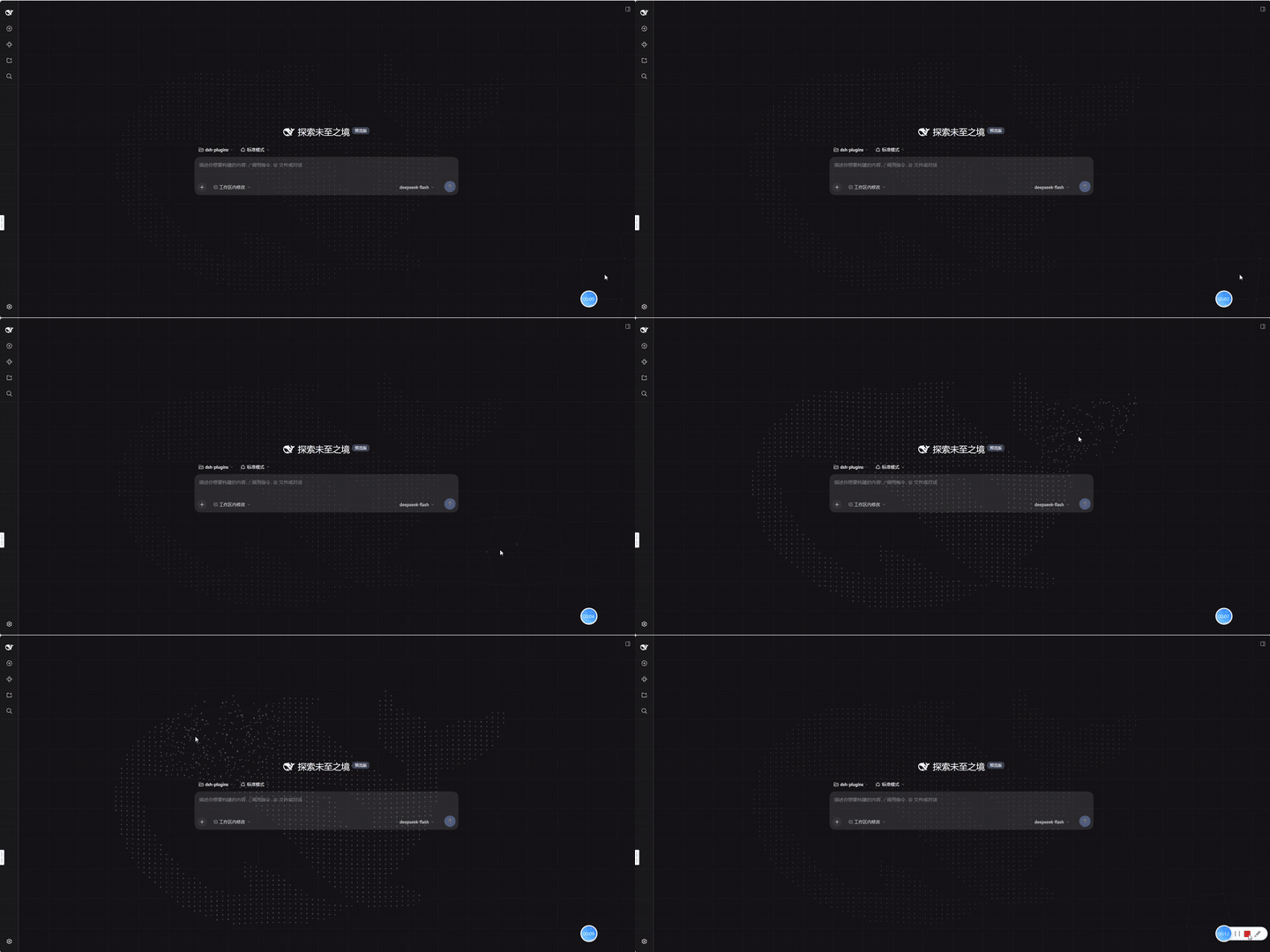
No screenshots
by kviiinh
Animated whale particle background for the DeepSeek Harness (dsh) Web UI - assembling from its scattered shell, breathing at idle, and being pushed around by the pointer
★ 0
MIT
TypeScript
Oct 20, 2026
dsh plugin --profile web add dsh-whale-particles-bg✦
No screenshots
by baisama-cloud
Customizable brand area for the Web UI: replace the whale logo and DeepSeek wordmark with local images, and edit the HARNESS badge text (double-click to change, right-click to reset).
★ 6
↓ 21/wk
MIT
JavaScript
Sep 30, 2026
dsh plugin --profile web add dsh-custom-brandby Scorp1o117
Interactive UI, HTML/SVG diagrams and animation for DeepSeek Harness Web
★ 41
↓ 2k/wk
MIT
JavaScript
Oct 27, 2026
dsh plugin --profile web add dsh-motion-ui