

dsh-custom-brand
Manifest valid★ 6Customizable brand area for the Web UI: replace the whale logo and DeepSeek wordmark with local images, and edit the HARNESS badge text (double-click to change, right-click to reset).
dsh-custom-brand
Customizable brand area for the DeepSeek Harness (DSH) Web GUI — replace the whale logo and the DeepSeek wordmark with your own local images, and edit the HARNESS badge text. Everything persists in localStorage and survives restarts.
DSH Web 界面左上角品牌区自定义插件:鲸鱼 logo 与 DeepSeek 文字可换成你自己的本地图片,HARNESS 徽章文字可双击编辑。所有修改保存在浏览器 localStorage,重启不丢。
Features / 功能
| Area | Interaction |
|---|---|
| Whale logo / 鲸鱼 logo | Double-click to pick a local image (auto-downscaled to 256px, PNG keeps transparency); right-click to restore the default whale |
| DeepSeek wordmark / DeepSeek 文字 | Double-click to pick a local image; right-click to restore the original lettering |
| HARNESS badge / HARNESS 徽章 | Double-click to edit the text (styled like the original badge letterforms); Enter to commit, Esc to cancel |
| Browser tab title / 标签页标题 | Syncs to the badge text |
Install / 安装
dsh plugin --profile web add github:<owner>/dsh-custom-brand
or in the DSH settings → Plugins market, search dsh-custom-brand. 或在 DSH 设置 → 插件市场中搜索安装。
Usage / 使用
- Hover the brand area in the top-left sidebar — a dashed outline hints where editing is available.
- Double-click the whale or the DeepSeek text to open the file picker; choose any image (PNG/JPG/WebP…). It is scaled to fit the small slot automatically.
- Right-click an image slot to reset it to the original artwork.
- Double-click the HARNESS badge and type a new name; the browser tab title updates with it.
Stored keys (browser localStorage): dsh.customLogo, dsh.customDeepSeekImg, dsh.customBrand.
Development / 开发
This is a standard DSH bundle:
lib/index.js— host half (intentionally empty; all behavior is client-side)lib/client.js— browser half, registered viawindow.__ModuleLoader__.loadcordis.patch.yml— loader row inserting the plugin
Build the tarball with:
pnpm pack
License / 许可证
MIT
Compatibility
Versions
| Latest version | Published | Size |
|---|---|---|
| 0.0.0-stage | — | — |
| 0.1.0 | — | — |
| 0.1.1 | — | — |
Comments
Loading…
Similar plugins
by ningbonb
Custom product name and logo branding for DeepSeek Harness Web 自定义 DeepSeek Harness Web 端 logo 和产品名称
★ 6
↓ 60/wk
NOASSERTION
TypeScript
Sep 3, 2026
dsh plugin --profile web add dsh-client-ui-brandby acebang0303
One-click create, update or remove the DeepSeek Harness desktop shortcut with switchable custom icons and a draggable whale button.
★ 2
NOASSERTION
JavaScript
Aug 18, 2026
dsh plugin --profile web add dsh-quick-launchby Luaphes
Attention reminders for the DeepSeek Harness Web UI: frame badge, (N) tab title and whale-favicon recolor for sessions waiting for input or finished unopened.
★ 6
↓ 140/wk
MIT
JavaScript
Sep 9, 2026
dsh plugin --profile web add dsh-web-attention-badgeby qiweiii
Custom branding for the shared DSH Web UI: a Settings → Branding panel for the name, badge, and local logo/wordmark images with size and rounding, live preview, optional page-title brand, and reset to
★ 3
TypeScript
Oct 24, 2026
dsh plugin --profile web add dsh-brand-studio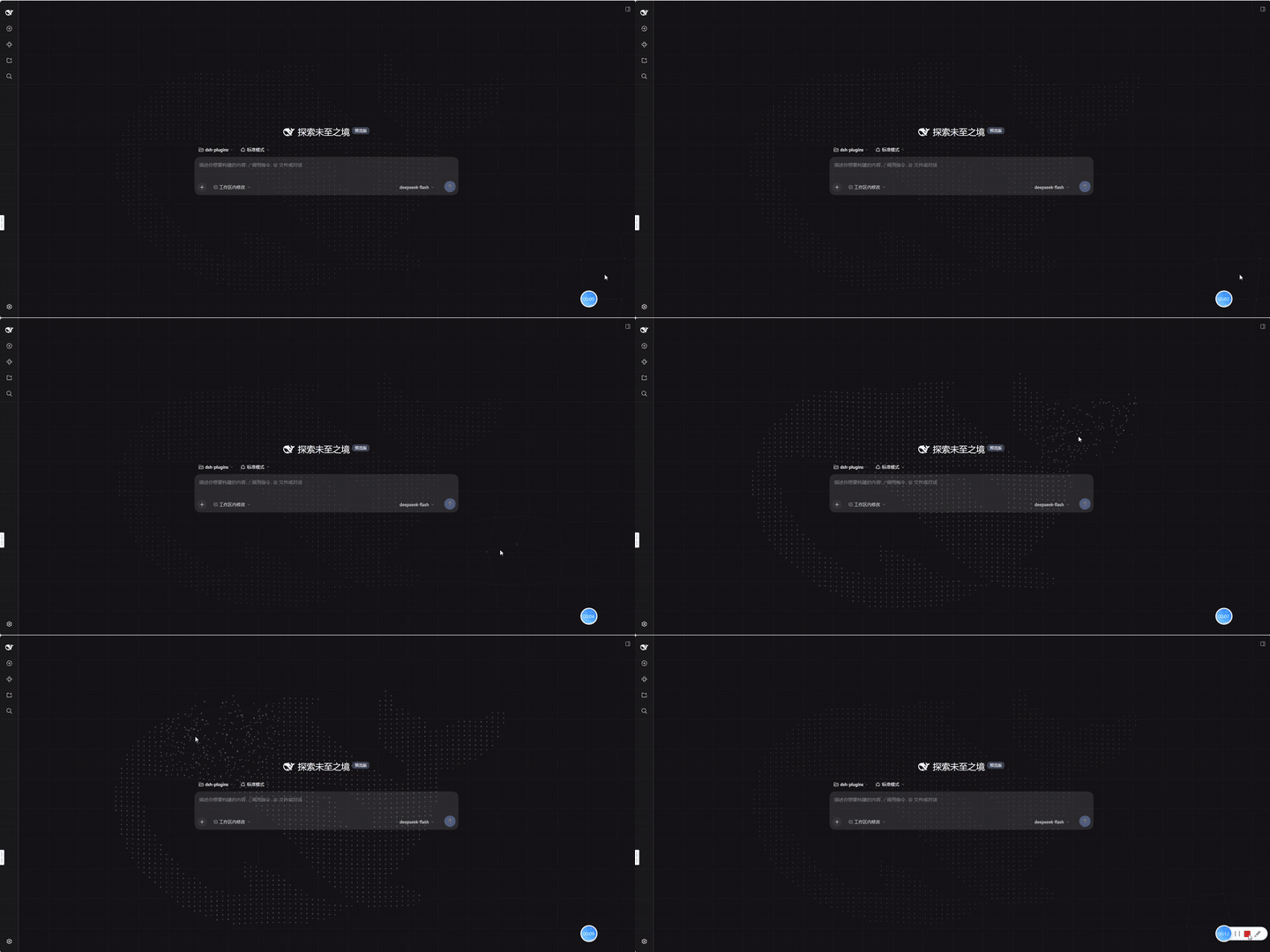
No screenshots
by kviiinh
Animated whale particle background for the DeepSeek Harness (dsh) Web UI - assembling from its scattered shell, breathing at idle, and being pushed around by the pointer
★ 0
MIT
TypeScript
Oct 20, 2026
dsh plugin --profile web add dsh-whale-particles-bgby awol2005ex3
DeepSeek Harness 自定义 Logo 插件 — 上传图片替换侧边栏左上角的品牌图标和文字。
★ 0
Apache-2.0
TypeScript
Sep 20, 2026
dsh plugin --profile web add dsh-logo-custom