
dsh-jcc-theme
Manifest validUnofficial Golden Spatula fan theme for the DSH Web GUI: an original hextech arena backdrop with a golden spatula crest (a parchment chart in light mode), four accent palettes (gold, cyan, violet, blu
金铲铲 · 海克斯核心
dsh-jcc-theme — 给 DeepSeek Harness Web 界面换一副金铲铲同人外观:原创海克斯竞技场背景、 金色铲影、四套强化配色与可开关的氛围光效,右下角一枚「海克斯核心」,点开就能换强调色、 调棋盘纹理与棱角,或者一键关掉。
非官方同人作品,与腾讯、Riot Games 无关。不含任何游戏素材:图标与底纹都是本仓库用 CSS / SVG 画的几何图形,配色来自公开的设计令牌。「金铲铲之战」「Teamfight Tactics」 是其各自权利人的商标。
它做了什么
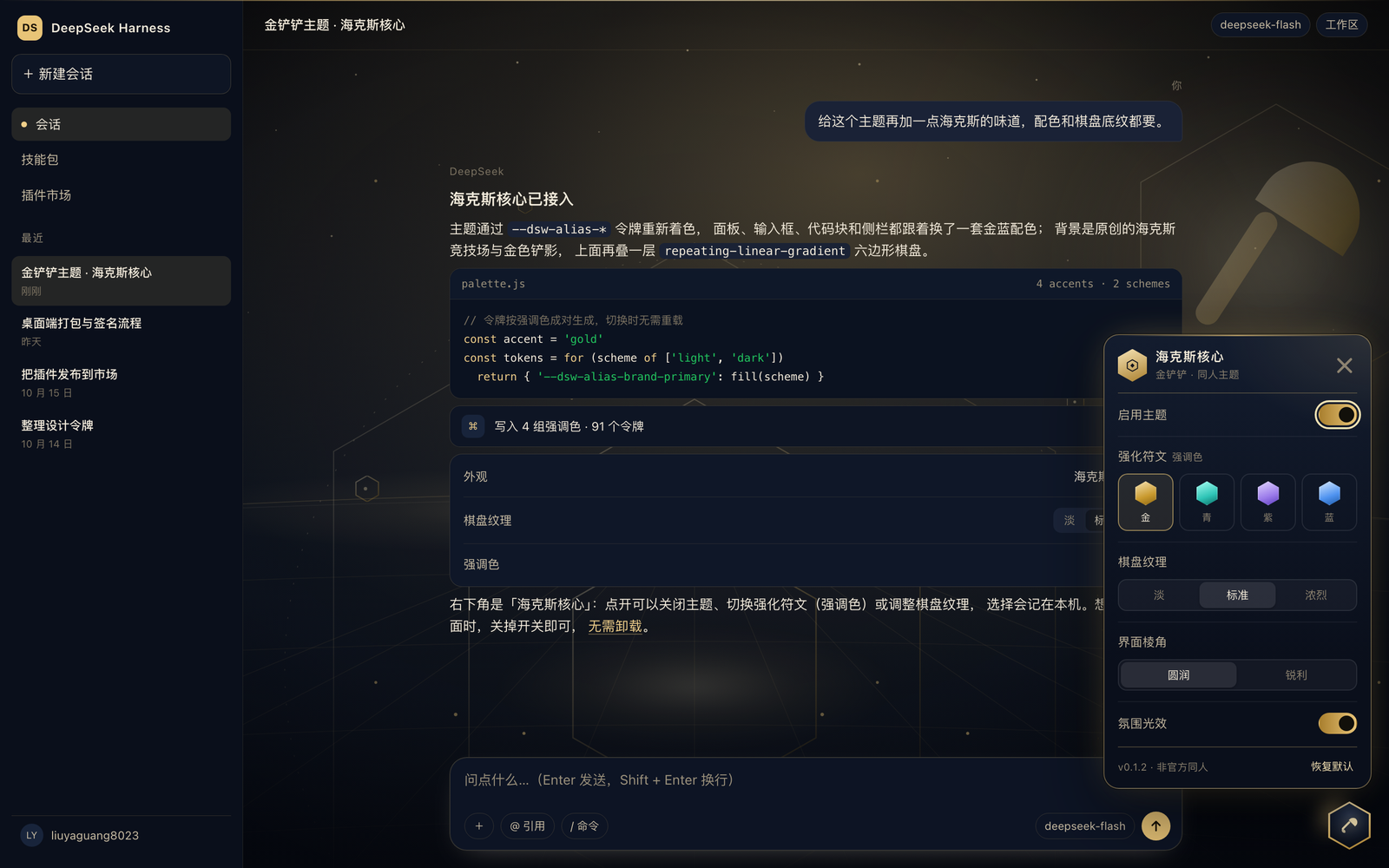
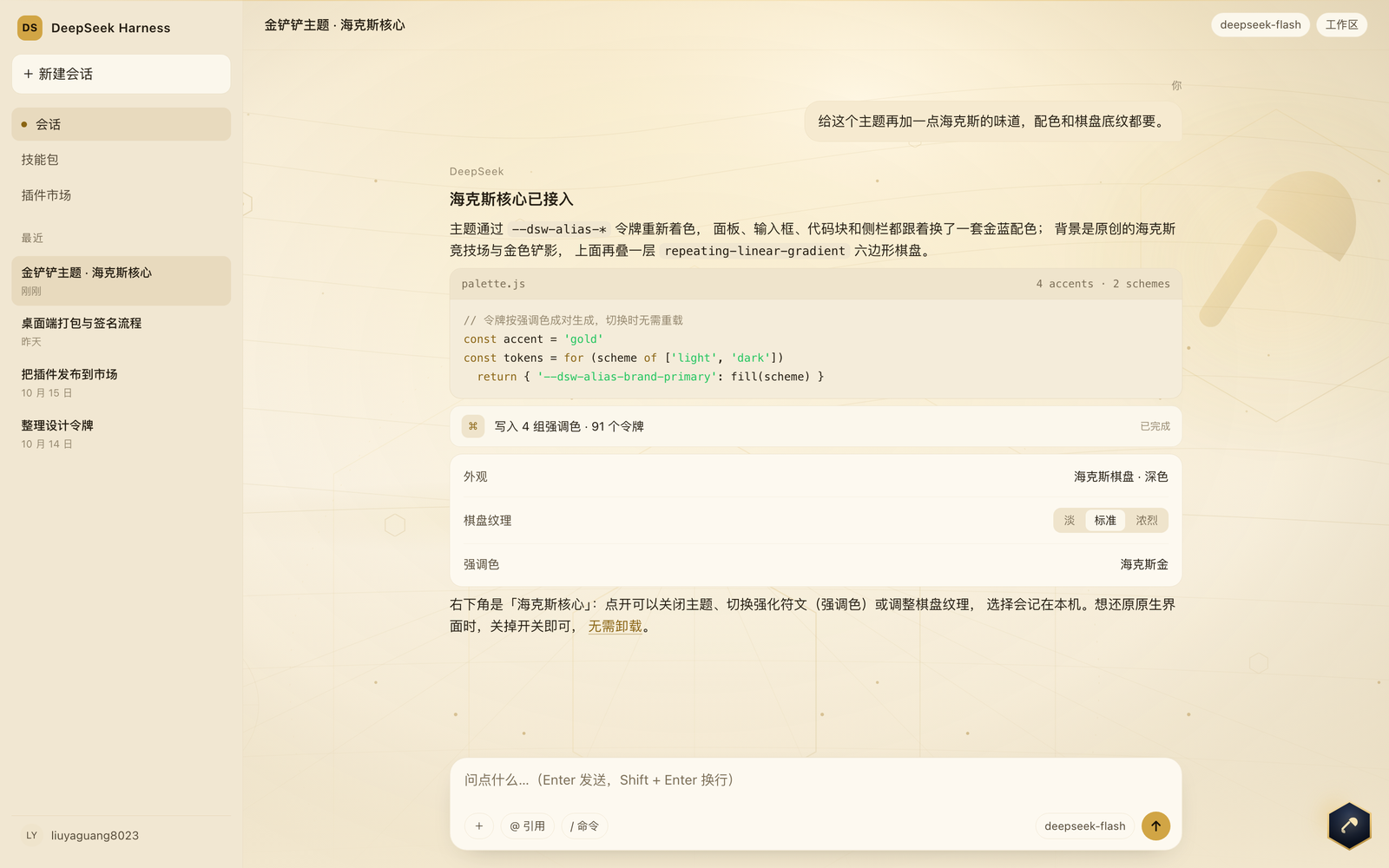
- 两套明暗外观:浅色是羊皮纸棋盘地图,深色是奥术蓝黑竞技场;跟随 DSH 的「浅色 / 深色 / 跟随系统」设置,无需单独开关。
- 原创背景图:夜场是六边形看台、金色铲影与漂浮海克斯晶体;浅色是旧地图等高线、罗盘与 同款铲影。两张都以内联 SVG data URI 提供,不额外请求任何图片。
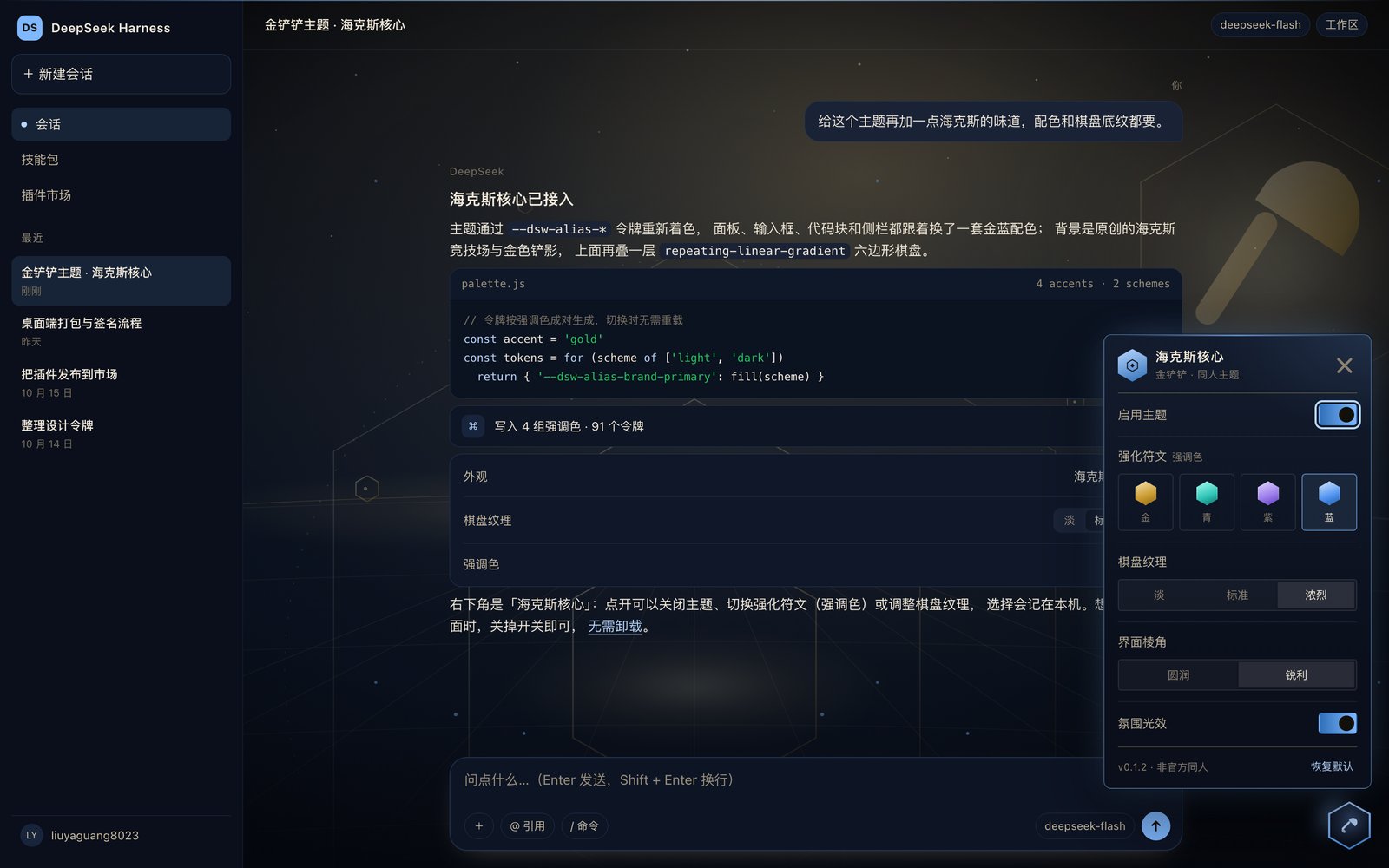
- 四枚强化符文:海克斯金、奥术青、狂暴紫、星界蓝。切换后边框、品牌色、链接、焦点环、 侧栏选中态一起换;切换是纯 CSS 属性,不重载页面。
- 棋盘纹理:淡 / 标准 / 浓烈三档,控制界面底层那层六边形网格与两团环境光的强度。
- 氛围光效:一层缓慢呼吸的极光,加两层速度不同的金色浮尘,全部在应用画布之后;
面板里可以关掉,
prefers-reduced-motion下自动停止动画。 - 界面棱角:圆润 / 锐利。锐利会同时收紧面板和产品自己的圆角令牌,卡片、按钮、 输入框一起变成 HUD 方角。
- 海克斯核心:右下角悬浮的六边形按钮。面板里可以启用/关闭主题、换强调色、调纹理、
切棱角、开关氛围光效、恢复默认;选择记在本机
localStorage,刷新后还在。 - 关闭即还原:所有页面级样式都挂在
<html data-jcc="on">下。关掉开关(或从插件市场 停用)后,原生界面立刻回来,不用卸载。
浅色:
星界蓝 + 锐利棱角 + 浓烈纹理:
安装
要求 DSH 0.2.0-rc.1 或更新(含桌面端)。插件只带浏览器半边,没有宿主服务、没有配置 schema、没有终端命令。
从插件市场安装
收录后,在 设置 → 插件市场 里搜索「金铲铲」或 dsh-jcc-theme,一键安装。
从命令行安装
# 预构建 tarball(推荐,装完不用构建)
dsh plugin --profile web add "https://github.com/liuyaguang8023/dsh-jcc-theme/releases/latest/download/dsh-jcc-theme.tgz"

# 或直接从源码装(仓库里已带构建产物,无需 npm install)
dsh plugin --profile web add github:liuyaguang8023/dsh-jcc-theme
装完按市场的提示刷新页面;如果宿主在启动时组合 bundle,重启一次 dsh web 即可。
使用
- 页面右下角出现六边形「海克斯核心」按钮。
- 点开面板:
- 启用主题 — 总开关,关掉完全还原原生界面;
- 强化符文 — 金 / 青 / 紫 / 蓝四种强调色;
- 棋盘纹理 — 淡 / 标准 / 浓烈;
- 界面棱角 — 圆润 / 锐利;
- 氛围光效 — 极光与金色浮尘的开/关;
- 恢复默认 — 回到海克斯金 + 标准纹理 + 圆润 + 氛围开。
- 点面板外面或按
Esc收起。
选择存储在 localStorage 的 dsh-jcc/v1 键里,格式是
{"on":true,"accent":"gold","texture":"normal","ambience":true,"corners":"soft"}。不上传、不联网。
兼容性
| 项目 | 说明 |
|---|---|
| DSH | >=0.2.0-rc.1 <0.3.0-0(engines.dsh) |
| 明暗 | 浅色 / 深色 / 跟随系统,跟随 DSH 令牌 |
| 窄屏 | 面板上移并限制宽度,避免压住输入框 |
| 字体 | 不改字体栈;标题字距、按钮样式也只作用于主题自己的面板 |
| 网络 | 零请求。没有图片、字体、脚本来自外部 |
| 权限 | 不读写文件、不执行命令、不调用宿主 API |
工作原理
- 颜色:在
src/client.js里按「强调色 × 明暗」生成--dsw-alias-*令牌,选择器写成:root[data-jcc="on"][data-jcc-accent="gold"] body[data-ds-dark-theme],比产品自身的body[data-ds-dark-theme]更具体,所以能稳定覆盖、也能随时撤回。 - 背景:两张原创 SVG 场景在构建时编码成 data URI,作为
body的第一层背景,再叠三条repeating-linear-gradient(0° / ±60°)的棋盘网格与两层径向光。background-attachment: fixed让整层背景不随消息滚动。应用框架和各个页面根节点会用--dsw-alias-bg-base盖住这层画布,所以客户端会在运行时找出「覆盖整个视口」的画布层并把它们变透明;粘性标题、卡片、附件这类同样用该令牌的小元素保持不透明。 - 氛围:一个
z-index: -1的固定层,两层浮尘用background-image+transform漂移, 极光用径向渐变呼吸;画布层透明,所以它只出现在界面背后,不挡文字。 - 棱角:锐利模式同时覆写
--dsw-radius-*与面板自己的圆角变量,保证卡片、按钮和 面板一起变方,而不是只有面板。 - 面板:纯 DOM + CSS,不依赖 React、不使用
slots,所以宿主升级换掉组件类名也不会 把面板弄坏;唯一耦合的是稳定的data-ds-dark-theme属性与设计令牌。 - 构建:
client/index.js由src/client.js+src/theme.css拼成,提交进仓库,所以从 源码安装不需要构建步骤。
开发
仓库零运行时依赖,只需要 Node 20+。test/dom.mjs 会调用本机 Chrome(找不到时自动跳过)。
npm run build      # 重新生成 client/index.js
npm test           # manifest + 调色板契约
npm run test:dom   # 真 DOM 里把交互跑一遍(headless Chrome)

# 本地预览:preview/index.html 用产品的真实 token 快照搭了一个 DSH 外壳
open preview/index.html
node scripts/shoot.mjs   # 重新生成 assets/ 里的截图
preview/tokens.css 是从 DSH 0.2.1-rc.2 的 dsh-client-ui-theme 抽出的令牌快照,只用于
本地预览,不参与发布。
许可
MIT。见 LICENSE。
Comments
Loading…
Similar plugins
 3
3No screenshots
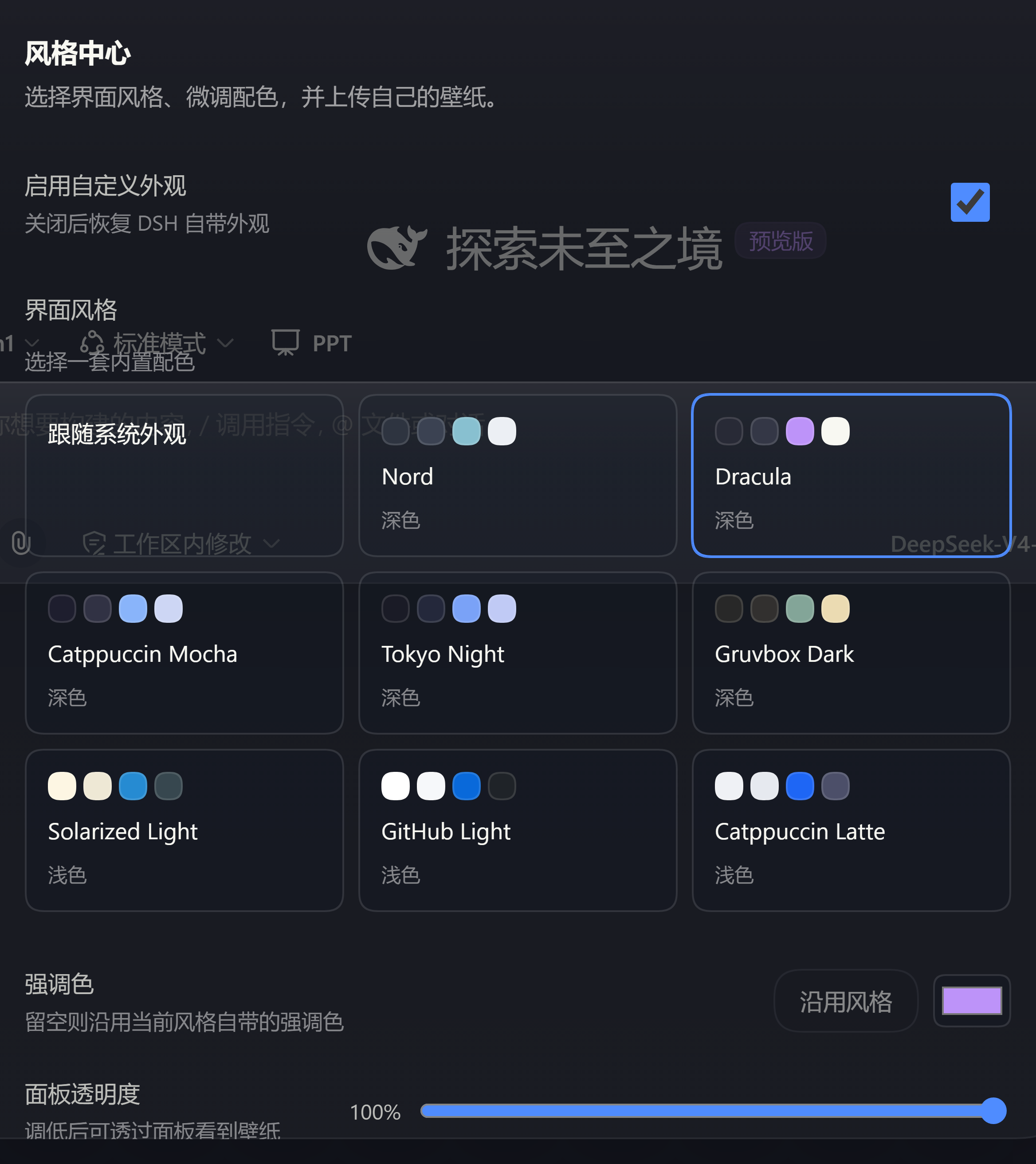
Theme studio for the DeepSeek Harness web GUI: eight switchable preset styles, accent and panel-translucency fine-tuning, host-side wallpapers painted on the first frame, and a one-click fix when the
★ 0
dsh plugin --profile web add dsh-style-hub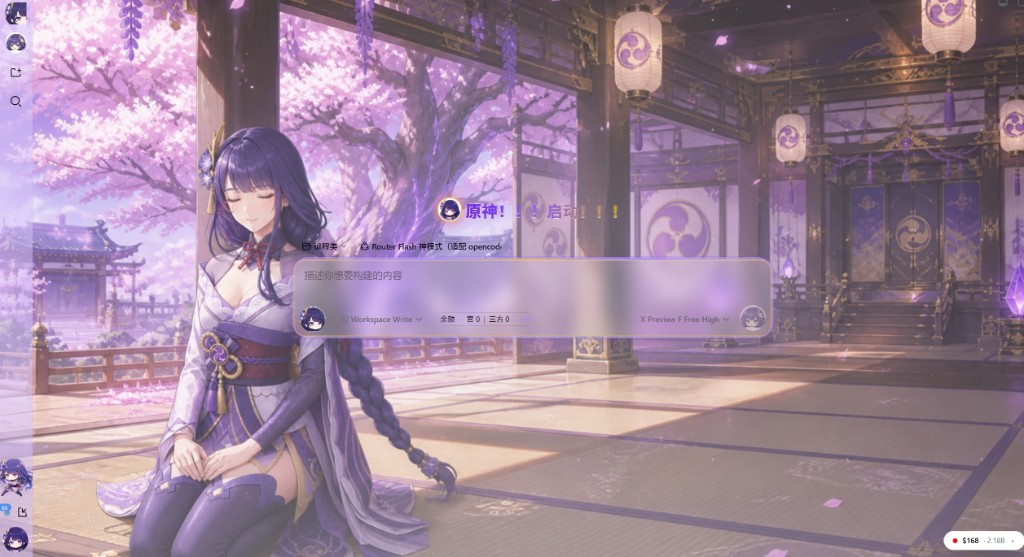 2
2No screenshots
Violet-gold acrylic DSH Web theme with light and dark stage art, framed chat, workspace mascot, and an optional Raiden agent preset.
★ 0
dsh plugin --profile web add @dsh-external/dsh-raiden-theme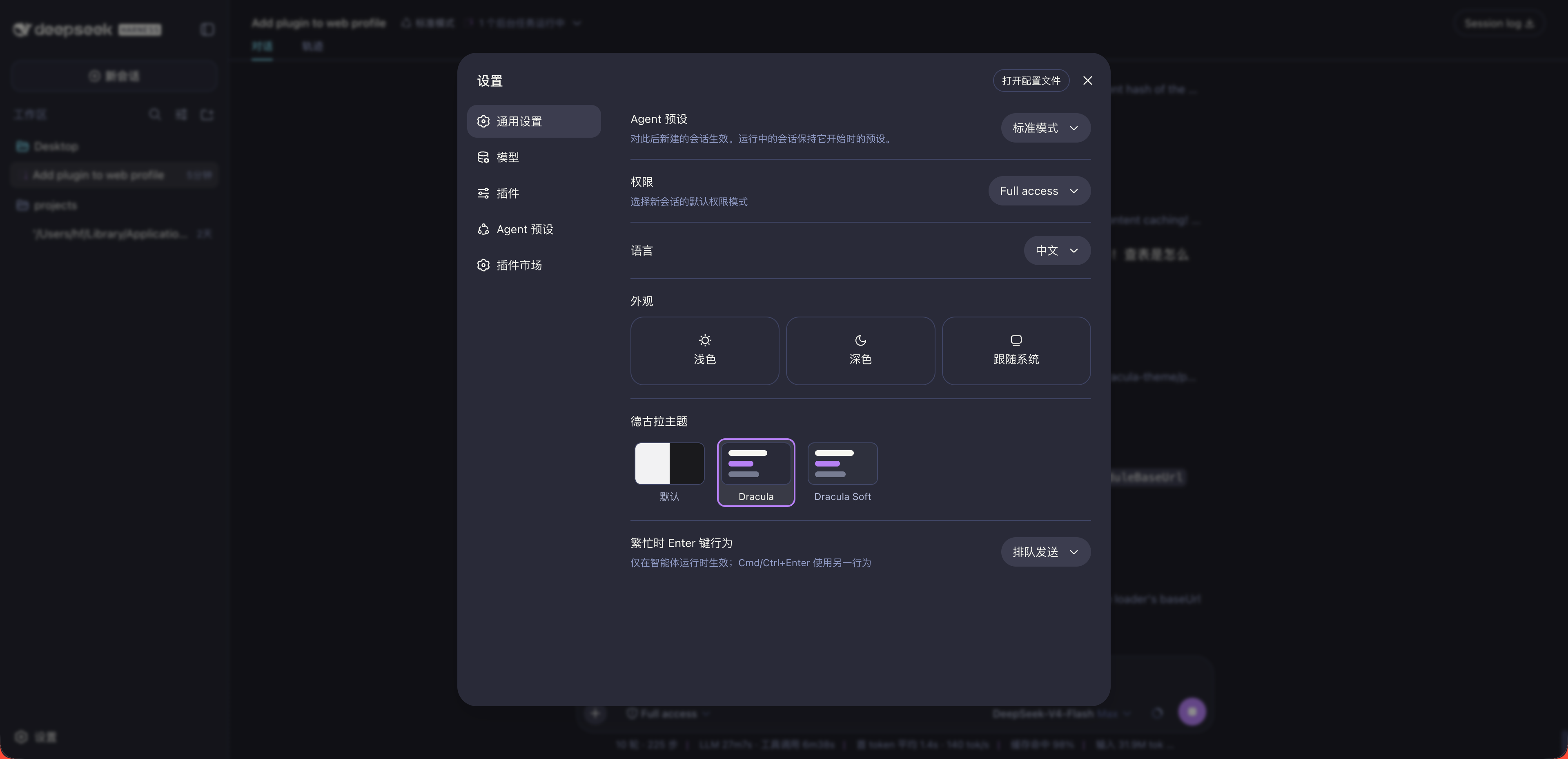
No screenshots
Dracula theme plugin for the DSH Web GUI: the classic dark palette and the Soft variant registered into the native theme runtime, one-click switching with a persisted choice.
★ 0
dsh plugin --profile web add dsh-dracula-theme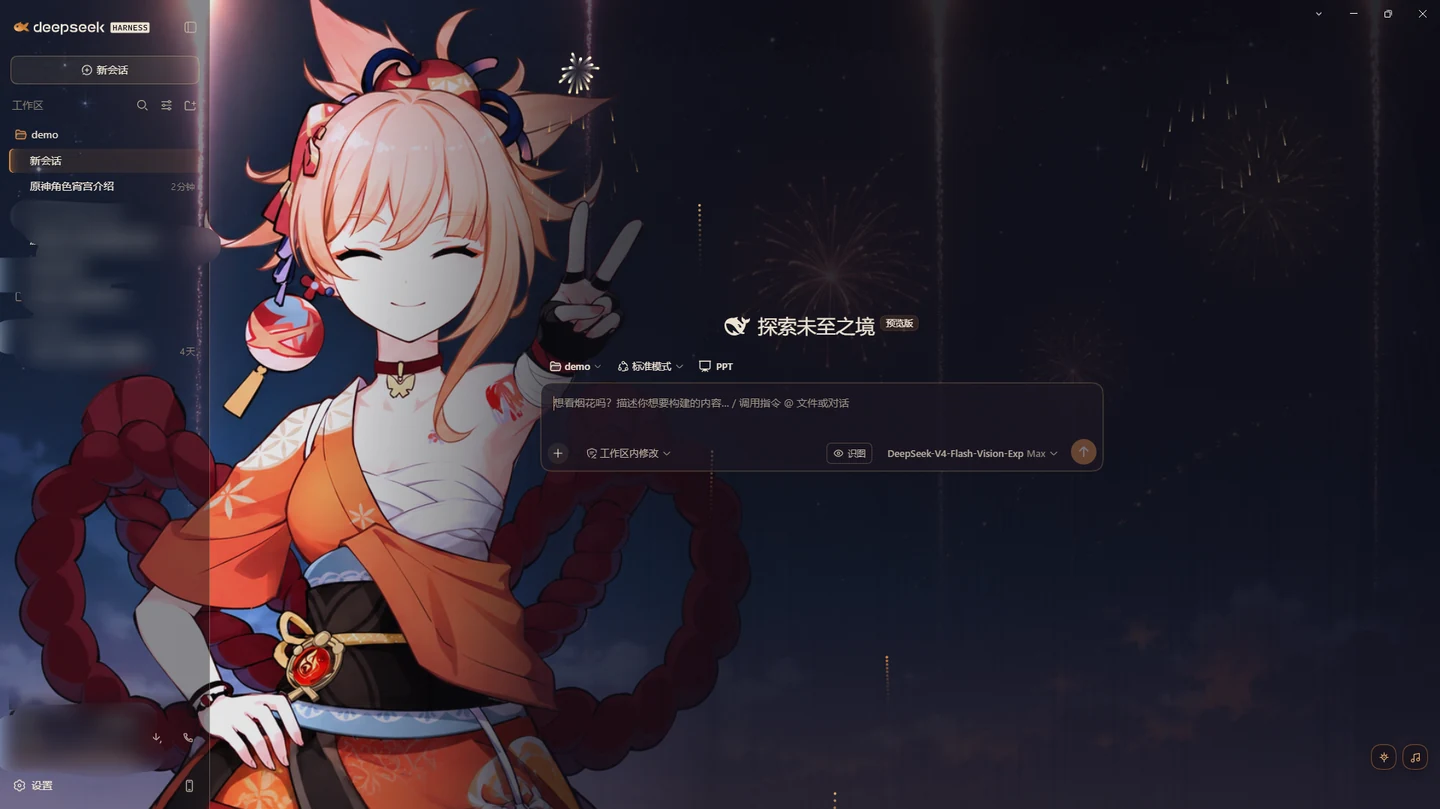 4
4No screenshots
by CosmerHomura
Genshin Impact Yoimiya theme: two hand-tuned palettes, a procedural fireworks particle layer, and a local music player that reads your own files — songs and covers are never uploaded. Warm syntax colo
★ 3
MIT
JavaScript
Sep 16, 2026
dsh plugin --profile web add dsh-yoimiya-theme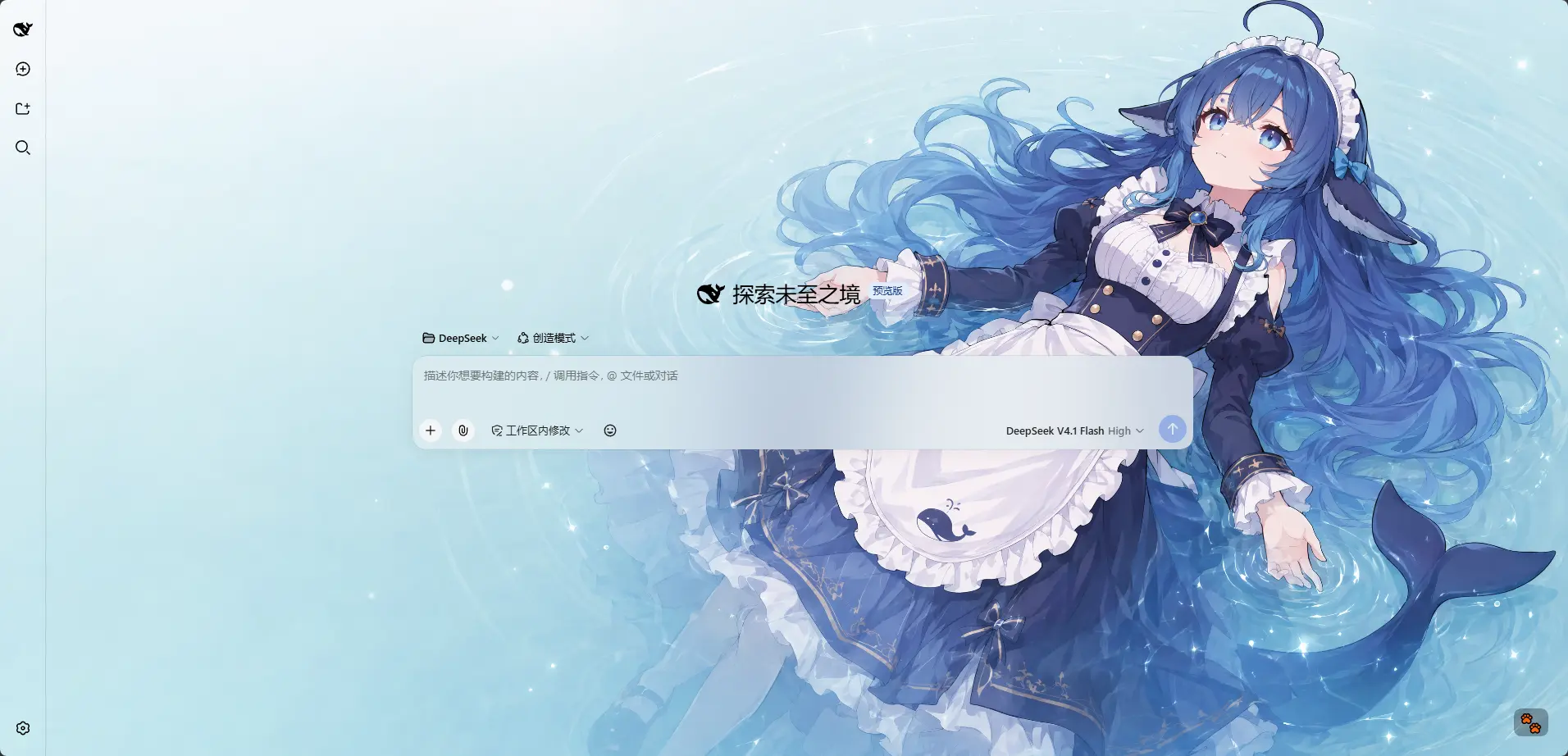 3
3No screenshots
by HarmlessFunny
Per-model appearance for the DSH Web UI: an ordered rule list matched against the current session model name, each rule carrying its own wallpaper, theme colour, layout mode, framing and wallpaper opa
★ 20
↓ 1.1k/wk
MIT
TypeScript
Oct 18, 2026
dsh plugin --profile web add dsh-background-by-model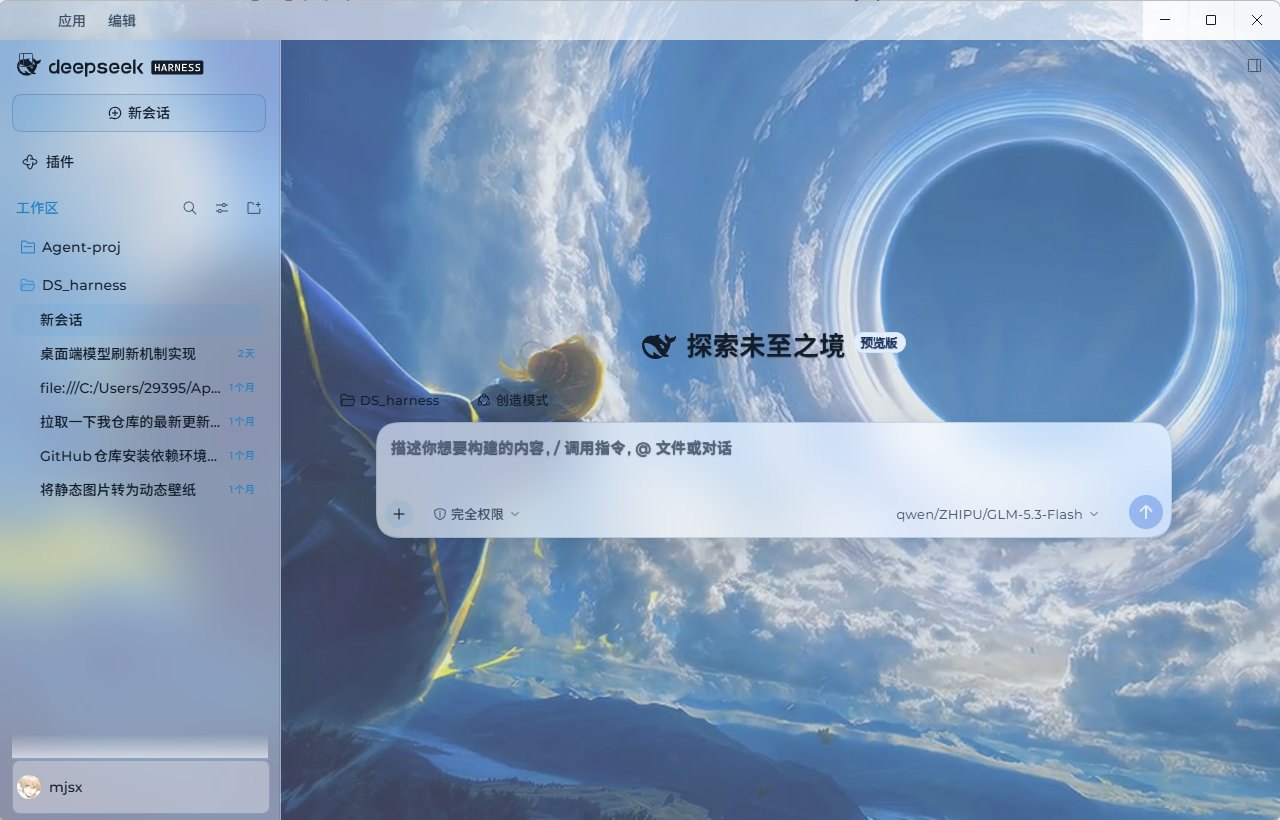 3
3No screenshots
Deep-space theme for the Harness Web GUI: two fully designed light and dark palettes over a seamless cross-dissolve nebula wallpaper, plus a model probe that reports which configured models actually a
★ 0
dsh plugin --profile web add dsh-xingkong-theme