
dsh-settings-resize
Manifest validResize the Settings dialog and set its transparency from three sliders in General settings; the choice persists across restarts.
dsh-settings-resize
在 DeepSeek Harness 的设置 → 通用设置里加三个滑动条,用来调节设置弹窗的宽度、高度和透明度。拖动即刻生效,选择会被记住。
界面文案中英双语,跟随 DSH 的语言设置自动切换。
中文 | English
Adds three sliders to Settings → General that resize the DeepSeek Harness Settings dialog and adjust its transparency. Changes apply immediately and persist across restarts. The UI follows the active DSH language (Chinese or English).
功能
- 宽度 / 高度 / 透明度三个滑动条:宽度 640–2400 px,高度 480–2160 px,透明度 0–100%。
- 即时生效:拖动时正在打开的设置弹窗马上跟着变化,不需要保存或重启。
- 持久化:写入
localStorage的dsh.settingsResize.v1,完全退出 DSH 再打开仍然是上次的设置。 - 中英双语:文案来自插件内置的 zh / en 字典,在「设置 → 通用 → 语言」里切换即时生效。
- 恢复默认:一键回到 DSH 原始的 800 × 800、完全不透明。
- 不会溢出屏幕:宽度不超过
100vw - 48px,高度不超过100vh - 2 * max(24px, var(--dsh-frame-overlay-top, 24px)),窗口缩小时弹窗被自动夹住。 - 只作用于设置弹窗:规则全部挂在
[data-shortcut-modal="settings"]上,其他弹窗、面板和页面不受影响。 - 可干净停用:
<style>标签、四个 CSS 变量、槽位注册和语言字典都登记在ctx.effect的清理函数里,禁用或卸载插件后设置弹窗回到原始状态。
结构
| 文件 | 作用 |
|---|---|
package.json | 包清单:dsh.bundle.patch 指向 bundle patch,dsh.client 声明 Web 客户端半 |
cordis.patch.yml | 只插入一行 dsh-settings-resize |
lib/index.js | 宿主半,空实现;它的存在让客户端半随引导图一起加载 |
client/client.js | 全部功能:样式表、CSS 变量、settings.general.item 槽位注册、三个滑动条组件 |
locale/{en,zh}.json | 插件页显示的标题与说明 |
icon.svg | 插件图标 |
test/lifecycle.cjs | 生命周期仿真测试(node test/lifecycle.cjs) |
透明度的实现取舍
透明度只作用于弹窗底衬,用 color-mix 把底色 token 向 transparent 稀释;文字与控件保持不透明,所以调透后内容依然可读:
background: color-mix(
  in srgb,
  var(--dsw-alias-bg-layer-2) var(--dsh-settings-alpha, 100%),
  transparent
) !important;
滑块度量的是「透明度」,CSS 变量保存的是「不透明度」的补值(100% - 透明度)。
上限 100% 意味着底衬可以完全透明。为了让弹窗在那种状态下仍然可定位,面板边缘叠了一圈随透明度增强的描边(--dsh-settings-edge),拖满时达到最强:
outline: .5px solid
  color-mix(in srgb, var(--dsw-alias-border-l2) var(--dsh-settings-edge, 0%), transparent) !important;
outline-offset: -1px !important;
用 outline 而不是 border,是因为描边不占布局,弹窗尺寸与你设定的宽高严格一致。
localStorage 记录形如:
{"width":1200,"height":900,"heightUnit":"px","transparency":20}
实现要点
设置弹窗的 class 由 CSS Modules 生成(当前是 wCInkW_panel),哈希随版本变化,所以这里只使用稳定属性 data-shortcut-modal="settings" 作为选择器。
尺寸走两个自定义属性,透明度走第三、第四个:
html {
  --dsh-settings-w: 800px;
  --dsh-settings-h: 800px;
  --dsh-settings-alpha: 100%;  /* 底衬不透明度 = 100% - 透明度 */
  --dsh-settings-edge: 0%;     /* 边缘描边强度 = 透明度 */
}
[data-shortcut-modal="settings"] {
  width: var(--dsh-settings-w) !important;
  height: var(--dsh-settings-h) !important;
  max-width: calc(100vw - 48px) !important;
  max-height: calc(100vh - 2 * max(24px, var(--dsh-frame-overlay-top, 24px))) !important;
  background: color-mix(in srgb, var(--dsw-alias-bg-layer-2) var(--dsh-settings-alpha), transparent) !important;
  outline: .5px solid color-mix(in srgb, var(--dsw-alias-border-l2) var(--dsh-settings-edge), transparent) !important;
  outline-offset: -1px !important;
}
!important 是必需的:原规则来自同优先级的 CSS Modules 选择器。变量写在 document.documentElement 的行内样式上,清理时逐个 removeProperty。
安装
从 GitHub 直接安装(推荐):
dsh plugin add https://github.com/hansomgar/dsh-settings-resize
也可以在 DSH 的 设置 → 插件 页里填入上面的仓库地址安装。
本地开发时,从工作目录安装:
pnpm add "file:E:\Data\data_dsh\2026\dsh-settings-resize"
或者把本目录登记进 profile 的 dependencies 与 dsh.profile.bundles,然后 npm install。
停用
在插件页关闭 dsh-settings-resize,或在 profile 的 cordis.patch.yml 里覆盖:
- id: dsh-settings-resize
  disabled: true
设置弹窗即回到 DSH 原始尺寸,localStorage 中的记录保留,重新启用后继续使用。
Comments
Loading…
Similar plugins
Makes the DSH Settings dialog resizable from its edges and corners and movable by its top strip, remembering the chosen size across opens.
★ 0
dsh plugin --profile web add dsh-resizable-settingsby alexzshl
Resizable DSH settings dialog: size presets plus width/height sliders in Settings → General, persisted per browser
★ 0
MIT
JavaScript
Sep 29, 2026
dsh plugin --profile web add dsh-settings-sizeby Saretheya
Reorder the settings panel nav by long-pressing and dragging a section: the dragged row turns translucent and follows the pointer, the order is saved to the plugin's own folder, and uninstalling resto
★ 0
MIT
JavaScript
Sep 15, 2026
dsh plugin --profile web add dsh-settings-nav-orderby suntianc
Adds custom icons to the DSH Settings sidebar and exposes a keyed `settings.section.icon` slot for third-party settings sections.
★ 1
MIT
TypeScript
Oct 17, 2026
dsh plugin --profile web add dsh-ui-settings-icons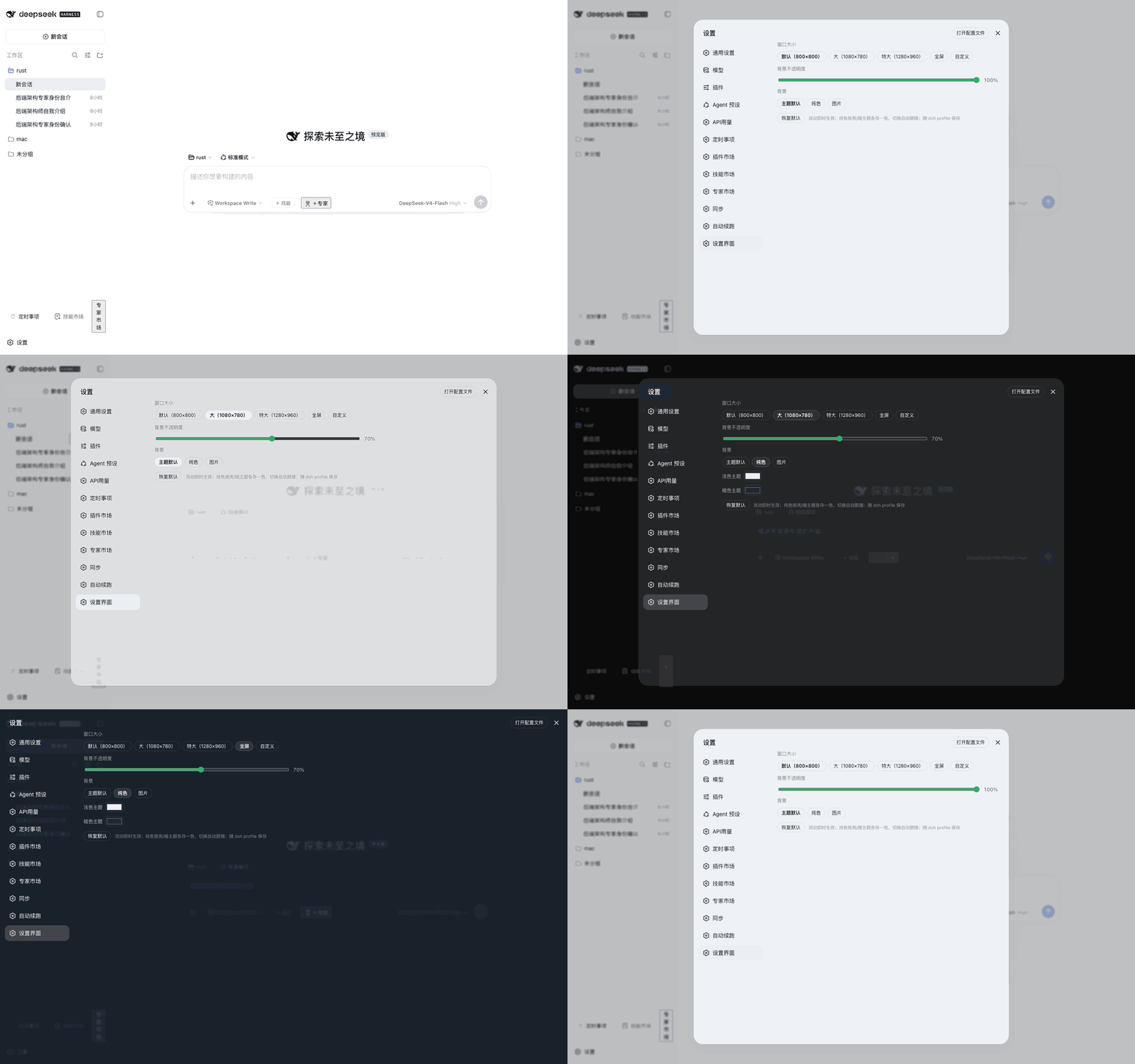 5
5No screenshots
by weibaohui
Customizes the native settings window: preset or custom window sizes, fullscreen, background transparency, and theme, solid-color, or image backgrounds, with a floating ball for quick access; saved in
★ 3
↓ 204/wk
NOASSERTION
JavaScript
Oct 9, 2026
dsh plugin --profile web add @weibaohui/dsh-settings-uiWindow-like controls for every Web UI modal: drag by title bar, eight-way resize, pin against outside clicks, maximize to the full viewport, removable backdrop blur, and per-dialog persistent state.
★ 0
dsh plugin --profile web add dsh-modal-enhancer