

dsh-client-app
DiscoveredAuthenticated DeepSeek Harness Web client with Tauri 2, dsh-auth, and optional Cloudflare Tunnel plugins.
dsh-client-app
为 DeepSeek Harness 提供登录保护插件和 Tauri 桌面客户端。
dsh-auth/:保护 dsh Web 页面、HTTP API 和 WebSocket。dsh-cloudflare-tunnel/:可选的 Cloudflare Tunnel 插件。tauri-client/:Tauri 2 + React 桌面客户端。
给 Coding Agent 的安装步骤
在已安装 Node.js 20+、pnpm 10+ 和 dsh CLI 的机器上执行。以下脚本可直接交给 Coding Agent 执行:
set -euo pipefail
REPO_DIR="${REPO_DIR:-$PWD/dsh-client-app}"
if [ ! -d "$REPO_DIR/.git" ]; then
  git clone https://github.com/chengyingshe/dsh-client-app.git "$REPO_DIR"
fi
cd "$REPO_DIR/dsh-auth"
pnpm install --frozen-lockfile
pnpm typecheck
pnpm test
dsh plugin --profile web add "link:$PWD"
dsh plugin --profile web list
发布到 npm 后,也可以直接安装正式包:
dsh plugin --profile web add @maximeshe/dsh-auth-plugin
dsh plugin --profile web add @maximeshe/dsh-cloudflare-tunnel-plugin
维护者发布流程:在 GitHub 仓库的 Actions secrets 中添加 NPM_TOKEN(npm Automation Token),然后推送版本标签 v0.1.0。Workflow 会分别测试并发布两个插件。
启动 dsh Web(本地测试凭据):
DSH_AUTH_USERNAME=tester DSH_AUTH_PASSWORD=test-pass \
DSH_AUTH_TOKEN_SECRET="$(openssl rand -base64 32)" \
dsh web --no-open --port 3099
访问 http://127.0.0.1:3099,使用 tester / test-pass 登录。生产环境必须替换凭据并使用 HTTPS。
如果使用本地 Harness 源码,请先执行 corepack pnpm run build:lib:host,再用 corepack pnpm dsh web 启动。三个 DSH_AUTH_* 变量均为必填项。
启动桌面客户端
需要 Rust stable 和 Tauri 系统依赖:
cd "$REPO_DIR/tauri-client"
pnpm install --frozen-lockfile
pnpm typecheck
pnpm test
pnpm build
pnpm tauri dev
客户端中填写 dsh Web 地址,例如 http://127.0.0.1:3099。
Cloudflare Tunnel(可选)
cd "$REPO_DIR/dsh-cloudflare-tunnel"
pnpm install --frozen-lockfile
pnpm typecheck
pnpm test
使用 cloudflared tunnel 前,请将域名路由到 dsh Web 端口。不要提交密码、Token、Cookie 或 Cloudflare credentials。
网络不稳定时建议使用 cloudflared tunnel --protocol http2。
验证与 CI
cd "$REPO_DIR/dsh-auth" && pnpm typecheck && pnpm test
cd "$REPO_DIR/dsh-cloudflare-tunnel" && pnpm typecheck && pnpm test
cd "$REPO_DIR/tauri-client" && pnpm typecheck && pnpm test && pnpm build
GitHub Actions 会在 main push 和 Pull Request 时运行检查;发布 GitHub Release 时构建 macOS、Windows 和 Linux 安装包。
常见问题
530/1033:Cloudflare Tunnel 未运行或已退出;检查cloudflared进程并使用 HTTP/2。app_hide.toml not found:项目重命名后遗留 Tauritarget缓存;停止 Tauri 后移走tauri-client/src-tauri/target再重试。- 修改服务器:在 Tauri 顶部工具栏点击
Change server。 - 退出登录:点击
Sign out,客户端会调用/auth/logout并清理 WebView Cookie。
配置项
| 变量 | 必填 | 说明 |
|---|---|---|
DSH_AUTH_USERNAME | 是 | 登录用户名 |
DSH_AUTH_PASSWORD | 是 | 登录密码 |
DSH_AUTH_TOKEN_SECRET | 是 | Token 签名密钥 |
DSH_AUTH_ACCESS_TOKEN_TTL | 否 | Access Token 有效期 |
DSH_AUTH_REFRESH_TOKEN_TTL | 否 | Refresh Token 有效期 |
DSH_PUBLIC_URL | 否 | 对外访问地址 |
预览
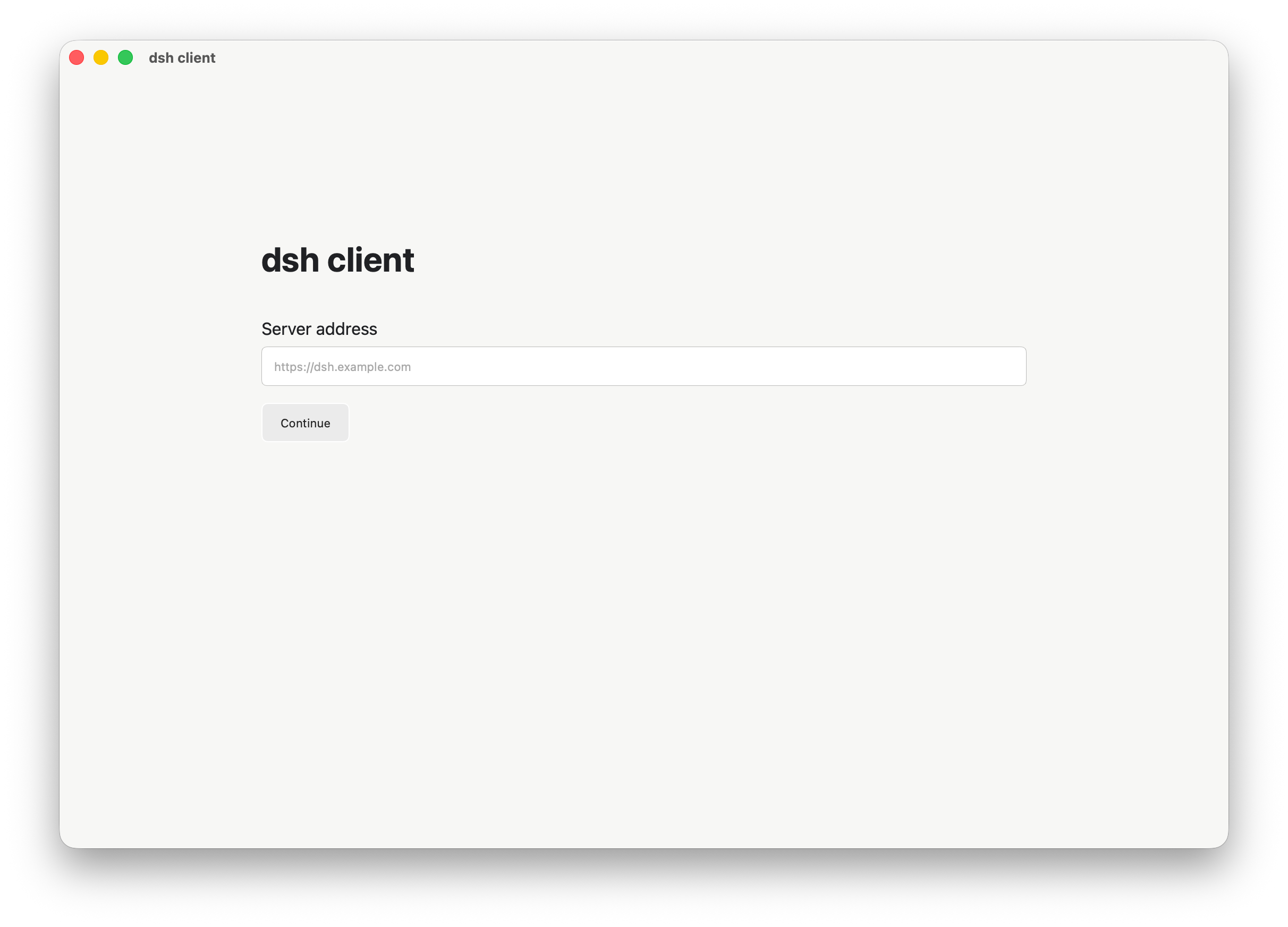
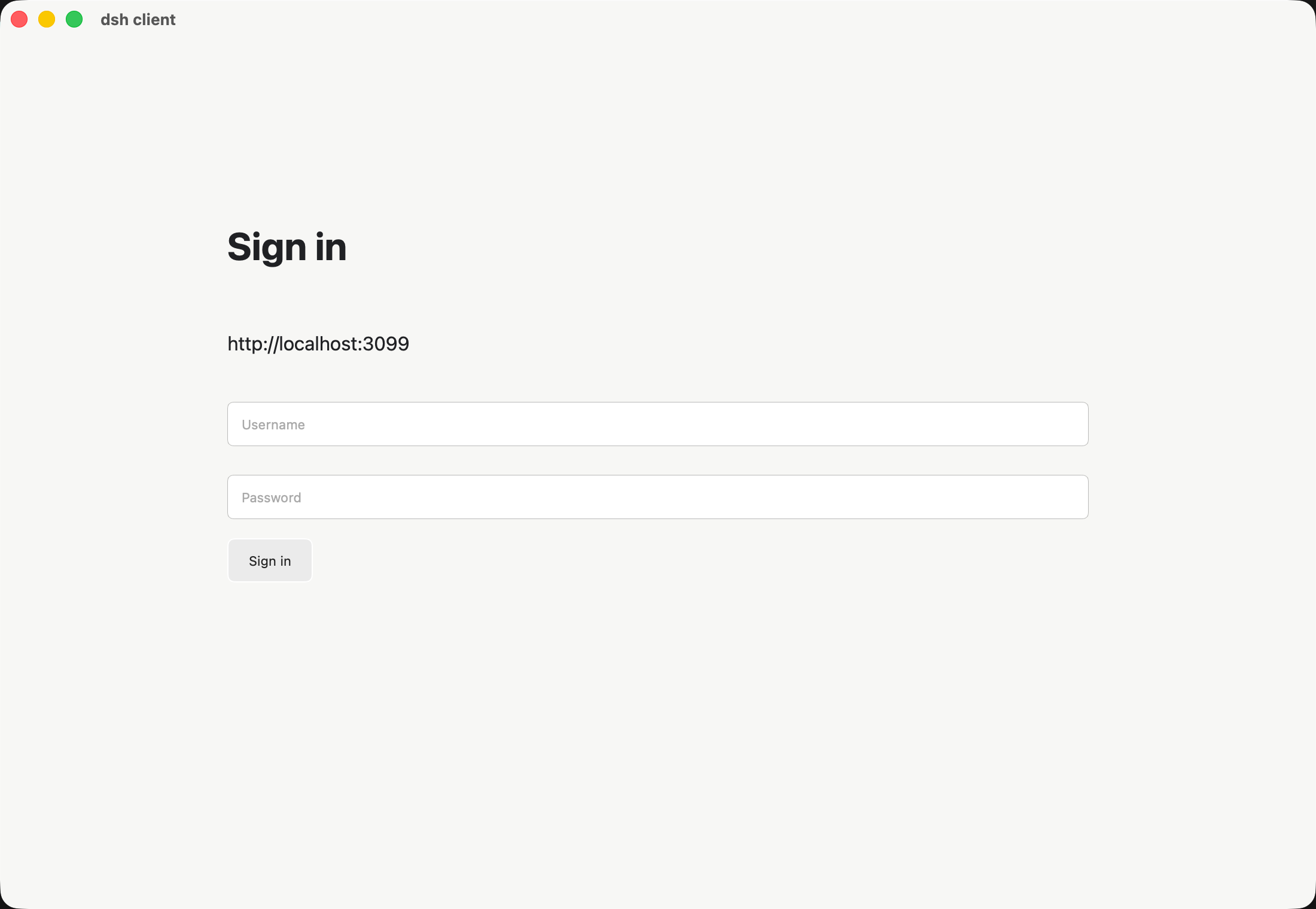
许可证
MIT,详见 LICENSE。
Comments
Loading…
Similar plugins
by ai-eks
Password-gated Cloudflare Tunnel access for the DeepSeek Harness Web GUI, with quick and named tunnel modes.
★ 4
↓ 331/wk
MIT
TypeScript
Oct 5, 2026
dsh plugin --profile web add dsh-auth-tunnelby tearslee
DeepSeek Harness (dsh) plugin: supervise a workbuddy2api gateway process and auto-register its models as an LLM provider
★ 8
↓ 618/wk
MIT
TypeScript
Oct 20, 2026
dsh plugin --profile web add dsh-workbuddy2apiby luodeb
Authentication reverse-proxy gateway plugin for DeepSeek Harness Web
★ 3
↓ 68/wk
BSD-3-Clause
TypeScript
Aug 17, 2026
dsh plugin --profile web add dsh-web-auth-gatewayby maxwell-feng
DeepSeek Harness plugin: back the native web_search / web_fetch tools with your self-hosted SearXNG instance — keyless, private, no third-party search vendor.
★ 7
MIT
TypeScript
Sep 13, 2026
dsh plugin --profile web add dsh-searxng-webby qingshanyuluo
DeepSeek Harness mobile: CSS-only UI plugin, password-protected Cloudflare tunnel and a tiny Android WebView app - use DSH on your phone.
★ 0
↓ 16/wk
MIT
Shell
Aug 26, 2026
dsh plugin --profile web add @qingshanyuluo/dsh-client-ui-mobileby MicroWearld
A2A server bridge plugin for DeepSeek Harness
★ 0
↓ 198/wk
TypeScript
Aug 30, 2026
dsh plugin --profile web add dsh-a2a-server