

dsh-smart-namer
Manifest valid★ 1Smart naming for sessions and workspaces: one click asks the profile model for short name candidates from the item's own content, then renames in place.

智能命名(dsh-smart-namer)
给 DSH 侧栏加一个「智能命名」:模型读取会话或工作区自身的内容,给出几个候选短名,选中其一即可改名。会话和工作区各有一个入口,另附一个给 Agent 用的 rename_target 工具。
只使用 DSH 公开接口,不修改宿主安装目录。


安装
从 npm(推荐,预构建,免构建授权):
dsh plugin --profile desktop add dsh-smart-namer
从 GitHub(最新源码):
dsh plugin --profile desktop add github:Blueteemo/dsh-smart-namer
从本地源码(开发用):
dsh plugin --profile desktop add file:/absolute/path/to/dsh-smart-namer
也可以直接用预构建包:
dsh plugin --profile desktop add https://github.com/Blueteemo/dsh-smart-namer/releases/latest/download/dsh-smart-namer.tgz
安装后如果侧栏没有出现入口,完全退出 App(Cmd+Q)再打开。客户端 bundle 有 immutable 缓存和宿主内存 memoize,刷新页面(包括硬刷新)不会重新加载客户端代码。
用法
会话
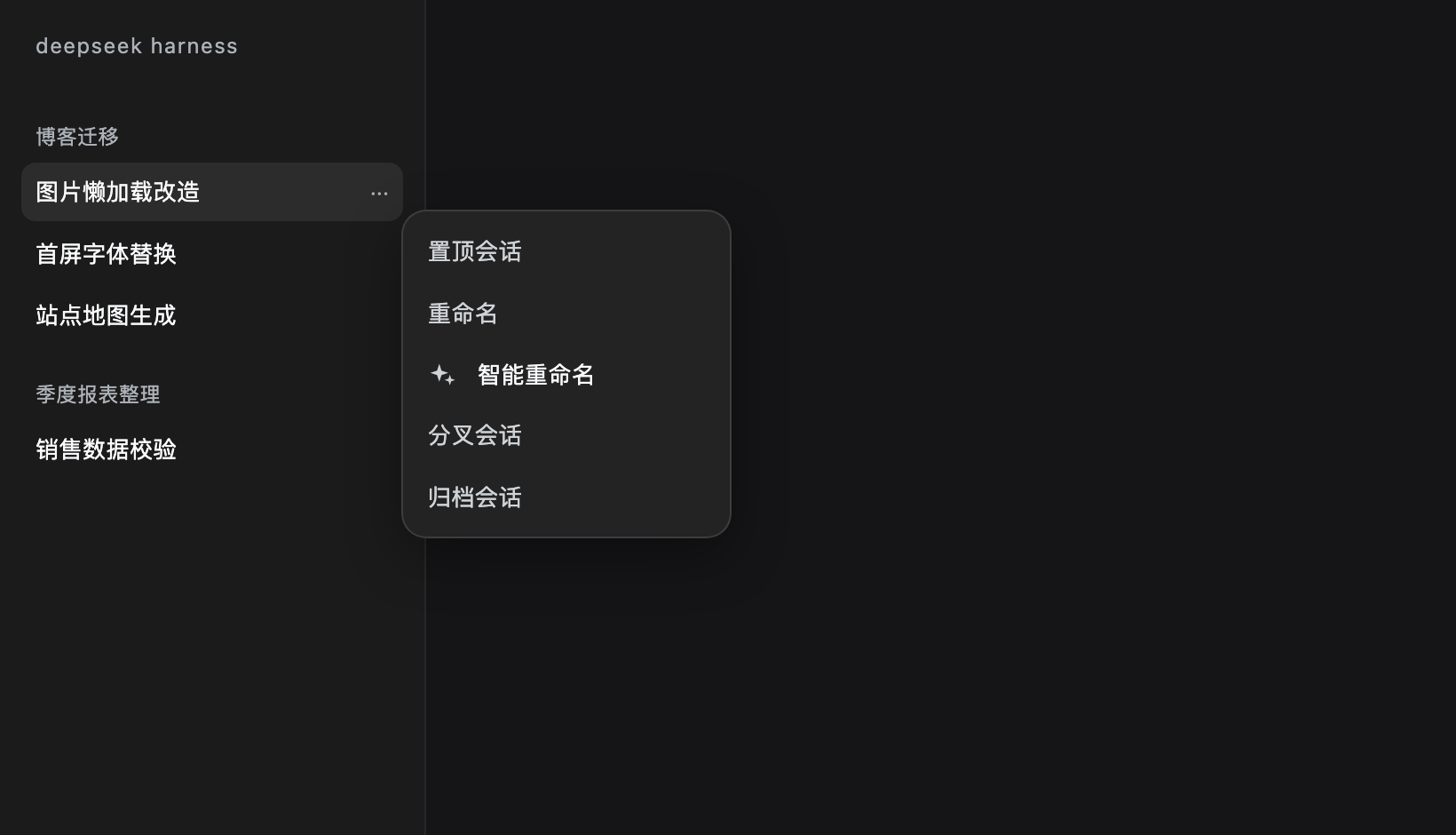
- 在侧栏会话行点「...」。
- 点「智能重命名」。
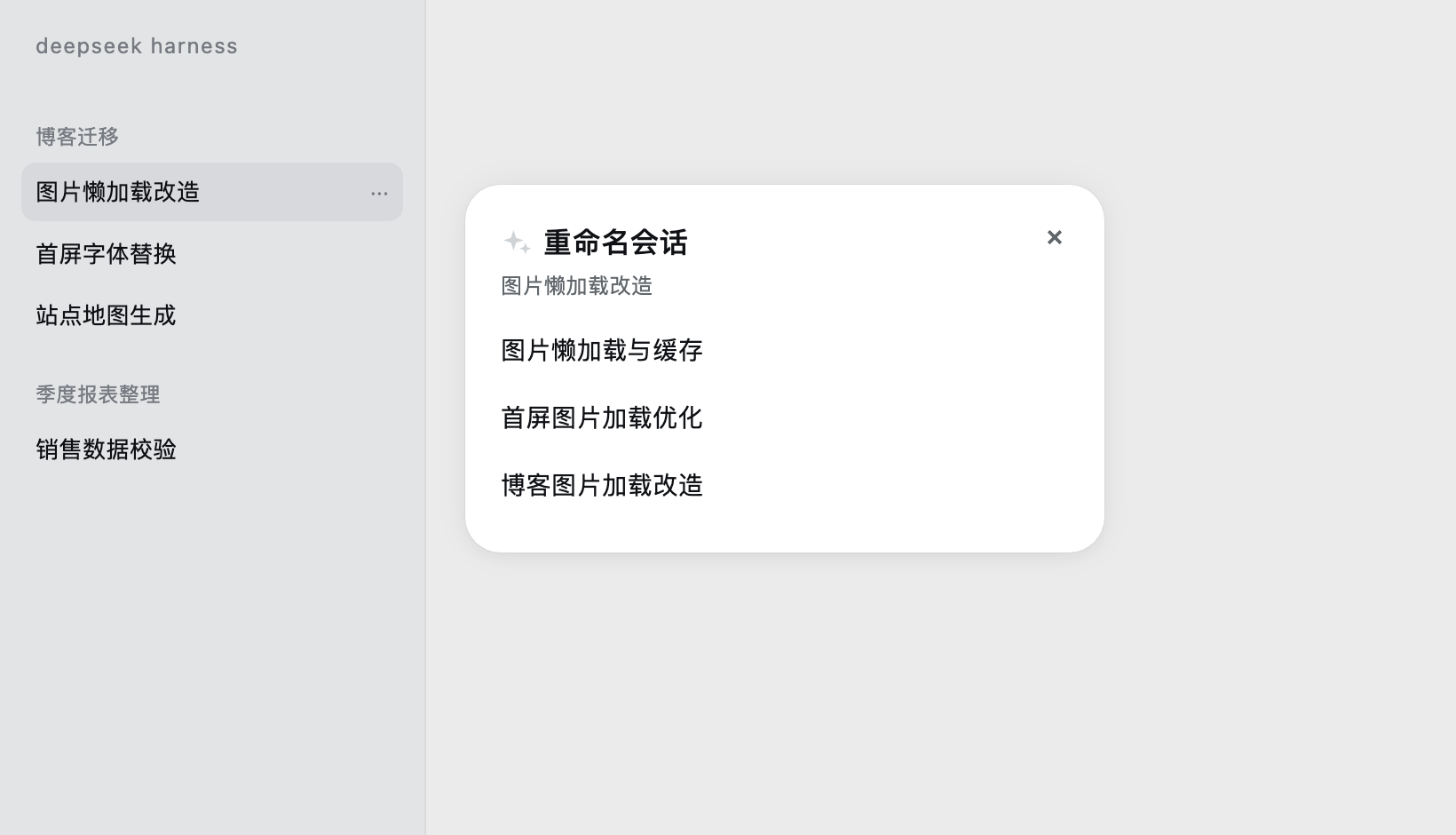
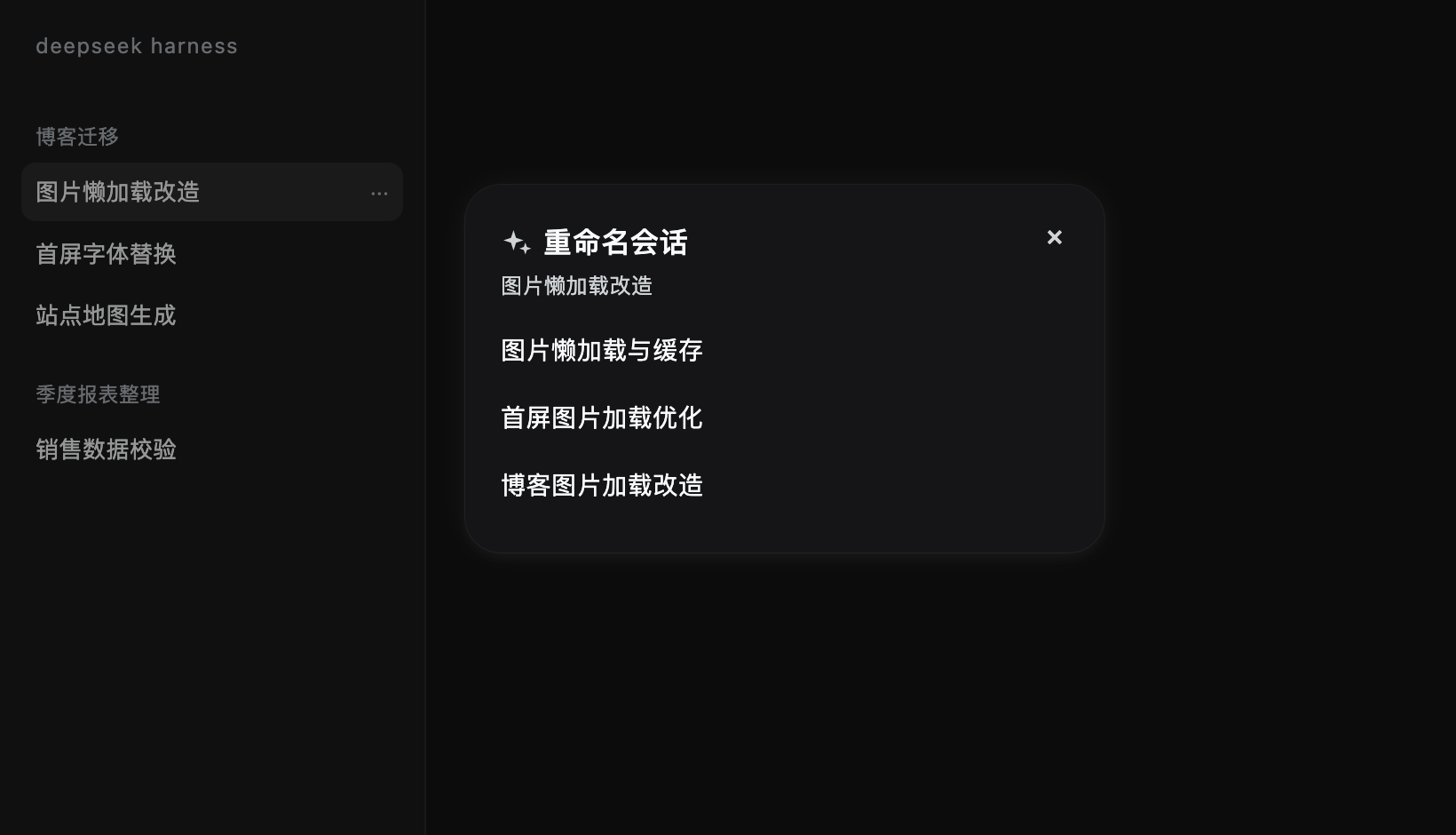
- 弹窗先显示「正在想…」,随后最多给出 3 个名字。
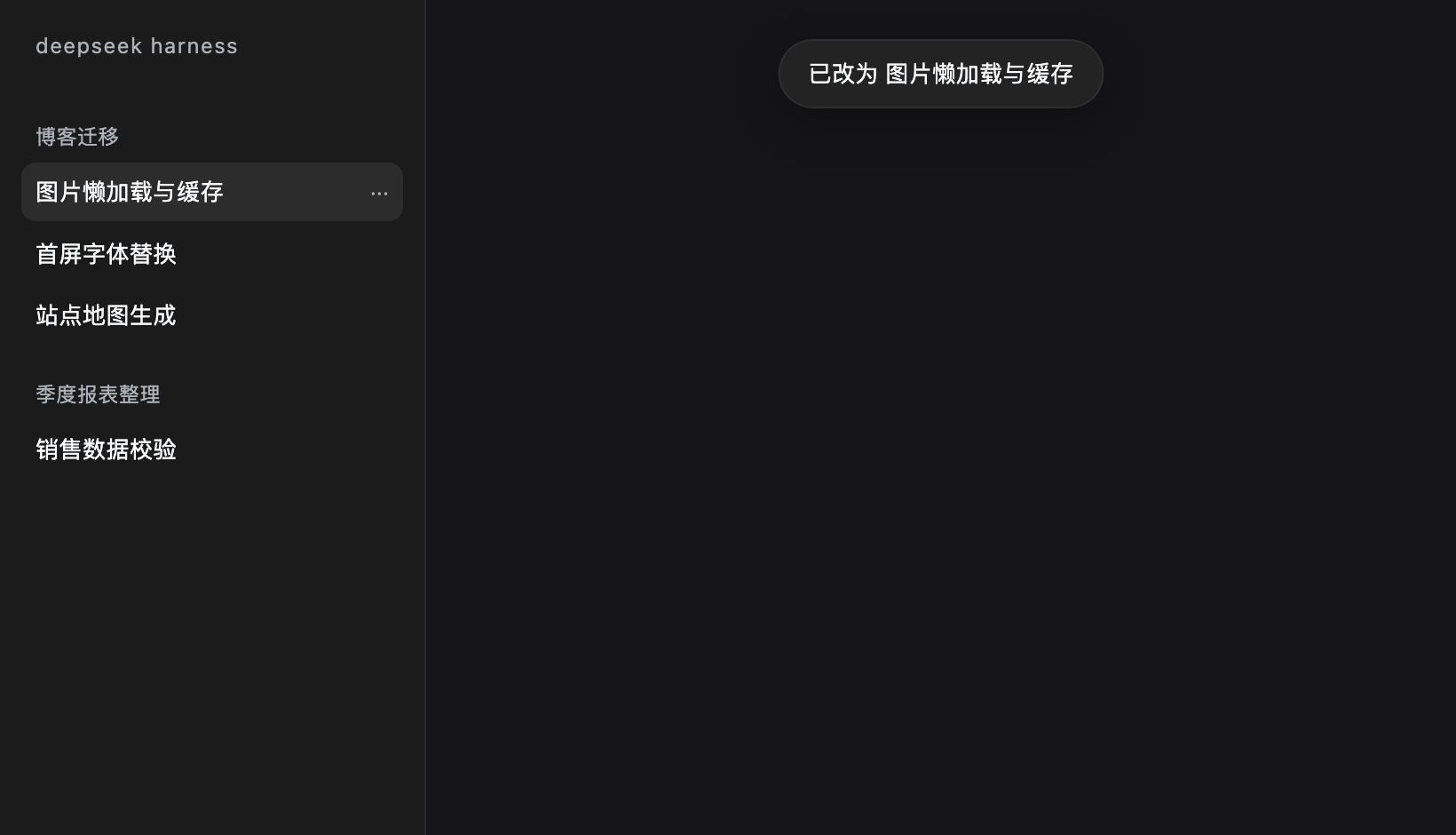
- 选中一个名字:立即改名、关闭弹窗,并提示「已改为 X」。
- 按 Esc 或点遮罩:直接关闭,什么都不改。
工作区
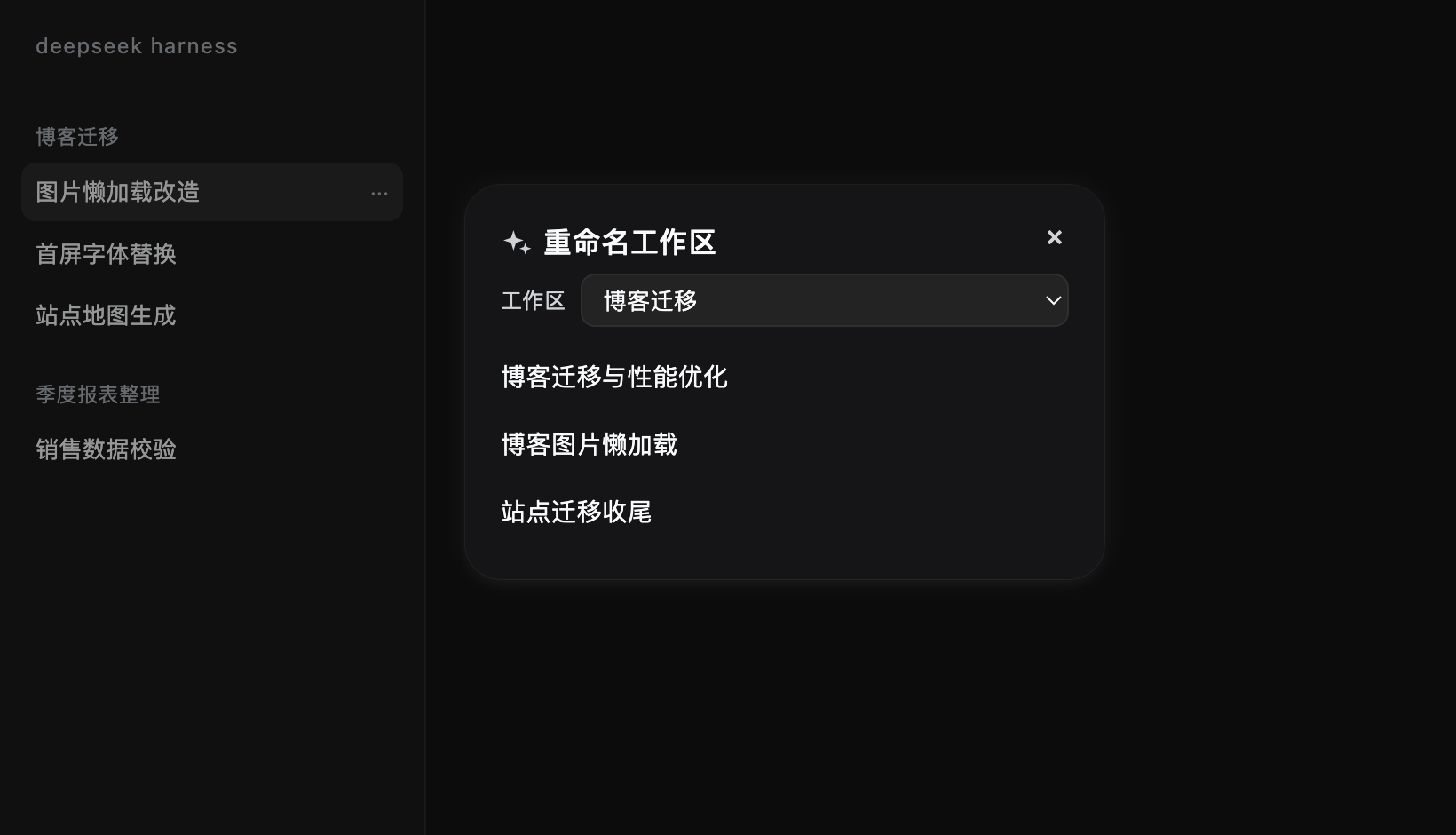
- 点侧栏面板列表的「更多」。
- 点「智能重命名工作区」。
- 弹窗顶部有一个工作区下拉:默认当前会话所在的工作区,其余按最近活动排序;切换下拉会重新拉候选。
- 后续步骤与会话相同。
/rename 命令
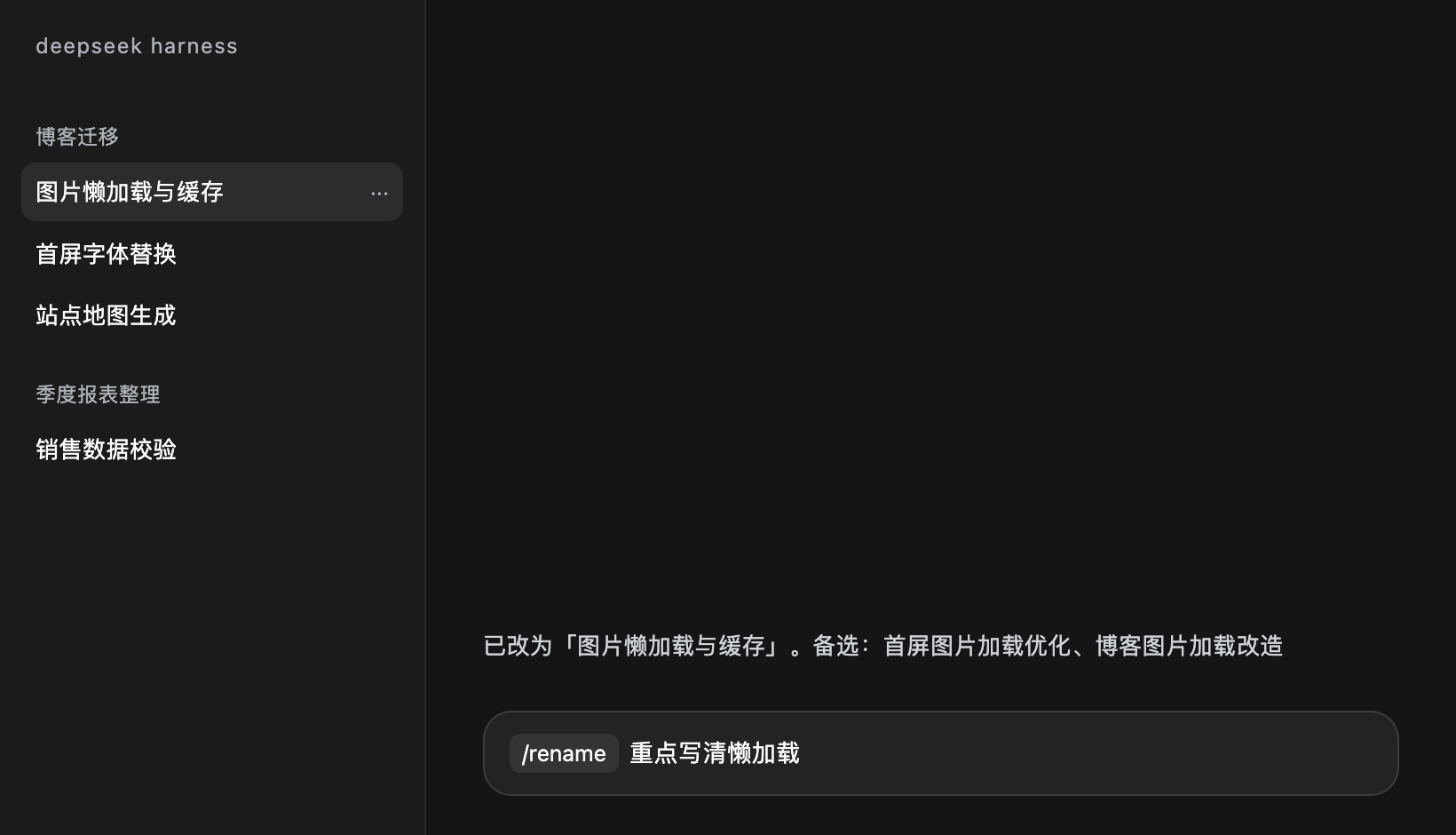
在输入框里输入 /rename,从命令菜单选 rename(会显示成命令 chip):
/rename(无参数):调用模型,取第一个候选改名,回复「已改为「X」。备选:A、B」;失败时按原因回复(响应太慢 / 模型服务异常 / 没想出更好的),不改名。/rename 突出工具链:后面的文字作为偏好提示传给模型,仍然由模型生成、仍然给 3 个候选。
命令执行沿用 20 秒超时,不启动 Agent 轮次。
命名用到的素材
| 对象 | 素材 |
|---|---|
| 会话 | 现有标题、所属项目、项目代号、按阶段均匀采样的 5 条用户发言 |
| 工作区 | 解码后的文件夹名、代号、最近 5 个会话的标题、最近一条用户发言 |
不读工具输出、文件内容和完整日志——发给模型的就是上面这些文本。
命名用哪个模型:会话默认跟随它自己最近一次实际运行的模型;工作区没有自己的模型,用 profile 默认。两者都可以在插件配置页改(见下一节)。一次调用,超时 20 秒,不向用户流式输出;失败时会说明是响应太慢、模型服务异常(附上游原文),还是确实没给出可用名字。
自定义提示词与模型
插件页(设置 → 插件 → dsh-smart-namer)的 Configure 里有「会话命名提示词」和「工作区命名提示词」两个编辑框:
- 留空 = 使用内置模板;编辑框里灰色占位符就是内置模板本身
- 保存后立即生效,不需要重启
- 保存在当前 profile 目录的
dsh-smart-namer.prompts.json
可用占位符:
| 对象 | 占位符 |
|---|---|
| 会话 | {project} {codes} {title} {user_samples} {last_assistant_text} |
| 工作区 | {folder} {codes} {workspace_path} {titles} {first_user_message} |
调试命名效果时,可以只改提示词、不动代码,用同一个会话反复试。
Agent 工具
rename_target 直接改名,不调用模型:
{ "kind": "session", "id": "session-...", "title": "新名字" }
kind 为 session 或 workspace。会话改名走 sessionController.rename(必要时先恢复会话),工作区改名走 workspaceController.rename(校验非空和重名)。
截图
会话菜单入口:
浅色:
深色:
工作区(顶部下拉可切换):
/rename 命令:
改名后的 toast:
参与开发(跑测试、目录结构、提交流程)见 CONTRIBUTING.md。
License
MIT
Comments
Loading…
From the same category
by awesome-dsh-plugin
A curated list of plugins for DeepSeek Harness (dsh) · DeepSeek Harness 插件精选列表
★ 21.9k
CC0-1.0
Python
Nov 1, 2026
by 0xsline
DeepSeek Harness (DSH) ecosystem: curated plugins, tools, and infrastructure from dsh-external/hub and the public dsh-plugin topic.
★ 1.3k
CC0-1.0
Python
Oct 16, 2026
by Yuuyuko-uu
DSH 鱼的记忆:给会话一份会淡忘的长期记忆,每条都带时间
★ 451
MIT
JavaScript
Nov 1, 2026
dsh plugin --profile web add dsh-fish-memoryby SAOS-3624
Scene-aware storyboard for DeepSeek Harness: 9-16 numbered cells with timestamps + transcript + an audio envelope, packed into ONE image (384 tokens). Two tools: video_storyboard and video_zoom.
★ 354
↓ 4.4k/wk
MIT
JavaScript
Nov 1, 2026
dsh plugin --profile web add dsh-video-storyboardby uumit-ai
Open dsh web from your phone or another computer through a UUMit account, without running your own server or installing another program: a built-in tunnel client connects to UUMit's hosted tunnel, and
★ 305
↓ 303/wk
MIT
JavaScript
Oct 21, 2026
dsh plugin --profile web add @uumit-ai/dsh-uumit-remoteby xiajiajun516
DeepSeek Harness (DSH) backup & restore plugin — export, import, migrate and sync your complete DSH configuration, plugins, MCP servers, skills and workspace. One-click migration to another machine.
★ 287
↓ 8.4k/wk
MIT
TypeScript
Nov 1, 2026
dsh plugin --profile web add dsh-config-manager