

dsh-client-ui-aqua
Manifest validAqua 玻璃质感主题 · 适配 DeepSeek Harness V0.2.1-rc.2 · glassmorphism theme for DSH: adjustable blur/frost, fluid or wallpaper backdrop, unified corners; toggle off for the stock UI, no source changes
Aqua glass theme (community-maintained fork)
English | 中文
Upstream notice: this package continues from WYH66666666's DSH-Transparent-UI-Plugin (published on npm as
dsh-client-ui-aqua) at v1.3.0. The original author states he cannot keep up with new DSH APIs, so this fork fixes and adapts that code. It is not guaranteed to work with future DSH versions — back up your profile before upgrading DSH.
Supported DSH version
| Item | Value |
|---|---|
| DSH desktop / web | V0.2.1-rc.2 |
| Host client packages | @deepseek-ai/dsh-client-* 0.2.1-rc.2 |
| Declared in metadata | package.json → engines.dsh: ">=0.2.1-rc.2 <0.3.0" |
V0.2.1-rc.2 is the version this release is built and verified against — the theme hooks are read from that host build (page-head markup, composer/dock seams, slot names). These are private client surfaces, so a DSH upgrade can break the look or the mount even though nothing changes here. If you are on another DSH build, treat the theme as unsupported and keep a profile backup.
Topics / community listing
Published under the dsh-plugin topic, so it shows up on the dsh-plugin community page alongside other DeepSeek Harness plugins.
dsh-plugin · dsh · deepseek-harness · deepseek-harness-plugin · theme · glassmorphism · aqua
Credits
| Item | Value |
|---|---|
| Original author | WYH66666666 — repository |
| Upstream npm package | dsh-client-ui-aqua (latest 1.3.1) |
| Base of this fork | upstream v1.3.0 sources |
| Maintained by | ZHUBAI0528 — repository |
| This package | @zhubai0528/dsh-client-ui-aqua-community-fix |
| Version | 2.1.0 (independent since this release) |
| DSH support | V0.2.1-rc.2 |
| License | AGPL-3.0 (inherited from upstream LICENSE; original copyright and licence notice retained verbatim) |
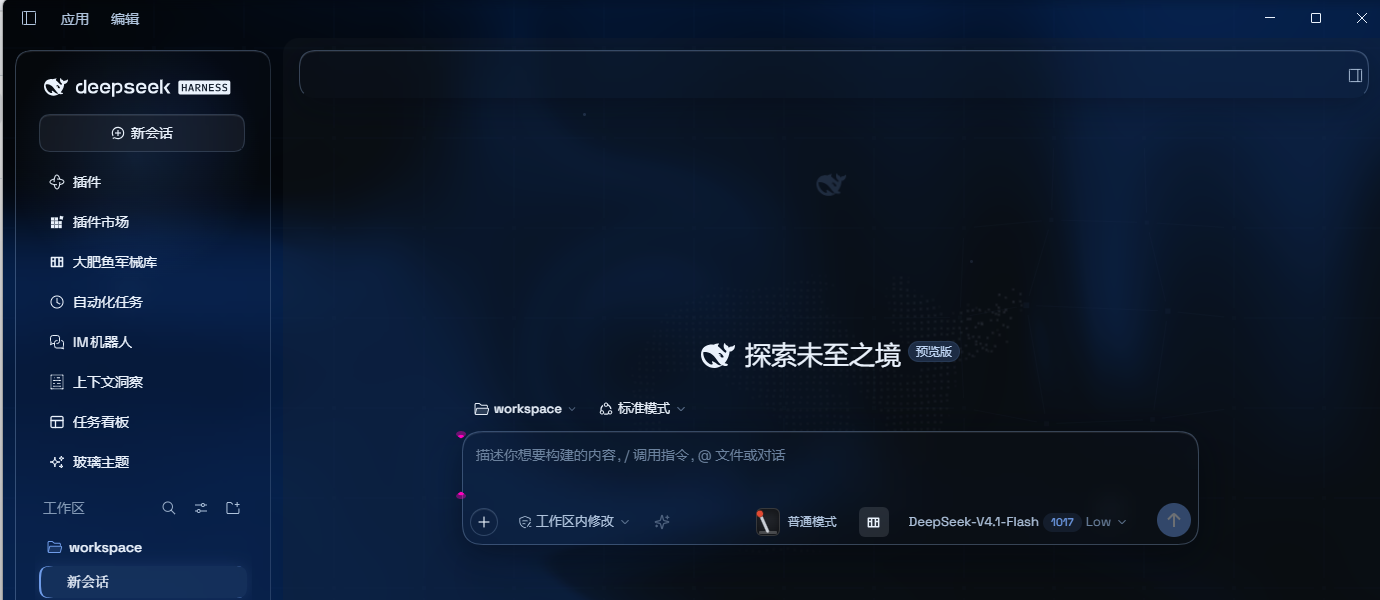
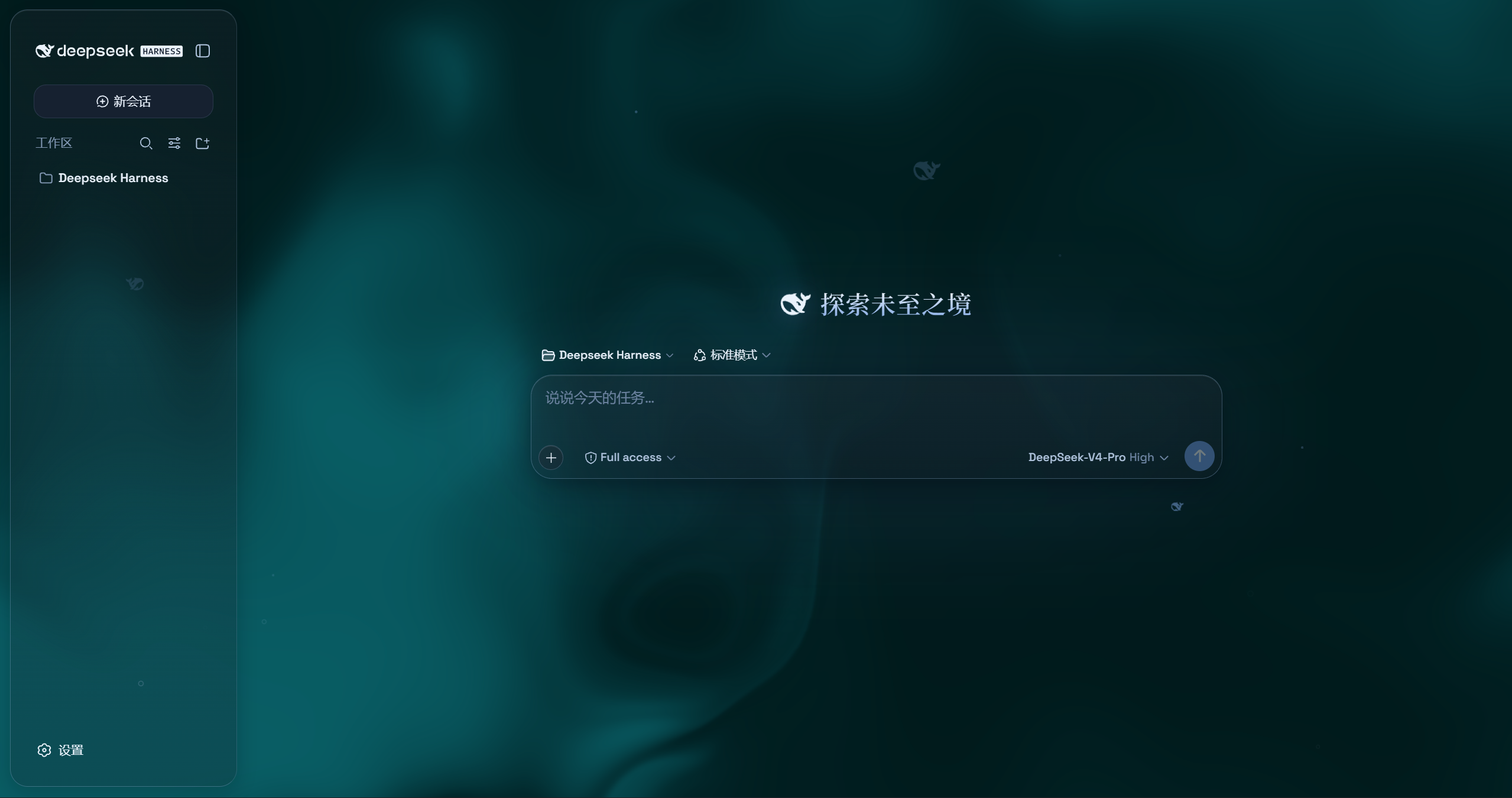
Aqua is a highly customizable glassmorphism theme for the DeepSeek Harness web UI and desktop app. The floating header, composer and stats line, and the trajectory view become panes of frosted glass, while the main column can sit on the living fluid board or on your own wallpaper (image or video); the sidebar keeps its stock look. Switch it off and the stock UI comes back exactly, with no source changes to DSH itself.
Differences from upstream v1.3.0
| Item | Upstream v1.3.0 | This package v2.0.0 |
|---|---|---|
| Layout modes | Mica + Compatibility, switchable | Mica only — compatibility mode and its selector are removed (tokens and styles too) |
| Edge blur bands | 5px gradient blur bands at the top/bottom (an upstream feature) | Removed — they read as an extra gradient wash over the page edges; readability is carried by the column veil instead (the 13px edge fade stays) |
| Submenu opacity | not available | New setting, default 96%, in the same group as "Chat surface opacity" |
| Submenu click | opens on hover, then a click closes it | New "click keeps it open": a hover-opened submenu survives the click and closes on the next one; works at any depth via ARIA, keyboard Enter unaffected |
| Popup material | 62% × frost fill (≈8.7% by default), text behind was legible through it | 96% fill + blur + 4px, panels no longer show the text behind |
| Composer and stats line | two panes with a 6px gap | one continuous piece of glass (single radius, hairline divider) |
| Light-mode conversation area | if the host or a skin plugin wrote the column background, the veil lost and the area went all-white; the opacity knob did nothing | Fixed: the veil is !important and also matches [class*='centerCol'], so it no longer depends on stamp timing |
| Scheme switching | switching to dark left the backdrop light until a knob was touched | Fixed: the layer watches body[data-ds-dark-theme] and recomputes the fluid palette, glow tone and brightness direction |
| Cold-start fluid | a GPU that was not ready permanently disabled the canvas (all-white in light mode) | Fixed: retried with backoff (up to 8 attempts, ~12s) |
| Published tarball | files omitted cordis.patch.yml, so installs never loaded | Fixed: the tarball ships cordis.patch.yml and lib/* |
| Dependency range | peer ^0.1.0-rc.5 (mismatched a 0.2.x host) | >=0.2.1-rc.2 <0.3.0, pinned to the host line the theme is built against |
| Licence statement | repo LICENSE is AGPL-3.0 while package.json said MIT | Aligned: both now declare AGPL-3.0 |
Features (current)
- Mica layout: floating glass header, composer, stats line and trajectory view, with adjustable blur and frost
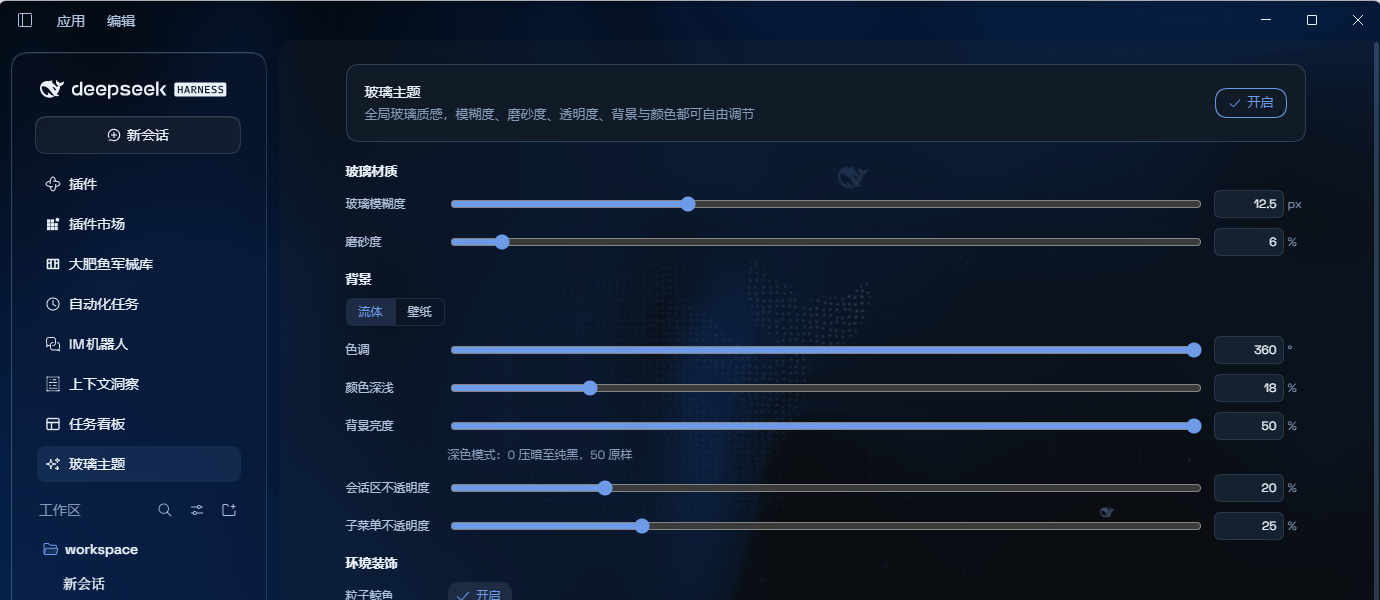
- Theme control panel: one page collects every knob — colours, wallpaper, opacity, blur and decor
- No 3D tilt on the composer: the 3D effect is gone — it interfered with text rendering
- Free backdrop: the living fluid board (hue and depth adjustable) or your own wallpaper — images and video both supported; wallpapers have their own blur and frost, video adds a brightness knob
- Desktop scheme following: tracks the desktop app's light/dark switch and re-tunes the palette, glow and brightness direction on its own
- Background brightness: follows the resolved scheme — dark 0–50 darkens, light 50–100 brightens, 50 is unchanged
- Chat surface opacity: 0 lets the wallpaper/fluid show untouched, 100 is an opaque slab
- Submenu opacity: fill strength for popups (menus, dropdowns, quick-invoke panels), independent of the cards
- Submenu display: popups get a 96% fill plus extra blur, so multi-level menus stay legible above the transcript
- Submenu interaction → click keeps it open: a hover-opened submenu stays open when clicked, and closes on the next click
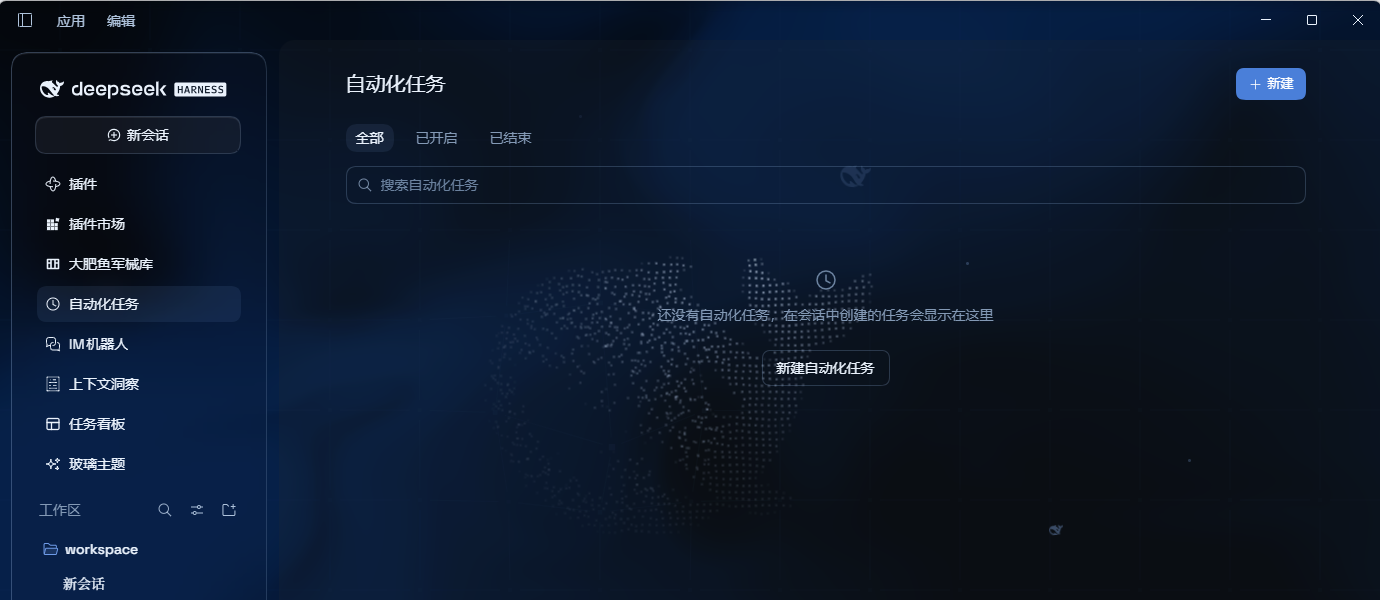
- Ambient decor: particle whale (the deepseek.com/harness centerpiece), fish, and the interactive mesh — each toggleable
- Hover effects → cursor glow: a highlight that follows the pointer
- Glossy "Harness" badge: dark mode swaps the sidebar wordmark for the official nameplate pill
- Edge fade: a 13px fade so content melts into the viewport edges
- One switch: off restores the stock UI exactly and removes every effect
Installation
Upstream
dsh-client-ui-aquaand this fork@zhubai0528/dsh-client-ui-aqua-community-fixmust not be installed together — the profile would end up with twoui-aquaentries.
Option 1: npm one-liner (recommended)
dsh plugin --profile web add @zhubai0528/dsh-client-ui-aqua-community-fix
Installs the latest version from npm and registers it as a profile plugin layer (dsh.bundle patch) — works on every platform. Reload the UI and it is on.
Option 2: GitHub installer (fallback)
No npm account and no git needed (falls back to a plain zip download).
Windows (one command):
powershell -ExecutionPolicy Bypass -Command "Invoke-WebRequest 'https://github.com/ZHUBAI0528/dsh-client-ui-aqua/raw/main/install.ps1' -OutFile install.ps1; .\install.ps1"
Installs the latest release by default; the script links the plugin into the profile's node_modules and registers ui-aqua in cordis.patch.yml (idempotent).
Option 3: manual (macOS / Linux)
git clone --depth 1 https://github.com/ZHUBAI0528/dsh-client-ui-aqua.git
ln -s "$PWD/dsh-client-ui-aqua" "$DSH_HOME/profiles/web/node_modules/@zhubai0528/dsh-client-ui-aqua-community-fix"
then append to $DSH_HOME/profiles/web/cordis.patch.yml:
- insert:
    - id: ui-aqua
      name: '@zhubai0528/dsh-client-ui-aqua-community-fix'
Usage
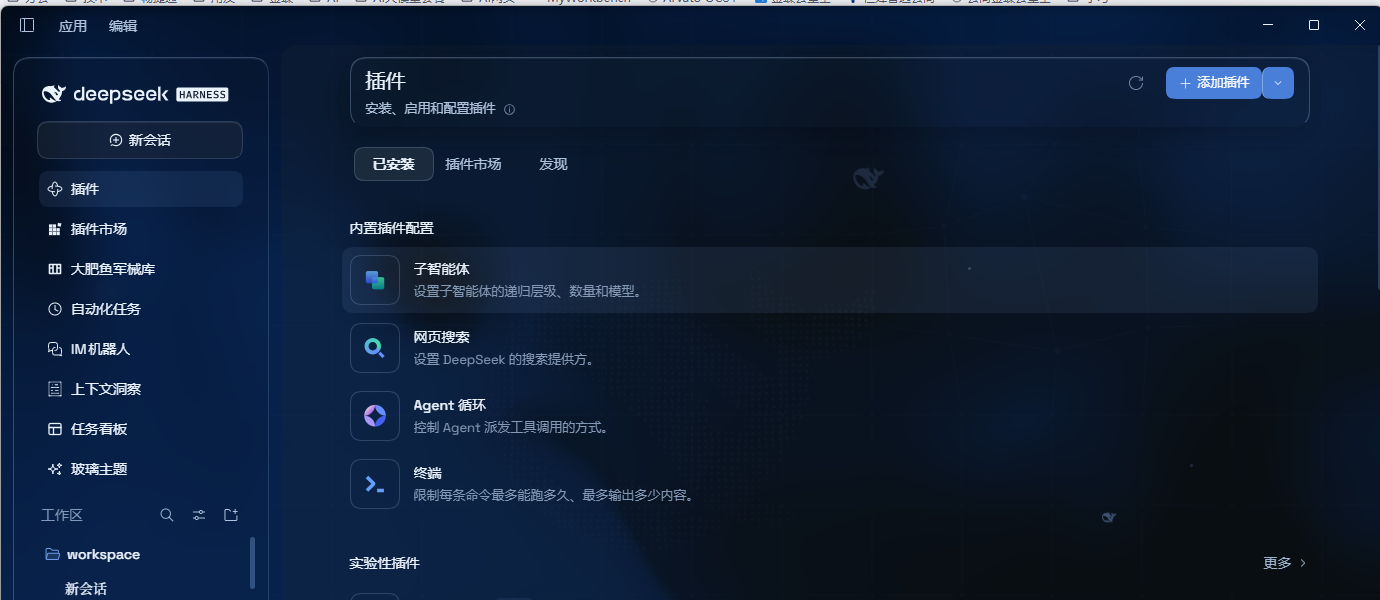
Reload the UI. Aqua is on by default; the master switch sits at the top of the Glass theme page in the left sidebar (it is its own page, not a tab inside Plugins/Settings). Panel groups, top to bottom:
Glass material (glass blur, frost) → Backdrop (fluid/wallpaper, hue, colour depth, background brightness, chat surface opacity, submenu opacity) → Ambient (particle whale, fish, interactive mesh) → Submenu interaction (click keeps it open) → Hover effects (cursor glow)
The upstream Mode group (Mica / Compatibility) was removed entirely in 2.0.0.
Upgrading from upstream 1.x
dsh.ui-aqua.modeis no longer read: users who picked Compatibility land on the mica layout (the stored value is left untouched, not destroyed)- Every other setting keeps its key (blur, frost, hue, depth, brightness, chat-surface opacity …) and carries over untouched
- The package name differs — uninstall the old package first so two
ui-aquaentries never coexist
Local development
npm install
npm run bundle      # build lib/ (tsdown → inlined CSS → ESM→CJS shim)
npm run watch       # watch build
Before publishing, inspect the tarball with powershell -ExecutionPolicy Bypass -File .\publish.ps1 -DryRun; drop -DryRun to publish for real.
Licence
AGPL-3.0, inherited from upstream. The original author's copyright and licence notice are retained verbatim.
Comments
Loading…
Similar plugins
 4
4No screenshots
by Aliww2468
Aqua glassmorphism theme for the DeepSeek Harness web UI, forked from upstream and repaired to load on DSH 0.1.2-rc.1: mica and compatibility modes with adjustable blur and frost, fluid or wallpaper b
★ 3
↓ 242/wk
AGPL-3.0
JavaScript
Sep 20, 2026
dsh plugin --profile web add dsh-client-ui-aqua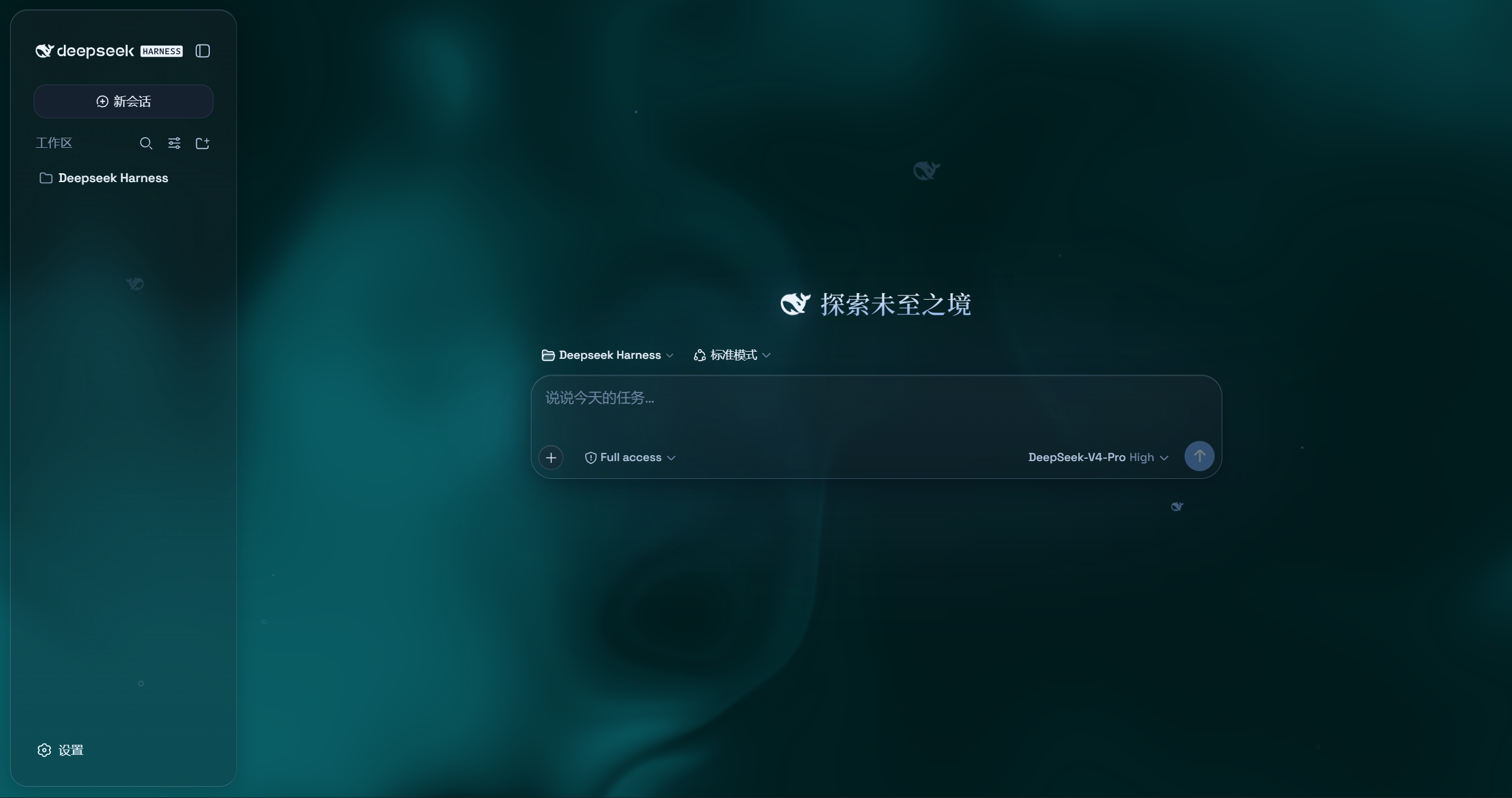 4
4No screenshots
by du-u-uck
Aqua glassmorphism theme for the DeepSeek Harness web UI: mica and compatibility modes with adjustable blur and frost, fluid or wallpaper backdrop, background brightness, particle-whale accent, and a
★ 4
AGPL-3.0
JavaScript
Sep 8, 2026
dsh plugin --profile web add @deepseek-ai/dsh-client-ui-aqua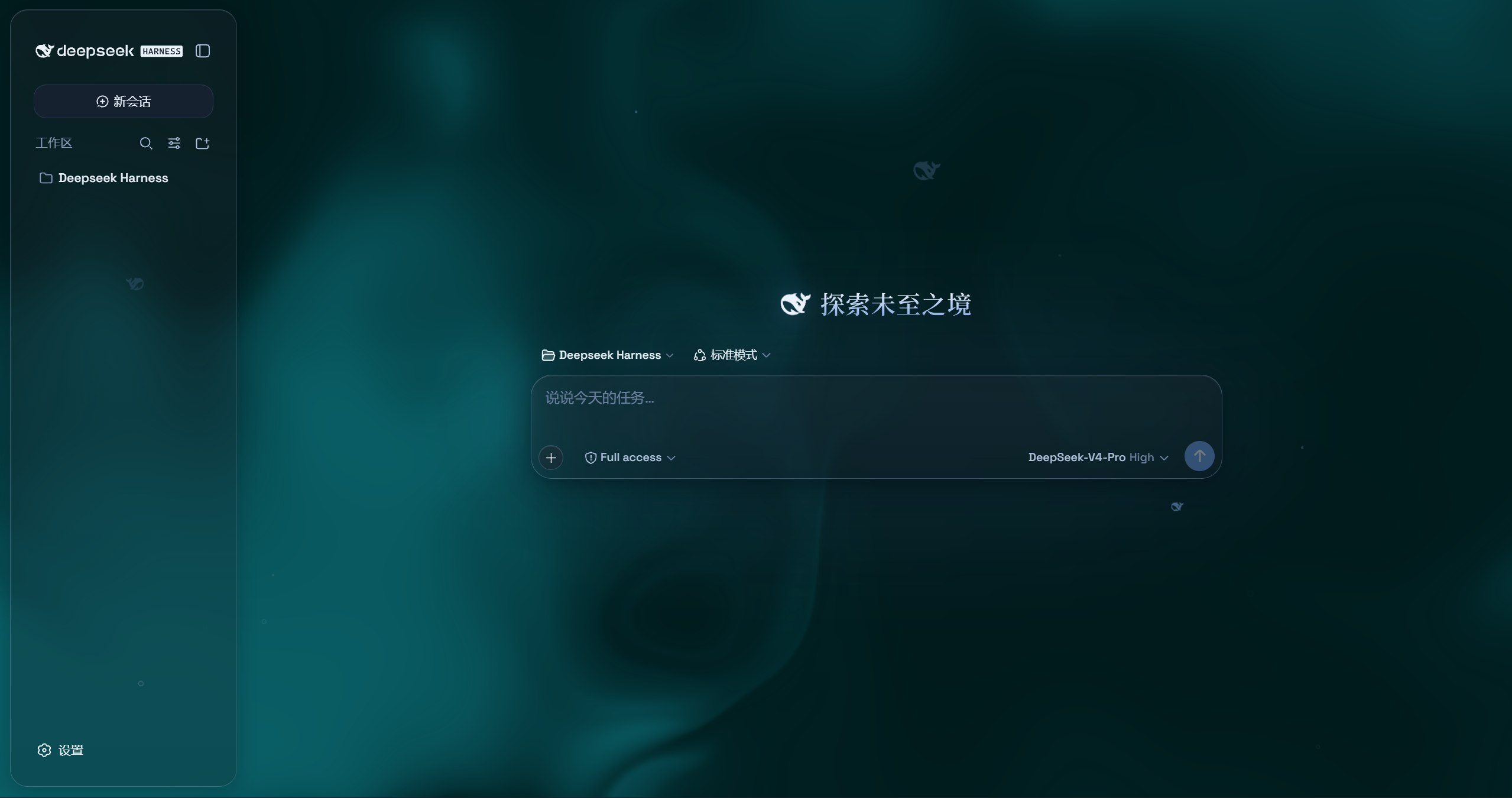 4
4No screenshots
Aqua: a highly customizable glassmorphism theme for the Web surface — adjustable blur, frost, fluid or wallpaper backdrop, unified corners, and motion
★ 0
dsh plugin --profile web add @deepseek-ai/dsh-client-ui-aquaby afrel1024
Unofficial community fork of the Aqua glassmorphism theme for the DeepSeek Harness web UI (upstream: WYH66666666/DSH-Transparent-UI-Plugin, MIT). Adds DSH rc.7 compatibility. Not affiliated with DeepS
★ 4
↓ 35/wk
MIT
JavaScript
Aug 18, 2026
dsh plugin --profile web add dsh-client-ui-aqua-unofficial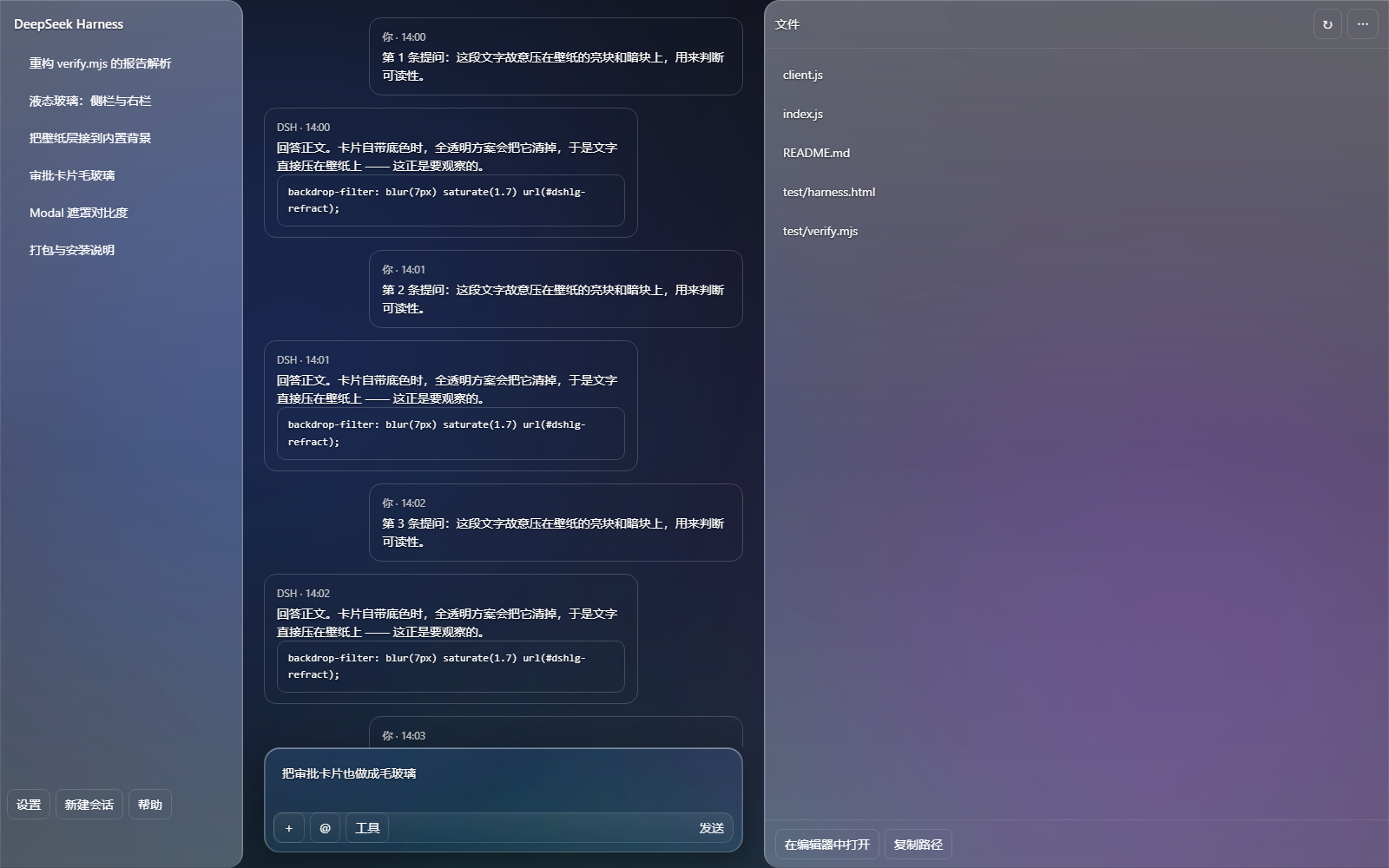 4
4No screenshots
by pure-serendipity-five
DSH 液态玻璃主题 + 壁纸库:全透明分层玻璃、可拖动自制控件、自适应设置面板(Liquid glass theme + wallpaper gallery for DeepSeek Harness)
★ 0
MIT
JavaScript
Sep 29, 2026
dsh plugin --profile web add @local/dsh-liquid-glass 3
3No screenshots
by FAVKTOXIC
Genuine Liquid Glass theme for DSH Web UI: SVG feDisplacementMap edge refraction on input card, send button, bubbles, view tabs, queue dock and sidebar. Built-in animated demo wallpaper, customizable
★ 3
↓ 388/wk
MIT
JavaScript
Oct 23, 2026
dsh plugin --profile web add dsh-theme-liquid-glass