
dsh-drawioedit
Manifest validDeepSeek Harness plugin: edit .drawio diagrams in the Web Sidebar, flowchart editing in the sidebar. .drawio files
dsh-drawioedit
English | 中文
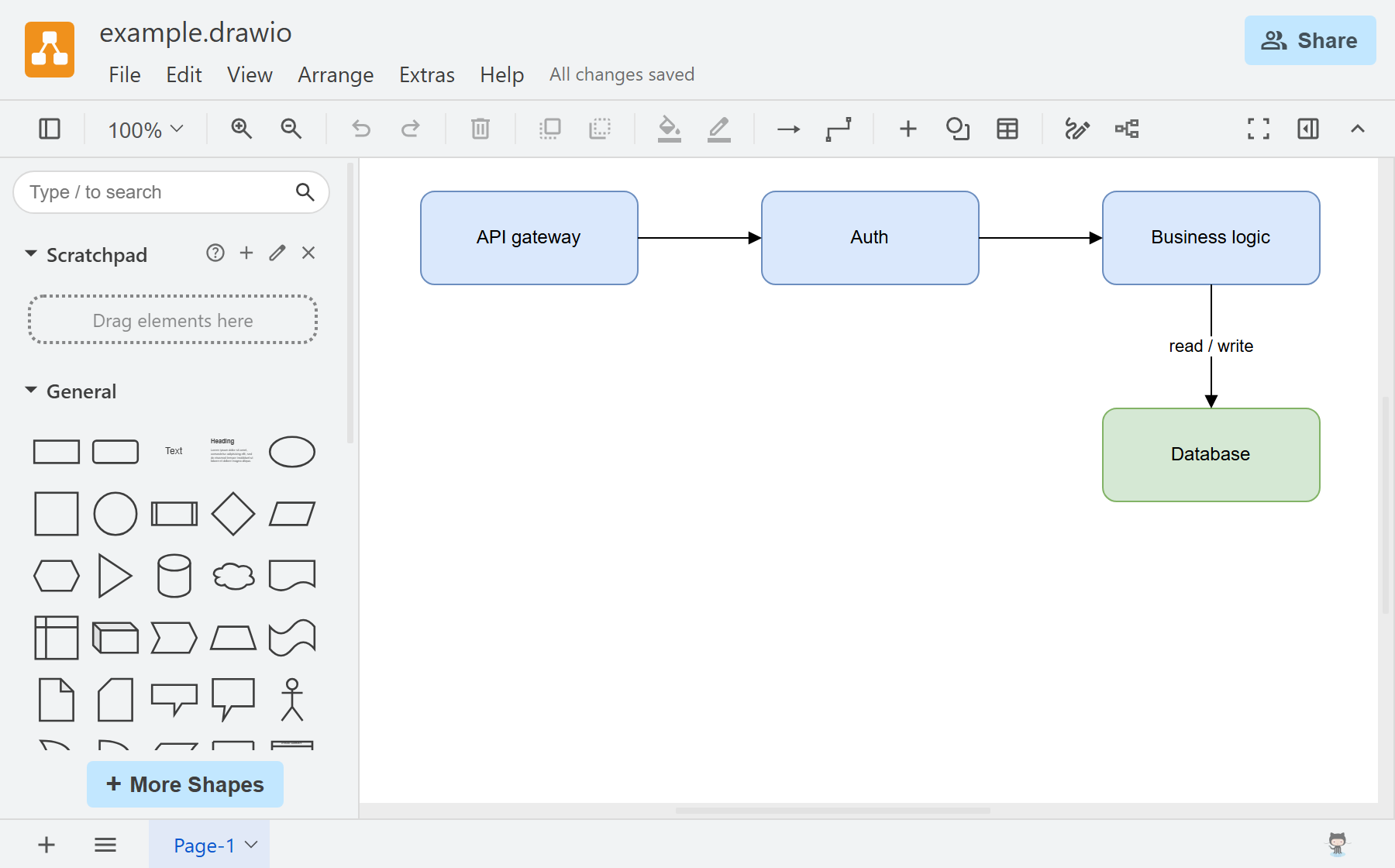
Edit .drawio files in the DeepSeek Harness Web sidebar with a bundled, offline draw.io editor.
Install
npx @deepseek-ai/dsh plugin --profile web add @guowenzhang/dsh-drawioedit
Restart the host after installation.
Features
- Open a
.drawiofile from the file tree in a sidebar tab; Chinese file names display correctly. - Edit and save automatically through the host's file service, subject to the session's workspace permissions. Failed or conflicting writes are shown in the tab.
- Use Save As to rename the file in its current directory, or Export as to download a copy.
Bundled shapes and size
General and basic shapes, arrows, flowcharts, ER, UML, BPMN, DFD, C4, freehand drawing, and sketch styling are available. Specialist cloud and network stencil packs are excluded; diagrams using them may display incorrectly.
The local package is 12.1 MB compressed / 42.7 MiB unpacked (npm pack --dry-run). The published version may differ.
Cloud integrations are disabled, so startup does not load third-party services.
License
Apache-2.0. See NOTICE for bundled editor terms. Not affiliated with draw.io Ltd. Build and troubleshooting details are in AGENTS.md.
Comments
Loading…