
wallpaper-engine-dsh
Manifest validTurns the local Wallpaper Engine library into the DSH GUI's live background — video and web wallpapers play for real behind the interface, while scene/application packages the browser cannot run are f
wallpaper-engine-dsh
A DSH bundle that turns your local Wallpaper Engine library into the live background of the DSH web GUI (dsh web). Video wallpapers play behind the chat, web wallpapers render in place, and everything in between — crossfade transitions, liquid-glass panels, a legibility veil that adapts to any wallpaper, manual framing, rotation lists, search, and a bilingual UI — is controlled from its own dedicated settings section.
Features
The library, rendered live. The grid lists every wallpaper the browser can genuinely render — video and web wallpapers. Scene and application wallpapers are Wallpaper Engine's private .pkg scene packages; since no browser can execute them, they are filtered out rather than offered as degraded stills. Everything listed plays for real, badged Video or Web, and a search box narrows large libraries by title or workshop id instantly.
Legibility on any wallpaper. Text stays readable by construction, not by luck. The veil always opposes the text colour — black in the dark theme, white in the light theme — so neither a pitch-black nor a pure-white wallpaper can swallow the UI. On top of that, a Smart veil samples the wallpaper's brightness every few seconds and automatically strengthens the veil when a scene drifts too bright (or too dark) for the current theme (web wallpapers' pixels are unreadable inside the sandbox, so their preview still stands in as the sample). While a wallpaper is active, dropdown menus, the slash-command popup, the queue-dock panel, the settings dialog, and the image lightbox all render as frosted glass: the shell's own menu primitive carries an isolation property that silently kills its internal blur layer, so the plugin applies the blur on the surface element itself and deepens the menu fill, keeping overlay text readable over any wallpaper. Everything reverts to the host look when the wallpaper is off.
Manual framing. Pick a base layout — Cover, Contain, Stretch, Original, or Free — then frame the shot yourself. Adjust opens the live wallpaper fullscreen: scroll to zoom, drag to pan. In the seamless layouts the picture already fills the screen at 100% — zoom in with the wheel first and panning unlocks (the hint bar says so). In the first four layouts the crop is clamped so the image always fills the screen with no exposed edges; Free places the wallpaper at natural size on a black canvas where it can be dragged anywhere, zoomed from 0.1× to 4×, and rotated to any angle (±90° buttons or Alt+drag), with just enough kept on screen that it can never be dragged out of sight. Mirror flips the wallpaper horizontally and works in every layout — a flip never exposes an edge. Esc or Done finishes, the framing persists, and Reset crop restores the default in one click. Web wallpapers take the same select and the same zoom/pan/rotate framing — the transform applies to the iframe directly.
Four live sliders. Wallpaper blur, Scrim, Borders, and Glass — every change lands instantly and persists. Blur renders in place: composition, layout, and crop stay identical at every blur level, and within one blur radius of the screen edge the picture fades softly into the veil beneath the UI chrome. A whisper of dither noise keeps smooth gradients band-free; at zero blur the media bypasses the filter pipeline entirely for bit-exact pixels. The Glass slider's colour melt is anchored to the shell's own menu material: at the 40px ceiling it reproduces the host recipe blur(40px) saturate(150%) exactly, so full glass reads as one system with the shell's native frost.
Rotation lists. Build any number of carousel lists, each with its own wallpapers, interval (1–120 min), and order (sequence or random). Auto-rotate arms once the active list holds at least two usable wallpapers; the status row always reports whether rotation is actually running. Your first playable Wallpaper Engine playlist is imported automatically on first run; any other playlist can be imported into any list.
Resource monitor. A live FPS readout with a low-framerate hint, plus optional auto-pause when the tab is hidden or the battery runs low. prefers-reduced-motion starts videos paused.
Bilingual. The UI follows the shell's Language setting (Chinese/English) with a manual override in the picker.
Resilient playback. Switches and clears crossfade smoothly. Media that repeatedly fails to decode retries once with fresh tokens, then falls back to the preview still with a note in the status row; an entry with nothing to fall back on is cleared rather than left on a dead layer — and the next Refresh retries the live media. Refresh re-issues every URL and swaps it into the live element in place, so playback position survives. Background inventory rebuilds reuse the same URLs and never touch a playing stream.
Install
dsh plugin --profile web add wallpaper-engine-dsh
Or from a checkout (live-linked for development):
git clone https://github.com/Weilv-D/wallpaper-engine-dsh.git
dsh plugin --profile web add link:<absolute path to the cloned folder>
Restart dsh web, open Settings from the sidebar, and pick Wallpaper.
Usage
- Pick a wallpaper from the thumbnail grid — it fades in behind the app. Use the search box to narrow large libraries.
- Pause/Play controls video playback; Close fades the wallpaper out; Refresh rescans the library — new workshop subscriptions appear without reloading the page, and any demoted wallpaper retries its live media.
- Tune the blend with the sliders. On busy wallpapers, raise Scrim and Borders until text is comfortable; Smart veil handles it automatically when enabled. The UI follows DSH's light/dark theme on its own.
- Use the Fit row for the base layout, then Adjust to pan and zoom the crop directly on the canvas.
- Create rotation lists with New, fill them from the grid or import a WE playlist, then enable Auto-rotate.
- The resource row shows the current frame rate and the two auto-pause switches.
Your selection and every knob persist in the browser's localStorage.
Desktop
The desktop shell and the browser share the same frontend and the same injection pipeline; the platform: "web" declaration works as-is, with no separate desktop package.
- Windows: the main window is opaque and the wallpaper renders at the DOM layer. The window-controls strip at the top is an opaque host-owned overlay; the plugin blends the wallpaper into it with a short fade in the overlay's own colour, and the fade switches off in fullscreen.
- macOS: the shell sidebar is the system's native vibrant material, so what shows behind the wallpaper there is the system material rather than the wallpaper itself — host behaviour.
- With system transparency effects off (
prefers-reduced-transparency), all glass and blur falls back to solid surfaces; the wallpaper stays, and legibility is carried by the veil and the solids.
How it works
The bundle has two halves:
- A host plugin discovers the Wallpaper Engine install (Steam registry entry,
libraryfolders.vdf, standard probe paths across Windows/macOS/Linux), enumerates projects from the default/my-projects folders and the workshop, keeps only the browser-renderable kinds, and serves a JSON inventory plus the media bytes over same-origin routes:GET /we-background/inventory[?refresh=1]GET /we-background/media/<token>[/<entry file or asset>…]— with HTTP Range support for video seeking. Web wallpapers are addressed at their entry file (e.g.…/media/<token>/index.html), so the document URL mirrors the project directory and the wallpaper's own relative references (scripts, styles, images, fetches) resolve exactly where Wallpaper Engine would resolve them. Media responses carryAccess-Control-Allow-Origin: *so wallpapers inside the sandboxed iframe (an opaque origin) can stillfetch()their own assets.GET /we-background/preview/<token>
- A browser plugin renders the chosen wallpaper on a fixed layer behind the app frame, contributes the settings UI, and keeps every effect on DSH design tokens so themes apply cleanly.
Media serving is defensive by design: tokens are unguessable 72-bit values, stable across inventory rebuilds (an in-flight stream is never killed by a background refresh) and re-minted only on an explicit refresh; sub-asset paths are contained lexically and re-verified against the real filesystem so symlinks cannot escape their wallpaper directory; HTML and SVG responses carry a sandbox CSP so they can never execute against the DSH origin; the wallpaper iframe additionally pins a neutral color-scheme, so the shell's dark-theme scheme never leaks into — and breaks — third-party wallpaper apps; the wildcard CORS on media only lets a caller who already knows a token read bytes it could already request — the token stays the capability, and the server is loopback-only; and responses that would come up short destroy themselves rather than truncate silently. The host answers from a 30-second inventory cache, resolves discovery asynchronously off the request path, and caches it for ten minutes. The bundle registers no model tools and adds no prompt text.
Limitations
- Scene and application wallpapers are not listed: they are Wallpaper Engine's private
.pkgscene packages, and their live animation can only be rendered by Wallpaper Engine itself on the desktop. - Web wallpapers run isolated from the page's storage, so ones that persist state across loads won't keep it.
- Web wallpapers with sound may stay silent until you interact with the page — browsers gate audio in sandboxed documents on a user gesture, and wallpapers that rely on Wallpaper Engine's system-audio feed (visualizers) have no signal to draw from.
- Video codecs are bounded by what the browser can decode. H.264/AVC, VP8/VP9, and AV1 play natively; workshop videos compressed with H.265/HEVC cannot be software-decoded on most machines — previously a solid black screen, now detected as "playing but zero decoded frames" and automatically demoted to the preview still with a status note. Transcoding to H.264 mp4 or VP9 webm restores full playback.
- The glass effect reads DSH design tokens; if a future shell redesign renames them, frosting degrades to plain transparency.
Development
npm install        # builds lib/client.js via the prepare hook
npm test           # unit tests for the pure core + wire-level host integration
npm run build      # regenerate lib/client.js from src/client.js
npm run verify     # boot the emitted bundle in a vm sandbox and assert behaviour
Layout: lib/core.js (pure, tested logic), lib/index.js (host plugin), src/client.js (browser source) → lib/client.js (built artifact; do not hand-edit). npm run prepublishOnly runs the full gate: test → build → verify.
Releasing
Releases publish automatically via GitHub Actions and npm Trusted Publishing (OIDC, no stored tokens). One command does everything locally:
npm run release # patch bump; also release:minor / release:major
It bumps version, commits, tags v<version>, and pushes both. The tag push triggers the publish workflow: full gate → tag ↔ version check → npm publish --provenance → the GitHub Release is created automatically with generated notes.
Comments
Loading…
Similar plugins
✦
No screenshots
Wallpaper backgrounds for the DSH web GUI. Windows: reads your Wallpaper Engine (Steam) library and plays video/web wallpapers behind the chat. macOS: scans the WaifuX download folder and loose media
★ 0
dsh plugin --profile web add dsh-plugin-wallpaper-engine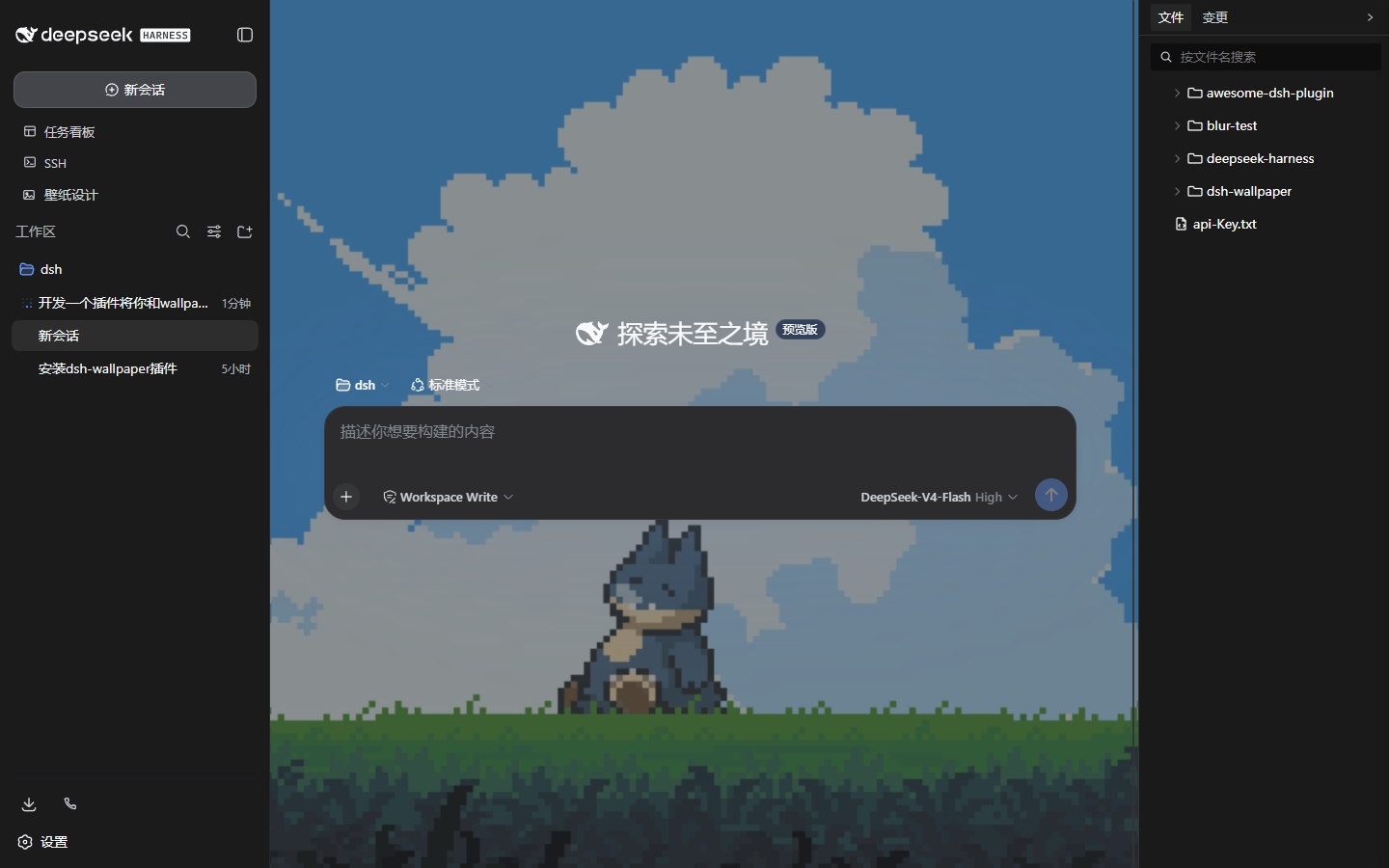 3
No screenshots
Wallpaper Engine integration for the dsh web GUI: scan the local WE library (Steam workshop 431960 + local projects) and use its wallpapers as the page background — image/video/web rendered natively,
★ 0
↓ 247/wk
dsh plugin --profile web add dsh-wallpaper✦
No screenshots
by SharpWord
Wallpaper Engine (Steam) wallpapers behind DeepSeek Harness: follow the active wallpaper or pin one from the Workshop library, with translucent panels, per-block blur and wallpaper-matched text contrast.
★ 1
MIT
JavaScript
Oct 23, 2026
dsh plugin --profile web add dsh-wallpaper-engineby drmi5446
Turn Wallpaper Engine wallpapers into a liquid glass background for the DSH web GUI, with video and web support.
★ 0
NOASSERTION
JavaScript
Oct 13, 2026
dsh plugin --profile web add dsh-plugin-wallpaper-engine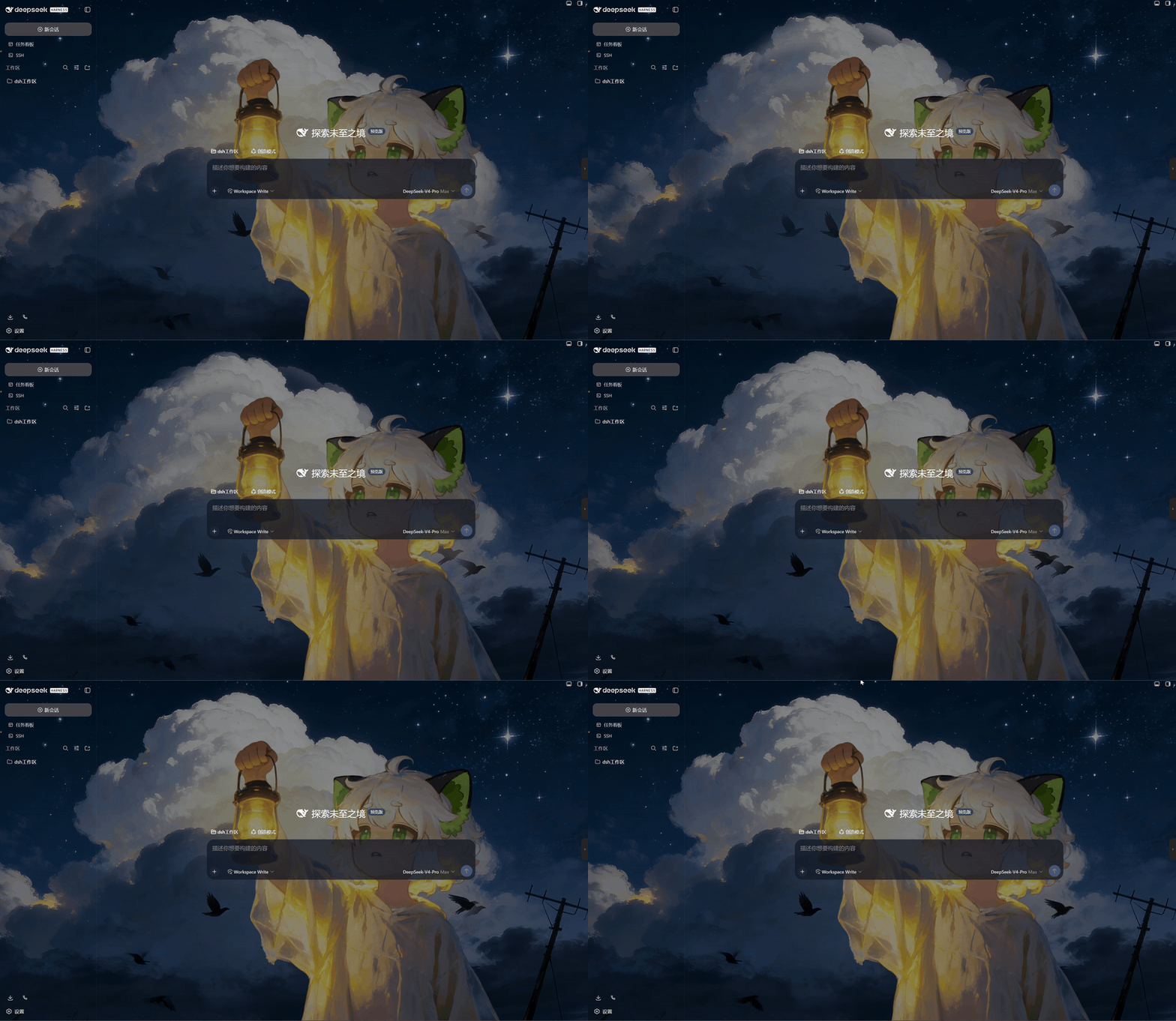 2
No screenshots
Full-screen dynamic wallpaper from local videos and images, with live effect controls, wallpaper switching and Wallpaper Engine workshop import; settings persist automatically.
★ 0
dsh plugin --profile web add @b-tq/dsh-wallpaper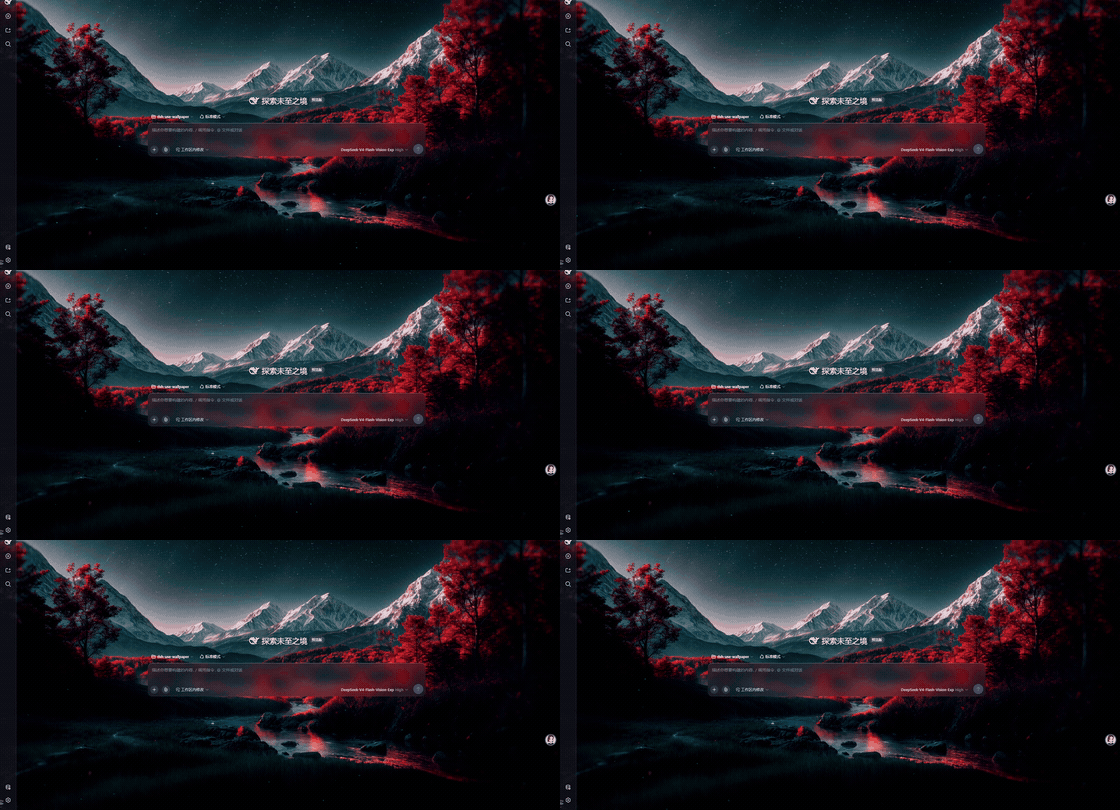 2
No screenshots
by yu502950715yang
把 Wallpaper Engine 动态壁纸搬进 DeepSeek Harness 的 Web GUI:浏览器内实时渲染 scene 壁纸(three.js + Rust/WASM 粒子模拟),支持视频与 web 壁纸,无需 Wallpaper Engine 运行时。
★ 8
↓ 635/wk
MIT
TypeScript
Nov 4, 2026
dsh plugin --profile web add @dsh-use/wallpaper-engine