
dsh-workflow-canvas
Manifest validVisual subagent-workflow canvas for DeepSeek Harness: wire prompt/JSON/session links, run in an event-driven parallel pool, pause at Lead gates, select per-node memory, or sketch graphs from chat.
DSH Workflow Canvas


English | 中文 | Mechanism & Architecture
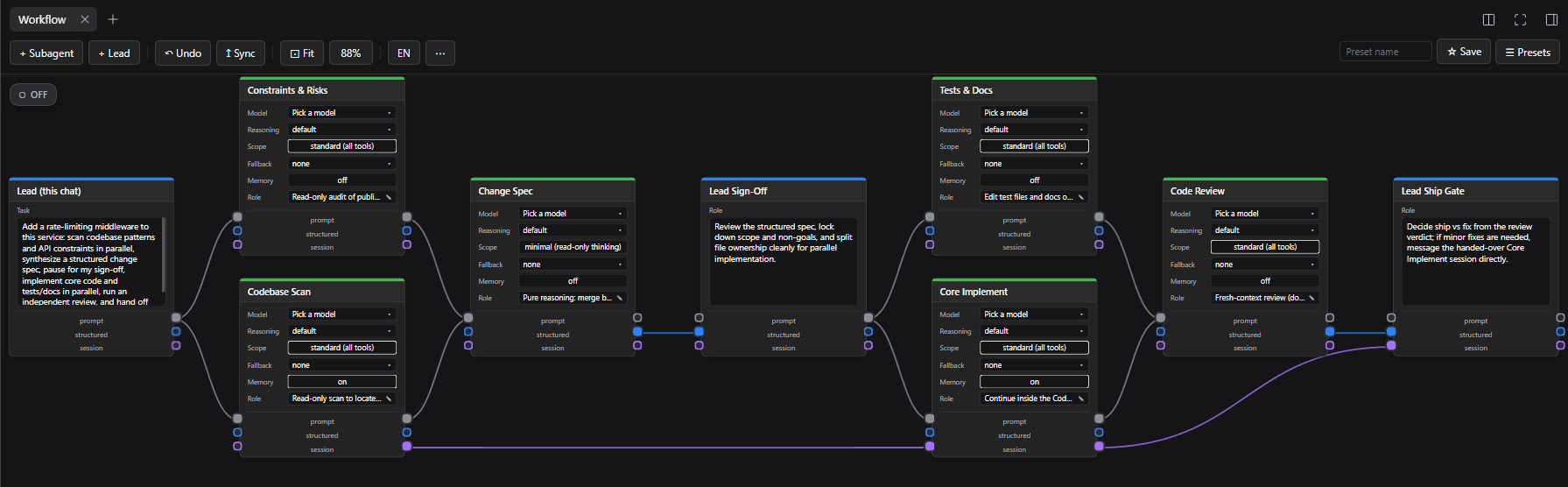
Turn multi-agent orchestration in DSH into a visual node graph: each card is an AI role, each wire defines who feeds whom, and pressing ● ON lets you run the whole pipeline straight from chat.
- Real parallelism: Independent nodes run concurrently (up to 4 at once), and newly unblocked downstream nodes start the instant their inputs finish.
- Human-in-the-loop: Drop a Lead card anywhere in the flow to pause automatically for your decision before continuing.
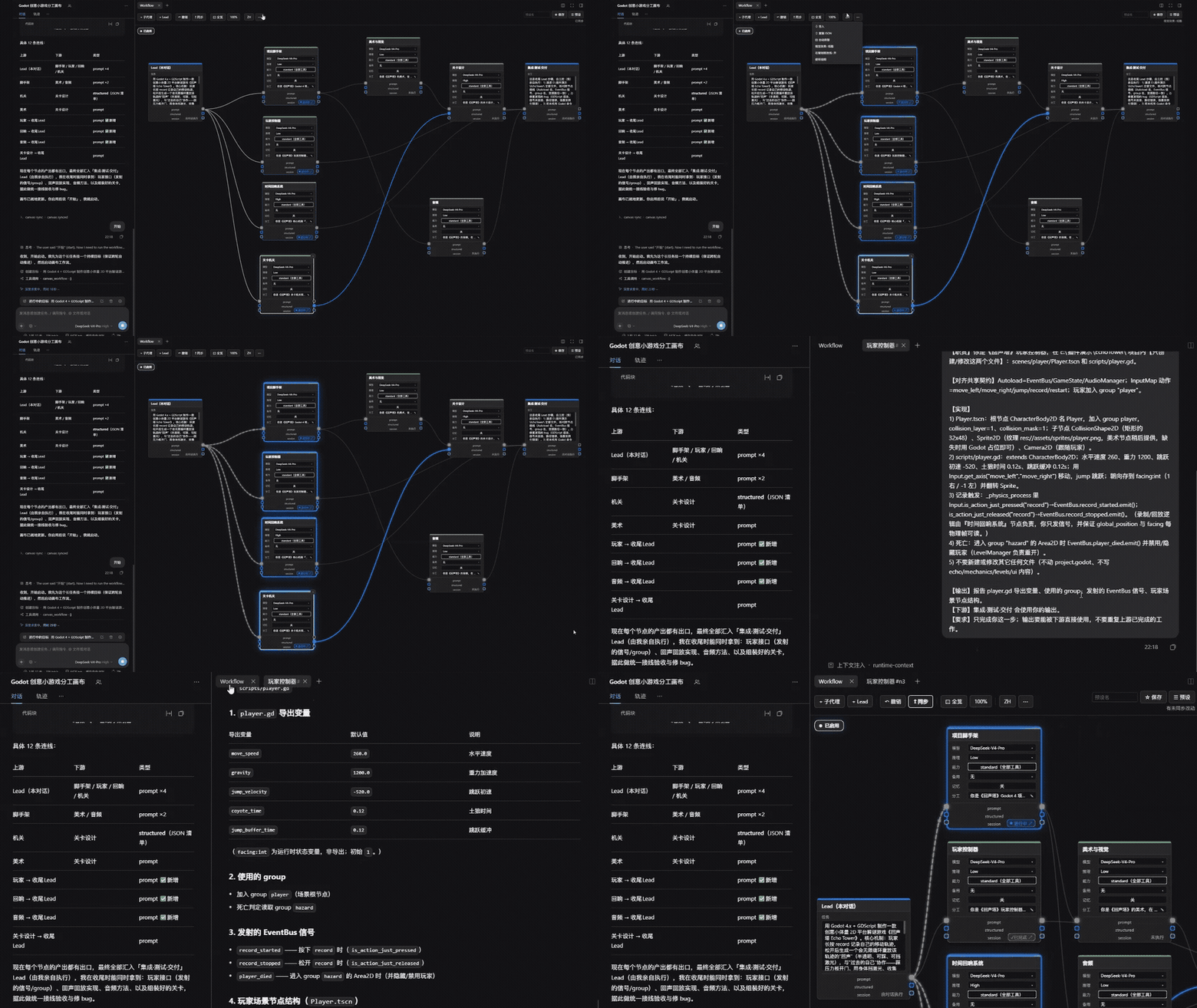
- Zero black box: Click any subagent card to open its live chat transcript and inspect its exact output.
- Don't want to draw by hand? Describe the workflow in one sentence in chat — the agent sketches the graph for you and can patch it in place anytime.
Installation
Requires DeepSeek Harness 0.2.2 or newer (engines.dsh: ">=0.2.2-rc.1 <0.3.0-0").
- From the plugin market — open Plugins → Discover, search "workflow canvas", and install (catalog PR #17180).
- From npm — install
dsh-workflow-canvasfrom the Plugins panel or viaplugin_manager/dshCLI (install_bundle). - From source — clone this repo and install it via Plugins → Add plugin pointing at the local folder.
Once enabled, open the Workflow tab in the right sidebar.
Usage
1. Node types
There are three node types on the canvas:
| Node | Description |
|---|---|
 | Entry Lead (start node, always present) • The starting point of the graph — right-side output sockets only. • Write the overall goal in Task, or leave it blank and send your prompt directly in chat once the canvas is ● ON. • Every node that should run must be reachable from here. |
 | Subagent (green top bar — runs in an isolated child session) • Model / Reasoning: Configure model and reasoning effort per node. • Scope: standard (all tools) or minimal (read-only thinking — disables file edits and web), bounded by the main chat's permission mode.• Fallback: Automatically retries once on another model if the primary one fails. • Memory: Flip on and use the dropdown beside it to resume Latest or pin any past run ( #1 / #2).• Role: Click the pencil icon to describe what this node is responsible for. |
 | Lead (blue top bar — runs directly in the main conversation) • Never spawned — handled by your main chat itself. • Mid-flow (e.g. Lead Pick): pauses with ⏸ Ready once upstream finishes so you can decide before downstream starts.• End-of-flow (e.g. Lead Review): delivers the final summary in one shot without an extra round-trip.• Requires at least one subagent upstream (solo Lead-to-Lead nodes render dashed and are skipped). |
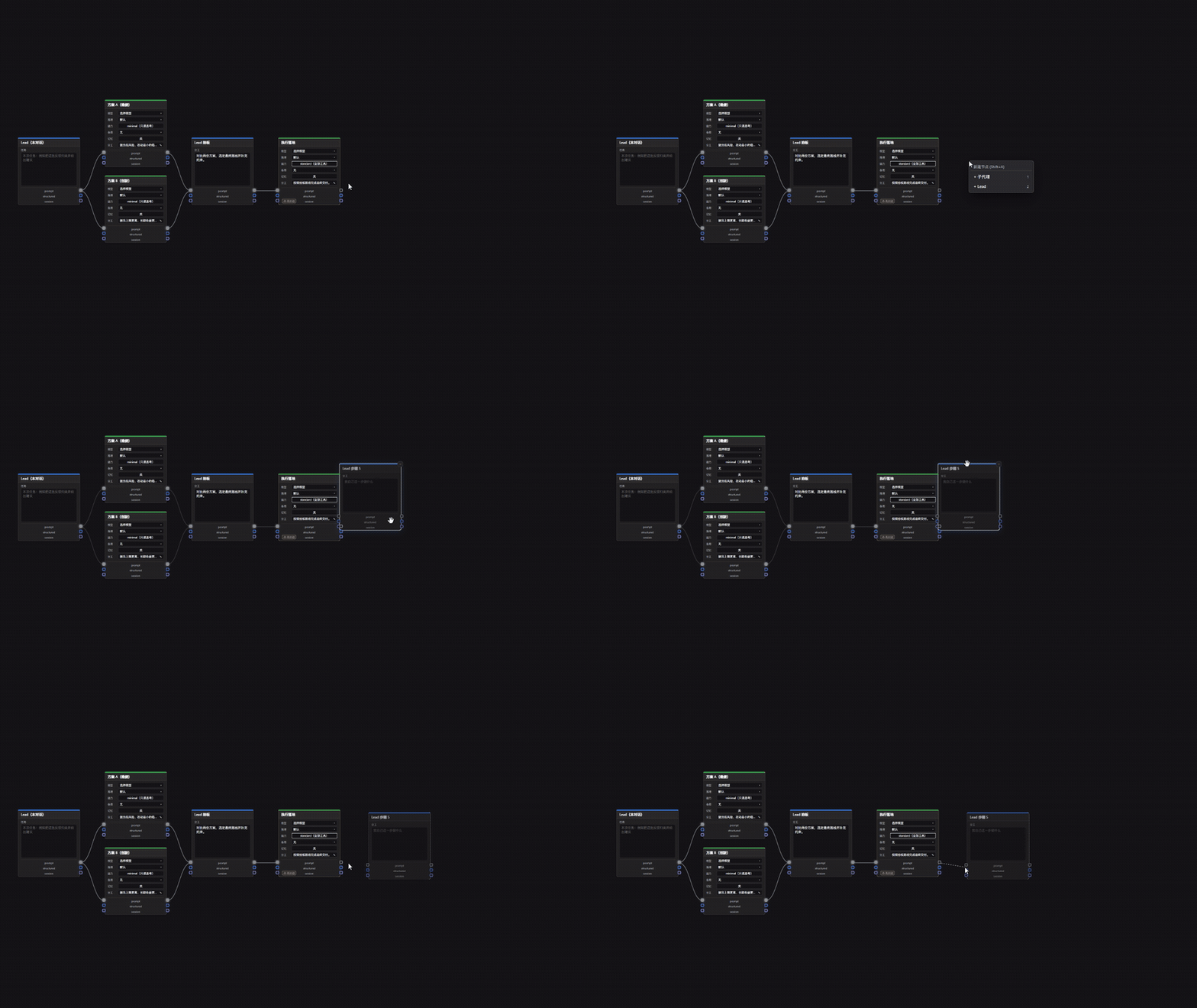
Load a built-in template from ☰ Presets, or press Shift+A anywhere on the canvas to add a node (⋯ also provides ⊞ Auto layout and ✕ Clear canvas):
2. Links and data flow
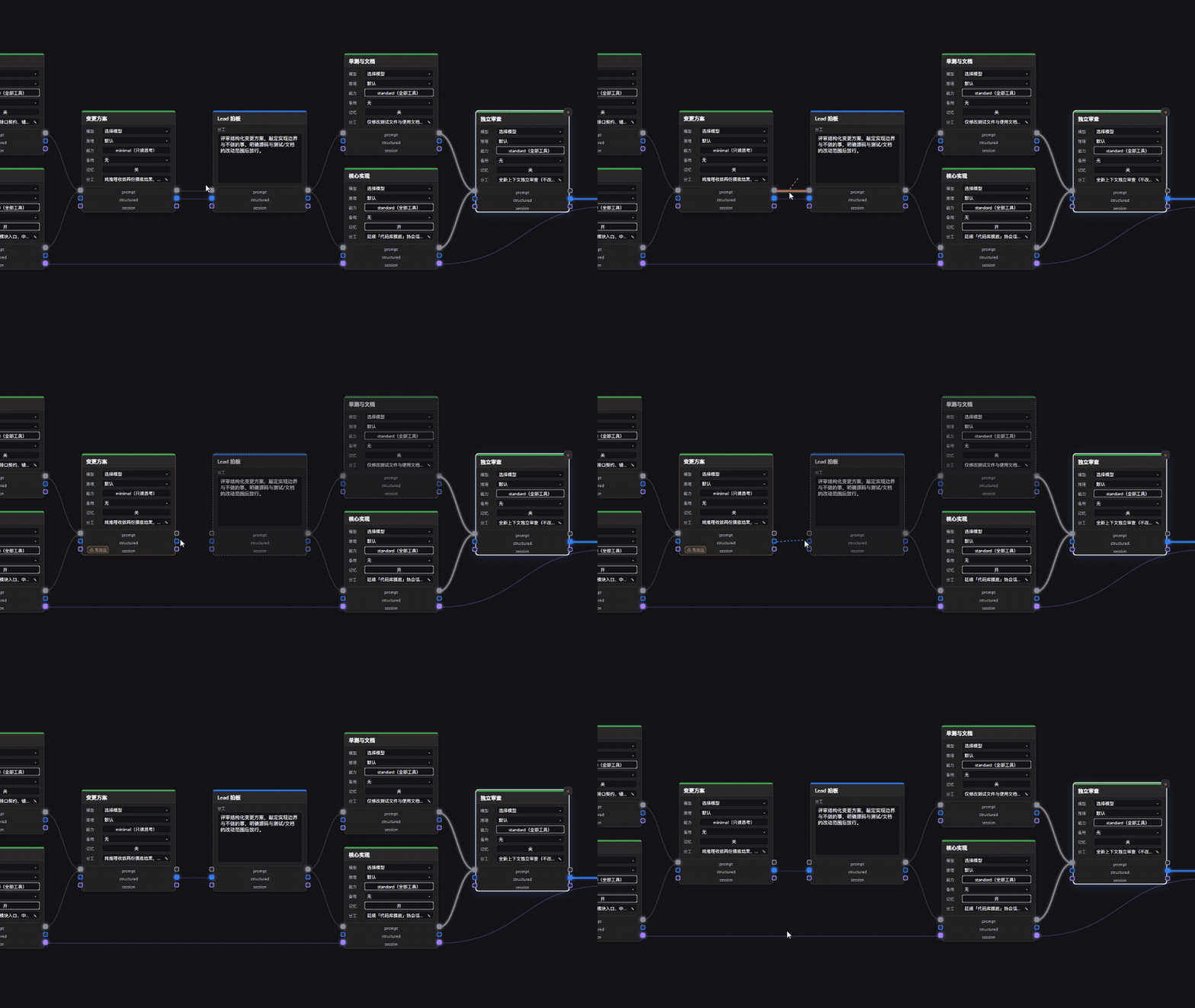
Drag from a right-side output socket on an upstream node to a left-side input socket on a downstream node to pass results forward.
Socket colour indicates the channel type — only matching colours connect:
| Colour | Type | Description |
|---|---|---|
| Grey | prompt | Passes plain-text output downstream |
| Blue | structured | Passes a JSON object; the upstream node is automatically asked for structured output |
| Purple | session | Continues inside the upstream child session without reloading context |
- Disconnect: Hold right-click and sweep across any wire to cut it (or drag a connected left socket away).
- Dashed nodes (inactive): Unreachable nodes, solo chained Lead nodes with no subagent upstream, and dangling dead-end subagents render dashed and are skipped at run time.
3. Per-node settings
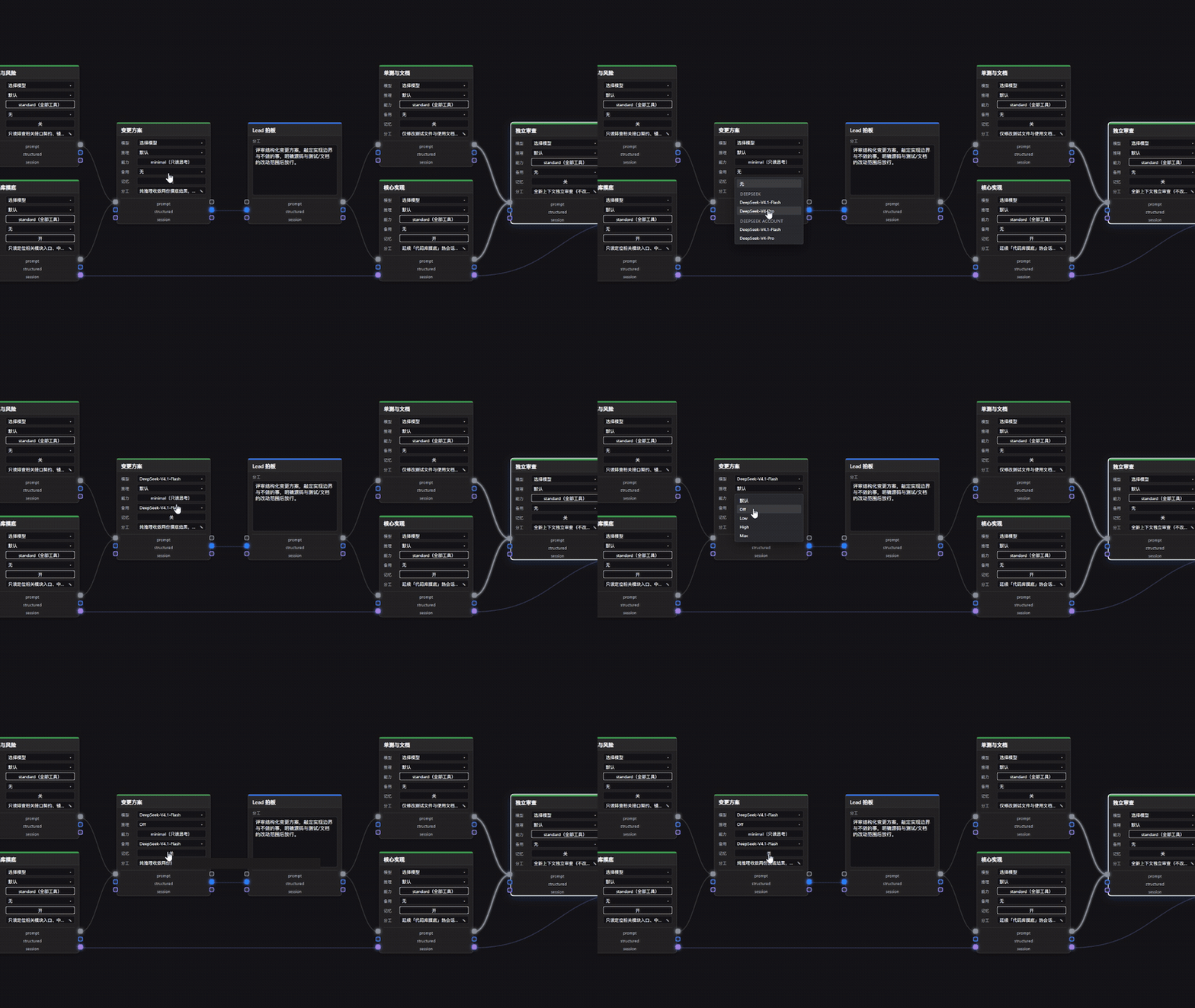
Every subagent node can be configured independently:
- Model & Reasoning: Assign different models and effort levels per step.
- Scope:
standard(all tools) orminimal(read-only thinking). Bounded by the main chat's permission mode. - Fallback: Retries once on another model when the primary model fails.
- Memory: Reuses a past child session across runs and restarts, with a dropdown to pick Latest or a specific run.
4. Enable and run
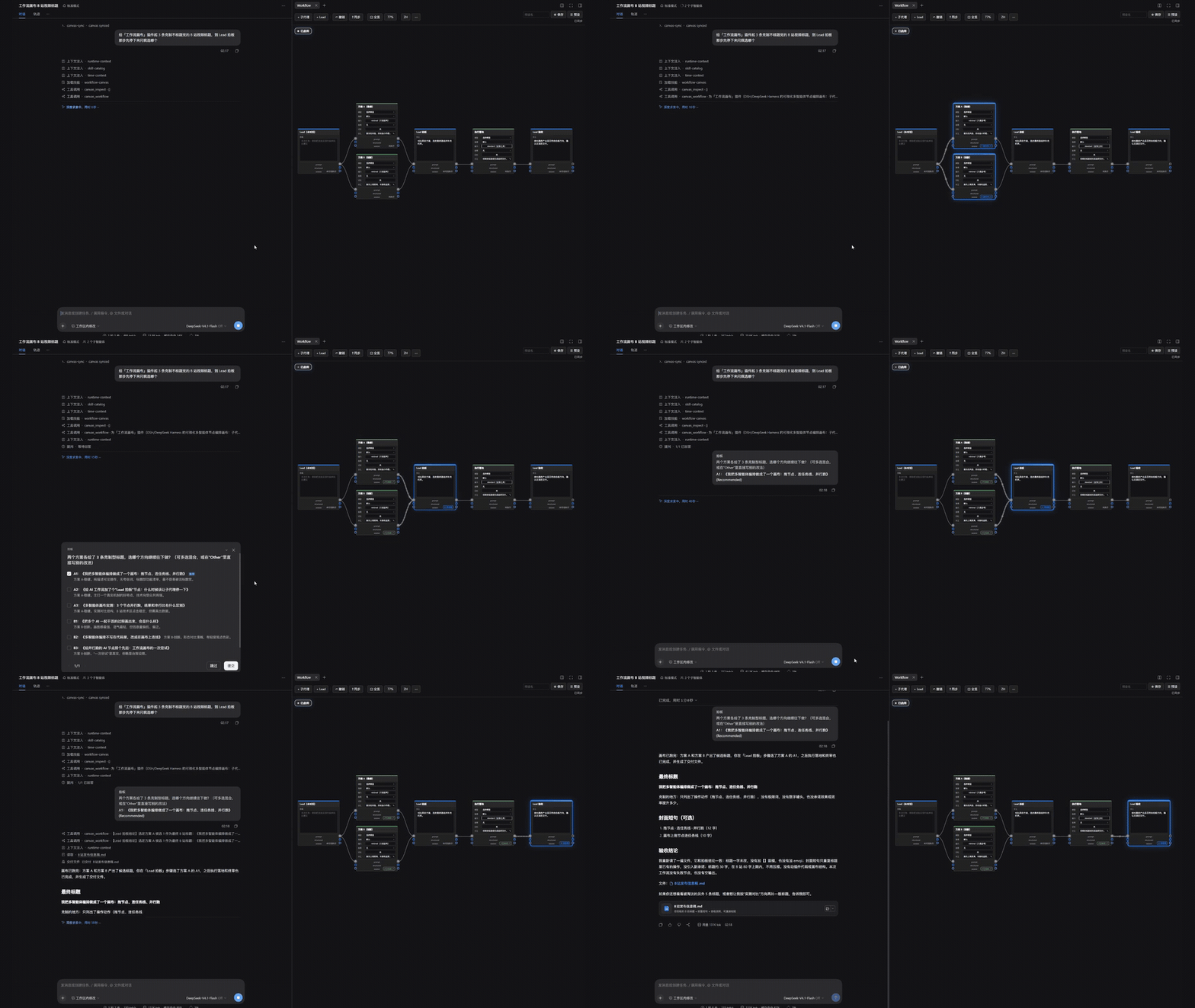
Press ● ON at the top-left of the canvas, then send your task in chat (while enabled, a per-session runtime context notifies the agent automatically):
- If the entry Lead's task is blank, your chat message is passed as
task. - At an intermediate Lead node, the canvas shows
⏸ Readyand hands control to chat; once you reply, downstream nodes resume automatically through the final Lead review. - Re-running in the same chat supports
reset: true; if any node has saved Memory, the agent confirms whether to keep memory or clear it (clearMemory: true).
5. Inspect live subagent runs
Active nodes glow blue with animated flow wires and turn green when done. Click the status badge (Running ↗ / Done ↗) at the bottom-right of any subagent node to open its conversation pane:
Let the agent draw or edit the canvas from chat
- Sketch from one sentence (
canvas_generate): "Build a parallel research workflow on the canvas: two subagents investigate competitors and feasibility, pause for me to decide, then write the plan." - Patch in place (
canvas_inspect+canvas_patch): "Inspect the current canvas, turn Memory on for feasibility, and add a read-only cost-estimate node wired into plan synthesis." (Preserves your layout.)
Shortcuts & controls
| Control / Shortcut | Action |
|---|---|
Shift+A | Add a node at the cursor (1 = Subagent, 2 = Lead) |
Middle-drag / Space + left-drag | Pan the canvas |
Wheel / ⊡ Fit / 100% pill | Zoom around cursor / fit all nodes / click to reset 100%, drag left-right to scrub zoom |
Marquee drag + Ctrl+D / Delete | Multi-select move, duplicate (with settings), or batch delete |
| Right-drag across wires | Cut links (toggle under ⋯) |
Ctrl+Z / Esc | Undo structural edit / close popups |
⋯ menu | Import / Copy JSON, Auto layout, Clear canvas, Visual effects (Minimal / Standard / Vivid) |
Presets, sharing & limits
- Presets & sharing:
☰ Presetsincludes 3 starter templates plus New blank canvas; save your own with☆ Save. Custom presets live in browser storage — use⋯ → ⇧ Copy JSONand⇩ Importto share across devices. - How this differs from other canvas plugins: Built for multi-subagent orchestration + conversation Lead gates; for
ctx.workflowstool/condition pipelines, see@piedpiper911/dsh-workflow-canvas. - Limits: Up to 4 subagents run concurrently; per-node
Scopeonly narrows tools within the main chat's permission/sandbox ceiling.
Development & internals
- See Mechanism & Architecture (中文) for the Client ↔ Host bridge, event-driven concurrency pool, link semantics, and cold resume.
- Edit
client.js/index.jsand reload (Host changes require restart). Runnpm testfor the test suite. Compact plugin page: docs/DETAIL.md.
License
MIT — see LICENSE.
Comments
Loading…
Similar plugins
by czyt1988
Visual workflow orchestrator for DeepSeek Harness (DSH): drag task nodes onto a canvas, wire them into sequential, parallel or gateway-joined graphs, then run. Each node spawns a real DSH task session
★ 0
MIT
JavaScript
Nov 18, 2026
dsh plugin --profile web add dsh-workflow-orchestratorby VCPr0j3k7
Workflow Studio for the DeepSeek Harness desktop shell - launch workflows with /workflow and watch every subagent's work and structure on a live board
★ 0
MIT
JavaScript
Oct 8, 2026
dsh plugin --profile web add dsh-workflow-studioby CC19990113
Visual agent-orchestration canvas for DeepSeek Harness (dsh): compose LLM/MCP nodes into a DAG, run it from chat, and export the board as a DSH preset. Ships its own engine — install and run.
★ 6
↓ 184/wk
MIT
JavaScript
Oct 29, 2026
dsh plugin --profile web add dsh-plugin-agentflowby kanghelyu
DeepSeek Flow — Markdown-first visual workflow plugin for DeepSeek Harness with executable Boolean gate semantics, two-way canvas sync, and AI review/optimization.
★ 93
↓ 156/wk
MIT
JavaScript
Aug 19, 2026
dsh plugin --profile web add deepseek-flowVisual Kanban board for DeepSeek Harness with Gitea-backed tasks, workflow columns and a dedicated agent session per task.
★ 0
↓ 789/wk
MIT
JavaScript
dsh plugin --profile web add @goodandready/dsh-kanbanby Zayzz-pixel
A visual decision workbench for DeepSeek Harness: explore ideas, focus branches, and turn choices into executable graphs.
★ 3
MIT
JavaScript
Sep 1, 2026
dsh plugin --profile web add dsh-ariadne