
dsh-trackpad-zoom
IdentifiedBrowser-style trackpad pinch zoom for the DSH conversation column and Markdown previews: keeps line breaks, anchors at the pointer, pans horizontally above 100%, and remembers one factor per surface.

dsh-trackpad-zoom
A DeepSeek Harness client plugin that zooms the conversation column and Markdown previews with a trackpad pinch, the way a browser does.


A community plugin for DeepSeek Harness. Not an official DeepSeek product.
Features
- Pinch where you read. Two fingers over the conversation, or over a Markdown preview in the right column, and pinch. Chromium delivers that gesture as
Ctrl+ wheel, which is the only event this plugin listens for. - Magnified, not re-wrapped. Three lines stay three lines: the zoomed box keeps its character-per-line count and grows wider, so 200% is the 100% layout enlarged, not a narrower column.
- Anchored at the pointer. Whatever sits under the fingers stays under them while the factor changes, like browser/Edge zoom.
- 100% to 400%. The default rendering is the floor: the gesture only enlarges, and pinching back to 100% is the reset.
- Per-surface memory. The conversation and Markdown previews remember their factors independently across reloads and session switches.
What it changes
The conversation transcript boxes are scaled; the sticky composer keeps its own size and stays pinned to the left edge. In the right column, only the Markdown preview body is scaled — the tab title, the preview toolbar and the panel frame stay at 100%.
Above 100% the zoomed surface is wider than its viewport, so it pans horizontally inside its own scroll container instead of pushing the surrounding UI around.
It does not touch:
- image and PDF previews, which already implement their own pointer-anchored zoom and keep the gesture;
- HTML previews, which are iframes;
- the composer, the window chrome, or the page zoom.
Installation
From npm
dsh plugin --profile desktop add dsh-trackpad-zoom
From source
git clone https://github.com/Sunshine334419520/dsh-trackpad-zoom.git
cd dsh-trackpad-zoom
dsh plugin --profile desktop add "$PWD"
Usage
- Reload the Harness window once after installing.
- Put two fingers on the trackpad over the conversation and pinch out. The transcript grows around the pointer.
- Open a
.mdfile in the right column and pinch over its content. It zooms independently of the conversation. - Pinch back to 100% to reset either surface.
A two-finger scroll is still a scroll. Only the pinch gesture (Chromium reports it as
Ctrl+ wheel) changes the factor, so reading position and scrolling keep working untouched.
Settings
| Key | Default | Description |
|---|---|---|
dsh-trackpad-zoom:chat | 1 | Conversation factor, 1–4. |
dsh-trackpad-zoom:preview | 1 | Markdown-preview factor, 1–4. |
Both live in the renderer's localStorage and are written 200 ms after a gesture settles. Delete a key (or pinch that surface to 100%) to restore its default. A conversation factor saved by the earlier dsh-chat-zoom name is adopted once on first load.
Compatibility & limits
- DeepSeek Harness: desktop build, any version whose renderer is Chromium 128+ (the first release with standardized CSS
zoom). Verified on the current desktop build, Chromium 152. - macOS: trackpad pinch maps to
Ctrl+ wheel in Chromium natively; nothing to configure. - Windows / Linux: the same
Ctrl+ wheel path applies; a mouse wheel withCtrlheld works too. - Browser-embedded web UI: the gesture works, but browser-level zoom shortcuts stay owned by the browser.
- Known limits: zoom keeps the original line breaks, so above 100% the zoomed box is wider than its viewport and is panned horizontally; a conversation pinned to the newest message stays pinned. HTML previews and plain-text/code previews are out of scope; Markdown and the conversation are the two surfaces this plugin scales.
Troubleshooting
| Symptom | Fix |
|---|---|
| Nothing happens on the conversation | Type window.__dshTrackpadZoom in DevTools: undefined means the client half never loaded — reinstall the bundle and reload; an object whose chat value moves with the pinch means the factor works and the target selection is the problem. |
| The Markdown preview does not zoom | Confirm the file is a .md tab and the pointer is over the rendered content, not over the toolbar; the preview factor is separate from the conversation one. |
| The composer shrinks with the transcript | That is the pre-0.4 behaviour; update to the current bundle. |
| Text re-wraps while zooming | The version is not 0.4+; earlier builds zoomed type without growing the box. |
License
MIT © Sunshine334419520. See LICENSE.
Comments
Loading…
Similar plugins
by 1700563146
Whole-interface zoom for the DSH Web UI from 70% to 160%, driven by Ctrl+wheel, DSH's shortcut center or an inline pill, with content-width compensation so zooming out fits more text instead of narrow
★ 0
MIT
JavaScript
Oct 23, 2026
dsh plugin --profile web add dsh-plugin-ui-zoom为模型展示交付成果和下达精细微调指示的dsh desktop面板
★ 0
MIT
JavaScript
dsh plugin --profile web add dsh-plugin-middle-panelby djs326
All-in-one UI plugin for DSH Desktop (Windows): conversation-width slider with fullscreen preview and follow-window mode, thinking-block enhancements (forced Chinese, expand/collapse, Markdown renderi
★ 3
↓ 212/wk
MIT
TypeScript
Sep 26, 2026
dsh plugin --profile web add dsh-plugin-width-sliderby Gnatnaituy
A browser panel in DSH's right sidebar: browse a site through a per-origin loopback proxy, pick elements into [label][DOMn] references, with tabs, page zoom, phone/tablet viewport preview and saved lo
★ 0
MIT
JavaScript
Nov 20, 2026
dsh plugin --profile web add dsh-sidebar-browser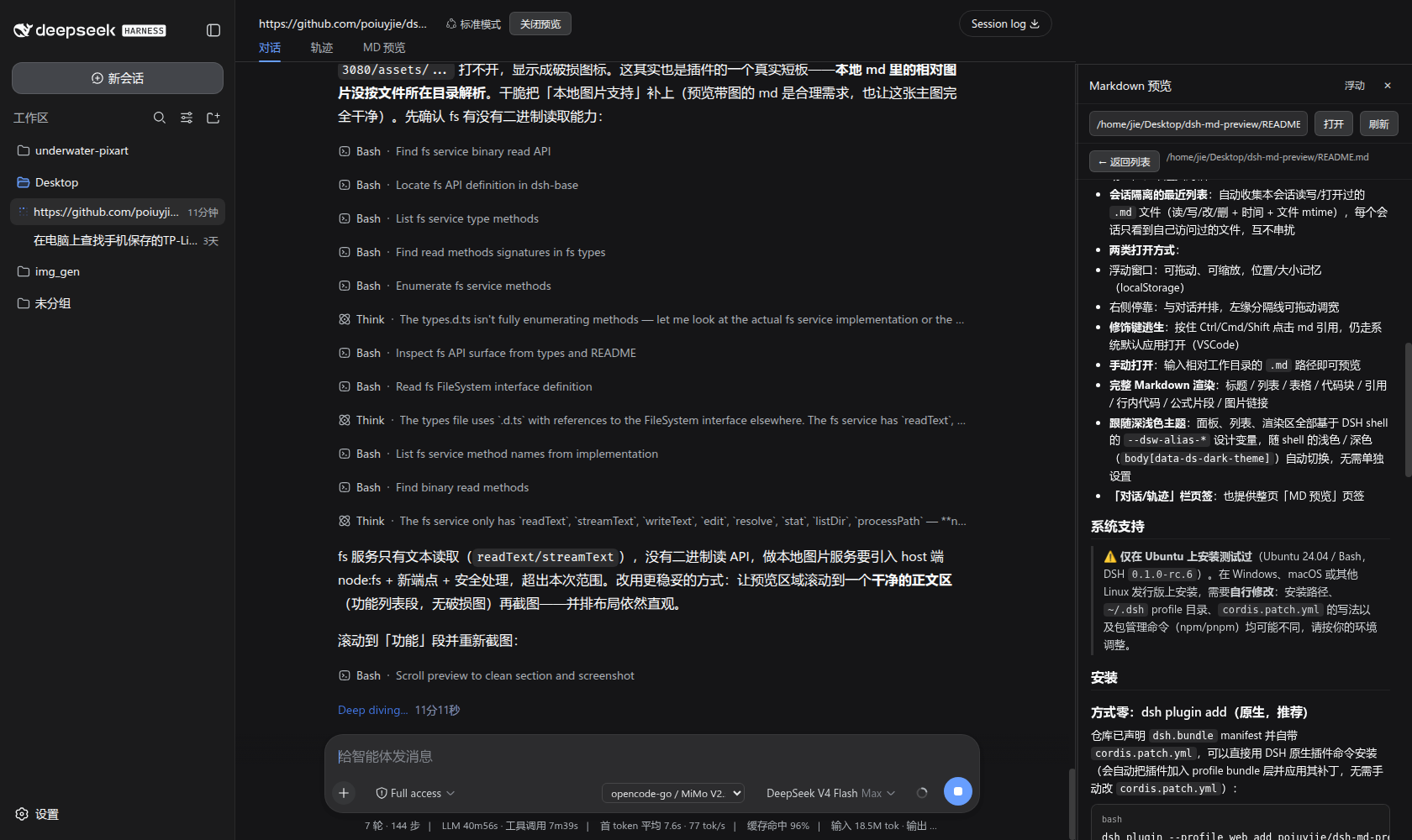
No screenshots
Dockable Markdown preview for the DSH Web UI: side-by-side with the conversation, a per-session recently-read .md list, local relative-path images render in place, and clicking an in-chat .md referenc
★ 0
dsh plugin --profile web add dsh-md-previewPins the conversation column of the dsh UI to a fixed width — a pixel value or a percentage of the column — from a row in General settings, and hides the built-in drag handles so the width stays put.
★ 0
dsh plugin --profile web add dsh-conversation-width