

dsh-theme-eva
Identified★ 2EVA Unit-02 theme with an entry-plug boot cinematic, a context-based sync meter, and configurable dark interface styling.
dsh-theme-eva
EVA themes for DeepSeek Harness (DSH): Unit-02 (弐号机) and Unit-01 (初号机), switchable live.
| Unit | Armour | Markings | Sync stop |
|---|---|---|---|
| 02 弐号機 · PRODUCTION MODEL | red #d8262e | orange #f06a22 | 99.2% |
| 01 初号機 · TEST TYPE | purple #8d4dde | lime #a0da3b | 99.6% |
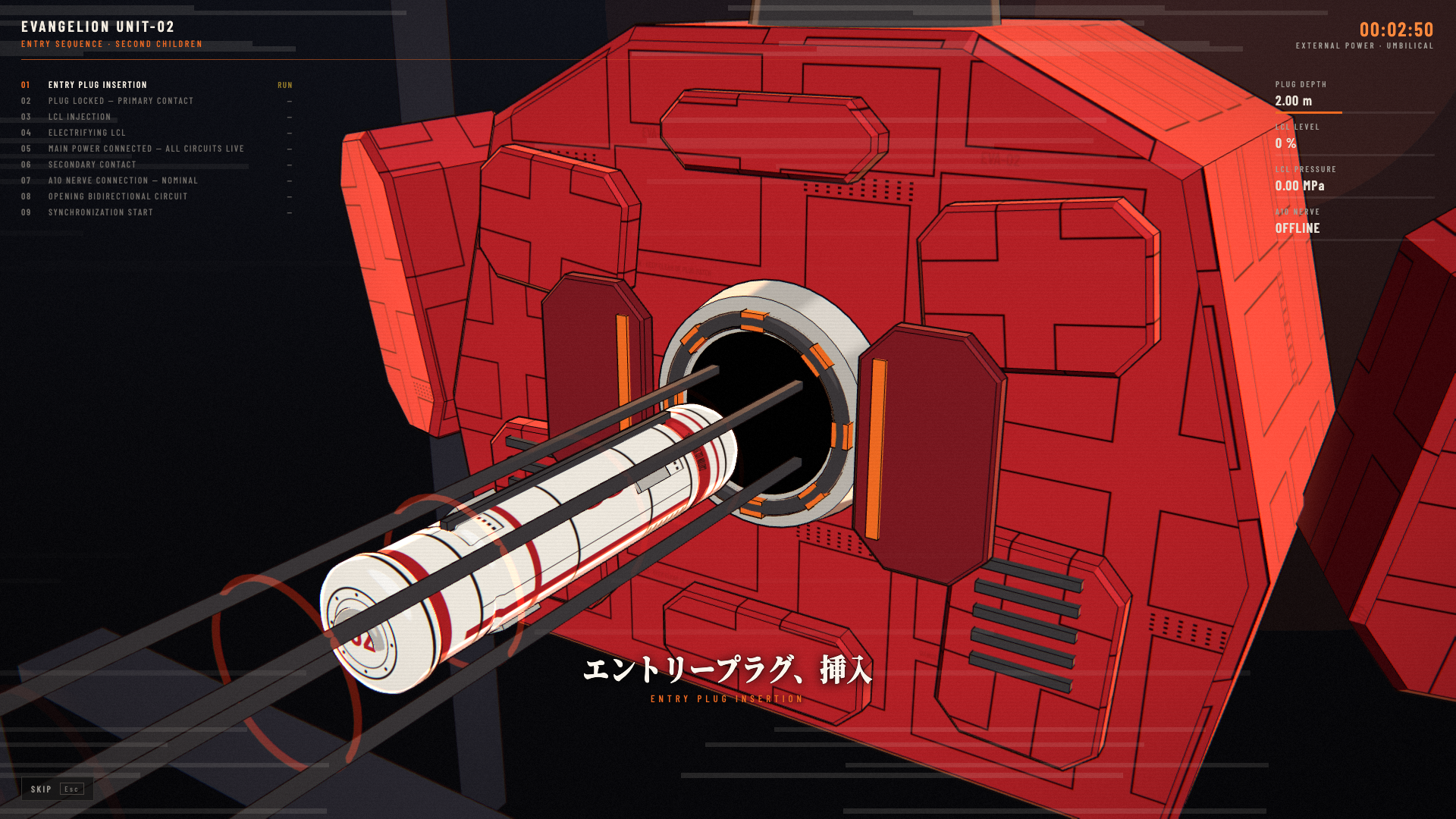
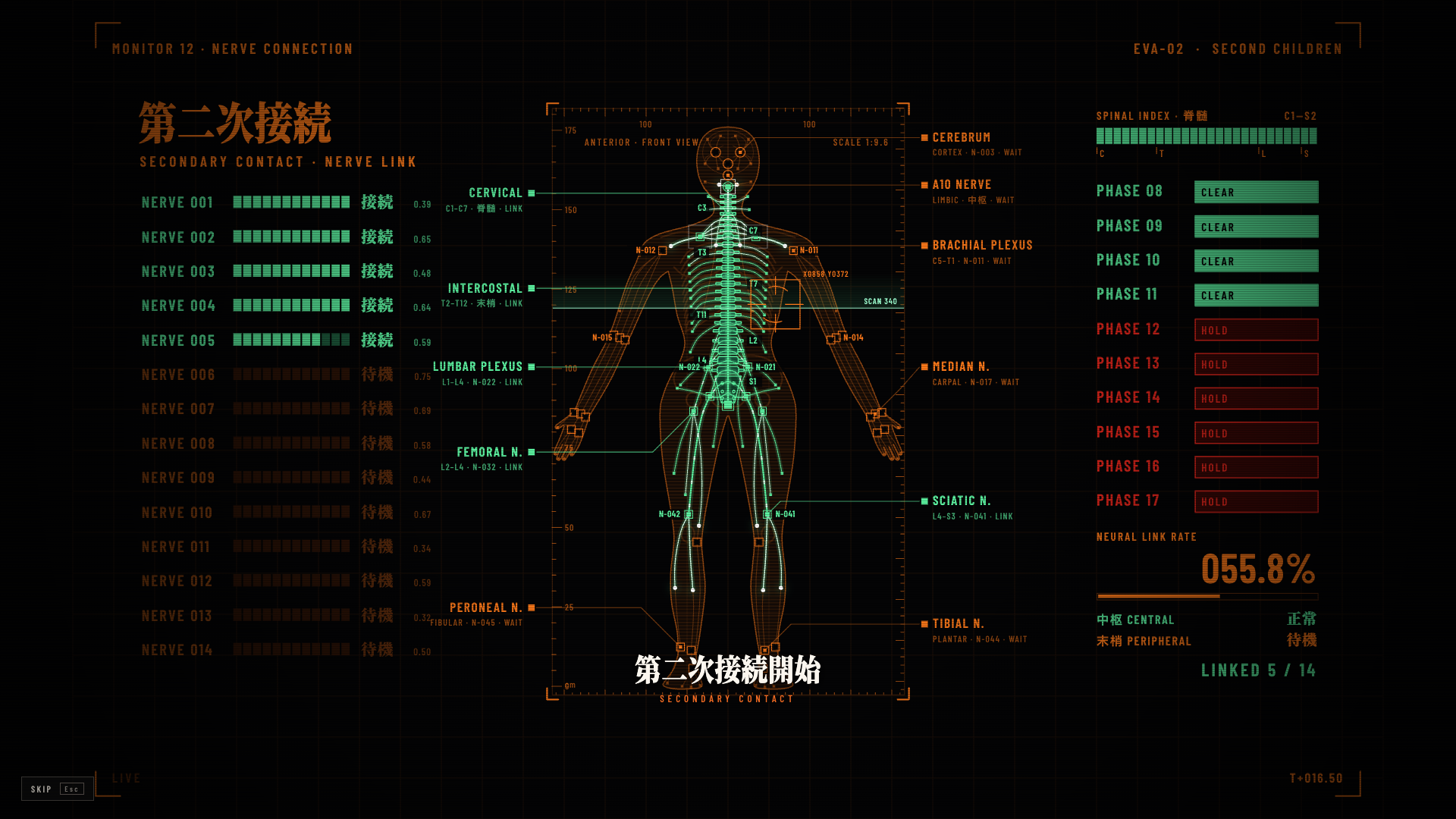
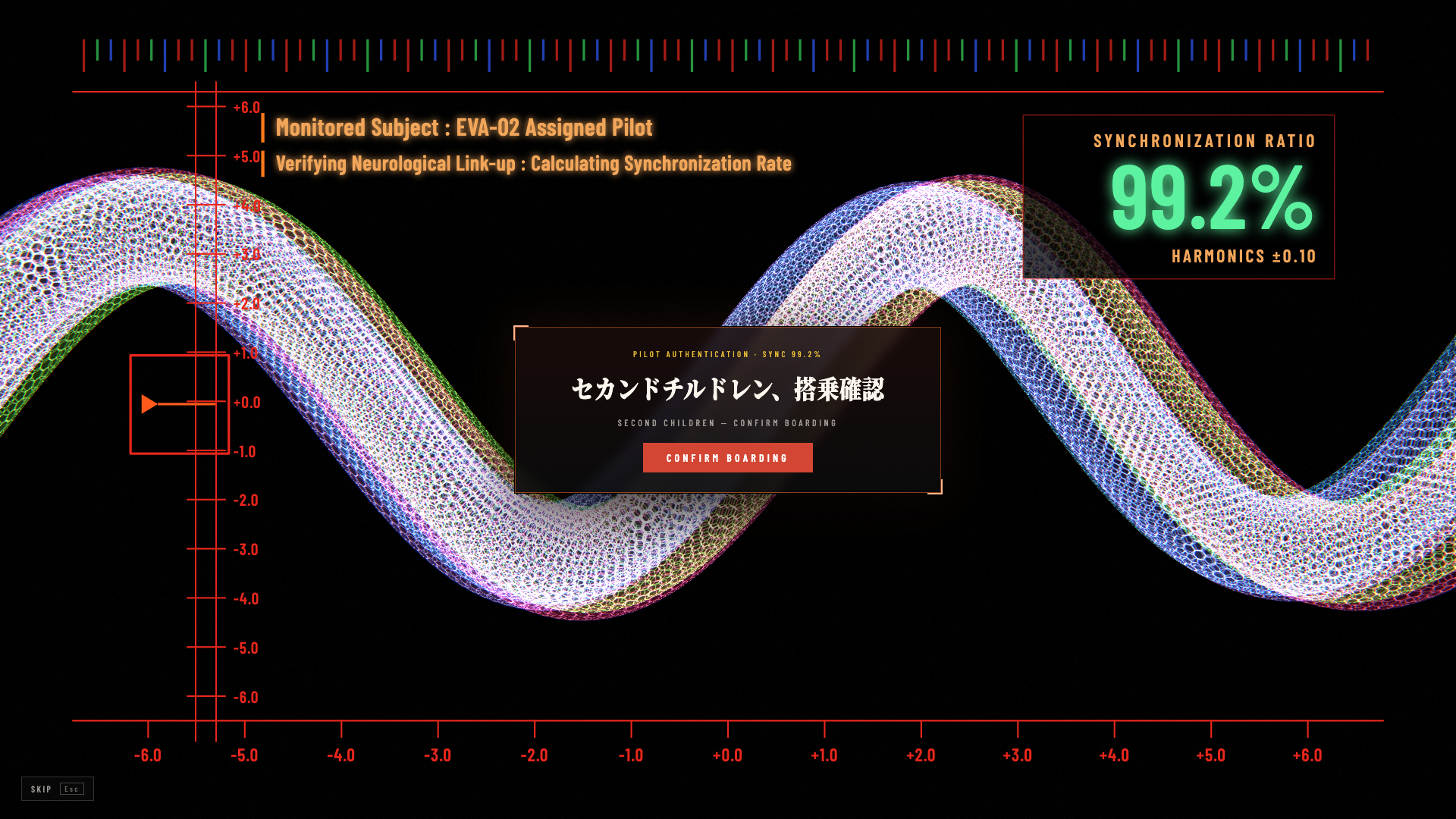
- Entry cinematic. Every time the page opens: start gate → cel-shaded (toon + ink outline) entry plug inserted into the spine socket in hard-cut shots → an x-ray scope of the plug sinking through the lock rings → LCL floods the cabin and is electrified → hard cuts to command-room monitor screens (main power distribution, a circuit matrix opening lines 0001–1405, an anatomical nerve-connection schematic lighting up limb by limb, brain-region vital traces for the A10 link, a three-computer vote) between Mincho intertitle cards → a harmonics scope where the pilot and unit waves (hex-mesh tubes) close in as the sync ratio climbs to the unit's stop (99.2% / 99.6%) and waits for the pilot to confirm → 100% → 「弐号機 起動」 / 「初号機 起動」 title card → workbench. Everything is drawn in code (three.js + 2D canvas) and loaded only while it plays. To skip at any time, hold Esc (or press and hold the skip button) for about 1.2 s — a progress bar fills while you hold and drains if you let go early.
- Sync plate. A small plate in the session header: sync ratio = 100% − context window occupancy, taken from the session's real context pressure. Below 30% it turns orange (精神汚染), below 10% red (シンクロ率低下).
- Running indicator. At the conversation tail, an 「内部電源」 clock and faint signal line in the unit's marking colour replace the native “Deep diving / 深度求索中” visuals. The clock reads the current open turn's real start timestamp, so switching sessions or mounting mid-turn does not restart it. Turning off the theme or running indicator restores the native display; its static screen-reader announcement is preserved. There is no duplicate indicator above the composer.
- Backdrop. Original monitor-style graphics behind the conversation: a faint 弐 / 初 watermark, hex grid, vertical captions, phase list and caution stripes (drawn from the OFL fonts as outlines; no third-party artwork).
- Everyday skin. Kept restrained so chat and code stay readable: the unit palette, chamfered corners, an armour-coloured gradient at the top of the sidebar, a "02" / "01" unit mark, and Mincho titles. Messages and code blocks keep DSH's own fonts.
Settings live in Settings → General → EVA 接入 / EVA Link: theme, unit (搭乘机体: 初号机 / 弐号机), cinematic, voice and sound, running indicator and sync plate can each be turned off, and there is a Replay button. The sidebar footer has a 重新接入 / Re-link button too.
While the theme is on, the appearance is locked to dark (EVA has no light mode). Turning it off restores your own light/dark/system setting.
If the system setting Reduce motion is on, the 3D cinematic is replaced by a 2-second static title card, with no gates and no running indicator animation.
Screenshots
Real 1920×1080 captures of the theme's code-rendered startup cinematic (not workbench screenshots or mockups).
Entry plug insertion
Nerve connection monitor
Synchronization and boarding confirmation
Install
git clone https://github.com/nerv-base/dsh-theme-eva.git
cd dsh-theme-eva
npm install
npm run build
Then, from a DSH session, ask the agent to install the bundle at the absolute path of this directory (plugin manager install_bundle), or install it from the plugin market once it is published. Reload the window after installing.
Develop
| Command | What it does |
|---|---|
npm run build | Bundle src/ into lib/client.js (main) and lib/client.cinema.js (lazy cinematic chunk). -- --dev skips minification, -- --watch rebuilds on change. |
npm test | Run the unit-data, native-status adapter and mounted React lifecycle regression tests. |
npm run fonts | Re-subset the fonts from the full OTF/TTF sources (EVA_FONT_SRC, default /tmp/evafonts) to the characters used in src/. Run after changing any Japanese copy. |
npm run voice | Render missing announcer clips with edge-tts; -- --force re-renders all. Needs python3 -m pip install --user edge-tts. |
scripts/harness/cinema.html runs the cinematic on its own: serve the repository root with any static server and open /scripts/harness/cinema.html.
Unit-specific values (palette roles, surfaces, colour ramps, code tokens, number, pilot callsign, every cinematic line and its spoken reading) live in src/shared/units.js. Units share one data shape (tests/units.test.mjs checks it); art is drawn once in template colours and recoloured per unit, and voice clips common to all units are assets/voice/shared-*.mp3. Adding a unit = one entry in UNITS, its backdrop-right-NN.svg / mark-NN.svg (scripts/gen-backdrop.py), its confirm/title clips (npm run voice), and the id in the unit union of lib/index.js.
scripts/harness/cinema.html?unit=01 previews another unit's cinematic.
Switching units
The selected unit is the durable unit field ("01" | "02", default "02") of the theme-eva settings section, so the settings UI, configForms.get("theme-eva").set("unit", "01") or a settings-document edit all switch it. While the page is open the plugin also publishes a handle:
globalThis.dshThemeEva.units            // [{ id: "02", themeId: "eva-02", label, palette, … }, { id: "01", … }]
globalThis.dshThemeEva.getUnit()        // the unit showing now, or undefined while the theme is off
await globalThis.dshThemeEva.setUnit("01") // persist + switch (false if the Host refused)
await globalThis.dshThemeEva.setEnabled(false)
window.addEventListener("dsh-theme-eva:change", (e) => e.detail) // { unit: "01", themeId: "eva-01" } | { unit: null, … }
Each unit registers its own DSH theme (eva-01 / eva-02); a switch activates the new theme before retracting the old one, so there is no flash of the stock palette. The skin and component styles read --eva-accent, --eva-marking, --eva-green, … custom properties, which other plugins can use too (body[data-eva-theme] holds the unit id).
Layout:
lib/index.js            Host half: preferences (Config) + allowlisted asset route /eva-theme-assets
src/client/             Browser half: theme tokens, skin CSS, settings row, brand seats, sync meter, overlay
src/cinema/             Lazy chunk: three.js scene, HUD, WebAudio sound design, announcer
src/shared/units.js     Per-unit configuration
assets/                 Icon, font subsets, announcer clips
Credits and licenses
Inspired by eva-codex-workbench (MIT, © 2026 Iris-change), an EVA Unit-02 styled Codex workbench. This project is a separate implementation for DSH and copies none of its code.
The code is MIT licensed. Bundled fonts are SIL OFL 1.1 subsets of Noto Serif CJK JP and Barlow Condensed; three.js is MIT. The announcer clips are not covered by the MIT license: they were rendered with Microsoft's ja-JP-NanamiNeural voice through edge-tts, and Microsoft has not granted an explicit redistribution license for such output. See NOTICE.md for details and for how to remove or replace them.
Disclaimer
This is an unofficial fan work. It is not affiliated with, endorsed by, or sponsored by khara, Inc., Studio Gainax, or any other rights holder of Neon Genesis Evangelion, nor by DeepSeek. It contains no footage, music, voice recordings, character artwork or logos from the series. "Evangelion" and related names are trademarks of their respective owners.
Versions
| Latest version | Published | Size |
|---|---|---|
| 0.1.0 | — | — |
Comments
Loading…
Similar plugins
by oceanxuikun
Evangelion-inspired theme plugin for DSH WebUI, featuring Unit-00, Unit-01, and Unit-02 themes with immersive backgrounds and mecha-style UI effects.
★ 4
JavaScript
Aug 14, 2026
dsh plugin --profile web add dsh-eva-theme-pluginby seaison
DSH / DeepSeek Harness EVA 主题插件:明日香暗色、绫波丽亮色,含驾驶员选择、启动语音、时钟与音乐播放器
★ 40
NOASSERTION
JavaScript
Oct 25, 2026
dsh plugin --profile web add dsh-plugin-eva-theme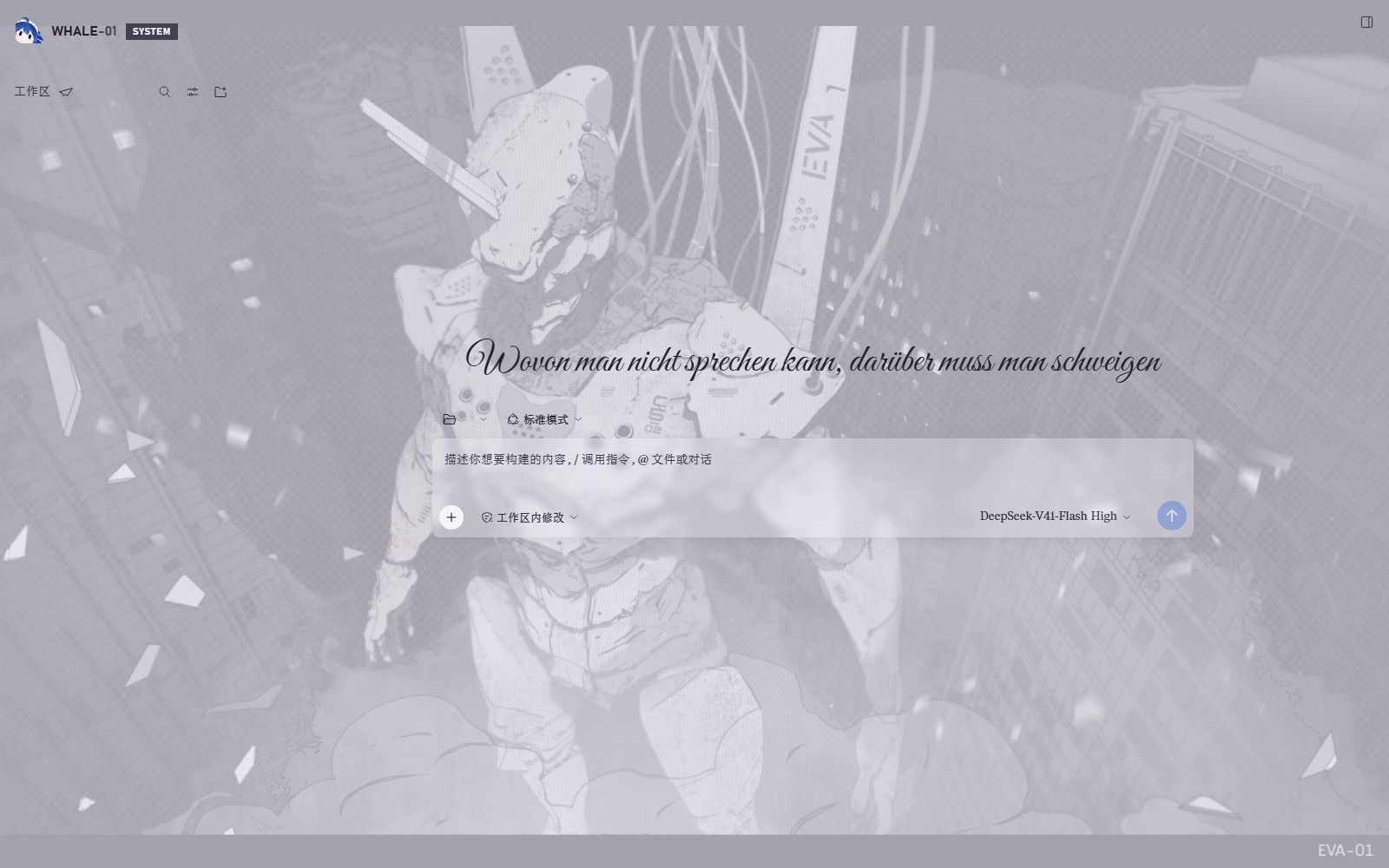 2
No screenshots
by WhatCannotBeSaid
NERV-gate visual theme for DeepSeek Harness (fan work, non-commercial; see LICENSE)
★ 3
NOASSERTION
Python
Oct 27, 2026
dsh plugin --profile web add github:WhatCannotBeSaid/EVA-Inspired-Theme 3
No screenshots
by sayzwx
Deep-space theme for the Harness Web GUI: two fully designed light and dark palettes over a seamless cross-dissolve nebula wallpaper, plus a model probe that reports which configured models actually a
★ 1
MIT
JavaScript
Oct 11, 2026
dsh plugin --profile web add dsh-xingkong-themeby MoYu-CN
Extra light and dark color themes for the DSH UI, registered as pure color tokens on top of the official theme runtime.
★ 0
MIT
JavaScript
Oct 12, 2026
dsh plugin --profile web add dsh-theme-pack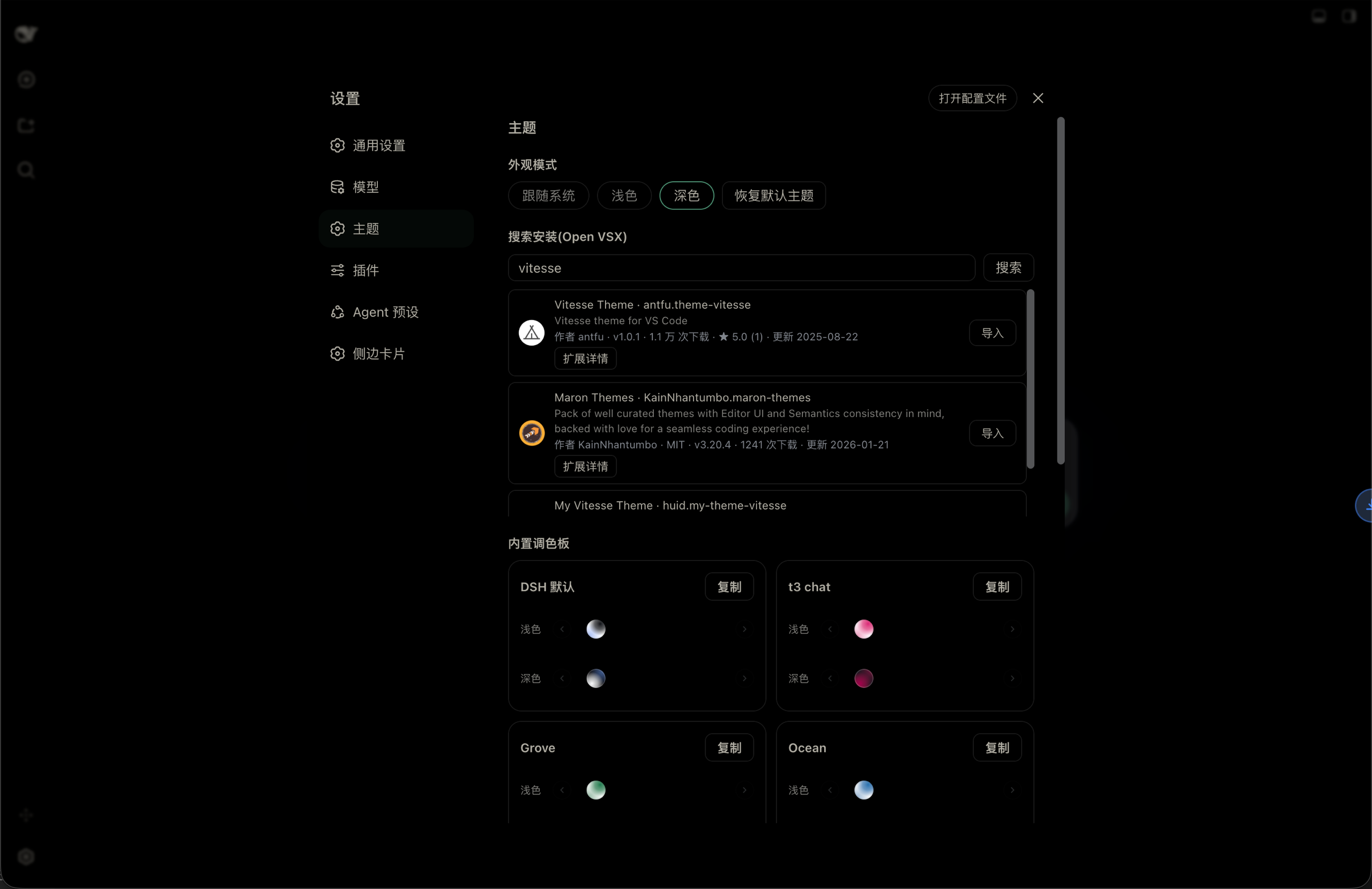
No screenshots
Look & theme plugin for the DSH Web UI: built-in palettes, light/dark/follow-system appearance modes, Open VSX theme search & install, and VS Code theme import with a persisted theme library.
★ 1
MIT
TypeScript
dsh plugin --profile web add dsh-themes