
dsh-ui-optimize
IdentifiedSwitches that tune how DeepSeek Harness looks and behaves across the whole interface, not just a few screens; each works on its own and more arrive as the shell grows. Theme gallery of eight minimalis
dsh-ui-optimize
English | 中文
A collection of switches that tune how DeepSeek Harness looks and behaves — the whole interface, not a few named screens. Each switch works on its own, and more arrive as the shell grows.
Today: a theme gallery of eight minimalist themes (each defining one palette for light and one for dark), sidebar panel folding — the panel rows collapse into a single Panels entry that opens a two-column launcher — and the desktop Reload/Restart buttons at the sidebar foot.
Colours travel only through ctx.theme.overrideTokens, as a single layer of theme variables. No structural CSS is injected and no other plugin's DOM is read, so an upstream redesign can at worst make the colours inert — it cannot break the layout.
Install
Install @moonsand/dsh-ui-optimize from the GUI plugin manager. Requires engines.dsh >= 0.2.1-rc.3.
Use
Open Settings → UI Optimize.
Themes
Celadon, Linen, Cream, Graphite, Indigo, Slate, Sage, Rose. Picking a card recolours the whole interface; Default restores the stock look. Every theme defines one palette for light and one for dark — switching Appearance between them carries the theme along, so there is no separate version to pick.
Desktop actions
Two switches control the sidebar-foot buttons:
- Reload UI — reloads the page and client plugins only; the Host and running tasks keep going. Desktop app only: browser shells such as fnOS already ship their own refresh entry, so this switch stays off there and cannot be turned on
- Restart app — restarts the whole app including its Host; interrupts the current conversation. Desktop app only: a browser session does not own the process that would have to be restarted
Sidebar
A switch folds the panel rows in the left rail into a single Panels entry. Clicking it opens a two-column launcher with the panel icons, a title and count, a search box once there are more than seven panels, and keyboard control (↑ ↓ to move, Enter to open, Esc to close). Panels that register later — including ones added by other plugins — are picked up on the next open, so nothing silently disappears from the list.
The entry calls the shell's own panel-selection API instead of synthesising clicks. A watchdog measures the folded row after mount and on every resize: if it cannot be measured, the switch turns itself off and the native sidebar comes back rather than leaving an empty rail.
The More row keeps its own line. Folding it in was tried and dropped: the shell's overflow menu only opens from a trusted click, which a plugin cannot produce, and the synthetic pointer events that came close also closed the launcher through the shell's click-outside handler.
The launcher follows the pattern of the community plugin dsh-sidebar-shelf: register a real rail row, hide the rest with one scoped CSS rule, enumerate entries through the slot API, and select a panel through the shell's own API rather than by faking clicks.
Known limitations
- The theme choice lives in browser
localStorage; it is lost with the browser profile or site data - Reload and Restart are desktop-app only: in a browser both switches are disabled and the sidebar-foot buttons are not rendered at all — the fnOS shell already provides its own refresh and restart entries
- The restart action is a process-level operation that cannot be verified automatically
- The More row is not folded; it stays in the native rail
- The launcher keeps the shell's own panel order — it does not sort, pin or reorder
- The More row is not folded; it stays in the native rail
- The launcher keeps the shell's own panel order — it does not sort, pin or reorder
- Sidebar folding and
dsh-sidebar-shelfrewrite the same rail; enable one of them, not both
Development
node scripts/smoke.mjs
The smoke test covers the assembly contract only: the three runtime files parse, the theme table is complete (8 themes × 10 tokens × 2 schemes), and the published identity plus engines.dsh are intact. It does not check whether the palettes look right or whether the sidebar launcher opens.
License
MIT
Comments
Loading…
Similar plugins
by jianjianzhu
Full-page Harness console for the DeepSeek Harness Web GUI: sessions, plugins, market, MCP, skills and usage in one shell.
★ 0
MIT
JavaScript
Sep 20, 2026
dsh plugin --profile web add dsh-harness-ui✦
No screenshots
Immersive read-only reading panel for DeepSeek Harness. The model delivers pre-formatted Markdown via the `reading_pad_send` tool into a better-sidebar tab: three low-blue-light themes (Paper/Sepia/Ni
★ 0
dsh plugin --profile web add dsh-reading-pad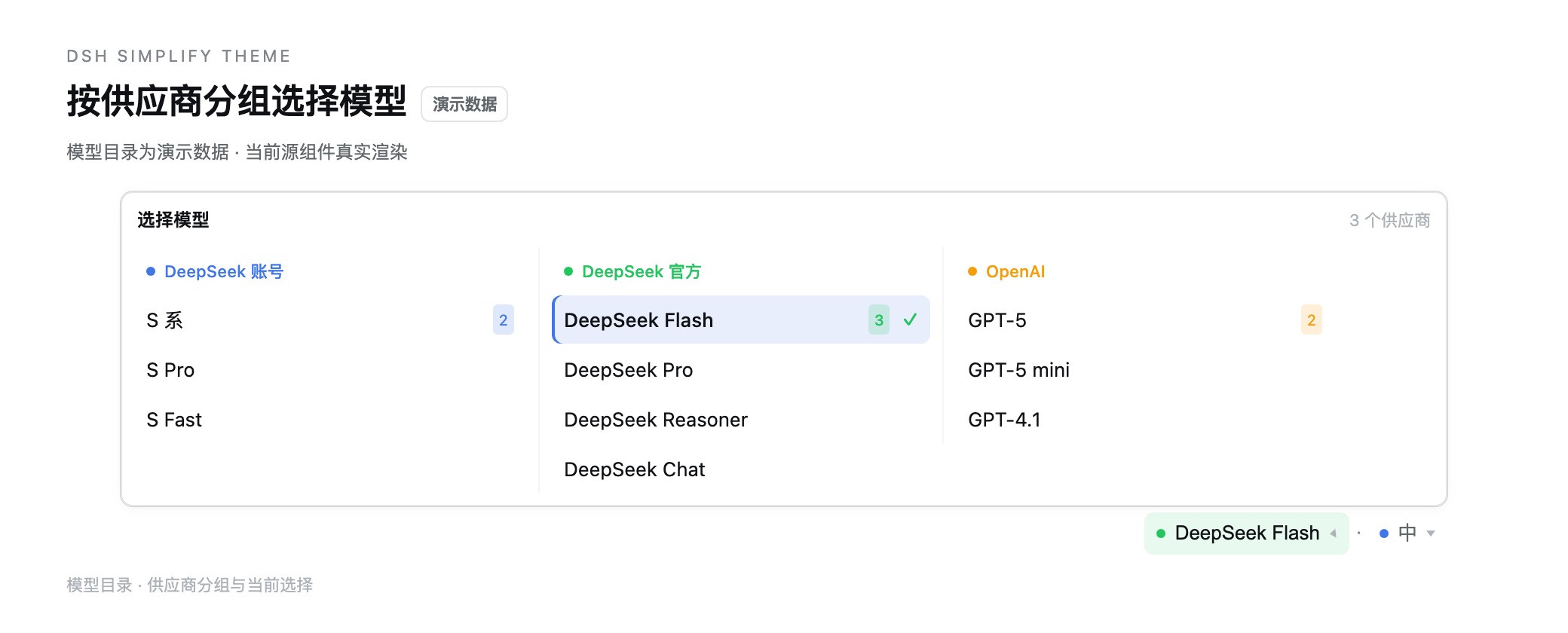 6
No screenshots
by zdt3476
Minimal theme for dsh that removes shadows, glass blur, and brand tinting while tightening radii, plus UI extras: sidebar archive tabs with type-to-filter, model and reasoning-effort controls under th
★ 1
MIT
TypeScript
Oct 29, 2026
dsh plugin --profile web add dsh-simplify-themeby hulibuld
Adds two buttons beside the sidebar toggle at the top-left of the DSH desktop UI, on macOS, Windows and Linux. Reload refreshes only the UI layer while a turn already generating keeps running; restart
★ 3
MIT
JavaScript
Nov 12, 2026
dsh plugin --profile web add dsh-refresh-restart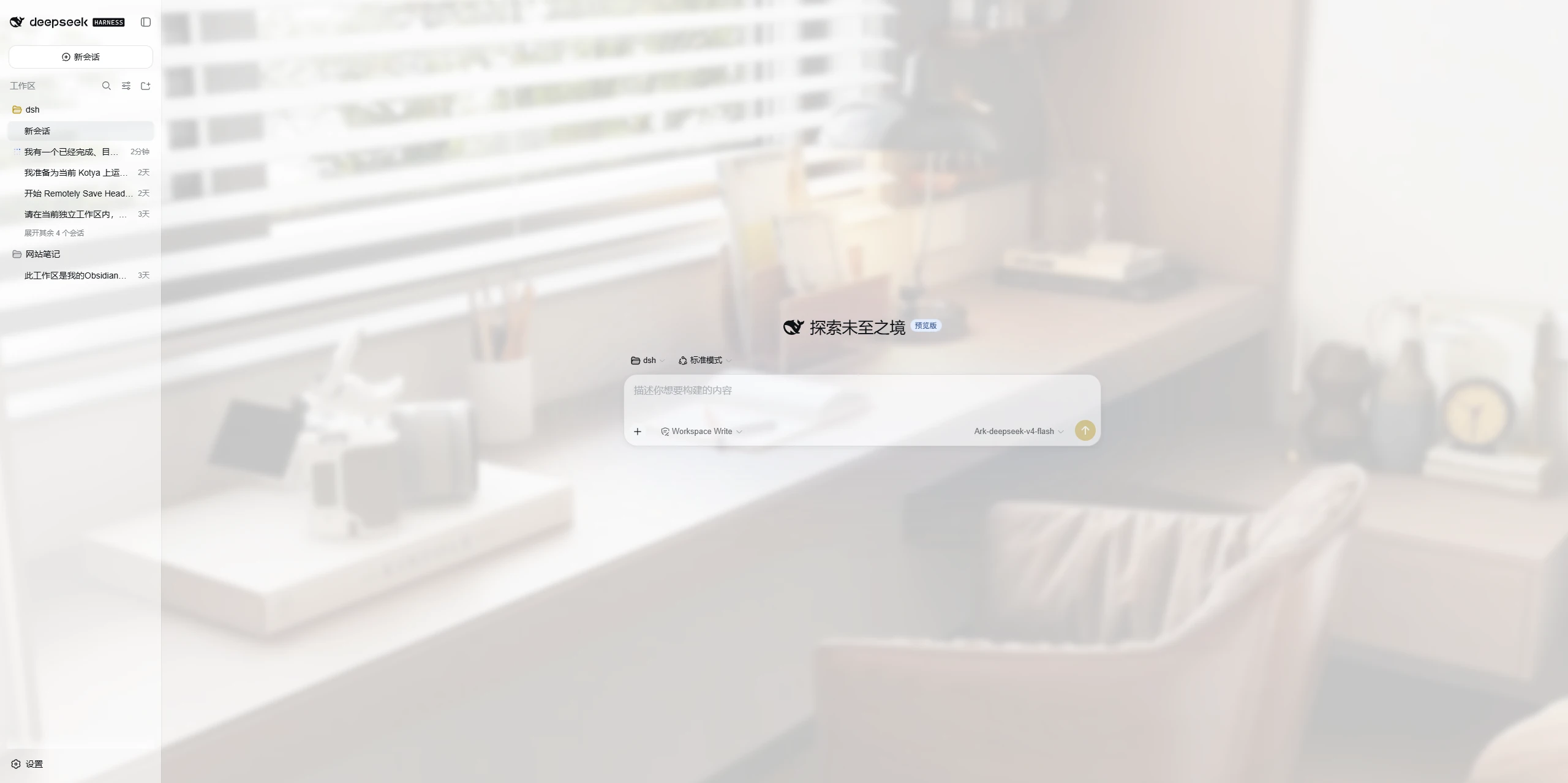 3
No screenshots
by mumuer1024
A lightweight appearance skin for DeepSeek Harness: custom wallpaper, glass-like panel transparency, and an accent color; server-side settings shared across devices, native light/dark mode left untouc
★ 1
↓ 74/wk
MIT
JavaScript
Nov 3, 2026
dsh plugin --profile web add dsh-ui-liteglassAll-in-one UI enhancement layer for DeepSeek Harness web: prompt library with quick-insert and management, two-step AI polish, predicted-reply dock with click-to-send, MCP tool management, scheduled a
★ 0
dsh plugin --profile web add dsh-enhance-tool