
dsh-wechat-skin
Manifest validWeChat-style theme for the DSH Web GUI: green accents and send action, green user bubbles, a soft gray chat canvas, a green sidebar whale, a badge on the current session, a context-usage status dot, a
dsh-wechat-skin
A WeChat-style theme for the DeepSeek Harness Web GUI. It is a client-side bundle: one theme-token layer, three small slot decorations, and a compaction card, all removed when the plugin is disabled.
Renamed from
dsh-wechat-themetodsh-wechat-skinso it no longer collides with an existing plugin that shares the old name.
Live demo: https://mingtian-lii.github.io/dsh-wechat-skin/demo.html — a static preview of the palette (fake data, not the running app).
Screenshots
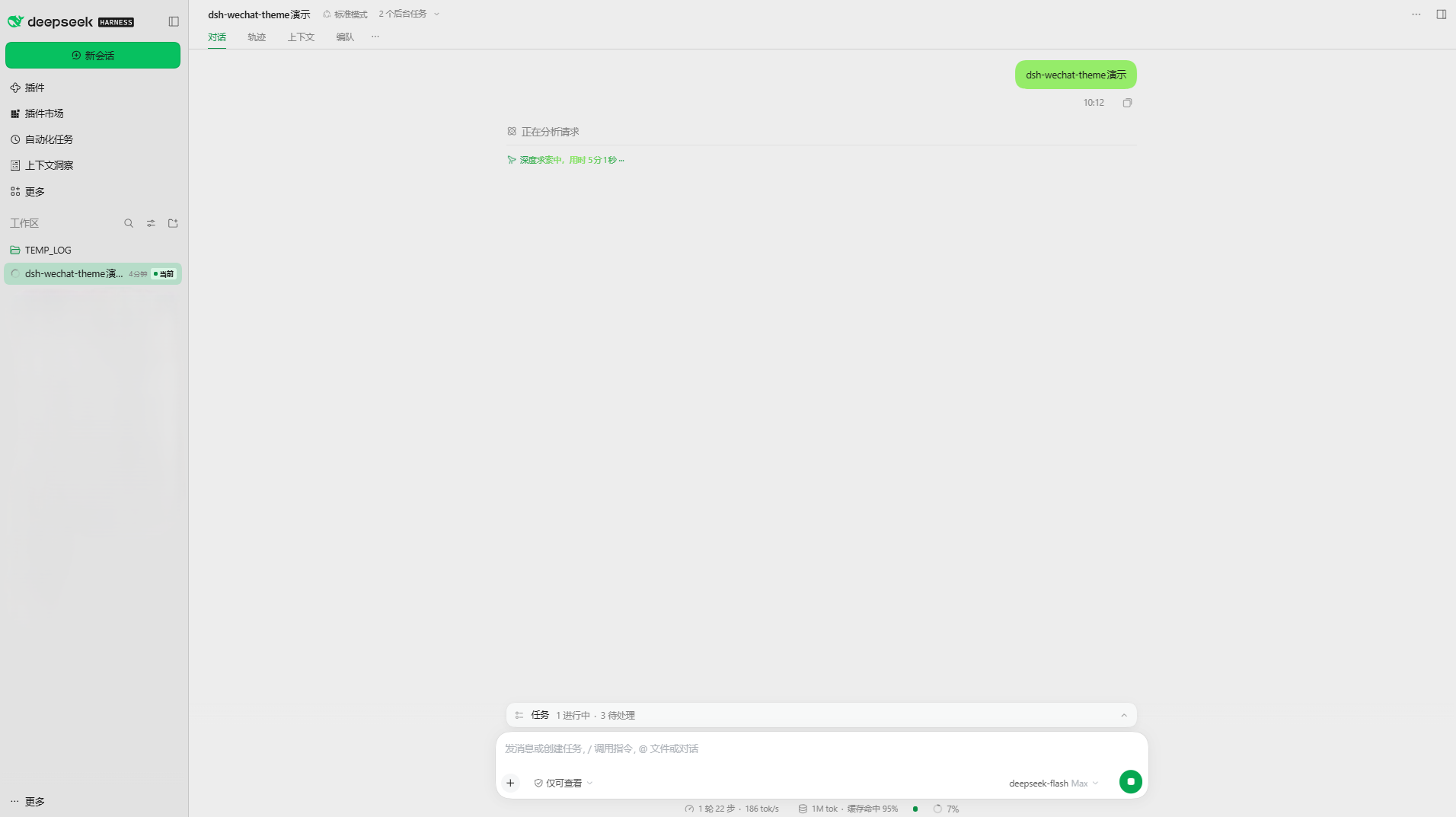
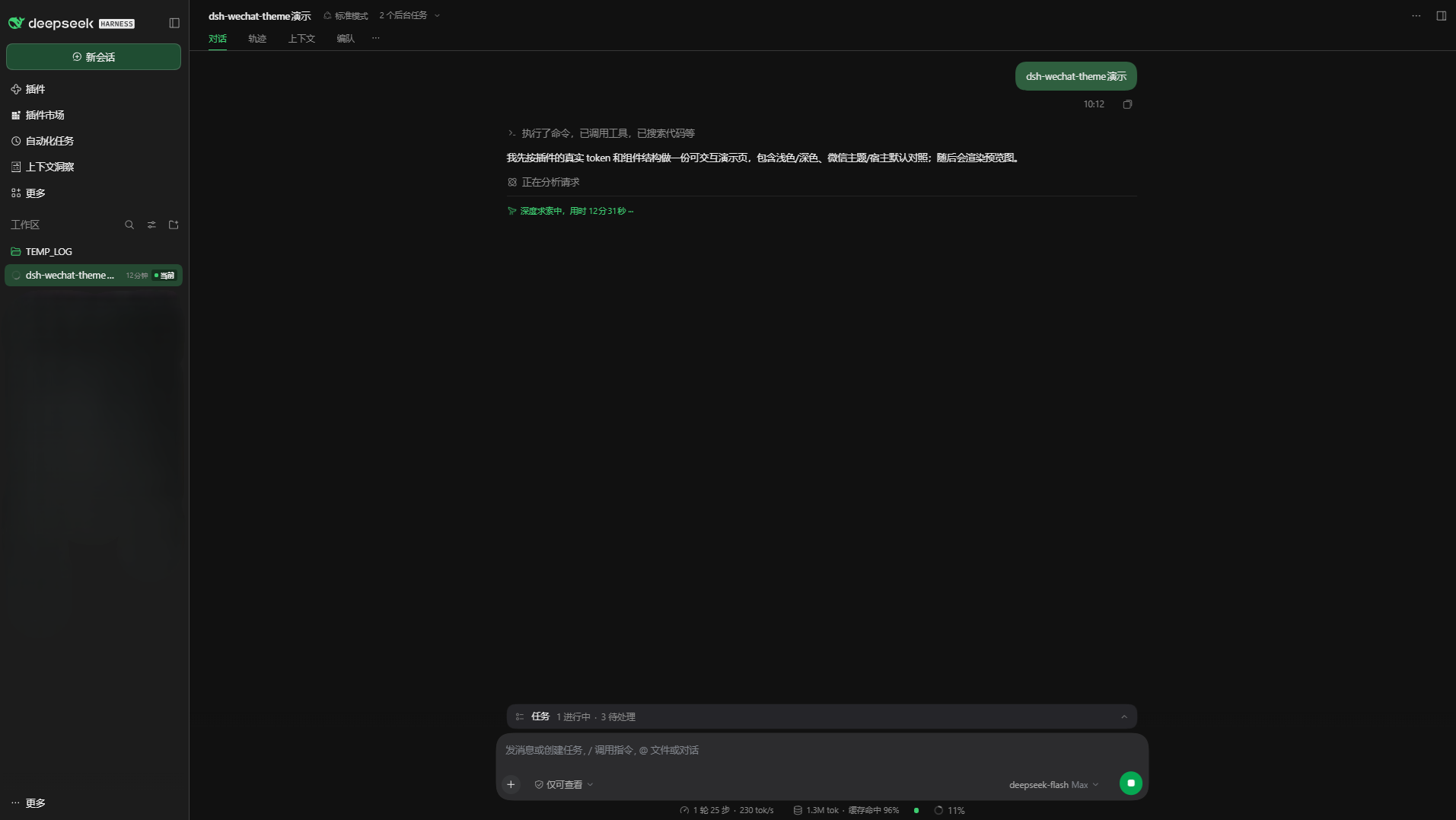
What changes
- Palette — 27
--dsw-*tokens, one value per color scheme. Light: a soft gray chat canvas (#ededed), a darker session list (#e2e2e2), WeChat green accents (#0a8f45), a green circular send action (#06a852), green outgoing bubbles (#95ec69), and WeChat's muted blue-gray links (#576b95). Dark:#111111canvas,#2f5f3fbubbles,#3ecf72accents. - Legacy bridges — five
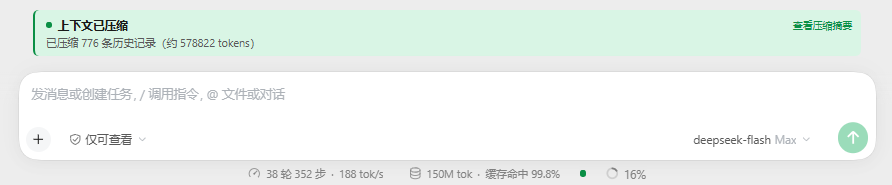
--dsh-color-*names that older plugins still read with hardcoded fallbacks. Defining them lets a stats line still using the old names follow the palette (when such a plugin is installed); the values are inert otherwise and nothing depends on them. - Context usage — a small status dot beside the host's context meter: green below 70%, amber from
70%, red from 90%, with a “Context used N%” tooltip. It reads the host's own
contextPressureprojection and renders nothing until that projection exists. - Deep-diving label — the host's blue “deep diving” activity text (
--dsw-alias-label-deep-diving) follows the green palette. - Compaction card — the host's muted one-line compaction row is replaced by a green-accented card: a pulsing “Compacting context…” while it runs, and “Context compacted · N items (~X tokens)” with a plain-text summary toggle afterwards.
- Green whale — the sidebar brand mark keeps the shipped whale geometry and is painted with the theme green instead of the default ink color.
- Current session — the session row the main view currently shows gets a green wash and a “Current” (当前) badge after its time label.
- Current workspace — the active workspace folder uses the accent color. The workspace row itself has no plugin extension point, so no badge or background can be added there.
Install
Once listed in the plugin market: Plugins → Plugin Market → Themes, search for “WeChat”.
From the CLI:
dsh plugin --profile web add dsh-wechat-skin
Then refresh the Web page. The theme applies while the plugin is enabled; disable it under Plugins to return to the stock palette. Re-enabling it in an already-open page needs one refresh, because the browser-side module is loaded at page boot.
How it works
client.jscallsctx.theme.overrideTokens('dsh-wechat-skin', tokens)once at activation. Every value is a{ light, dark }pair, so the theme follows the host's light/dark/system preference.sidebar.brand.markis replaced at priority-1by an SVG that reuses the official whale path and paints it with the theme's brand green. The whale is the product's own mark — this plugin only recolors it and claims no ownership of the artwork.sidebar.session.row.trailinggets a small badge that renders only for the session retained by the main view.conversation.composer.dockgets the usage dot. It readsuseProjection('contextPressure'), the same host projection the built-in meter uses, so it appears and disappears with that meter.conversation.chat.noderegistrations forcompactionandmanual-compactionreplace the shipped rows with the compaction card (priority-1).
There is no Host service, no network request, no build step and no stylesheet injection. The palette and the decorations are disposed with the plugin, which restores the host palette exactly.
Compatibility
- DeepSeek Harness 0.2.x Web client (the versions that provide
ctx.theme.overrideTokensand thesidebar.brand.mark/sidebar.session.row.trailingslots). - No runtime dependencies;
reactis provided by the browser module table.
Known limits
- The workspace row has no plugin slot, so only its folder icon can be themed.
- Bubble corner radius belongs to the host component and is not tokenized.
- The host's context meter keeps its single tokenized color; the colored usage level is our separate dot.
- The compaction card shadows the shipped row; its summary renders as plain text, not Markdown.
- Third-party themes are a token layer; they do not appear as an option in Settings → Appearance. Use the plugin's enable/disable switch instead.
License
MIT
Comments
Loading…
Similar plugins
 2
No screenshots
by starslittle
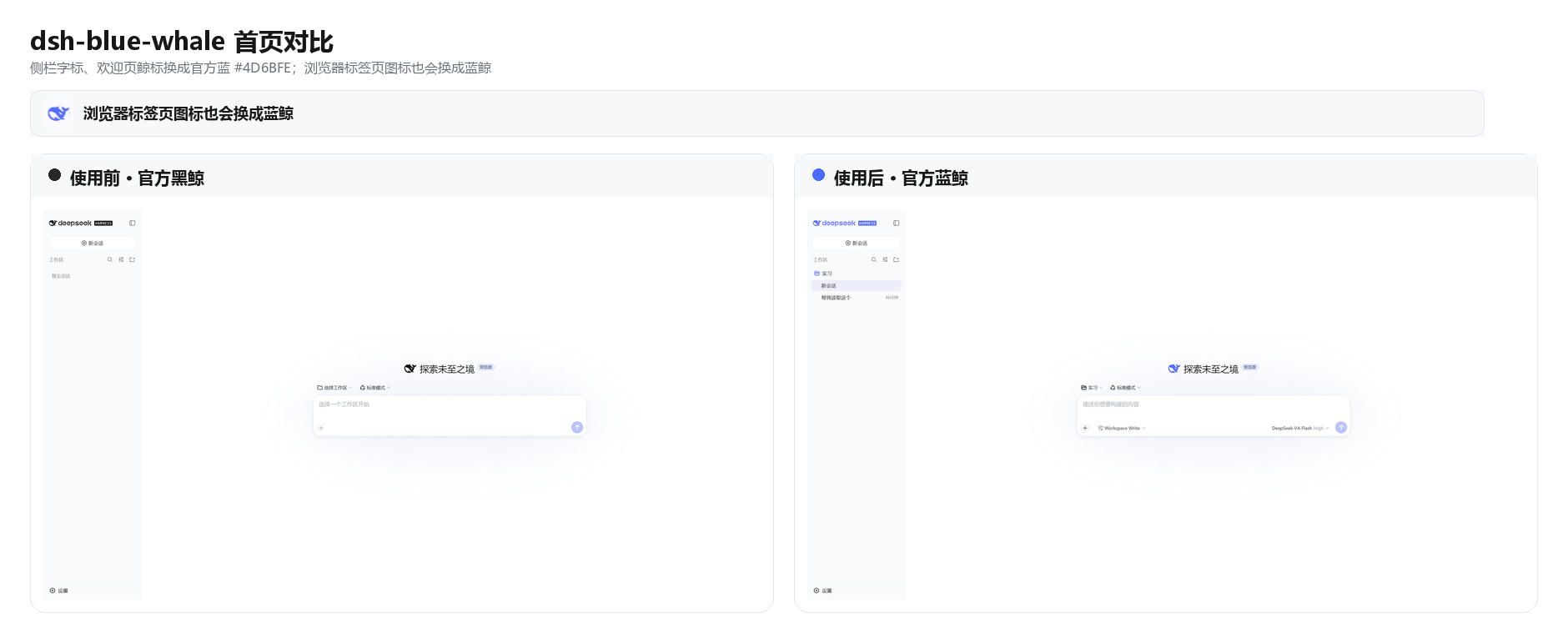
复刻 DeepSeek Chat 蓝鲸配色的皮肤,亮色/深色跟随系统外观。
★ 6
↓ 256/wk
MIT
JavaScript
Aug 17, 2026
dsh plugin --profile web add dsh-blue-whale✦
No screenshots
Deep-sea whale-blue reskin for the DSH Web GUI: 14 theme tokens in light and dark, five whale-tail-maid placements, a clock and weather card, and a collapsible hardware readout (CPU, memory, GPU, per-
★ 0
dsh plugin --profile web add dsh-whale-decor✦
No screenshots
by changan0617
DeepSeek Harness homepage-style chat background skin: fluid + dot grid + digitile whale
★ 3
↓ 275/wk
MIT
JavaScript
Oct 18, 2026
dsh plugin --profile web add dsh-skinby yoli-mi
Configurable DSH web-surface plugin: wallpaper & frosted-glass themes, accent colors, custom keyboard shortcuts, app-usage panel, history strip, message Markdown — zero shell edits.
★ 40
↓ 38/wk
MIT
TypeScript
Sep 28, 2026
dsh plugin --profile web add @ha-na-bi/dsh-client-ui-custom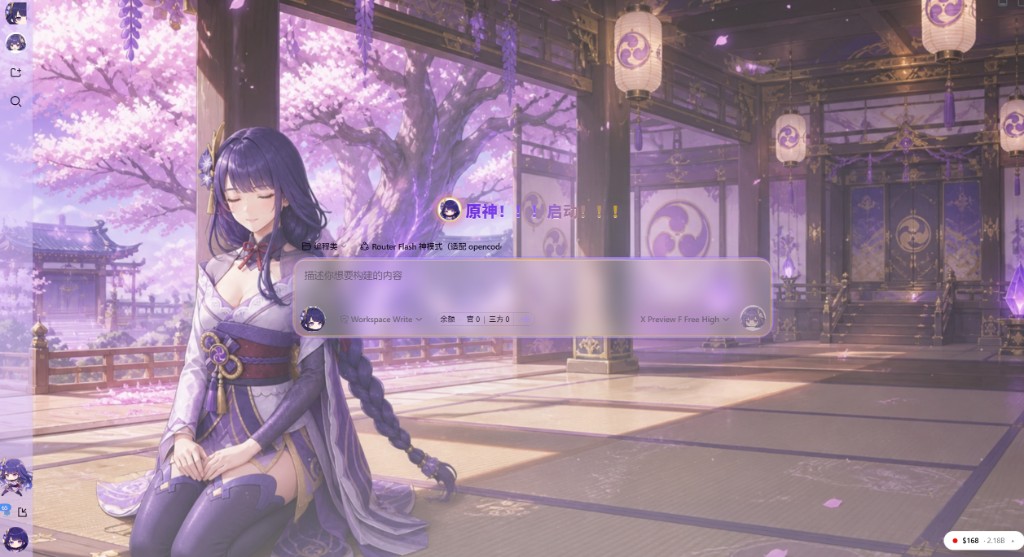 2
No screenshots
Violet-gold acrylic DSH Web theme with light and dark stage art, framed chat, workspace mascot, and an optional Raiden agent preset.
★ 0
dsh plugin --profile web add @dsh-external/dsh-raiden-theme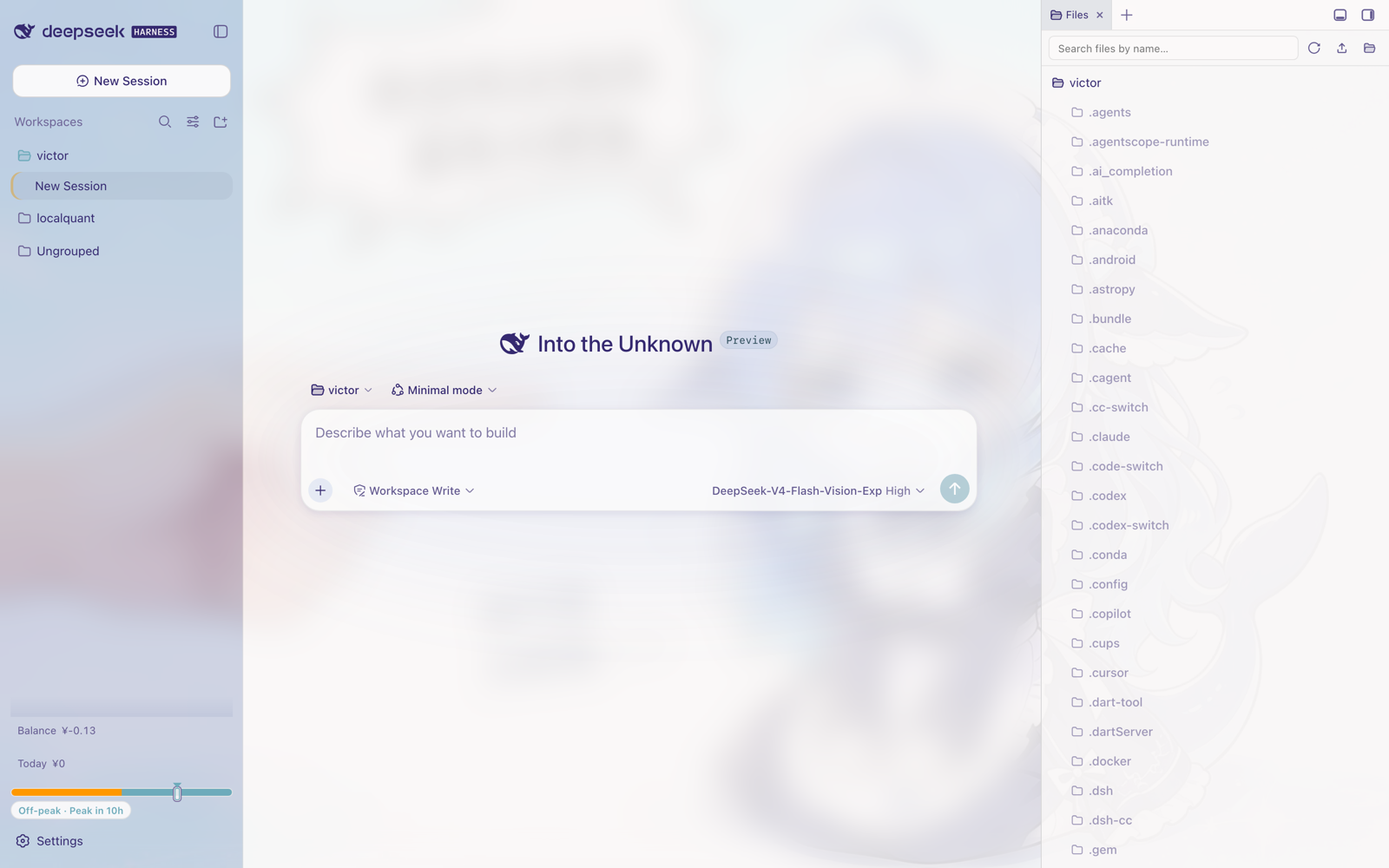
No screenshots
Whale Girl light theme for the DSH Web UI, ported from a DreamSkin skin package: registers one native runtime theme with a full --dsw-* token remap derived from the source palette, layers the artwork
★ 1
↓ 222/wk
MIT
JavaScript
dsh plugin --profile web add dsh-theme-whalegirl