

dsh-space-background
DiscoveredDeep Space Background — DeepSeek Harness Theme & Appearance Plugin: The Settings "General" section provides a deep space background toggle, with the Milky Way, constellations, planets, and meteors flowing at the bottom layer of the window, while the interface is made semi-transparent using official theme tokens.
深空背景 · Deep Space Background
DSH 的主题与外观插件:在设置「通用」分区提供「深空背景」开关。开启后,银河、
随机星座、星云、行星与流星在窗口底层缓缓流动,界面表面(中栏 / 侧栏 / 底栏)经
官方主题服务令牌(ctx.theme.overrideTokens)半透明化,星空从底层透出而文字
保持可读;关闭即撤销全部效果、立即恢复原样。没有侧边栏面板、没有中栏占用——
它是外观偏好,不是又一块面板。
- 接入点:
settings.general.item(通用分区外观行,排在内置「外观」10 / 「字号」11 之后,order 12)+shell.overlay(全窗覆盖层挂底层画布)。 - 主题集成:表面半透明走 ui-theme 官方覆盖层机制(
--dsw-alias-bg-base、--dsw-alias-bg-layer-1、--dsw-specific-sidebar-fill的 light/dark 值), 随当前主题(浅色/深色/跟随系统)自动取对应值,不写死、不用 CSS 选择器硬改。 - 性能:背景引擎 30fps 上限、天幕 0.6 倍分辨率绘制、1.2 万颗星点分帧填充、 支持 prefers-reduced-motion;开关关闭即销毁引擎,零后台开销。
- 状态本地持久化,默认开启;不联网、不上报。
⚠️ 安装前必读:包名必须与安装目录一致
DSH 的 Loader 按 cordis.patch.yml 里的 name: 作为包名去 node_modules 解析。
如果 package.json 的 name 与它被安装到的目录名不一致,解析会直接失败:
Error [ERR_MODULE_NOT_FOUND]: Cannot find package '@local/dsh-space-background'
而客户端卡片仍会显示「运行中」(client 半走 __ModuleLoader__ 的另一条通道),
于是症状变成「插件看起来装好了,但完全没有效果」——非常容易误判。
三处名字必须完全一致(本仓库已对齐为 @local/space-background):
| 位置 | 值 |
|---|---|
package.json → name | @local/space-background |
cordis.patch.yml → name: | @local/space-background |
client.js → __ModuleLoader__.load({ id }) | @local/space-background |
| 安装目录 | <profile>/node_modules/@local/space-background |
官方文档原文(app.asar 内《UI plugins in the Web page》):
The browser artifact registers a lazy factory whose id equals the package name.
安装
dsh plugin --profile <你的profile> add "<本仓库路径>"
本机 desktop profile 已按同构方式手工接入(junction + link 依赖 + bundles 注册)。
卸载(注意:本地插件是 Junction)
dsh plugin --profile X add 建立的是指向本目录的 Junction。
不要对 profile 里的链接用 Remove-Item -Recurse——会穿透 Junction 删掉本目录源码。
dsh plugin --profile <你的profile> remove @local/space-background
若残留孤儿链接,只删链接本身:
cmd /c rmdir "<profile>\node_modules\@local\space-background"
使用
| 操作 | 效果 |
|---|---|
| 设置 → 通用 → 深空背景 | 开关:开启即全窗星空背景;关闭立即恢复 |
| 等待十几秒 | 天幕交叉淡入一片新星域(不同银河弯曲 / 星座 / 星云 / 行星组合) |
| 期间偶尔 | 流星划过、大行星(含光环)从近处掠过 |
开关写不动的排查
槽位组件的 props 由宿主组装:
// app.asar: 槽位渲染时
return { kit, standard, actions: store?.actions };
actions 来自注册时传入的 store.actions,不是来自 inject。所以:
- 必须给
ctx.slots.register({ ..., store })传store,组件才有props.actions; - 本插件额外经
inject提供一个确定的setEnabled,并在window.__sbgToggle暴露兜底句柄,避免宿主实现变化时开关静默失效。
加载诊断
client.js 会把装配进度写进 window.__sbgApply。刷新页面后在控制台执行:
JSON.stringify(window.__sbgApply, null, 1)
正常输出应包含:
apply:enter → locale:register:ok → locale:bind:ok → store:created
→ toggle:ready → shell.overlay:registered → settings.general.item:registered
→ apply:done
以及组件渲染时的 SpaceLayer:render hasUseStore=… enabled=…、SpaceLayer:effect:start。
| 现象 | 含义 |
|---|---|
输出 undefined | client 半根本没加载(包名 / 路径问题,见上方「安装前必读」) |
停在 apply:enter | ctx.locale.register 抛错(locale 服务未注入) |
有 apply:done 但无 SpaceLayer:render | 槽位注册成功但组件未被渲染 |
enabled=false | 持久化状态被关掉了:点开关,或清 localStorage['space-background/v1'] |
兼容性
- 针对 DSH 0.2.1-rc.3 开发并实测。
- 依赖出厂槽位与服务的声明方:
shell.overlay(ui-layout)、settings.general.item(ui-settings-general)、theme服务(ui-theme),并通过dsh.client.inject保证前两者先于本插件加载;theme服务经ctx.inject等待就绪,无顺序依赖。 - 升级 DSH 后:令牌覆盖走官方别名(
--dsw-alias-*),不依赖类名哈希,通常无需改动; 若通用分区槽位名有变,仅需更新client.js中两处ctx.slots.inject的槽位名。
实现要点
- 免构建客户端插件:
window.__ModuleLoader__.load直接注册,仅 require 平台基表 (react/@deepseek-ai/dsh-client-store),无 JSX。 - 引擎为闭包工厂
createSpaceEngine(root, opts);开关关闭 / 插件卸载即dispose()(rAF / ResizeObserver / 监听器 / 画布 / 令牌覆盖层一并释放)。 - 无缝天幕:银河带为整周期正弦曲线(左右边缘天然对齐),天体越界在对侧补画 (预渲染精灵保证逐像素一致),360° 环绕无接缝。
- list 槽位带 id、order 断言、label thunk、按钮
appearance:none、主题 token + 兜底。
开发
npm run check # 语法 + 契约测试(node test/run.cjs)
preview.html 是独立演示页(真实加载 client.js):模拟 DSH 设置页中的真实
「深空背景」开关行 + 底层星空联动。需本地服务器打开(React 走 CDN):
python -m http.server 8765 --bind 127.0.0.1 --directory .
# 浏览器访问 http://127.0.0.1:8765/preview.html
目录结构:
package.json        DSH 清单(manifestVersion / bundle.patch / client.platform / engines.dsh)
cordis.patch.yml    插件图插入点
index.js            Host 半(纯客户端插件,空 apply)
client.js           全部逻辑:星空引擎 + 设置外观行 + 底层星空层 + 主题令牌覆盖
locale/{zh,en}.json 插件管理页元信息
icon.svg            图标底稿
preview.html        浏览器演示页(真实组件)
test/run.cjs        零依赖契约测试(33 项)
License
MIT
Comments
Loading…
Similar plugins
by YangAtC
DSH (DeepSeek Harness) 主题自定义插件:背景图 + 界面透明度调节,开箱即用
★ 0
MIT
JavaScript
Aug 17, 2026
dsh plugin --profile web add @yangatc/dsh-themeby zhanghzdev
DeepSeek Harness 的悬浮主题挂件:切换官方外观 + 自定义背景(图片/纯色)
★ 1
MIT
JavaScript
Oct 13, 2026
dsh plugin --profile web add dsh-theme-button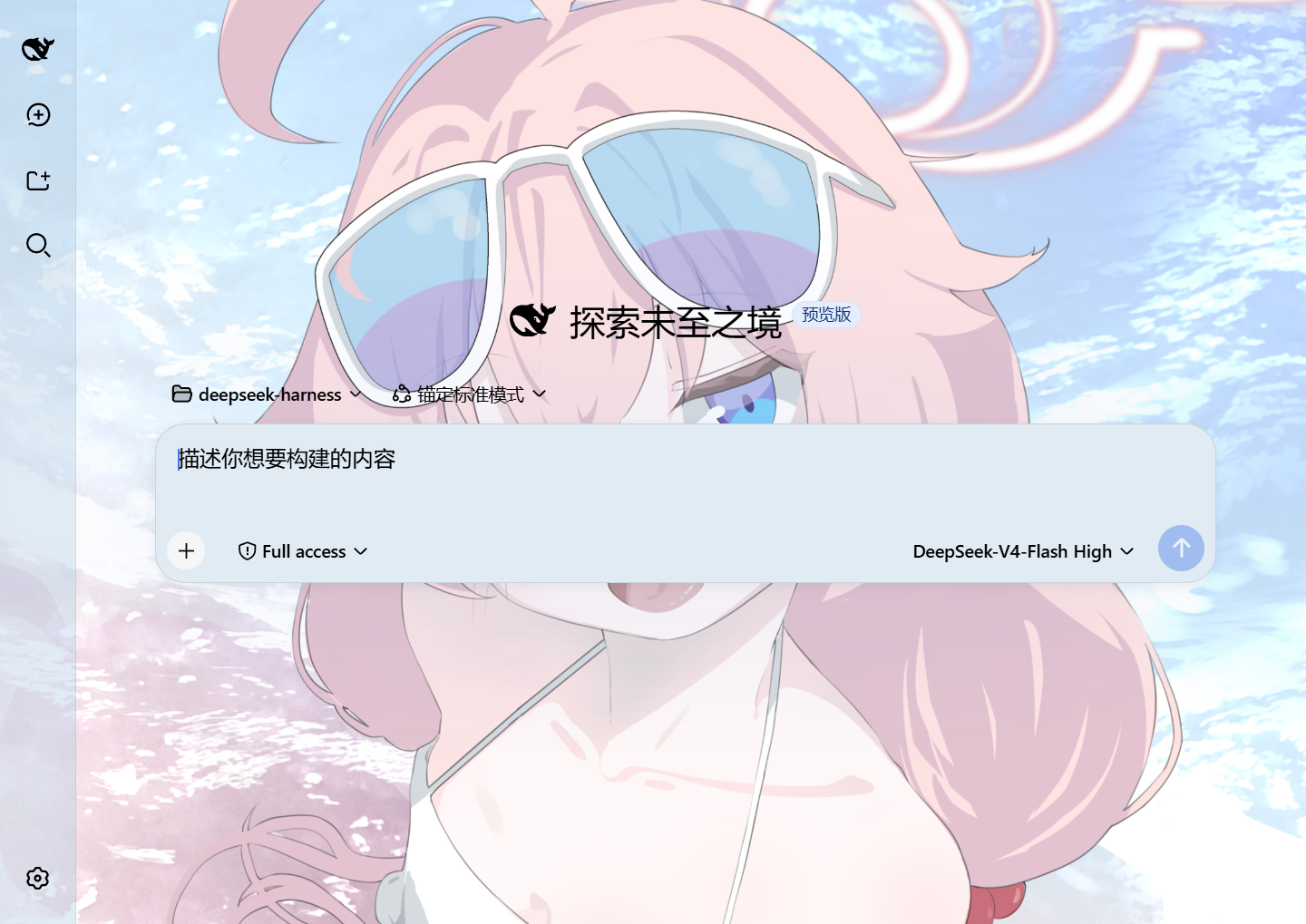 7
7No screenshots
by Tkingxiao
Deepseek Harness 自定义主题插件,支持自定义图片/视频壁纸,对话框,侧边栏等透明度模糊度调整,全局主题色的色轮调整插件
★ 51
↓ 1.5k/wk
MIT
TypeScript
Oct 25, 2026
dsh plugin --profile web add dsh-any-backgroundby theroi
DSH 个性化插件:自定义背景 + 半透明玻璃 + 主题色
★ 0
MIT
JavaScript
Oct 15, 2026
dsh plugin --profile web add dsh-bg-panelby dac114514
DeepSeek Harness 主题中心 · Theme Center for dsh web UI:精选主题画廊(浅色/深色分组)、一键切换、自定义壁纸、dsh-theme 导入导出
★ 0
MIT
JavaScript
Aug 15, 2026
dsh plugin --profile web add dsh-theme-center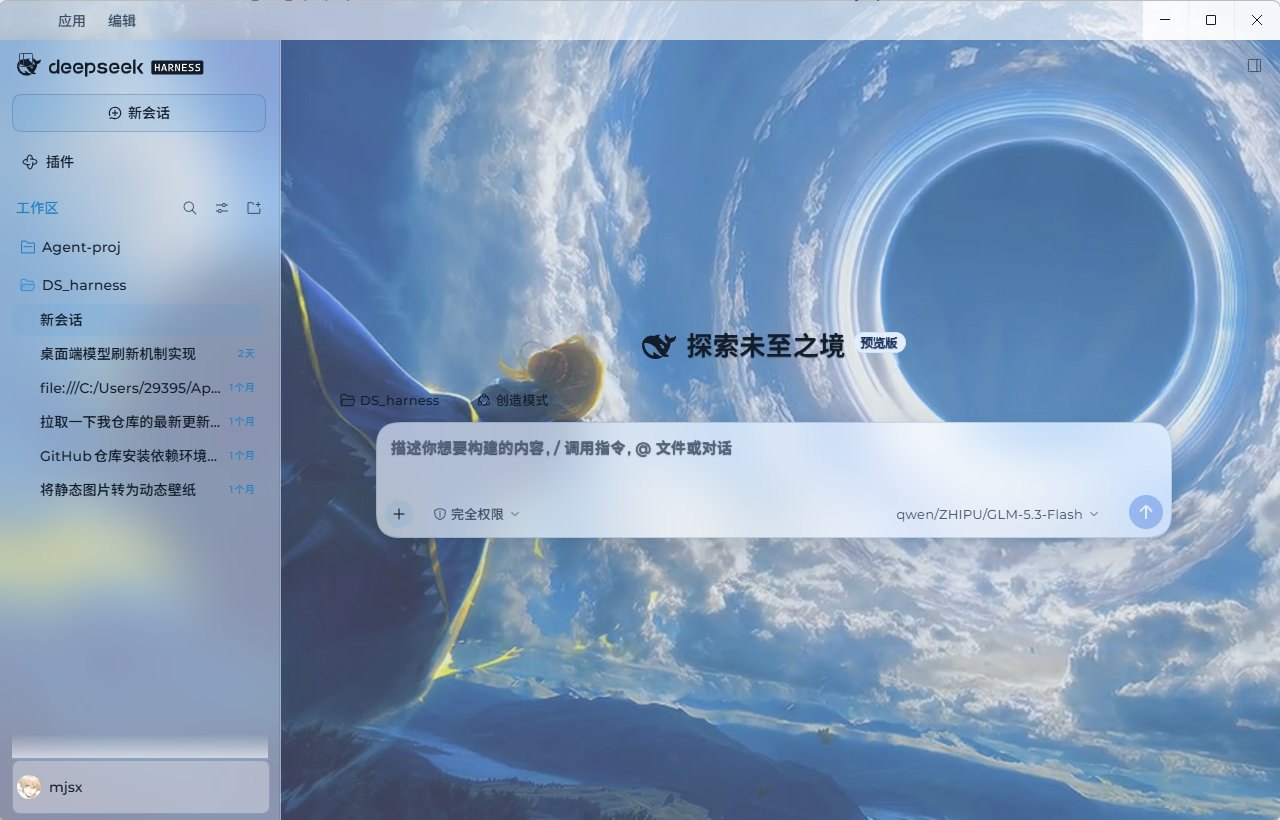 3
3No screenshots
by sayzwx
Deep-space theme for the Harness Web GUI: two fully designed light and dark palettes over a seamless cross-dissolve nebula wallpaper, plus a model probe that reports which configured models actually a
★ 1
MIT
JavaScript
Oct 11, 2026
dsh plugin --profile web add dsh-xingkong-theme