

dsh-pet
Manifest validDesk pet for the DSH Web UI: an orange desk cat that reacts to the live agent session state.
dsh-pet 🐱
A desk pet for the DeepSeek Harness (DSH) Web UI: a little orange cat on a desk in the bottom-right corner of the page that performs according to the live agent session state — typing away while the agent is running, throwing its laptop away when a task is done, napping while idle, and tilting its head when the agent is waiting for you.
中文说明见 README.zh.md。
Features
- State-driven animations — reads the active session's live summary (
SessionSummary.running/.completed/.pendingInteraction) through the standarduseSessionshook on theshell.overlayslot:running→ typing at a tiny laptop with scrolling code + blinking cursorrunning → done→ throws the laptop away, confetti 🎉idle→ sleeping with floating ZzzpendingInteraction→ tilted head + "?" bubble
- Pure client-side — a static client plugin. No host logic, no network, no backend, nothing runs on the server.
- Interactive — click to hop & chat, drag to move anywhere, double-click to hide (a respawn button appears), gear menu to force demo states (working / throw laptop / error).
- Persistent — position and hidden state survive reloads via
localStorage(dshpet.pos,dshpet.hidden).
Demo
How it works
The package declares itself as a web dsh.client plugin in package.json:
"dsh": { "client": { "inject": ["@deepseek-ai/dsh-client-runtime"], "platform": "web" } }
The loader activates the package, @deepseek-ai/dsh-client-modules scans it and serves lib/client.js at /plugins/dsh-pet/client.js; the browser bundle registers into the shell.overlay slot. The host entry (lib/index.js) is intentionally a no-op — it only exists so the loader activates the package and scans its client bundle.
Requirements
- DSH
0.1.0-rc.7or later (web profile, i.e.dsh web) - A running DSH Web GUI in the browser (the pet renders in the page)
Installation
1. Add the package to your web profile
From GitHub (works for any published tag/branch):
dsh plugin --profile web add "dsh-pet@github:ldystudy0913-jpg/dsh-pet"
Or add the dependency to $DSH_HOME/profiles/web/package.json manually and run dsh plugin --profile web install:
"dependencies": {
  "dsh-pet": "github:ldystudy0913-jpg/dsh-pet"
}
From npm (once the package is published):
dsh plugin --profile web add dsh-pet
dsh plugin --profile <name> <pnpm args>simply forwards the arguments to pnpm inside the profile directory, so any pnpm dependency specifier works.
2. Activate the row in your profile patch
Append to $DSH_HOME/profiles/web/cordis.patch.yml:
- insert:
    - id: pet
      name: 'dsh-pet'
3. Restart
Stop and start dsh web (or dsh --profile web). The cat should appear in the bottom-right corner of the page.
Uninstall
Remove the patch row, then:
dsh plugin --profile web remove dsh-pet
Interaction
| Action | Effect |
|---|---|
| Click | hop + random chat bubble |
| Drag | move the pet anywhere |
| Double-click | hide (a 🐱 respawn button appears at bottom-right) |
| Hover ⚙ | demo panel: force 开工 (working) / 丢电脑 (throw laptop) / 出错 (error) states for 5 s |
Development
Work on the pet inside your own profile so you can see changes immediately:
# from $DSH_HOME/profiles/web
pnpm add "dsh-pet@file:./dsh-pet"
Then add the patch row and restart dsh web. The client bundle is plain JavaScript with no build step — it uses the tsdown-style window.__ModuleLoader__.load({ id, factory }) format the DSH client module loader expects (see the @deepseek-ai/dsh-client-modules README for the exact contract).
Compatibility note: the animation states are derived from SessionSummary.running / .completed / .pendingInteraction via the useSessions standard hook on the shell.overlay slot. If a future DSH version renames or restructures these fields, update the derivation logic in lib/client.js (PetView).
Publishing (maintainers)
- GitHub — add topics to the repository so it is easy to discover:
deepseek-harness,dsh,dsh-plugin,desktop-pet,deepseek. - npm — the name
dsh-petis currently available on npm. To publish:
npm login
npm version patch && npm publish
License
Comments
Loading…
Similar plugins
by hasan-aghayev
Floating desktop pet for DeepSeek Harness with a growing local pet library
★ 0
NOASSERTION
JavaScript
Sep 23, 2026
dsh plugin --profile web add dsh-pet-companionby Noah-wang
A pet in the DeepSeek Harness Web UI that changes pose with your agent, with an eight-pose sprite sheet you can generate from one sentence.
★ 0
MIT
JavaScript
Sep 9, 2026
dsh plugin --profile web add dsh-agent-pet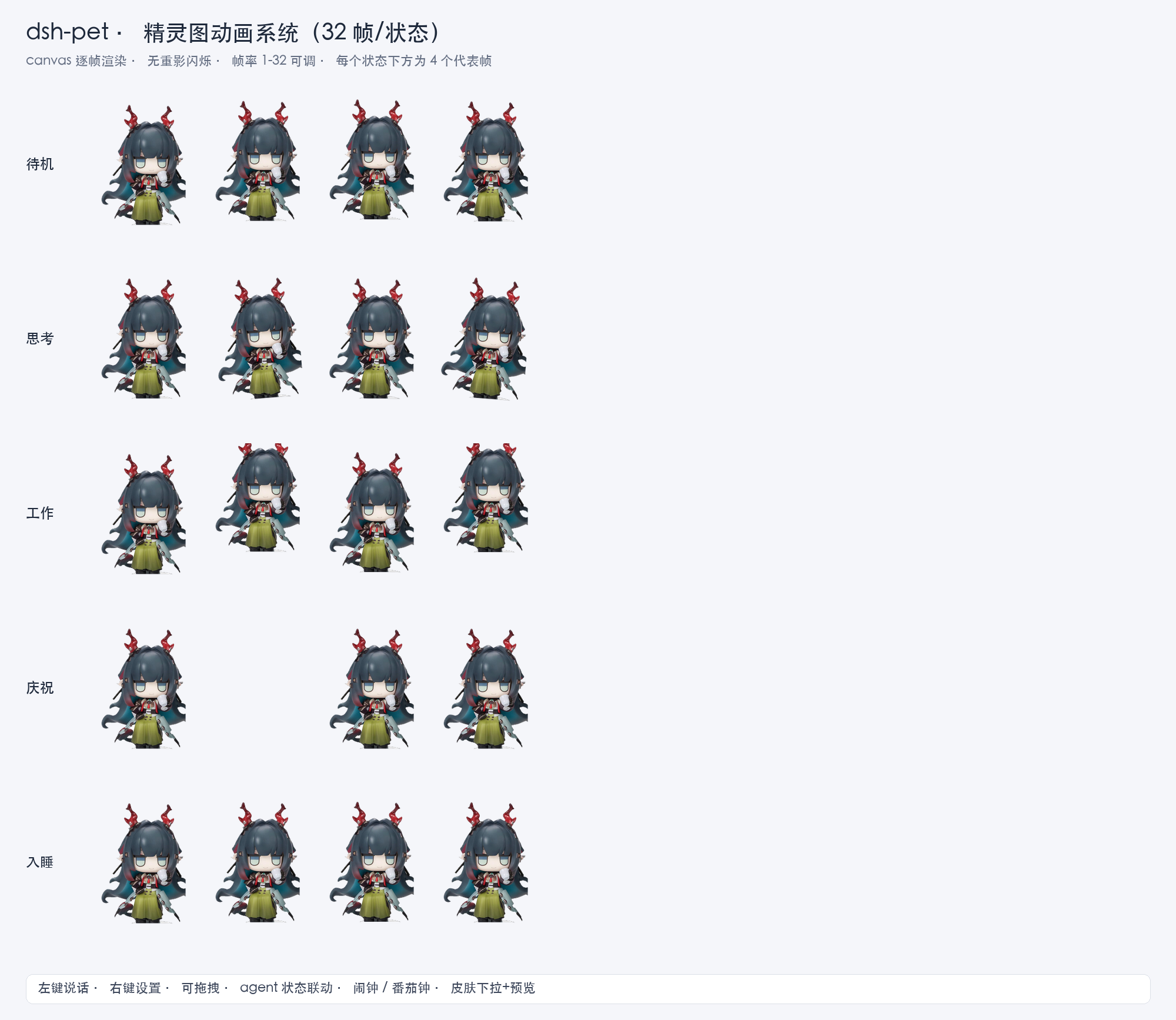 2
2No screenshots
by zealot00
Desktop pet for DeepSeek Harness Web UI: sprite animation, agent state linkage, drag, alarm & pomodoro widgets, skin separation
★ 4
JavaScript
Aug 14, 2026
dsh plugin --profile web add @dsh-local/dsh-petby NattoCB
Browses the petdex.dev catalog in Settings and runs a floating macOS desktop pet that reacts to agent activity.
★ 1
MIT
JavaScript
Aug 21, 2026
dsh plugin --profile web add @jasper/dsh-plugin-petdex-marketNative desktop pet for DSH that follows agent activity, supports Codex pet packages, and imports approved pets directly from Petdex without its CLI.
★ 0
dsh plugin --profile web add @ysyyhhh/dsh-petby youzhoujiMrLiu
Codex-compatible desktop pet for the DeepSeek Harness web GUI: animated pets that follow the agent state|兼容 Codex 格式的 DSH 桌面宠物:随智能体状态变化的动画宠物
★ 0
MIT
TypeScript
Aug 16, 2026
dsh plugin --profile web add dsh-codex-compatible-pet