

dsh-material
Manifest validMaterial Design Experience for DSH desktop
dsh-material-theme
DSH Desktop 的 Material Theme 插件。数据直接取自 JetBrains 插件
Material Design Experience for JetBrains IDEs 的官方色板参考
(material-theme.com/docs/reference/color-palette),
把官方调色板的 UI 角色色 + 语法高亮色 映射到 DSH 客户端主题令牌
(--dsw-* / --shiki-*),因此每个主题都保持官方配色,而不是凭感觉调出来的近似色。
- 32 套官方调色板:10 套 Material(Oceanic、Darker、Lighter、Palenight、Deep ocean、 Forest、Sky blue、Sandy beach、Volcano、Space)+ 22 套 Other themes (Monokai Pro、Dracula、GitHub(浅/暗)、Arc dark、One dark / One light、 Solarized dark / light、Night owl、Light owl、Moonlight、Synthwave '84、Cobalt2、 Prism / Prism light、Horizon / Horizon bright、Omni、Noctis、Winter is coming、 Shades of purple)
- 33 个官方强调色 + 一个「跟随主题(Official)」选项,取自官方插件的
MTAccents枚举;强调色决定链接、主按钮、选中态、聊天气泡与state-business令牌 - 几乎全部界面表面:背景层级、边框、侧边栏、菜单、输入框、气泡、Markdown 代码块、 滚动条、toast / tooltip、海拔阴影,以及 语法高亮(shiki 令牌按每套主题自带的 keyword / string / function / comment … 官方色)
调色板
| id | 名称 | 明暗 | 背景 | 官方强调色 |
|---|---|---|---|---|
oceanic | 海洋蓝 | dark | #263238 | #009688 |
darker | 暗灰调 | dark | #212121 | #FF9800 |
lighter | 浅亮白 | light | #FAFAFA | #00BCD4 |
palenight | 浅夜紫 | dark | #292D3E | #AB47BC |
deep-ocean | 深海蓝 | dark | #0F111A | #84FFFF |
forest | 深林绿 | dark | #002626 | #FFCC80 |
sky-blue | 天空蓝 | light | #F5F5F5 | #00C6E0 |
sandy-beach | 暖沙色 | light | #FFF8ED | #53C7F0 |
volcano | 火山红 | dark | #390000 | #00BCD4 |
space | 深空蓝 | dark | #1B2240 | #AD9BF6 |
monokai-pro | 暖灰暗 | dark | #2D2A2E | #FFD866 |
dracula | 德古拉 | dark | #282A36 | #FF79C5 |
github | 极简白 | light | #F7F8FA | #79CB60 |
github-dark | 极简暗 | dark | #24292E | #F9826C |
arc-dark | 蓝灰暗 | dark | #2F343F | #42A5F5 |
one-dark | 炭灰蓝 | dark | #282C34 | #2979FF |
one-light | 纯白浅 | light | #F4F4F4 | #2979FF |
solarized-dark | 日光暗 | dark | #002B36 | #D33682 |
solarized-light | 日光浅 | light | #FDF6E3 | #D33682 |
night-owl | 夜猫头鹰 | dark | #011627 | #7E57C2 |
light-owl | 白猫头鹰 | light | #F0F0F0 | #2AA298 |
moonlight | 月色蓝 | dark | #222436 | #74A0F1 |
synthwave-84 | 合成波 | dark | #2A2139 | #F92AAD |
cobalt2 | 钴蓝调 | dark | #193549 | #FFC600 |
prism | 棱镜暗 | dark | #0F111A | #A277FF |
prism-light | 棱镜浅 | light | #FAFAFA | #6366F1 |
horizon | 地平线 | dark | #1C1E26 | #FE5E78 |
horizon-bright | 地平光 | light | #FDF0ED | #E84A72 |
omni | 全色暗 | dark | #191622 | #988BC7 |
noctis | 静夜蓝 | dark | #052529 | #40D4E7 |
winter-is-coming | 凛冬蓝 | dark | #011627 | #219FD5 |
shades-of-purple | 紫影调 | dark | #222244 | #FAD000 |
强调色
跟随主题(默认)+ 33 个官方色:
#C6FF00 Acid lime · #AB47BC Amethyst · #FFC107 Amber · #64FFDA Aquamarine ·
#0F111A Abyss · #388E3C Breaking bad · #E57373 Brick · #424242 Carbon ·
#795548 Coffee · #00BCD4 Cyan · #FFEB3B Daisy · #2979FF Dodger blue ·
#E91E63 Fuchsia · #616161 Graphite · #3F51B5 Indigo · #7E57C2 Lavender ·
#FAFAFA Light · #7CB342 Lime · #1DE9B6 Neon · #546E7A Oceanic ·
#FF9800 Orange · #676E95 Palenight · #81C784 Plant · #B71C1C Pomegranate ·
#9E9E9E Silver · #84FFFF Sky · #607D8B Slate · #FF4081 Strawberry ·
#009688 Teal · #F44336 Tomato · #80CBC4 Turquoise · #42A5F5 Water ·
#651FFF Atomic purple
选择会保存到 localStorage["dsh.material-theme.v2"](旧版 v1 的键会自动迁移)。
角色映射
官方色板给出 37 个角色色,插件按语义映射(不是简单替换背景):
| 官方角色 | DSH 令牌 |
|---|---|
Background / Second Background / Active / Highlight | bg-base / bg-layer-1 / bg-layer-2 / bg-layer-3 |
Foreground / Text / Disabled | label-primary / label-secondary / label-tertiary(含 caption、dimmed) |
Border | border-l1..l4、侧边栏、菜单、选择器描边 |
Accent Color(或所选强调色) | brand-*、button-primary-*、link、state-business-*、选中态、气泡 |
Contrast | Markdown 代码块、菜单层、--shiki-background |
Notifications | toast 背景 |
Keywords/Strings/Functions/Comments/… | --shiki-token-keyword / -string / -function / -comment … |
Variables | --shiki-foreground |
在官方色本身不满足可读性时(例如 Border == Background、按钮填充与文字太接近),
插件会在保留色相的前提下做最小幅度调整(ensure() / accentFill() / 边框与气泡的
轻微混色),而不是整块换色;调整幅度与原因记录在 scripts/check.mjs 的对比度报告里。
覆盖范围
官方色板里少数角色写成 #rrggbbaa(如 Selection / Tree / Arc dark 的 Second Background),
插件会把所有调色板取值统一归一化为不透明十六进制,避免出现半透明表面。
每套调色板 × 强调色生成 144 个令牌({ light, dark } 成对,主题运行时要求成对):
--dsw-alias-*71 个、--dsw-specific-*11 个、静态色阶 45 个 (neutral/neutral-bluish两条色阶按调色板重映射,避免其它包直接引用var(--dsw-static-*)时露出默认灰蓝)--shiki-*11 个、阴影与渐隐等杂项 6 个- 字体令牌不动(保持 DSH 自己的字体栈)
使用
安装后有两个入口:
1. 会话顶部右侧的下拉菜单(真实位置在 conversation.session.header.utilities,
order: -20,排在「在应用中打开」之前):
一个带当前主题色块的小胶囊,点开后是一张紧凑的浮层列表(约 168px 宽):
- 首项
跟随外观,其余是 32 套调色板,名称统一为 3–4 个中文字(海洋蓝、浅夜紫、深海蓝 …) - 每一项左侧带自身的配色预览(背景 / 次级背景 / 强调色 / 前景四段色块), 不用逐个试用就能看出效果
- 分组仍为
Material themes/Other themes,组内先浅色后深色,颜色由浅入深 - 选中立即生效(关闭浮层;点外部或按 Esc 也会关闭)
2. 设置 → 通用(General)的「Material 主题」一行:
- 32 张调色板卡片,分两类:Material 官方主题 / 其他主题;每类内部再分
浅色 / 深色 两段,统一从最浅排到最深(按官方
Background亮度计算) (role="radio"+aria-checked,支持键盘) - 33 个强调色圆点 + 一个虚线「跟随主题」圆点
- 「关闭」按钮:移除 token 层并回到
system偏好
两个入口共享同一份配置,任何一边修改另一边都会同步。
DSH 的「外观」三宫格写死为 light / dark / system,第三方主题无法注册进去,所以插件在
每次加载时自行把当前外观切到所选调色板对应的明暗(theme.setTheme("light"|"dark")),
再叠加自己的 token 层(theme.overrideTokens("dsh-material-theme", …))。切换调色板会
立即生效,无需重启。
安装
从插件市场安装
已收录进 1024Store 目录(deepseek1024.com,分类「themes」),
在 DSH Desktop 的插件市场里搜索 dsh-material 即可找到条目。
# GitHub 直装(市场条目里给出的命令,profile 按需改为 desktop)
dsh plugin --profile desktop add github:jaychoumylove/dsh-material
从 npm 安装(已发布,latest = 0.2.4):
dsh plugin --profile desktop add dsh-material-theme@latest
从本地目录安装(开发时):
./scripts/install.sh            # 默认安装到 web profile
./scripts/install.sh desktop    # 桌面端 profile(当前桌面 App 使用它)
脚本会清理旧链接/旧副本、把本目录链接到
~/.dsh/profiles/<profile>/node_modules/dsh-material-theme,并在 profile 的
package.json 里写入 dependencies 与 dsh.profile.bundles。之后重启 DSH Desktop。
卸载:
./scripts/install.sh desktop --uninstall
自检
node scripts/extract-token-names.mjs   # 从已安装的 DSH 提取令牌名快照
node scripts/check.mjs                 # 校验 + 对比度报告(--strict 让警告变成失败)
scripts/check.mjs 用与 App 相同的 window.__ModuleLoader__.load({ id, factory })
协议加载 client/client.js(无需构建、无需浏览器),检查:
- 输出令牌名都存在于当前 App(升级导致令牌改名会立刻暴露)
- 每个令牌都是
{ light, dark }字符串对,不含var()/undefined/NaN - 32 套官方色板的抽样值(Oceanic
#263238、Palenight#292D3E、Deep ocean#0F111A、 Lighter#FAFAFA、Volcano#390000、Synthwave '84#F92AAD…)与官方一致 - 每套调色板 × 每种强调色在两个明暗半边都做 WCAG 对比度断言:正文 7:1、 次级 4.5:1、三级 3:1、链接 4.5:1、主按钮文字 4.5:1、状态色 3:1、代码块 4.5:1, 以及边框 / 气泡 / 侧边栏 / 菜单相对背景可辨识
- 运行时冒烟:
apply()必须只压 1 层 override、不注册自定义变体、注册设置行
当前结果(32 主题 × 34 强调色):
tokens per palette: 144 {"alias":71,"specific":11,"misc":6,"static":45,"shiki":11}
OK — 144 distinct tokens, 32 themes × 34 accents
变更
- 0.2.4:发布到 npm(
dsh-material-theme),市场条目可直接用 npm 安装。 - 0.2.3:所有调色板名称统一为 3–4 个中文字(设置行与会话顶部下拉共用), 下拉浮层收窄到 168px、行距与色块同步紧凑。
- 0.2.2:主题列表按
Material themes / Other themes分类,每类内部再分浅色 / 深色, 统一按官方背景亮度从最浅排到最深;会话顶部下拉改为浮层菜单,主题名用英文原名并逐项 显示自身配色预览,位置排到「在应用中打开」之前(order: -20);浮层用position: fixed按触发按钮的位置定位,避免被头部或滚动容器裁切。 - 0.2.1:修复官方色板中个别 8 位 alpha 颜色(如 Arc dark 的
Second Background#393f4c45)被原样写入表面令牌、导致层背景 / 浮动按钮半透明看起来「没生效」的问题, 所有调色板颜色加载时统一归一化为不透明十六进制;新增会话顶部主题下拉。
仓库与许可
- 仓库:https://github.com/jaychoumylove/dsh-material
- 本插件代码以 MIT 许可发布,见
LICENSE
结构
package.json            # dsh.bundle.patch + dsh.client(platform: web)
cordis.patch.yml        # bundle patch:把本包插入 profile 层
index.js                # 宿主半边(无需动作,保持可解析)
client/client.js        # 官方色板数据 + 令牌生成 + 设置行 + 持久化
scripts/install.sh      # 安装 / 卸载
scripts/check.mjs       # 离线校验 + 对比度断言 + 冒烟
scripts/extract-token-names.mjs   # 生成令牌名快照
scripts/token-names.json          # 快照(来自已安装的 DSH)
client/client.js 按 App 的客户端插件格式手写(window.__ModuleLoader__.load + CJS
factory),无需 TypeScript/打包器,零运行时依赖,只 require shell module graph
提供的 react 与 react/jsx-runtime。
数据来源与许可
- 调色板与语法色:https://material-theme.com/docs/reference/color-palette/
- 强调色枚举:
ChrisRM/material-theme-jetbrains(MIT)中的MTAccents.java - DSH 令牌集:
@deepseek-ai/dsh-client-ui-theme0.1.5-rc.2;升级后跑一遍extract-token-names.mjs+check.mjs即可复核
已知限制
- 主题不出现在「外观」三宫格里(三宫格写死 light/dark/system),由插件行切换。
- 极少数官方配色本身对比度偏低(如 Solarized light 的代码正文 3:1),插件保留官方 取值,只在检查报告里标注。
- 只覆盖主题令牌;组件内写死的半透明遮罩等仍来自 App。
Comments
Loading…
Similar plugins
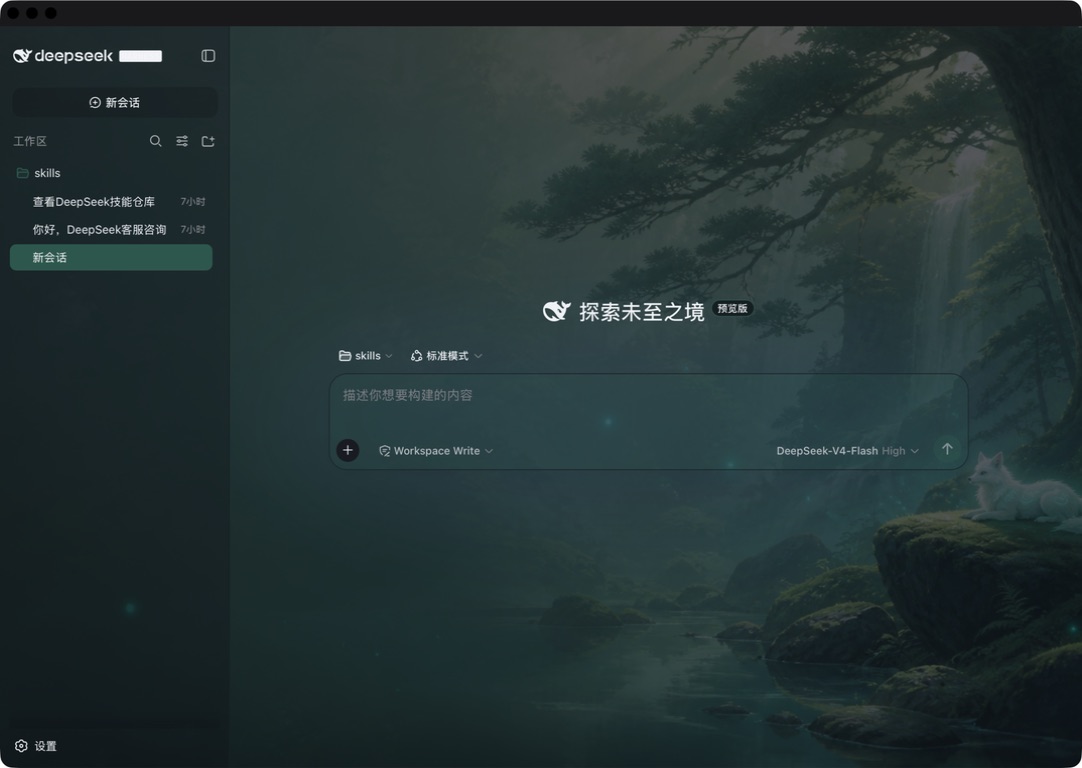 3
3No screenshots
by caoyiwei850
DSH Web skin plugin with built-in themes and custom image skins
★ 14
↓ 82/wk
MIT
Shell
Aug 29, 2026
dsh plugin --profile web add dsh-client-ui-skins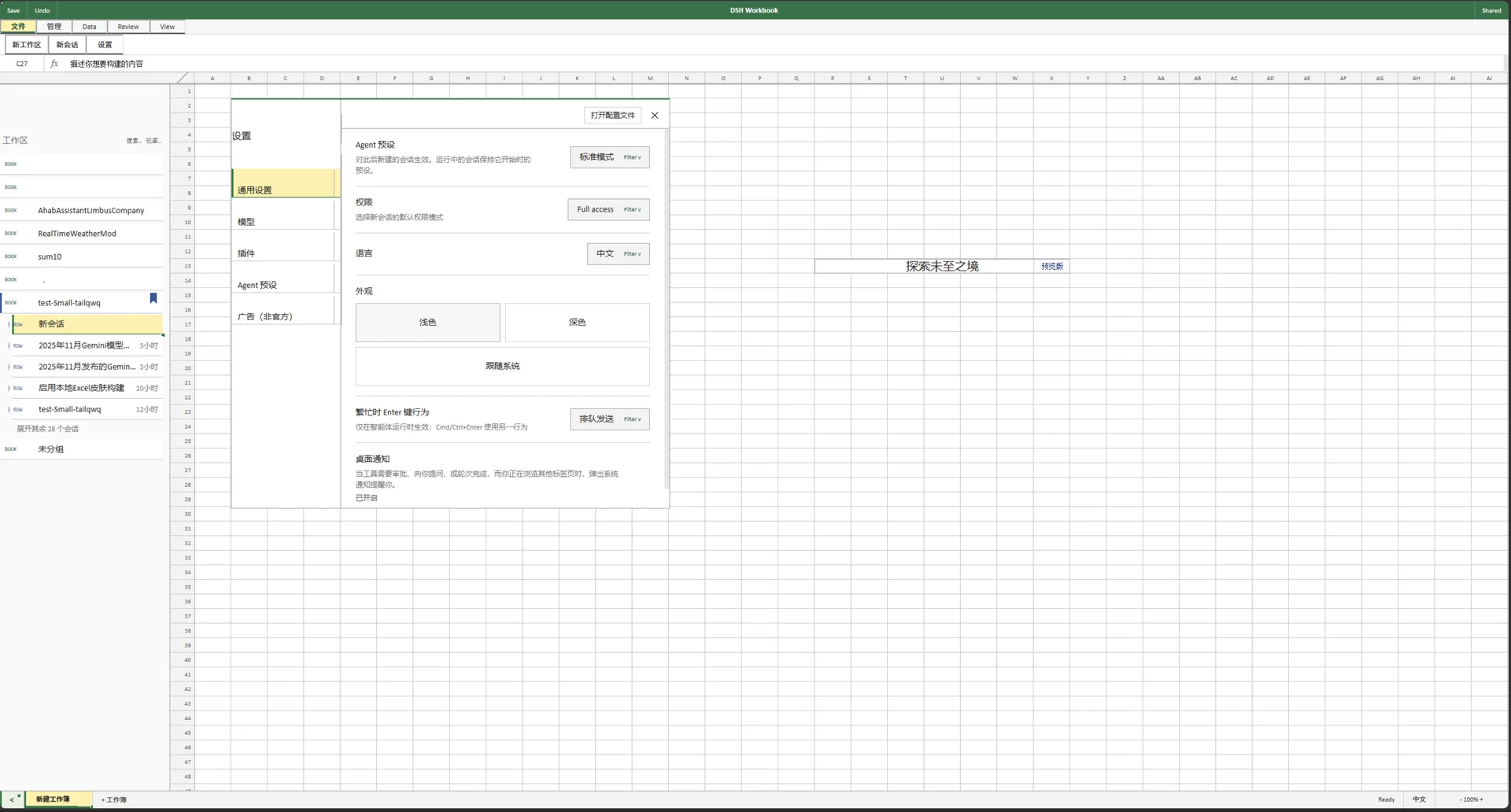 2
2No screenshots
by Small-tailqwq
一款模仿 excel 的 dsh 皮肤
★ 15
BSD-3-Clause
JavaScript
Oct 11, 2026
dsh plugin --profile web add @dsh-external/dsh-client-ui-skin-deepcel✦
No screenshots
by Xliecc
DSH web plugin: show every session's theme in the left sidebar on load
★ 2
↓ 310/wk
MIT
JavaScript
Aug 20, 2026
dsh plugin --profile web add dsh-session-themeby yunliya-cuter
DSH Web GUI 暖色主题 + 液态玻璃材质 + 输入栏工具行整形(客户端插件包)
★ 0
MIT
JavaScript
Sep 30, 2026
dsh plugin --profile web add dsh-warm-ui✦
No screenshots
by Binaryinject
dsh-review-checkout
★ 8
↓ 239/wk
MIT
JavaScript
Sep 29, 2026
dsh plugin --profile web add dsh-review-checkout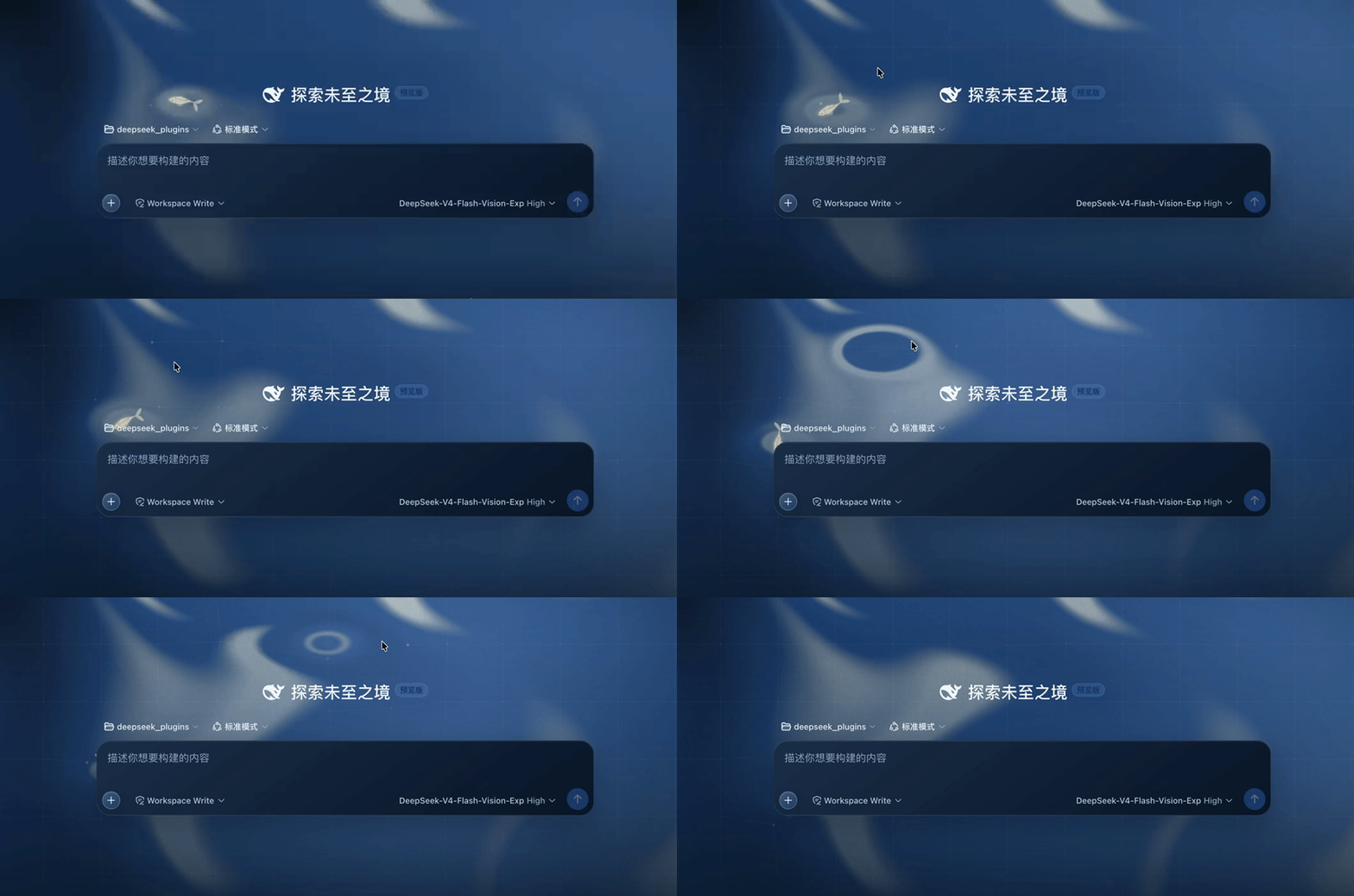 3
3No screenshots
by JohnnyTing
复刻 DeepSeek Harness 官方首页主题插件
★ 17
↓ 724/wk
MIT
JavaScript
Oct 18, 2026
dsh plugin --profile web add dsh-official-homepage-theme