
dsh-mera-theme
Manifest validMERA (Mermaid.js gijinka) theme plugin for DeepSeek Harness: raspberry rose #FF3670 x pearl white x ink navy, light and dark
dsh-mera-theme · MERA 主题(DeepSeek Harness 插件)
MERA / 玫拉 — Mermaid.js 的拟人角色("把代码编译成图的人鱼工程师")——配色主题,做成了 DeepSeek Harness 的可安装插件。
English | 中文
English
A DeepSeek Harness theme plugin based on the anthropomorphic persona MERA, the Diagram Mermaid (Mermaid.js gijinka): calm, precise, friendly engineer, “Write text. See the diagram.”
- Palette: raspberry rose
#FF3670× pearl white × ink navy#111827 - Wallpapers: light appearance gets the 「白天晴朗」sunny day wallpaper, dark gets the 「雨夜 NIGHTCODE」rainy night one; panels turn translucent so the artwork shows through behind the UI
- Paints MERA light「珍珠白 · 工作台」 and MERA dark「墨蓝 · 夜间编译」 over the built-in palettes
- Works with every Appearance choice — Light, Dark, and System keep working (OS scheme flips included); the MERA look re-applies on every load
- Windows: follows the OS app mode even when the Electron shell misses a live theme change — the Host reads
AppsUseLightThemeand the client polls it, so PowerToys' scheduled Light switch is picked up within a few seconds. macOS and other platforms keep their native switching (no Host probe, no client sync) - Touches surfaces, brand accents, sidebar, chat bubbles, code blocks, menus, charts, scrollbars and illustration layers via
--dsw-*alias-token overrides — no layout changes, no external resources - Frosted glass on the left sidebar (all platforms) and on the composer capsule, so scrolling content does not read through either; on Windows the caption strip is frosted too
- Disable the plugin in Plugins and the built-in colors come right back
Install
- Download or clone this repository.
- In DeepSeek Harness, open Plugins → Add plugin, and pick this directory (
dsh-mera-theme/). - Enable it. The MERA palette applies immediately and follows your appearance setting.
Requirements: a DeepSeek Harness installation with the Web GUI (the theme ships with the app's built-in @deepseek-ai/dsh-client-ui-theme).
How it works
client.js stacks one ctx.theme.overrideTokens layer (source-keyed dsh-mera-theme) carrying every MERA token as a { light, dark } pair over the built-in base palettes. Because the user's appearance preference is never rewritten, the built-in ThemeRuntime keeps resolving system and switching body[data-ds-dark-theme]; the layer's values follow the active scheme. The effect disposer removes the layer when the plugin is disabled, restoring the stock palette in place.
The same module injects one <style> element that defines a --mera-wallpaper custom property (light artwork by default, rainy-night artwork under body[data-ds-dark-theme]) and paints html/body plus a page-level fixed <div> at z-index: -1. The fixed layer avoids background-attachment: fixed, which Chromium can skip painting inside transparent macOS vibrancy windows. The settings dialog keeps a near-opaque surface so its text stays readable over the artwork. The images are embedded as base64 WebP data URLs because the plugin has no static-asset route; client.js is generated from src/client.template.js by scripts/build.mjs (node scripts/build.mjs). Surface tokens are translucent so the artwork reads through the panels.
Files
| Path | Purpose |
|---|---|
client.js | Generated client module: MERA token layer + wallpaper stylesheet |
src/client.template.js | Source template for client.js (wallpaper placeholders) |
scripts/build.mjs | Embeds wallpapers/*.webp into client.js |
wallpapers/ | mera-light-day.webp (sunny day) and mera-dark-rain.webp (rainy night) |
cordis.patch.yml | Loader patch inserting the mera-theme plugin row |
locale/en.json, locale/zh.json | Plugin Manager display metadata |
icon.svg | MERA badge (raspberry rounded square + white mermaid tail) |
docs/ | Detail-page document and preview image |
中文
一个基于拟人人设 MERA / 玫拉(Mermaid.js 拟人:把代码"编译"成图的人鱼工程师)的 DeepSeek Harness 主题插件,通过别名 token 覆盖层实现,不改动官方主题选择逻辑。
- 标志色:玫红
#FF3670× 珍珠白 × 墨蓝#111827 - 壁纸:浅色外观使用「白天晴朗」壁纸,深色外观使用「雨夜 NIGHTCODE」壁纸,面板半透明让壁纸透出
- 通过
ctx.theme覆盖层呈现两套主题:MERA 浅色「珍珠白 · 工作台」 与 MERA 深色「墨蓝 · 夜间编译」 - 与设置里的外观三种选择完全兼容——浅色 / 深色 / 跟随系统(含系统深浅实时切换)都不受影响,每次加载都会重新应用
- 通过
--dsw-*别名 token 覆盖表面色、品牌色、侧栏、聊天气泡、代码块、菜单、图表、滚动条与插画层——不改布局、无外部资源 - 在 插件 面板停用即可恢复内置配色
安装
- 下载或克隆本仓库。
- 在 DeepSeek Harness 中打开 插件 → 添加插件,选择本目录(
dsh-mera-theme/)。 - 启用后 MERA 配色立即生效,并跟随外观设置。
人设出处
角色设定(人鱼工程师 MERA:玫红长发渐变珍珠白、白色科技水手外套、墨蓝紧身衣、珍珠白鳞片尾、玫红圆角方块 + 白色人鱼尾徽记)来自本项目作者的创作设定集。
License
MIT
Comments
Loading…
Similar plugins
 2
No screenshots
by kleinklein0824
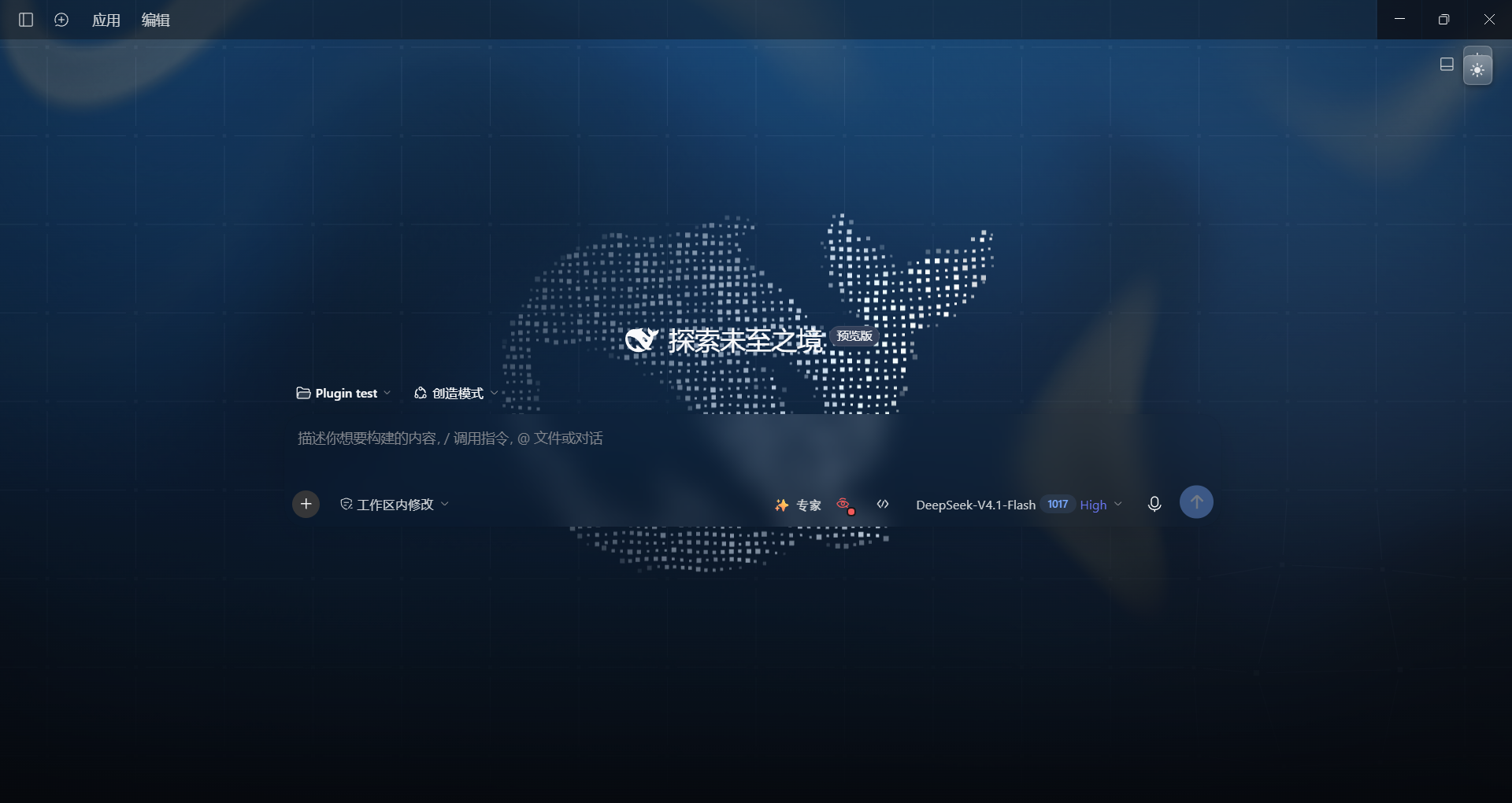
非官方社区项目。为 DeepSeek Harness(DSH)打造的官网风格主题插件:深色模式含流体极光、粒子鲸鱼与星座网格,浅色模式采用蓝色 Hero 渐变与琉璃玻璃面板,并支持跟随 DSH 深浅色设置一键切换。
★ 0
MIT
JavaScript
Nov 7, 2026
dsh plugin --profile web add dsh-official-skin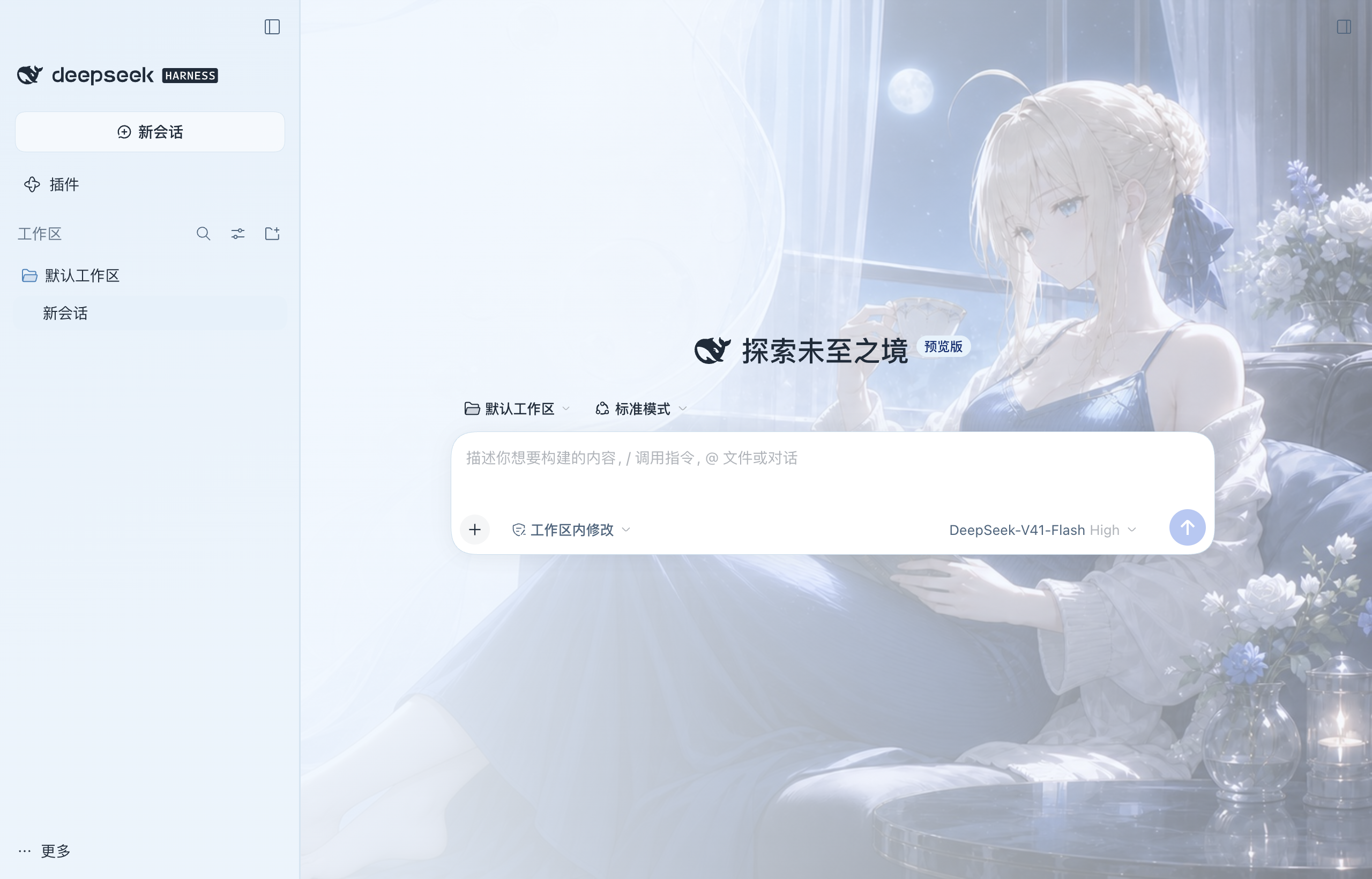 3
No screenshots
by nightosong
Saber (Fate) theme with icy blue light and dark palettes and character backgrounds for DeepSeek Harness 0.2.0-rc.2 Desktop and Web.
★ 0
MIT
JavaScript
Nov 6, 2026
dsh plugin --profile web add gord-dsh-saber-themeby LanluZ
Marisa UI (魔理沙UI) — zero-blur aurora-glass theme for the DeepSeek Harness web UI (static aurora canvas, glass panels, zero per-frame cost)
★ 0
JavaScript
Nov 9, 2026
dsh plugin --profile web add @local/dsh-ui-liquidglass 6
No screenshots
by zhijun-dai
Solarized + Selenized themes for DeepSeek Harness (dsh): four faithful palettes registered into the theme runtime, with a Settings picker row and canonical code-block syntax colors
★ 8
↓ 180/wk
NOASSERTION
JavaScript
Oct 20, 2026
dsh plugin --profile web add @yuquexianzhou/solarized-dsh-theme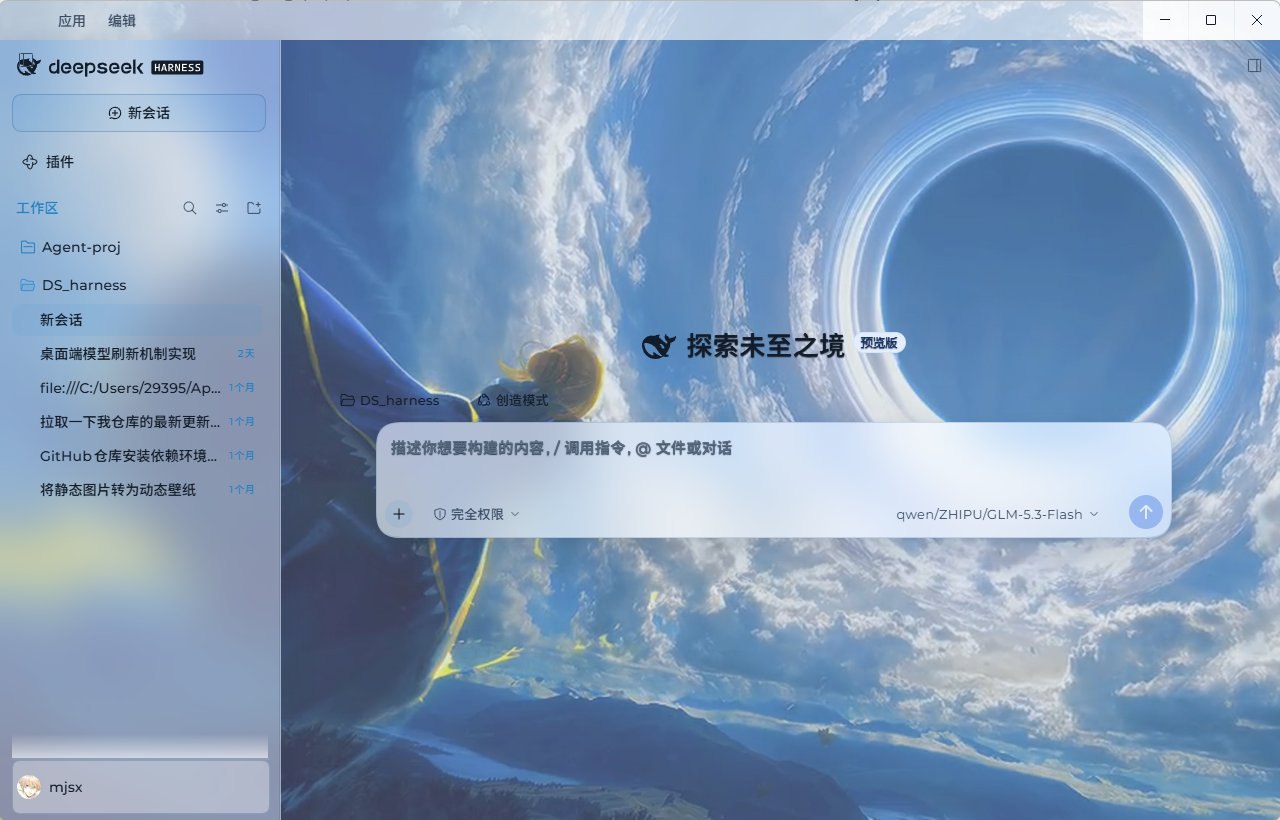 3
No screenshots
by sayzwx
Deep-space theme for the Harness Web GUI: two fully designed light and dark palettes over a seamless cross-dissolve nebula wallpaper, plus a model probe that reports which configured models actually a
★ 1
MIT
JavaScript
Oct 11, 2026
dsh plugin --profile web add dsh-xingkong-theme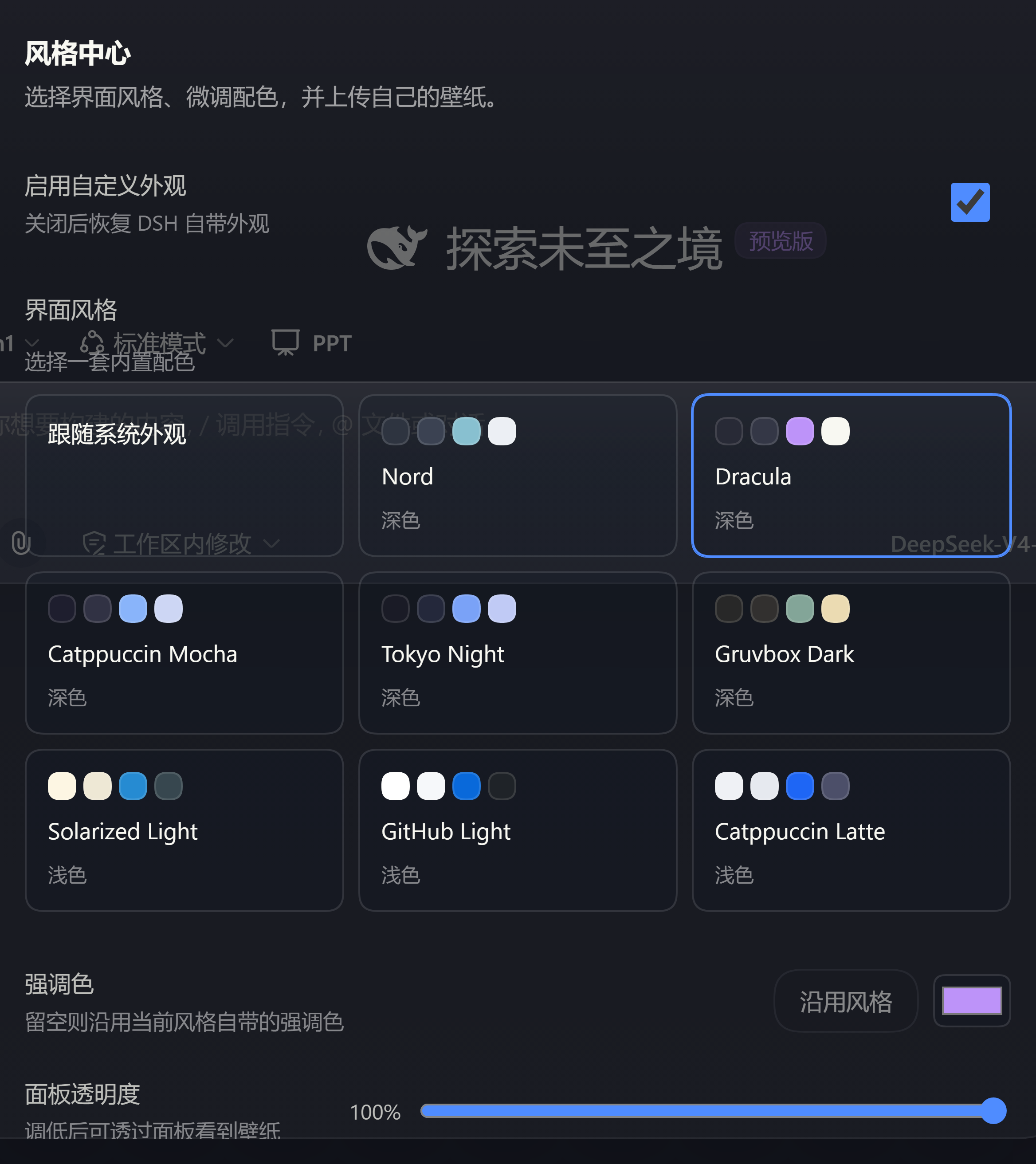 3
No screenshots
by Au1314
Theme studio for the DeepSeek Harness web GUI: eight switchable preset styles, accent and panel-translucency fine-tuning, host-side wallpapers painted on the first frame, and a one-click fix when the
★ 0
MIT
TypeScript
Sep 26, 2026
dsh plugin --profile web add dsh-style-hub