

DSH_question_map
Manifest valid★ 4DSH Question Map

Select any text in a DSH conversation to ask a context-free side question — and watch every question you asked grow into a browsable question grid.
A community plugin for DeepSeek Harness (dsh), for DSH Web and DSH Desktop.
English | 中文
scripts/probes/ holds one-off browser/API probes used while debugging; they are not part of the routine checks.
The problem
LLM conversations are linear. You ask one question, get five paragraphs back, and one term in the third paragraph is unclear — so you ask about it in the same thread. Ten minutes later the original question is far above the fold, the context is huge, and you only ever wanted to understand that one word.
This plugin lets you select a fragment of text → click “Ask” → get a separate, empty-context mini conversation that answers just that. Every question remembers which text it came from, and all of them form a grid you can browse.
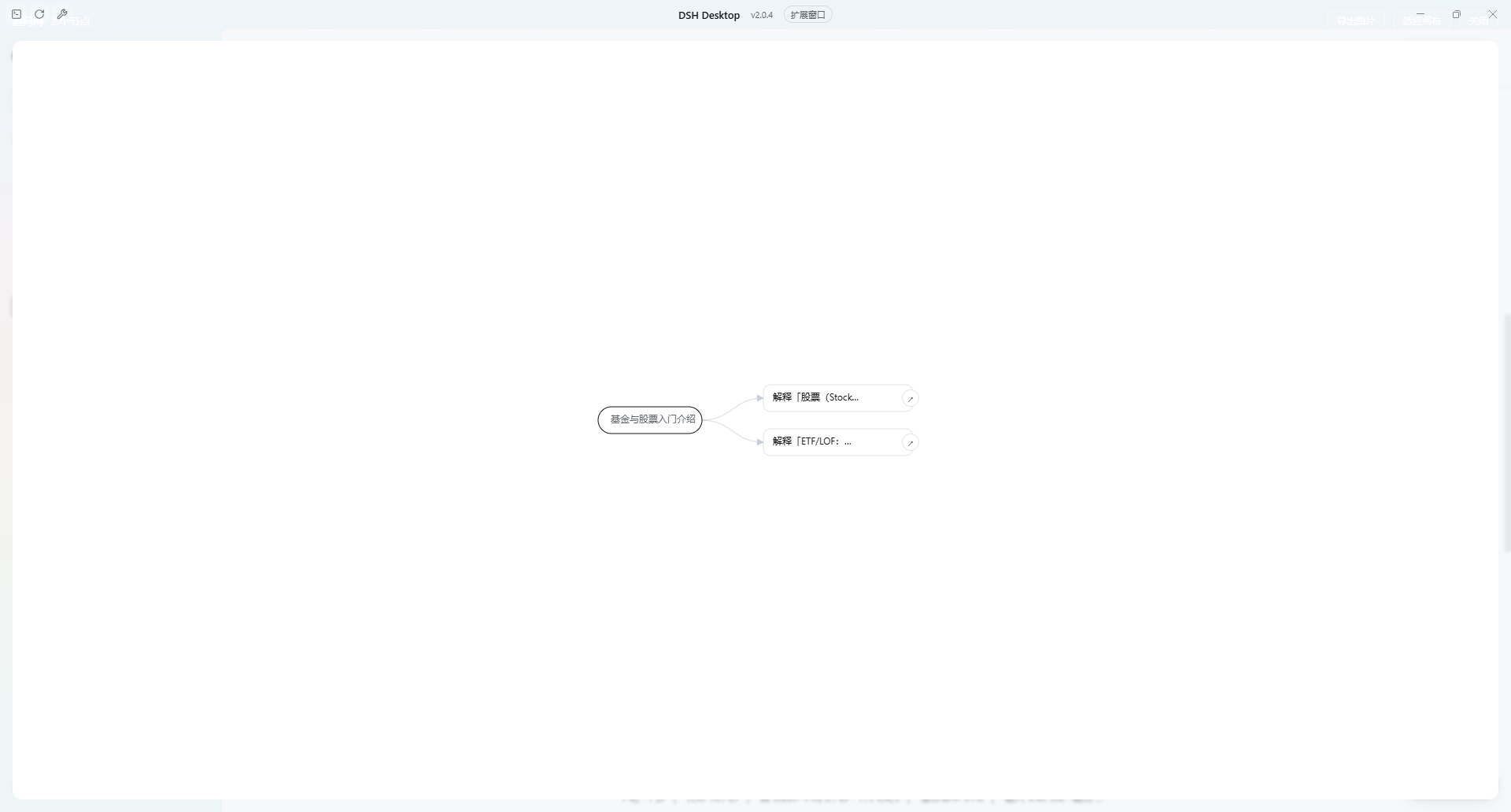
Screenshots date from 0.3.2; the entry button and the grid toolbar were redesigned in 0.3.9 (see “Interface” below).
Interface
- Entry: a square button in the composer's left cluster (a Z-shaped node icon plus a node-count badge), shown only in conversations
that are related to the grid. It lives in DSH's
conversation.input.leftslot, so the layout owns its size and position — it follows the composer when the input grows. - Popover: anchored to the selection. Drag its header to move it, drag the bottom-right corner to resize (the size is remembered in local storage). There is no pin button — clicking outside closes it.
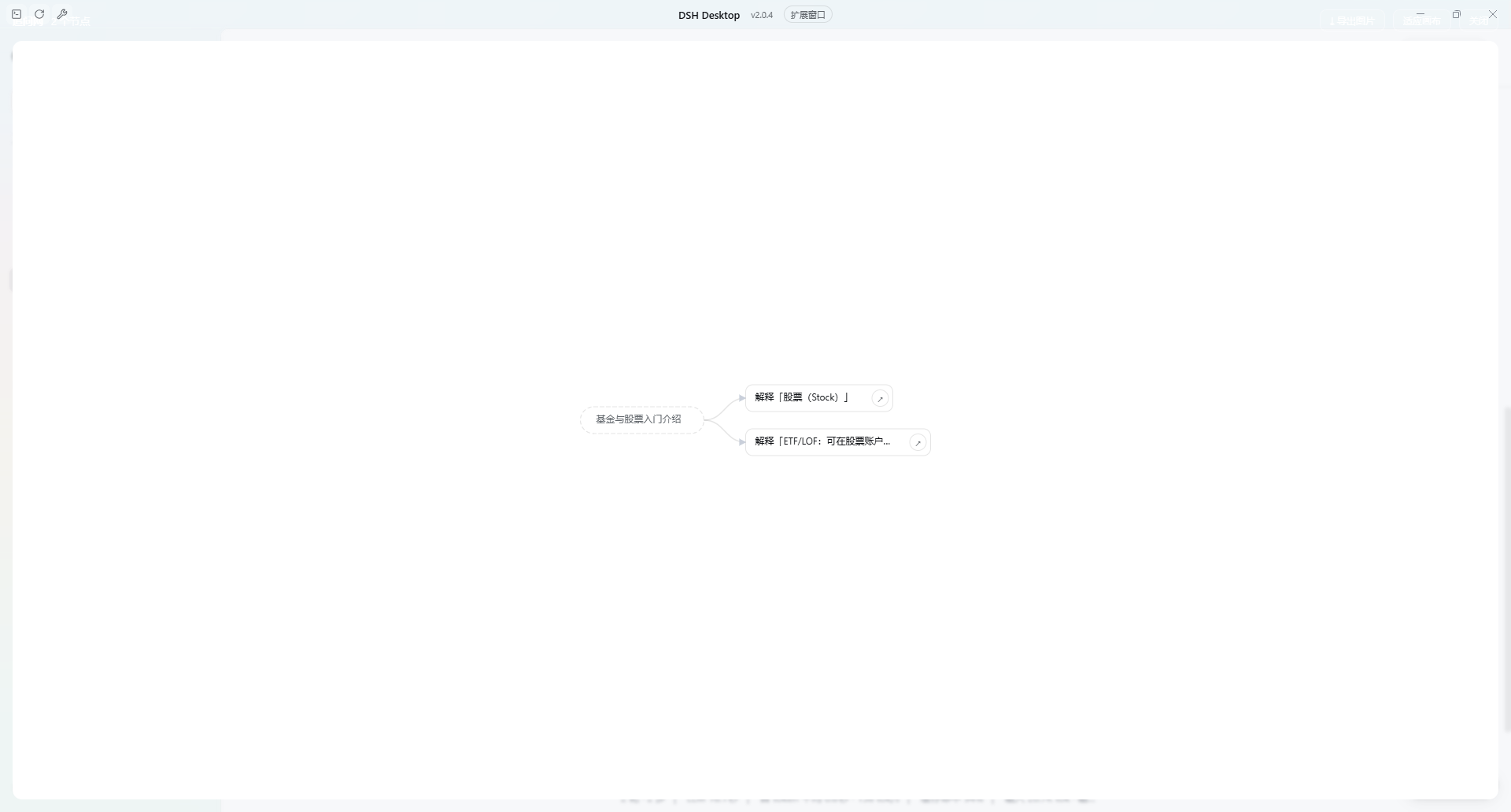
- Grid: a full-screen canvas. Conversation anchors on the left, then root questions, then sub-questions, with a vertical toolbar (export / fit / clear / close) pinned to the left edge. Nodes are coloured by depth, and hovering one lights up the whole ancestor chain while everything else dims.
Features
| Ask about a selection | Select text in the transcript; a small “Ask” button appears next to it. The popover anchors to the selection — drag its header to move it, drag the corner to resize. |
| No inherited context | Each question is a brand-new session with only the term plus a short quote around it. |
| Keep chatting in the popover | Follow-ups stay in the same side session and never disturb the main thread. |
| Branch by selecting again | Select text inside an answer to spawn a child question — the grid grows by itself. |
| Question grid | Anchor → root question → sub-questions with directed edges; wheel to zoom, drag the canvas to pan; nodes coloured by depth, hover to highlight the ancestor chain. |
| Three ways to navigate | Click a node's body to switch to that question's session; click the dot on its right edge to peek at the popover without leaving the current session; click a conversation anchor to jump back to where the chain started. |
| Export an image | The download button in the grid toolbar renders the whole grid as a PNG. |
| Survives restarts | The grid and the popover size live in local storage. |
Install
# 尚未发布到 npm 时,直接从 GitHub 安装
dsh plugin --profile web add github:huahuazz/DSH_question_map
发布到 npm 之后可以简写成
dsh plugin --profile web add dsh-question-map。
DSH Desktop: install it from Settings → Plugins, or
dsh plugin --profile desktop add github:huahuazz/DSH_question_map
Then fully quit and restart DSH — client bundles are loaded at composition time.
Usage
- Select some text in any reply.
- Click the “⟂ Ask” button next to it (or press
Alt+Enter). The popover opens anchored to the selection and starts streaming an answer. - Click the Z-shaped node button in the composer's bottom-left cluster to open the grid.
- In the grid: click a node to go back to its session, click the small dot on its right edge to peek at the popover, click a conversation anchor to return to the source conversation.
| Popover | Exported grid |
|---|---|
 |  |
Compatibility
- Requires dsh >= 0.2.1-rc.2 (see
engines.dsh). - Uses only public client extension points: the
shell.overlayandconversation.input.leftslots, plusuiConversation,uiWorkspace,sessions,localeandremote.session. - On hosts without the
conversation.input.leftslot the entry button simply does not appear; the popover and the grid keep working and nothing throws. - No dependency on host-side settings APIs, so a DSH release that replaces them cannot break the plugin's import.
Data & privacy
- Nodes and edges live in browser local storage under
dsh-question-map:graph; the popover size is stored next to it asdsh-question-map:card-size. - Every question creates a real session (its title starts with
⟂), stored by DSH's own session persistence. - The plugin makes no network requests of its own; model calls go through DSH's normal session channel.
Known limitations
- Side questions show up in the session list. That is the price of reusing real sessions (same model, tools and streaming as the main chat).
- The grid is stored per origin: it survives restarts, but changing the port or clearing site data loses it.
- Every question is a real model call.
Development
This repository is build-free: lib/client.js is hand-written in DSH's browser module format
(window.__ModuleLoader__.load), so there is no bundling step — copy it into the profile and restart.
node scripts/smoke.mjs              # module format / inject list / local storage / delete & clear
node scripts/flow-test.mjs          # create session → prompt → stream → persist → child nodes
node scripts/verify-composition.mjs # manifest ↔ DSH composition contract (skips without a local DSH)
node scripts/pack-check.mjs         # npm publish surface (files / exports / dsh manifest)
node scripts/ci.mjs                 # replay the CI steps in a clean environment (no DSH)
Scripts look for DSH under ~/.dsh/profiles/desktop and the usual install locations; point them elsewhere with:
DSH_PROFILE_DIR="/path/to/profiles/desktop" DSH_APP_DIR="/path/to/resources/app" node scripts/verify-composition.mjs
Before pushing, run node scripts/ci.mjs (or npm test): it replays the GitHub Actions steps in a clean environment without DSH, so a green local run cannot hide a red CI.
Release steps: docs/PUBLISHING.md.
License
Comments
Loading…