

dsh-green-meter
Identified★ 92Desktop app for DeepSeek Harness with a live energy/carbon console: measure local GPU inference, estimate cloud APIs via published coefficients, alert on waste
Green DSH Desktop
An open-source desktop app for DeepSeek Harness (DSH): get AI work done while seeing exactly how much energy, carbon, and money each conversation costs.
Whether you run local models or connect to a cloud API (DeepSeek / OpenRouter / a self-hosted relay…), it calculates and displays the energy consumption, carbon emissions, and cost of every request, and warns you when spending or emissions spike.
English · 中文
What It Does
1. DSH Desktop, Ready Out of the Box
- Ships with a Node.js 24 runtime and a complete DSH distribution — ready to use after installation, no Node / pnpm / Python required;
- The full DSH chat experience: model management, sessions, tool calls, skills, sub-agents, and workflows are all included;
- Windows installer + portable edition (unzip and run).
2. Energy / Carbon Console (Main Window)
| Page | What You Can See |
|---|---|
| Console | Local carbon, local energy (estimated and measured side by side), cloud carbon (public-coefficient estimate), API costs saved; last-30-days carbon and per-task-round carbon bar charts; real-time hardware gauges |
| Sessions | Per-session tokens, energy, carbon, electricity cost, and API costs saved |
| Hardware Monitor | Full NVIDIA GPU telemetry (memory / utilization / temperature / power, multi-GPU support); iGPU as extended monitoring; CPU / memory curves |
| Alerts | Overspending and anomaly warnings, see below |
| Data Sources | Connect OpenRouter or your own relay to pull real spend and token usage |
| Reference Data | Source and year of every coefficient, all verifiable |
| Carbon Ledger | Per-step JSONL details, measured-energy column, one-click CSV export |
| Logs / Settings | Harness output; baseline settings for carbon intensity / electricity price / API pricing |
3. Two Metering Paths (Core Design)
- Local model → measured: once an NVIDIA GPU is detected, it continuously samples power draw and integrates over time to get real energy consumption, then attributes it to each request step by time; when a per-model coefficient is needed, one-click calibration yields the machine's J/token;
- Cloud API → public-coefficient estimate: the cloud only exposes tokens, so token→energy is always computed with public authoritative coefficients (never a local calibration extrapolated to the cloud).
4. Alerts: Warn You Before Money and Carbon Run Away
- Threshold-based: per-session energy / cost, last-1-hour / 24-hour cost, relay's daily average spend;
- Anomaly-based: single-step energy outlier (robust z-score), context re-reading (input:output ratio too high — wasteful repeated re-reads of context), idle / retry loops (multiple consecutive steps with almost no output), low cache hit rate;
- Severe alerts also fire a desktop notification.
5. In-Chat Dashboard
A carbon card is pinned to the chat window's top-right: this session's carbon / energy / electricity cost, API costs saved, local vs cloud, per-round energy bars, and cumulative totals.
6. Local Small-Model Support Out of the Box
Includes a Qwen2.5-0.5B (CPU inference) setup script and provider configuration — start the service with a single command and experience the full "local model + measured metering" loop; to use a larger model, just change the model path in one line.
Screenshots
| Console Overview | In-Chat Dashboard |
|---|---|
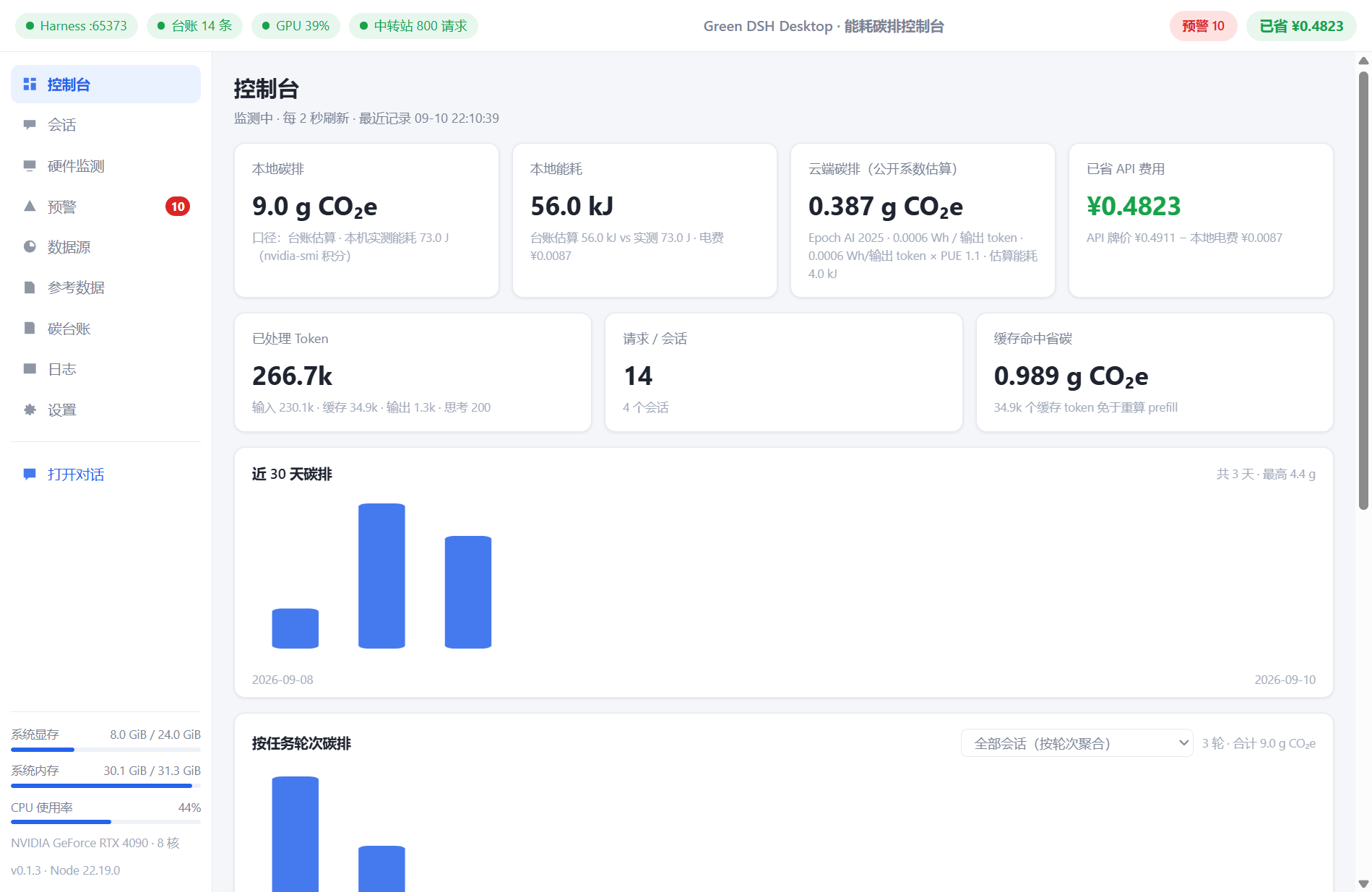 | 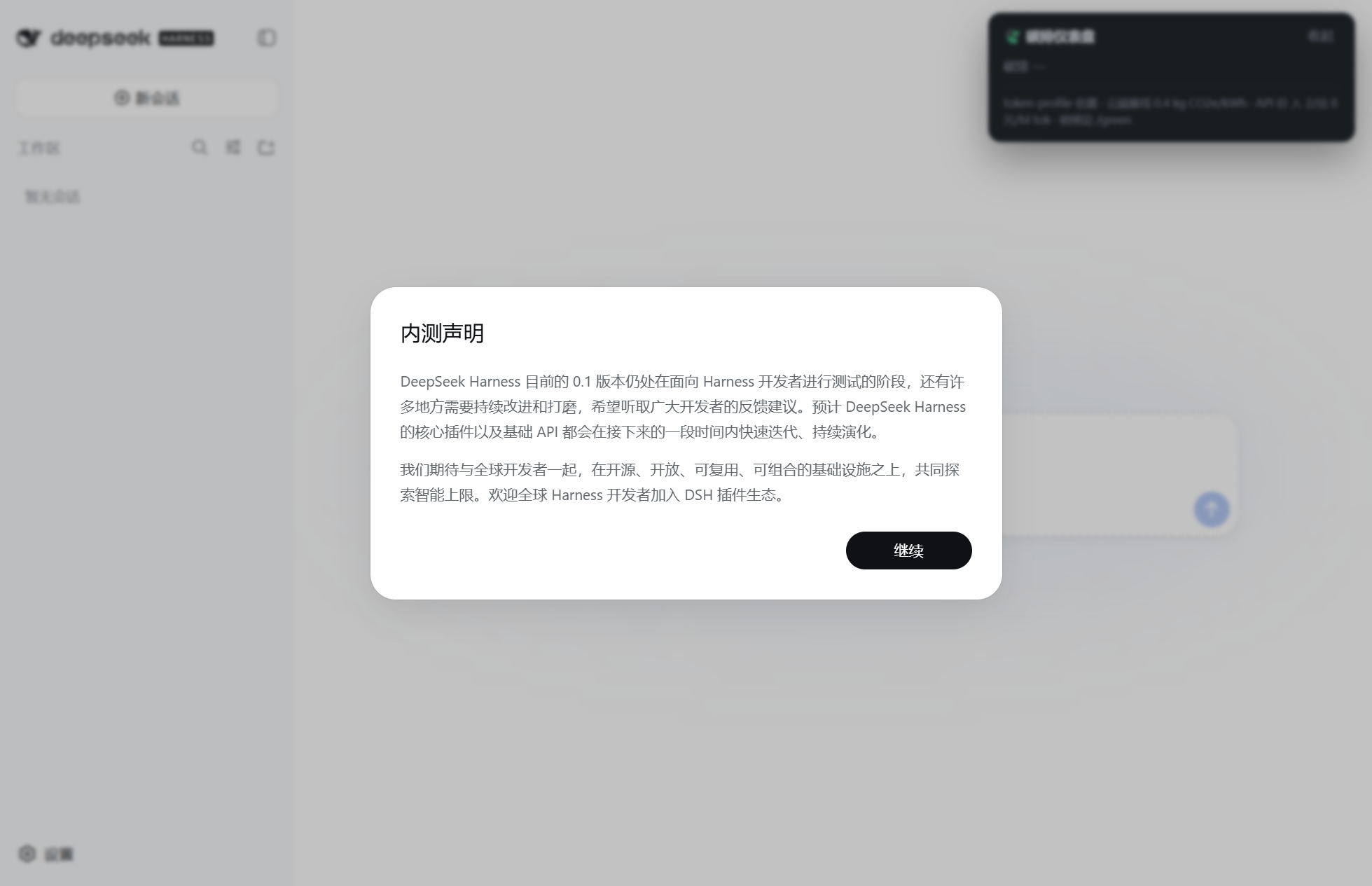 |
| Hardware Monitor (NVIDIA Multi-GPU) | Alerts |
|---|---|
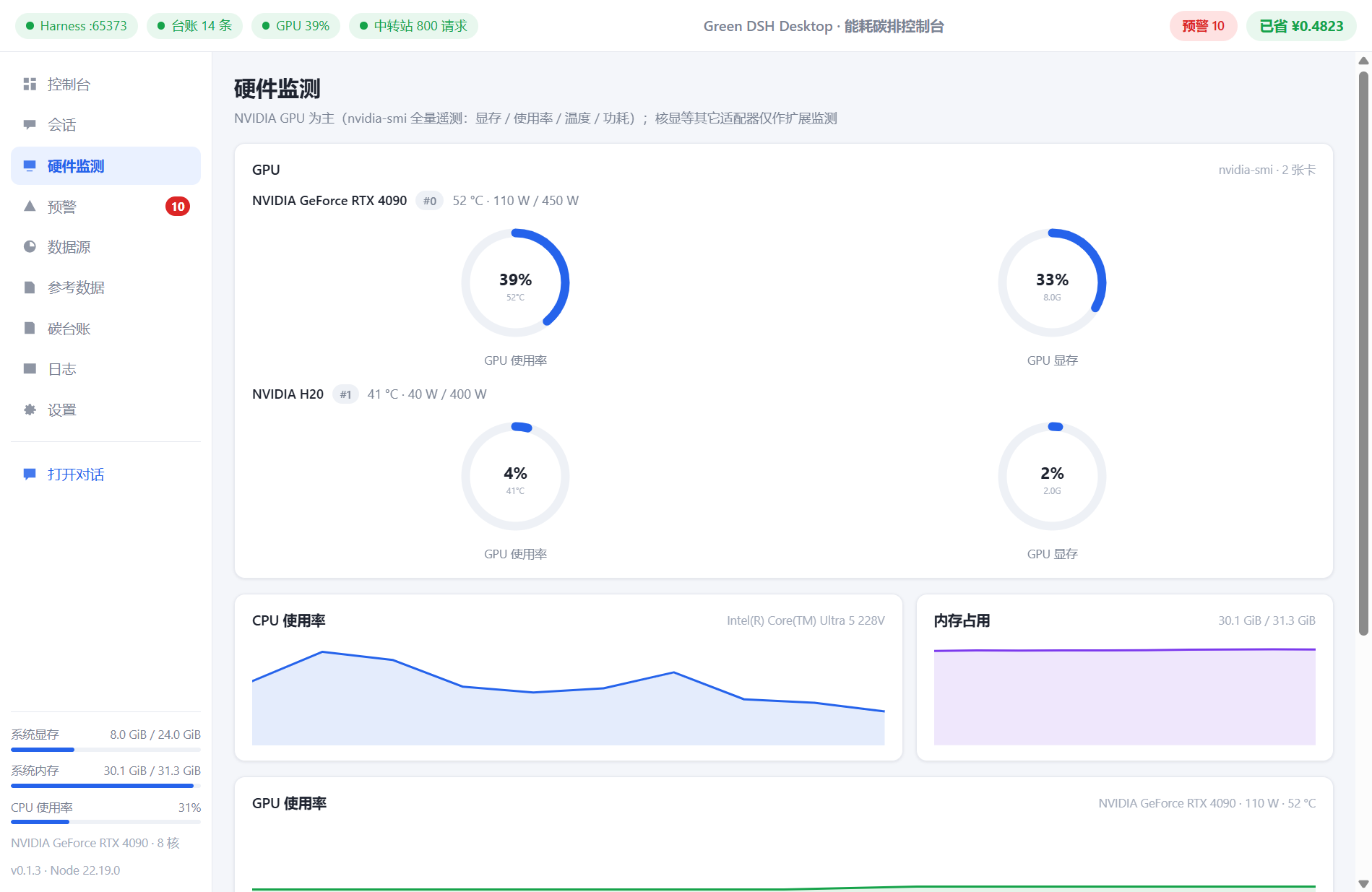 | 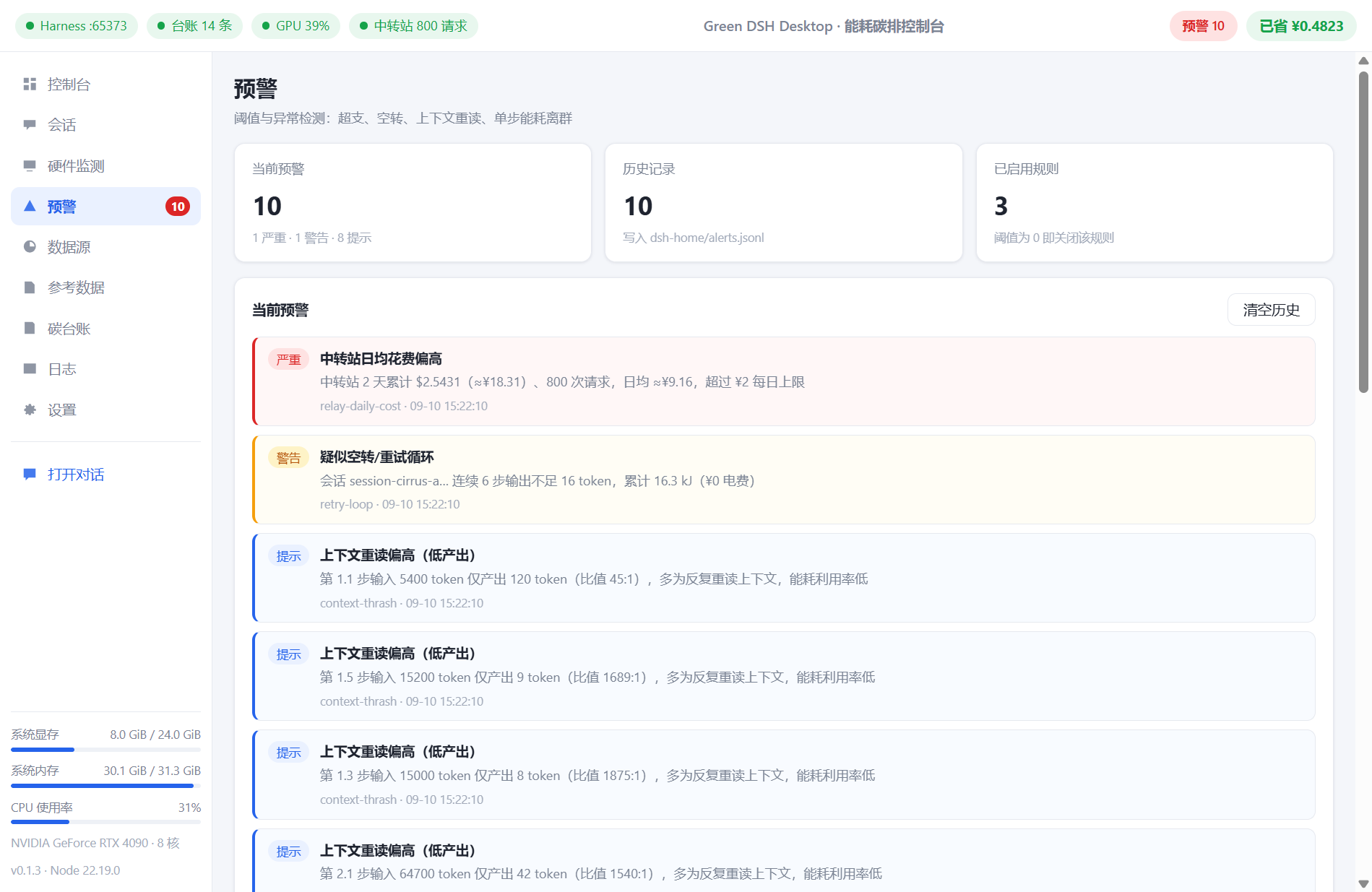 |
| Session Details | Data Sources (Relay) |
|---|---|
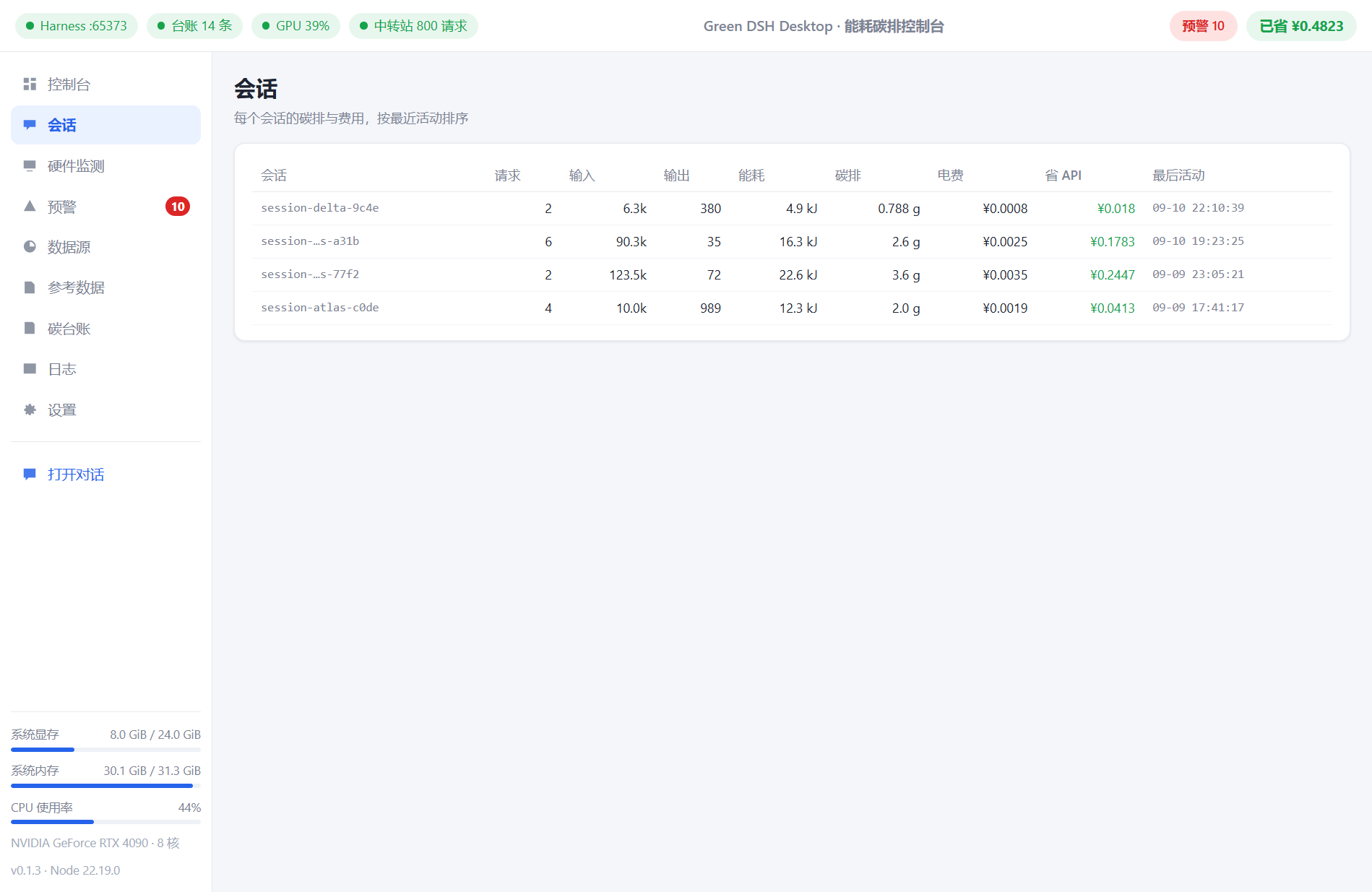 | 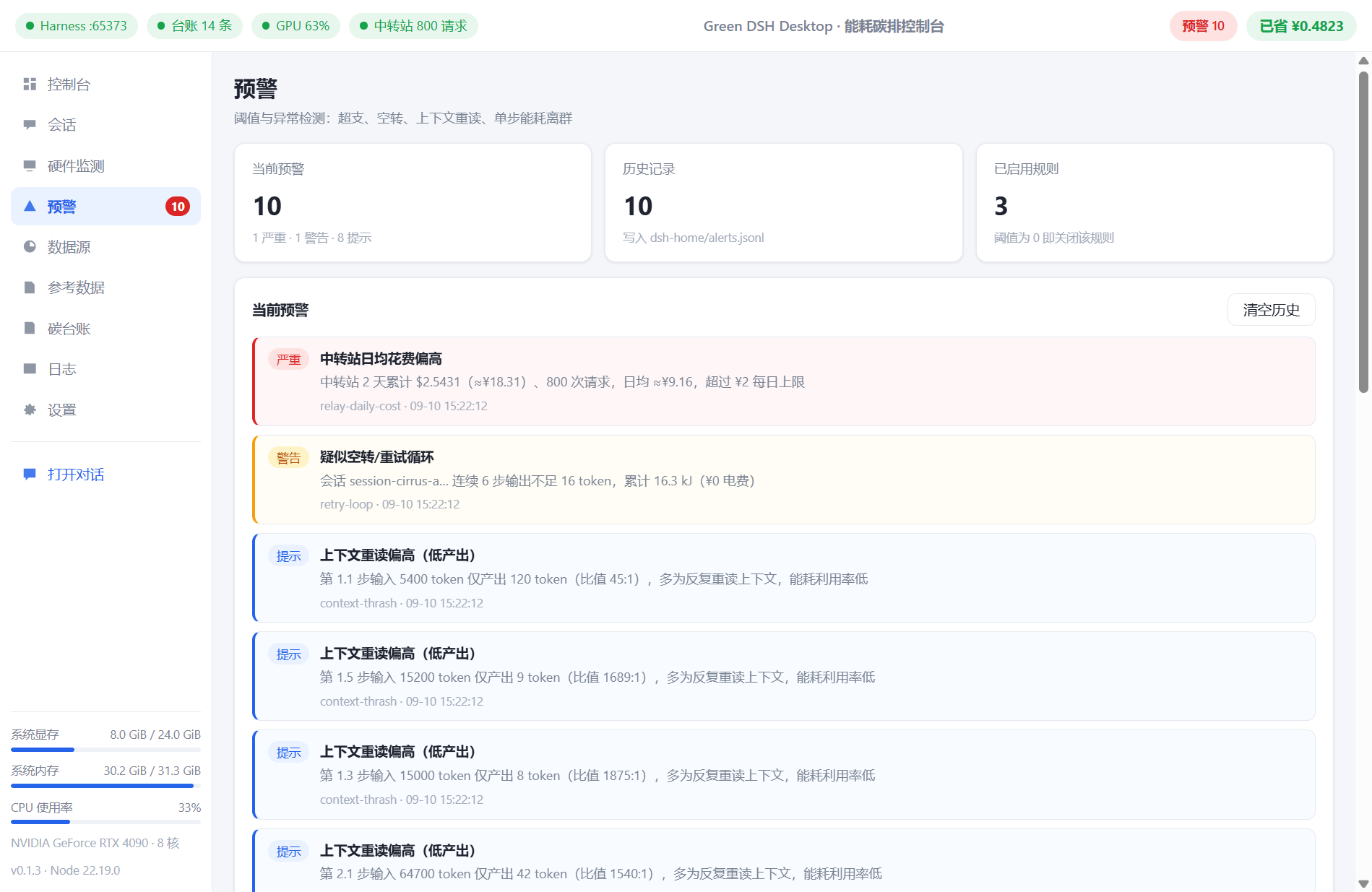 |
| Reference Data (Coefficients & Sources) | Carbon Ledger Details |
|---|---|
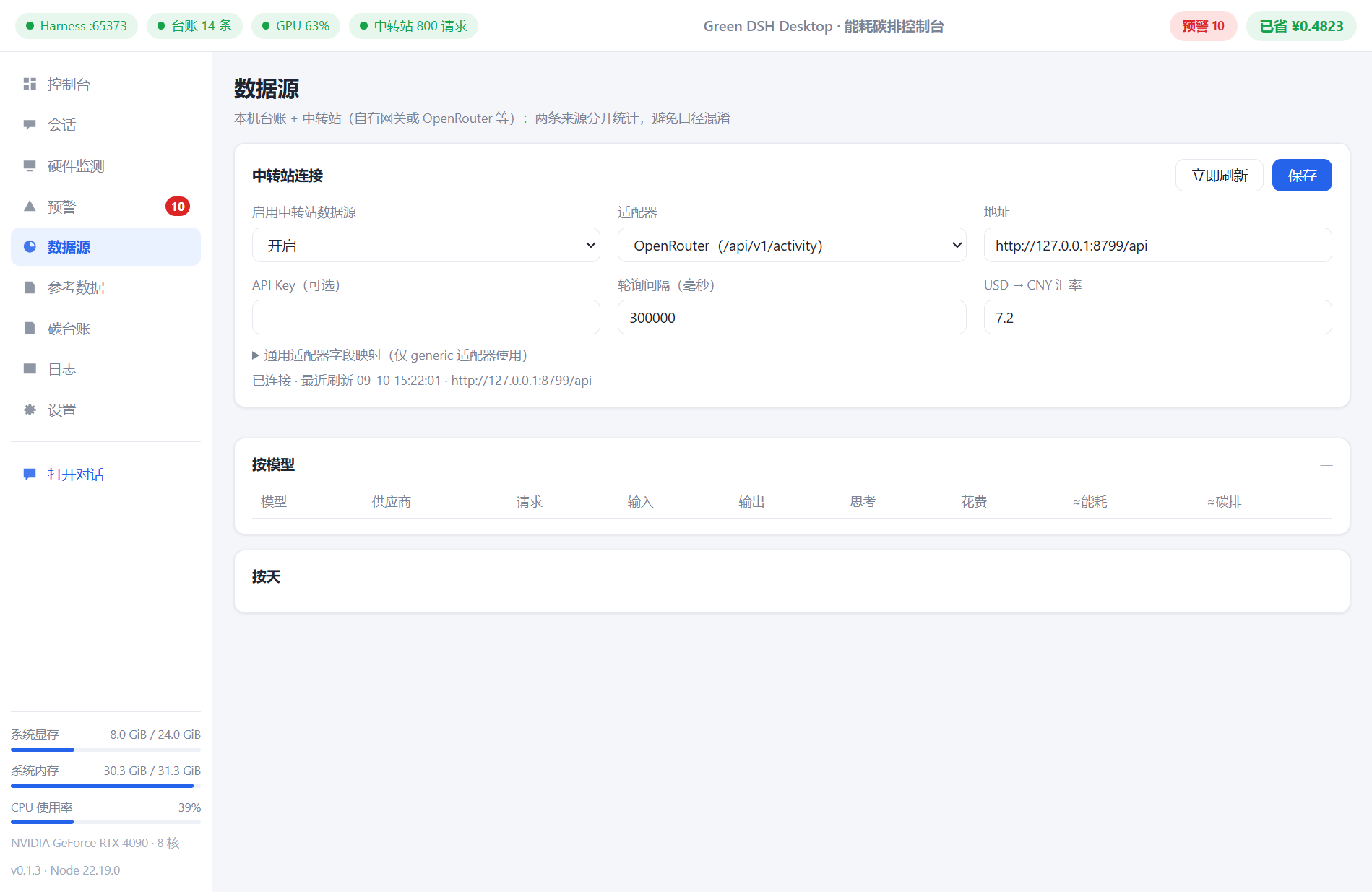 | 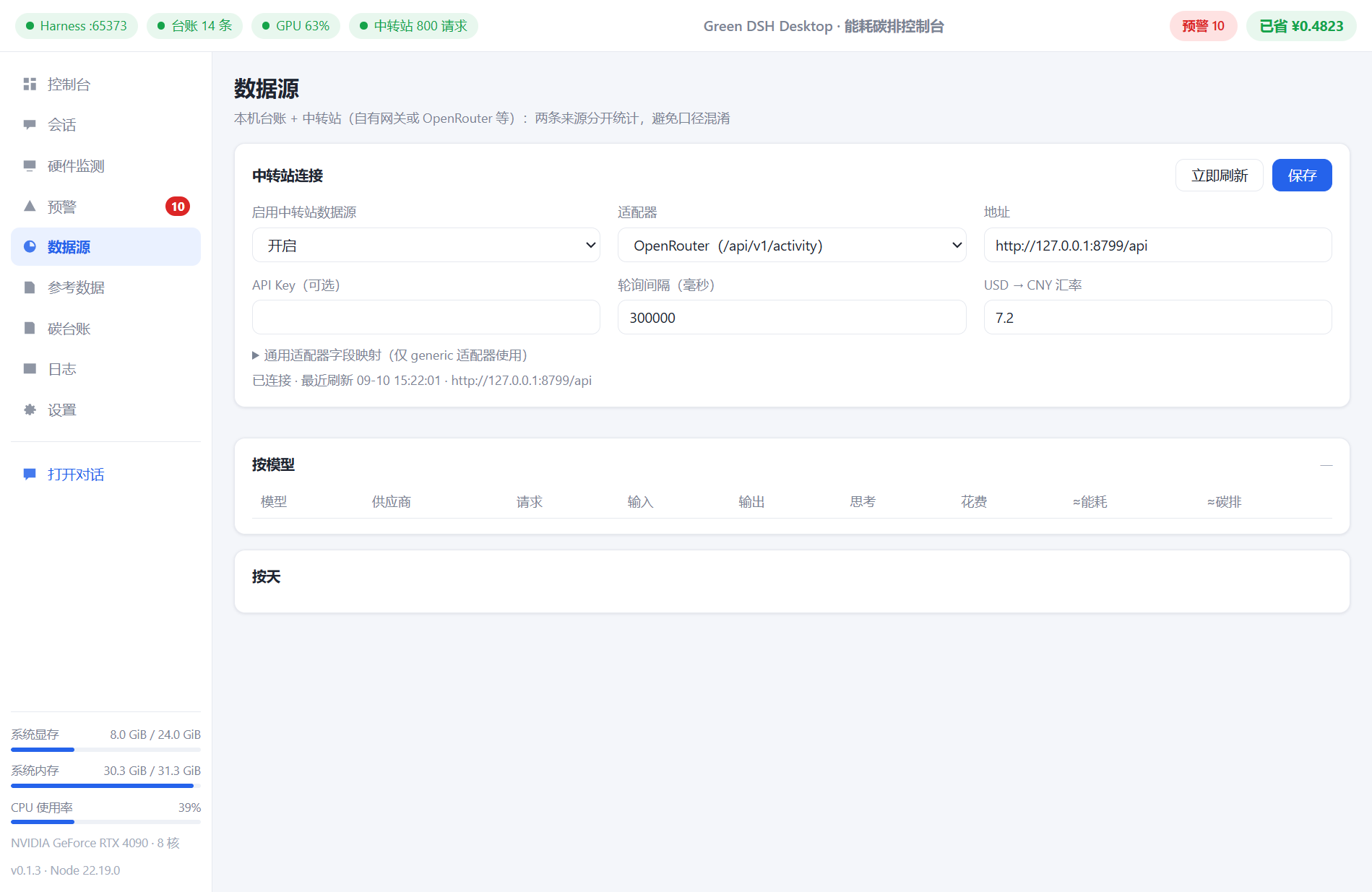 |
Download & Install
Download from Releases:
| File | Description |
|---|---|
Green DSH Desktop Setup x.x.x.exe | Windows installer (optional install directory, desktop shortcut) |
Green DSH Desktop-x.x.x-win.zip | Portable edition, unzip and run |
The installer is not code-signed; on first launch, Windows SmartScreen will block it: More info → Run anyway. To upgrade, just run the new installer — sessions / credentials / ledger / settings are preserved automatically.
Quick Start (Three Steps)
- Install and open → on first launch you'll be prompted to configure a model (enter an API Key in the DSH settings page, or use a local model);
- Click "Open Chat" to work → chat and write code normally, nothing else to configure;
- Return to the console → carbon, energy, cost, round charts, and hardware curves are all updating in real time; fine-tune electricity price / API pricing / carbon intensity in "Settings" and the numbers reflect your actual baseline.
To try a local model:
powershell -ExecutionPolicy Bypass -File scripts\start-local-model.ps1
Then select "Local llama.cpp (Qwen2.5-0.5B)" in the app (you'll need to download the model first — see the comments inside the script).
Data & Methodology (Brief)
- Local: token usage → calibration coefficient → energy (measured value when NVIDIA is available) → grid carbon intensity → carbon;
- Cloud: token usage → public coefficient → energy → carbon;
- Cost: API list price vs local electricity cost.
All coefficients carry source and year:
| Category | Value | Source |
|---|---|---|
| China grid | 0.5777 kgCO₂e/kWh (2024) | MEE 《2024 Electric Power Carbon Footprint Factor》 |
| US grid | 0.3497 kgCO₂e/kWh | US EPA eGRID 2023 |
| Cloud per-token | 0.0006 Wh / output token | Epoch AI 2025 |
| Cloud per-request | 0.24 Wh / 0.03 gCO₂e | Google Cloud 2025-08-21 |
| Local calibration | H20 request-level fit (R² ≥ 0.998) | Experiments in this project |
Boundary notes: without GPU measurement, local values are token-profile estimates; cloud values are public-coefficient estimates; carbon = energy × grid intensity (engineering estimate, not certified).
Build from Source
git clone <本仓库>
cd green-dsh-desktop
npm install

# 1) 打包 green-meter / 仪表盘插件(需要 DSH 源码 checkout,可用 DSH_CHECKOUT 指定路径)
npm run vendor:plugins

# 2) 组装内置 harness(npm 安装 DSH 发行版 + 本地插件)
npm run pack:harness

# 3) 放入 Node 运行时(复制本机 node.exe 到 resources/runtime/)

# 4) 运行 / 打包
npm start
npm run dist
Limitations & Notes
- Currently developed and verified primarily on Windows; Electron is cross-platform, but the macOS / Linux build paths are unverified;
- Local measured metering depends on nvidia-smi (NVIDIA GPU); without NVIDIA, local values fall back to estimates, and iGPU monitoring is extended only (utilization only);
- Chat data (sessions / credentials / ledger) is stored in
resources/harness/dsh-homeunder the install directory — please back up before uninstalling (upgrades preserve it automatically).
Credits
- DeepSeek Harness and Cordis — this app is a plugin-based desktop distribution of DSH;
- green-meter (the author's energy-metering plugin) provides token-profile calibration;
- llama.cpp — local inference;
- Electron — desktop shell;
- Energy / carbon reference data come from public disclosures by the MEE, US EPA eGRID, Epoch AI, and Google Cloud.
License
MIT
Comments
Loading…
Similar plugins
by Aisland-SJL
🌊 Persistent dock & fully-customizable balance/usage panel for DeepSeek Harness — activity heatmap, dual-channel comparison, local-only & privacy-first
★ 139
MIT
JavaScript
Oct 28, 2026
dsh plugin --profile web add dsh-usageby ParticleLight
DeepSeek Harness 用量看板 / Usage dashboard: tokens, cache, model/provider/workspace analytics, DeepSeek balance, heatmap, and CSV export.
★ 15
↓ 398/wk
MIT
JavaScript
Oct 18, 2026
dsh plugin --profile web add dsh-all-usageby Anyway-one
Multi-provider balance monitor with low-balance alerts and trend history for the dsh web GUI
★ 0
JavaScript
Aug 26, 2026
dsh plugin --profile web add dsh-balanceby yunshu-iii
DSH Harness 桌面端插件:窗口底部状态栏显示 DeepSeek API 余额与 token 用量 | Desktop plugin for DeepSeek Harness
★ 0
MIT
JavaScript
Oct 23, 2026
dsh plugin --profile web add dsh-api-usage-meterby AKUSH99
Live DeepSeek API balance in the sidebar footer plus an always-visible bottom-right pill: status dot and amount, refreshed every 60 seconds, the API key is read from the local credential store and nev
★ 0
MIT
JavaScript
Aug 26, 2026
dsh plugin --profile web add dsh-balance-chipby jcleener
DSH 插件:常驻 API 用量监控 —— DeepSeek/SiliconFlow/OpenCode Go/火山引擎 余额与配额、会话树 token 与花费(侧边栏入口 + 浮动窗)
★ 0
MIT
JavaScript
Oct 10, 2026
dsh plugin --profile web add api-monitor