

dsh-protect-eyes-skin
Manifest validDSH-protect-eyes-skin — an eye-friendly green (豆沙绿护眼) theme for DeepSeek Harness: a full --dsw-* design-token reskin for both light and dark modes that reduces blue-light strain.
DSH-protect-eyes-skin
一个 DeepSeek Harness (DSH) 的护眼绿(豆沙绿)皮肤主题插件。通过整体覆写 --dsw-alias-* 设计 token,把整套 Web 界面(浅色 + 深色两套)换成低蓝光、柔和的护眼绿配色。
插件名:DSH-protect eyes-skin(npm 包名
dsh-protect-eyes-skin,npm 包名不能含空格)
特性
- ✅ 完整换肤:覆盖全部 79 个
--dsw-alias-*语义 token,浅色/深色各一套 - ✅ 护眼:低饱和豆沙绿背景 + 深墨绿文字,减少蓝光刺激
- ✅ 跟随系统:自动响应 DSH 的浅色 / 深色 / 跟随系统外观设置
- ✅ 纯前端、零运行时依赖、无网络请求
- ✅ 干净卸载:样式随插件生命周期挂载/移除
目录结构
dsh-protect-eyes-skin/
├── package.json        # 声明 dsh.client 配置 + bundle patch
├── cordis.patch.yml    # 向 loader 插入本插件的 entry
├── lib/
│   ├── index.js        # Host 端(空 apply,仅供挂载)
│   └── client.js       # 浏览器端:注入护眼绿 CSS token
├── README.md
└── LICENSE
安装
方式一:通过 DSH 插件市场(上架后)
在 DSH 的插件市场里搜索 DSH-protect-eyes-skin,点击安装即可。
方式二:命令行手动安装
dsh plugin --profile web add dsh-protect-eyes-skin
# 或从 GitHub 安装:
dsh plugin --profile web add github:YOUR_NAME/dsh-protect-eyes-skin
方式三:本地开发安装
# 1. 把本目录软链/复制到 profile 的 node_modules
cp -r dsh-protect-eyes-skin "$DSH_HOME/profiles/web/node_modules/"

# 2. 在 profiles/web/package.json 的 dependencies 里加:
#    "dsh-protect-eyes-skin": "file:node_modules/dsh-protect-eyes-skin"

# 3. 在 profiles/web/cordis.patch.yml 里插入 entry(见本仓库 cordis.patch.yml)

# 4. 重启 DSH
安装后到 设置 → 通用 → 外观 里切换浅色/深色,即可看到护眼绿效果。
配色方案
| 角色 | 浅色模式 | 深色模式 |
|---|---|---|
| 主背景 | #eef4e9 极浅豆绿 | #1c231c 深墨绿 |
| 分层背景 | #f3f7ef / #e7f0df / #dce8d2 | #222b22 / #283229 / #2f3a30 |
| 主文字 | #2c3a2c | #d9e4d3 |
| 强调色 | #4c9a5f | #7cc98a |
发布到 DSH 插件市场
- 把本目录推送到你自己的 GitHub 仓库(
dsh-protect-eyes-skin) - (推荐)发布到 npm:
npm publish - 向 awesome-dsh-plugin/awesome-dsh-plugin 提交 PR,在
plugins.json里新增一条category: "theme"的条目 - 合并后,其他用户即可在 DSH 插件市场的「主题与外观」分类中找到并一键安装
License
MIT
Comments
Loading…
Similar plugins
by breaker505
Three hand-tuned skins for DeepSeek Harness (DSH): Aurora (deep navy + electric cyan + warm coral), Paper (cool white + deep teal), and Hologram (near-black + lime-cyan). Pure --dsw-alias-* tokens, no
★ 0
MIT
JavaScript
Aug 16, 2026
dsh plugin --profile web add dsh-aurora-skinby noexcs
Frosted-glass skin for the DeepSeek Harness web UI: pick any image as background, theme colors extracted from it, glassmorphism surfaces.
★ 0
MIT
JavaScript
Aug 16, 2026
dsh plugin --profile web add dsh-skin-glass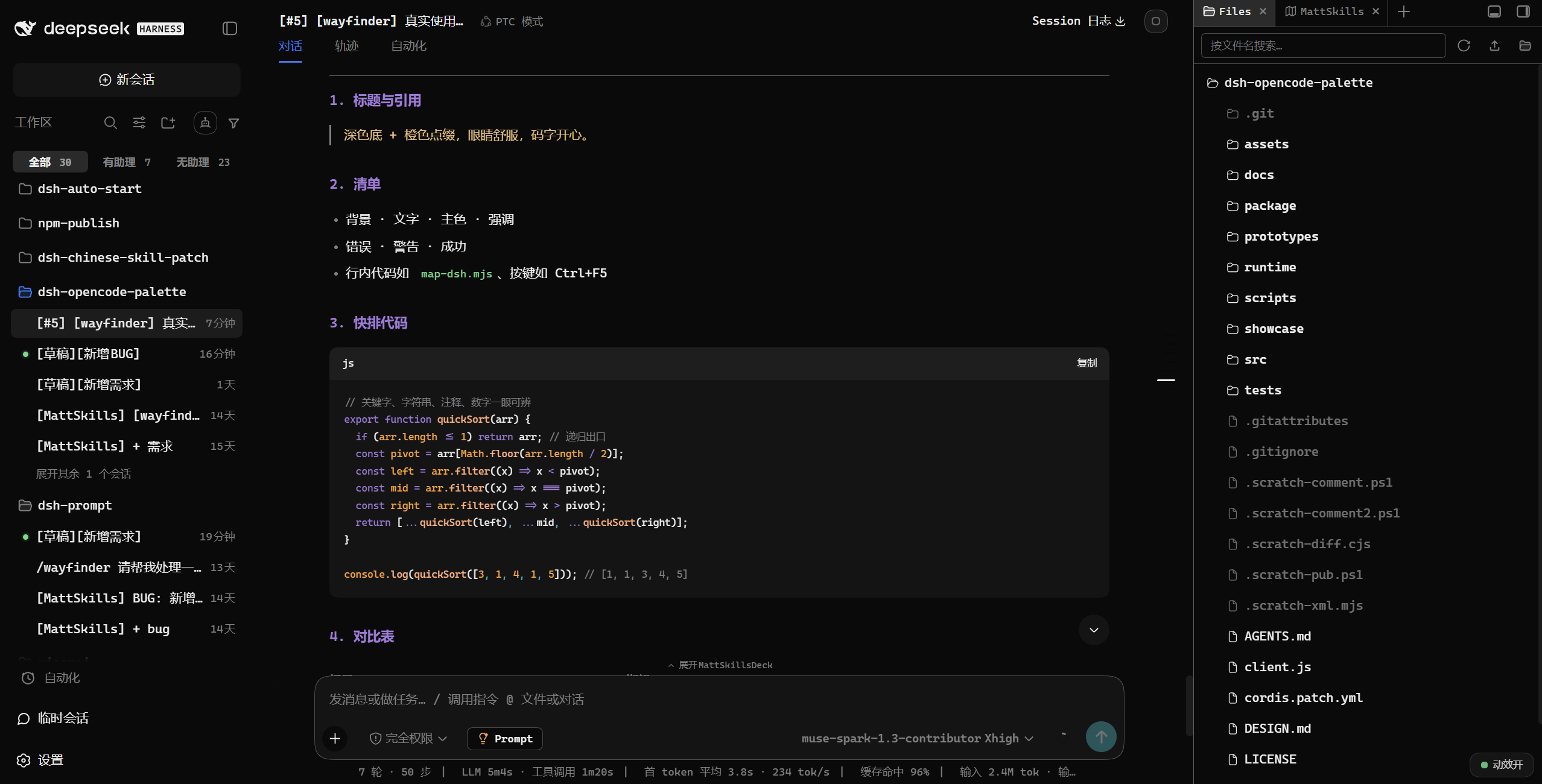 4
4No screenshots
by FeatherHunter
🎨 为长时间编程而生:38 款 opencode 护眼配色,一键换上 DSH | 38 eye-friendly opencode themes for DeepSeek Harness, one click
★ 41
↓ 658/wk
MIT
JavaScript
Oct 3, 2026
dsh plugin --profile web add dsh-opencode-palette✦
No screenshots
by RexCue
Wallpaper skin for the DeepSeek Harness (dsh) web UI: image background with opacity, mask and blur controls.
★ 4
↓ 316/wk
JavaScript
Aug 14, 2026
dsh plugin --profile web add dsh-wallpaper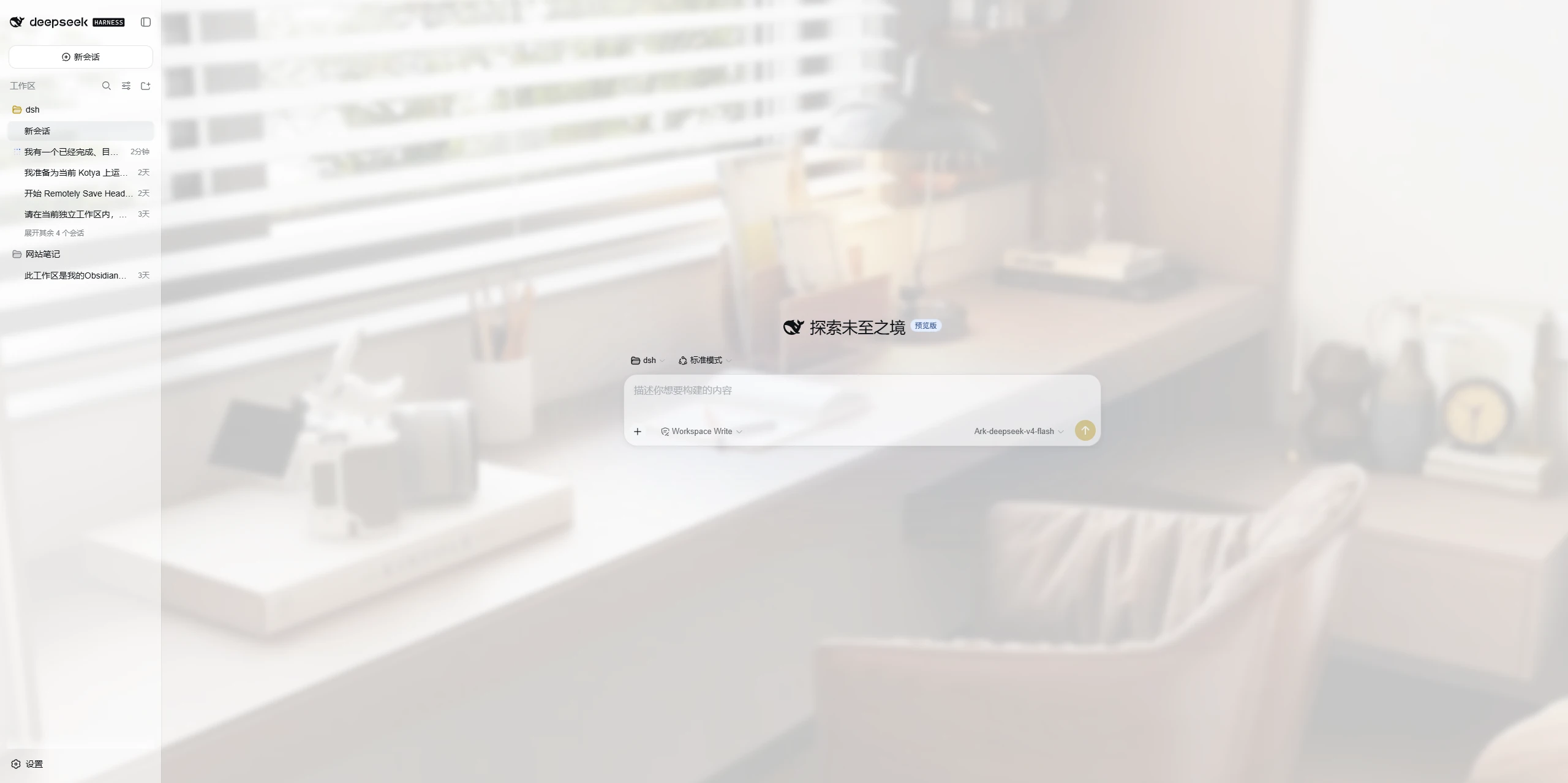 3
3No screenshots
by mumuer1024
A lightweight appearance skin for DeepSeek Harness: custom wallpaper, glass-like panel transparency, and an accent color; server-side settings shared across devices, native light/dark mode left untouc
★ 1
↓ 74/wk
MIT
JavaScript
Aug 27, 2026
dsh plugin --profile web add dsh-ui-liteglass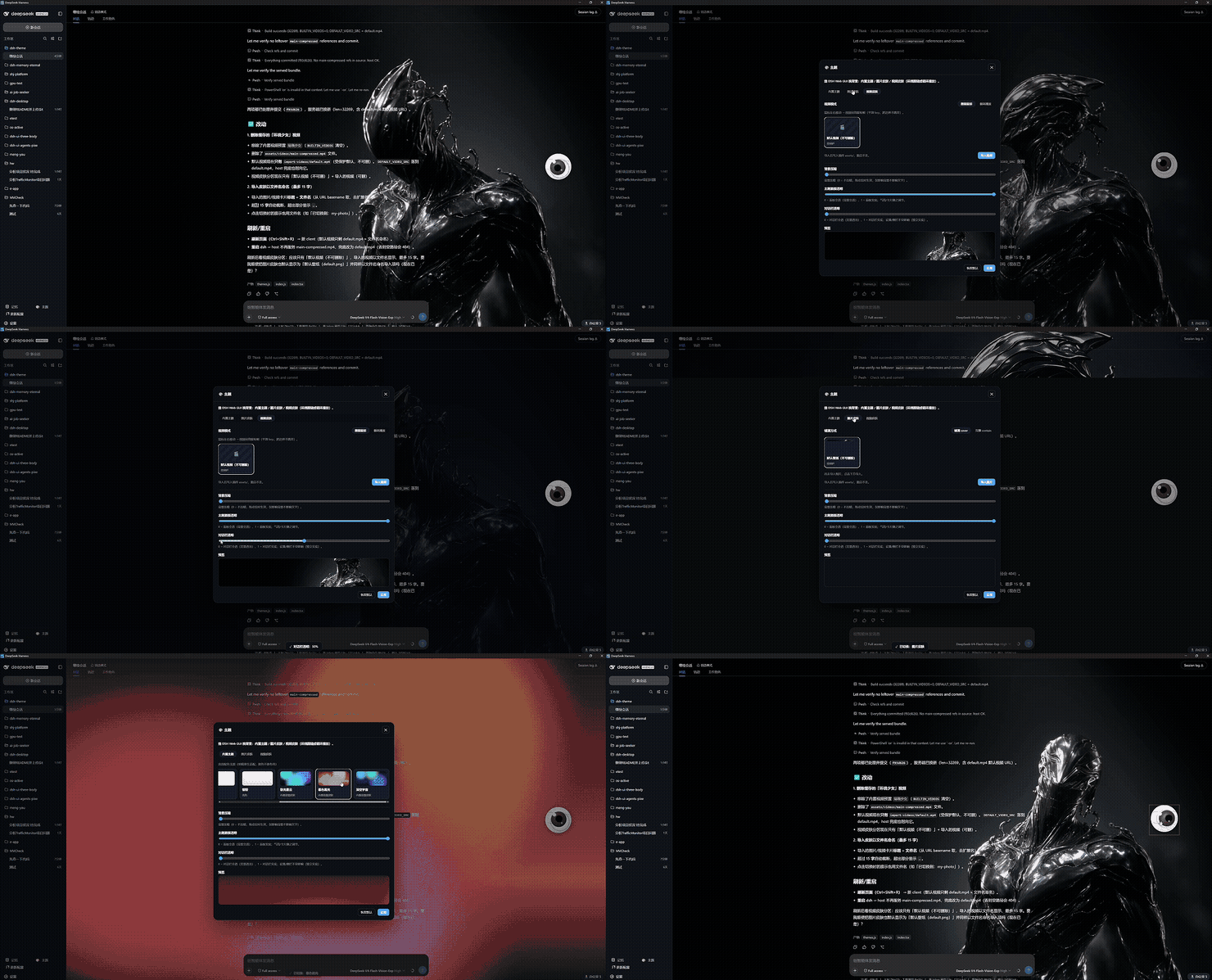 2
2No screenshots
by EternalNight996
Theme skin plugin for DeepSeek Harness — built-in themes / static image / dynamic 360°-follow video, one-click from the sidebar & Settings; imports persist, default skins protected.
★ 3
↓ 174/wk
MIT
TypeScript
Sep 3, 2026
dsh plugin --profile web add @eternalnight/dsh-theme