

dsh-cool-theme
Manifest valid★ 5Theme plugin for DSH with 34 built-in themes including Nord, One Dark and GitHub, with full light and dark mode support.

dsh-cool-theme
English · 中文


Description
DeepSeek Harness theme plugin — supports Dark / Light / System appearance switching, ships 34 preset themes, and supports creating, sharing, and importing custom themes.
Features
- Appearance switching: The appearance switch from General settings is now managed in Theme settings. You can set the appearance (dark, light, or system) in the Settings dialog → Theme tab.
- 34 preset themes: 34 built-in presets, each adapted to both dark and light appearance: Aura, Ayu, Catppuccin, Catppuccin Frappe, Catppuccin Macchiato, Cobalt2, Cursor, DSH, Dracula, Everforest, Flexoki, GitHub, Gruvbox, Kanagawa, Lucent Orng, Material, Matrix, Mercury, Monokai, Night Owl, Nord, One Dark, OpenCode, Orng, Osaka Jade, Palenight, Rosé Pine, Solarized, Synthwave 84, System, Tokyo Night, Vercel, Vesper, Zenburn.
- Custom themes: Turn on custom themes to create your own (colors inherit from the currently selected preset), and freely change the theme colors.
- Sharing themes: Share custom themes you have created, or import custom themes shared by others.
Installation
# Install: dsh plugin --profile <your-profile> add dsh-cool-theme
dsh plugin --profile web add dsh-cool-theme # Web
dsh plugin --profile desktop add dsh-cool-theme # Desktop

# Uninstall
dsh plugin --profile <your-profile> remove dsh-cool-theme
Contributing
Contributions via Issues and PRs are welcome.
// Clone project
git clone https://github.com/CoolTea001/dsh-cool-theme.git

// Install dependencies
cd dsh-cool-theme
pnpm install

// Start local development
pnpm run dev

// Local install
dsh plugin --profile <your-profile> add /absolute/path/to/dsh-cool-theme

// Restart DSH service
dsh web
License
MIT © CoolTea
Compatibility
Versions
| Latest version | Published | Size |
|---|---|---|
| 0.1.0 | — | — |
| 0.2.0 | — | — |
| 0.3.0 | — | — |
| 0.3.1 | — | — |
| 0.4.0 | — | — |
| 0.5.0 | — | — |
| 0.6.0 | — | — |
| 0.6.1 | — | — |
| 0.6.2 | — | — |
| 0.7.0 | — | — |
| 0.8.0 | — | — |
| 0.9.0 | — | — |
| 0.9.1 | — | — |
| 0.9.2 | — | — |
| 0.9.3 | — | — |
Comments
Loading…
Similar plugins
No screenshots
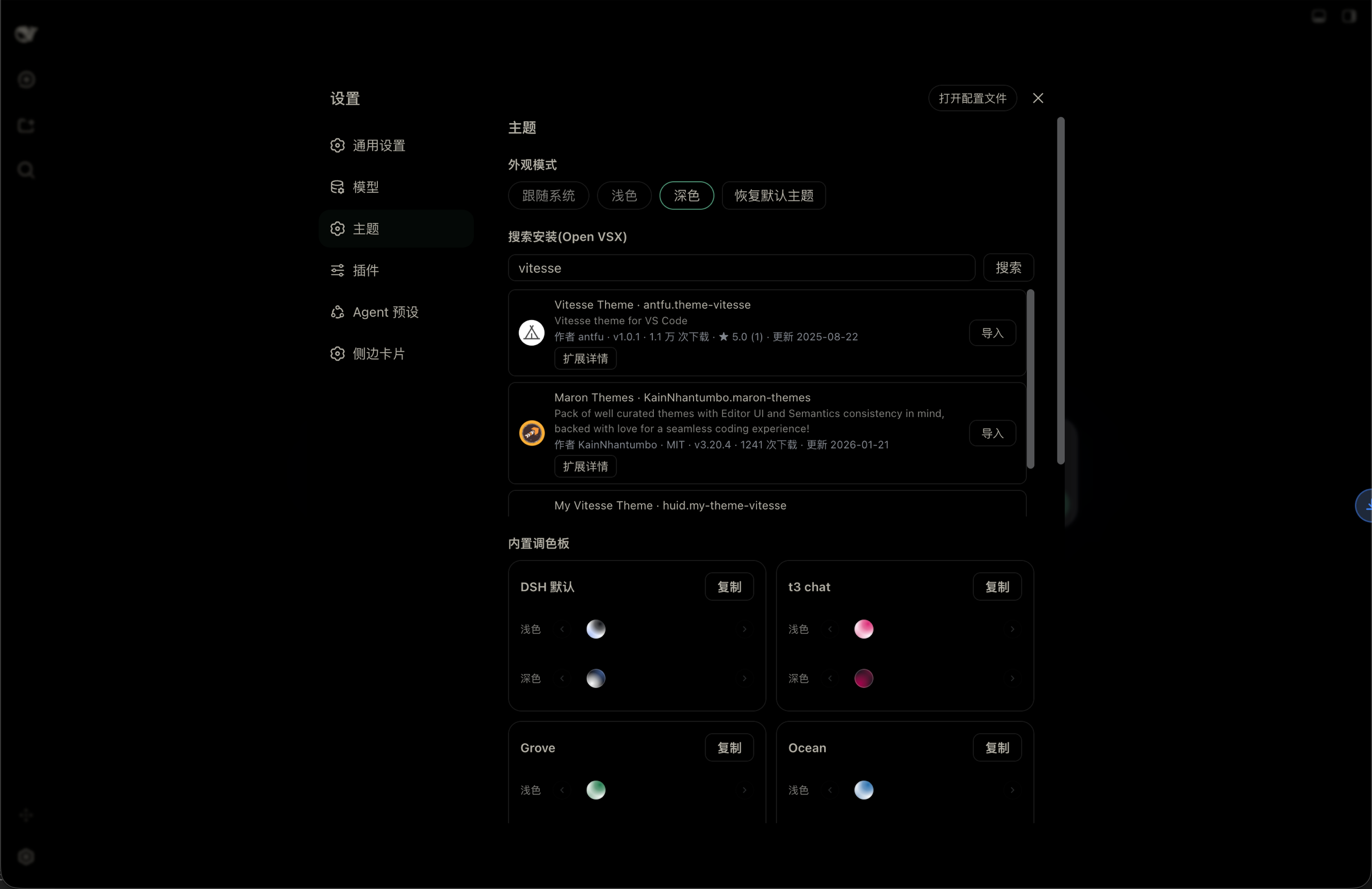
Look & theme plugin for the DSH Web UI: built-in palettes, light/dark/follow-system appearance modes, Open VSX theme search & install, and VS Code theme import with a persisted theme library.
★ 1
MIT
TypeScript
dsh plugin --profile web add dsh-themes✦
No screenshots
Dark theme plugin for dsh web (port of Obsidian things-soft-colorful-headings): warm-gray dimmed text via --dsw-alias-label-* token overrides plus soft colorful h1-h6 headings, zero dependencies.
★ 0
dsh plugin --profile web add dsh-darksoft-theme✦
No screenshots
by MicroSharpAnt
支持的主题:默认、Nord、Dracula、Catppuccin、Tokyo Night、One Dark、Gruvbox、Solarized、GitHub、Everforest、Kanagawa、Rosé Pine
★ 0
MIT
JavaScript
Sep 29, 2026
dsh plugin --profile web add dsh-theme-presetsby MoYu-CN
Extra light and dark color themes for the DSH UI, registered as pure color tokens on top of the official theme runtime.
★ 0
MIT
JavaScript
Oct 12, 2026
dsh plugin --profile web add dsh-theme-pack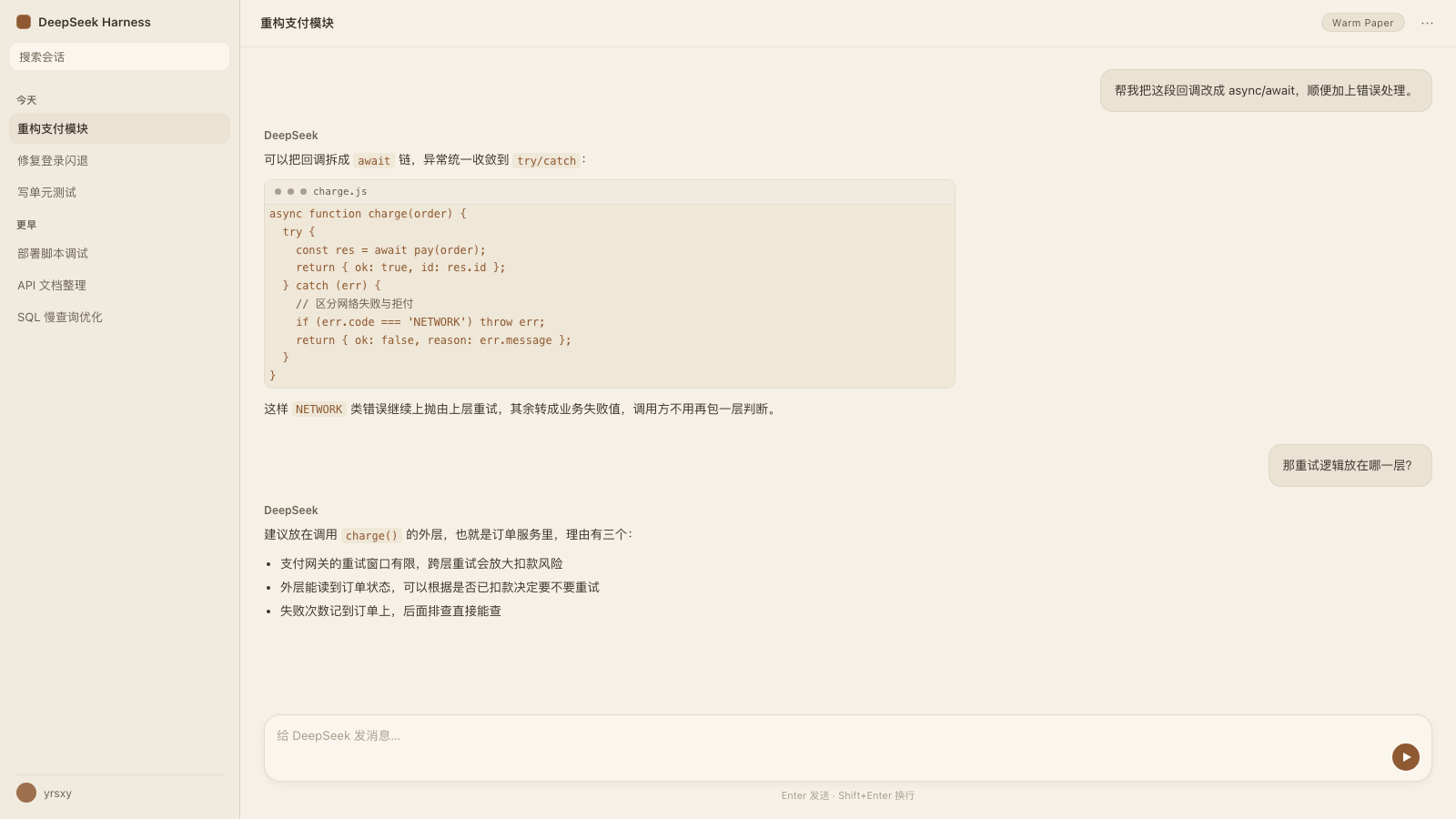 7
7No screenshots
by yrsxy
Five warm, low blue-light color themes that retint the whole DSH interface, including the sidebar, popups and shadows, without touching layout.
★ 0
MIT
JavaScript
Oct 24, 2026
dsh plugin --profile web add dsh-warm-theme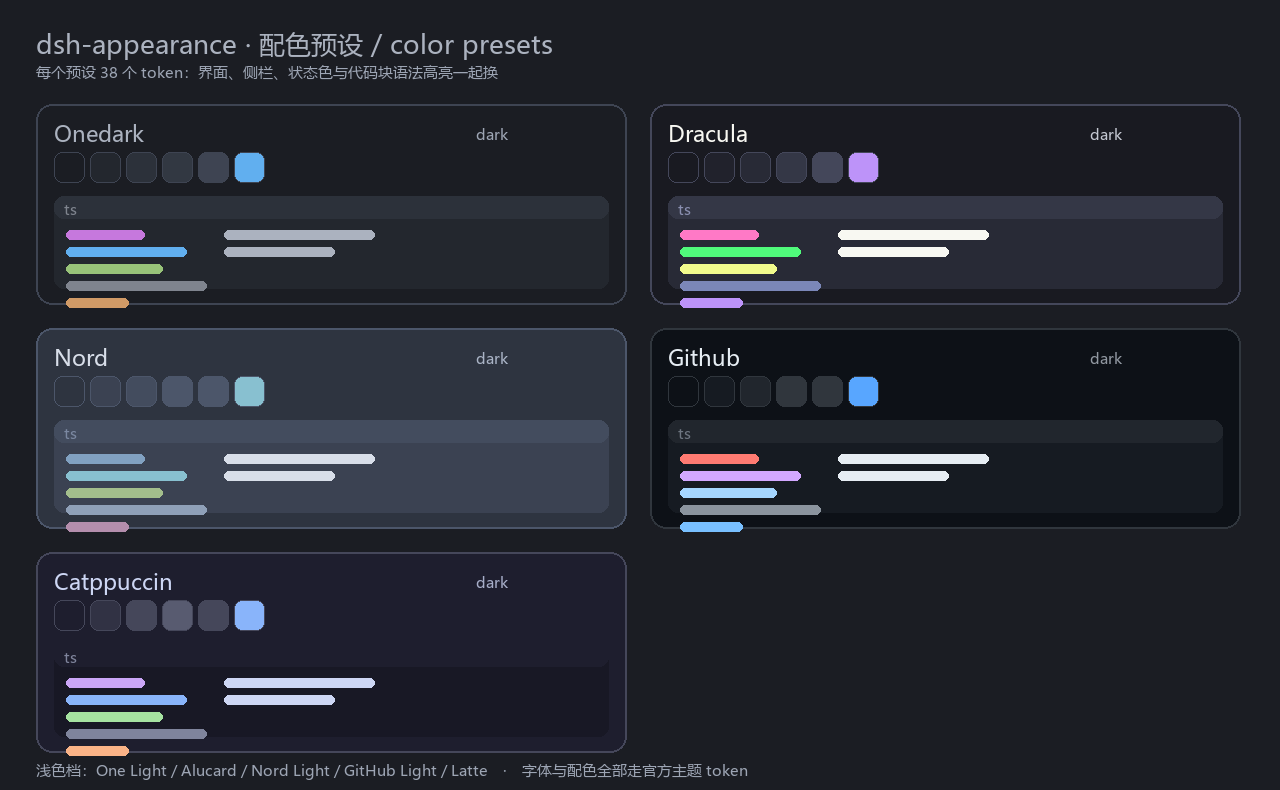
No screenshots
by LX-HMKK
A lightweight font and theme plugin for the DSH client: Latin/Chinese/code font pickers that list only installed families, and five official palettes (One Dark Pro, Dracula, Nord, GitHub, Catppuccin)
★ 3
↓ 210/wk
MIT
JavaScript
Oct 5, 2026
dsh plugin --profile web add @hmkk/dsh-appearance