

dsh-theme-studio
Manifest valid★ 1Portable DSH/Cordis theme plugin: built-in palette browsing, preview, apply, and persistence; pre-installed in DeepSeek Harness Desktop.
dsh-theme-studio
English | 中文
Portable DSH/Cordis plugin that overlays builtin color themes on the official Appearance preference. The package is platform:web with no Electron, Node, or Desktop dependency. The npm scope @dsh-electron/ identifies the publisher, not a runtime requirement.
This repository is the canonical source. DeepSeek Harness Desktop mirrors it with git subtree under apps/electron/runtime/plugins/dsh-theme-studio and rebuilds Host and Client artifacts from source. The same package runs unchanged in Desktop and in a standard DSH Web host.
Stage 1 provides builtin theme browsing, preview, apply, persistence, and plugin lifecycle recovery. Theme Schema, import/export, and Theme Creator Agent are later stages.
DSH compatibility
This main branch targets DeepSeek Harness v0.1.1-rc.2.
If your DSH install is v0.1.2 (including v0.1.2-alpha.2), use the develop branch instead.
Installation
The package is in experimental development. A public npm release under @dsh-electron/dsh-theme-studio is planned; until then, install from this repository.
DeepSeek Harness Desktop — Theme Studio is required built-in. Desktop always mounts it from the runtime plugin inventory.
DSH Web — add the package to a profile after building lib/:
pnpm install
pnpm build
dsh plugin --profile web add .
Or install directly from GitHub:
dsh plugin --profile web add github:cherrchen/dsh-theme-studio
dsh plugin add activates the bundled cordis.patch.yml layer. Official Appearance (Light / Dark / System) stays owned by dsh-client-ui-theme. Theme Studio only adds Settings → General → Themes.
User experience
Settings → General shows Appearance first (order = 10) and Themes below it (id = themes, order = 20).
- Default clears the Theme Studio overlay and shows the official theme.
- Preview is transient and is not written to settings.
- Apply persists
activeThemeIdin the Hosttheme-studionamespace. - Changing Appearance still switches the official light/dark base; the active Theme Studio palette follows automatically.
Restarting the app restores the last applied theme. Unloading the plugin removes both overlay layers so ThemeRuntime returns to the official theme.
Runtime model
Theme Studio does not present CSS itself. It calls ctx.theme.overrideTokens():
Official Light / Dark / System
        ↓
ACTIVE_SOURCE  (@dsh-electron/dsh-theme-studio:active)
        ↓
PREVIEW_SOURCE (@dsh-electron/dsh-theme-studio:preview)
        ↓
ThemeSnapshot → ThemePresenter → DOM
Host settings:
ui-theme.preference          system | light | dark
theme-studio.activeThemeId   null | dsh-theme-studio.*
null is Default. Builtin ids include dsh-theme-studio.graphite, .oled, .nordic, .paper, and .warm.
Composition
The Host plugin registers the theme-studio settings namespace when ctx.settings exists, and is a no-op otherwise. The Client plugin requires theme, settingsScope, slots, locale, connection, and remote. Headless profiles load only the Host half and do not boot the browser UI.
npm publication
The package will publish to npm as @dsh-electron/dsh-theme-studio. Publication is not available yet; treat API and versioning as pre-release.
Development
Use Node.js ^22.19 or >=24 with pnpm 11.
pnpm install --frozen-lockfile
pnpm typecheck
pnpm test
pnpm build
pnpm pack --dry-run
Model Experience
None, as this package contributes human-facing Client UI without registering model tools or prompt content.
KV Cache effect
None. The package does not add, replace, or retain model-request tokens.
Known Limitations and Deferred Work
- Builtin themes only — Stage 1 does not import, export, or validate a public
.dsh-theme.jsonschema. - No public
ctx.themeStudiocatalog — Stage 3 owns cross-plugin discovery APIs. - No automated contrast certification — builtin palettes are hand-checked for readability; WCAG claims wait for Stage 2 validators.
Compatibility
Versions
| Latest version | Published | Size |
|---|---|---|
| 0.1.0 | — | — |
| 0.1.1 | — | — |
| 0.1.2 | — | — |
| 0.1.3 | — | — |
Comments
Loading…
Similar plugins
 8
No screenshots
by RevolutionLA
DeepSeek Harness 换肤 / 壁纸 / 主题包插件 (dsh-plugin) — 8 套 Mirage 主题、每用户强调色、壁纸2.0、主题包导入导出/分享链接、收藏与随机,纯原生 token 系统实现。
★ 104
↓ 11.7k/wk
MIT
JavaScript
Aug 25, 2026
dsh plugin --profile web add dsh-dream-skin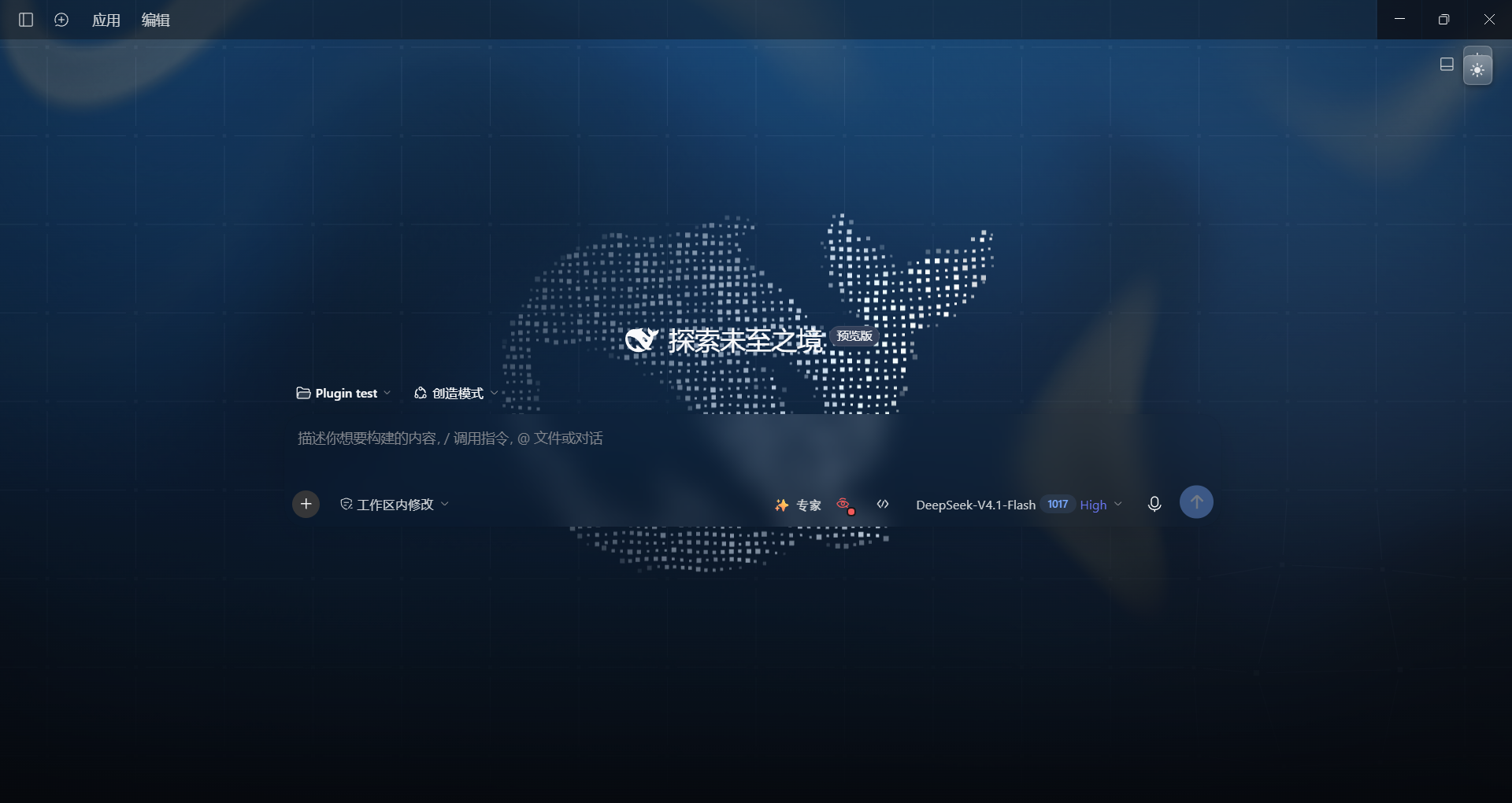 2
No screenshots
by kleinklein0824
非官方社区项目。为 DeepSeek Harness(DSH)打造的官网风格主题插件:深色模式含流体极光、粒子鲸鱼与星座网格,浅色模式采用蓝色 Hero 渐变与琉璃玻璃面板,并支持跟随 DSH 深浅色设置一键切换。
★ 0
MIT
JavaScript
Nov 7, 2026
dsh plugin --profile web add dsh-official-skinby hj01857655
dsh plugin: customize UI theme with presets, accent colors, density, radius, fonts, and custom CSS
★ 0
MIT
TypeScript
Oct 16, 2026
dsh plugin --profile web add dsh-theme-studio✦
No screenshots
DeepSeek-Refined 移植:为 DeepSeek Harness 前端注入 5 套 Obsidian Border 风格主题与 Markdown 美化(部署级 Cordis 客户端插件)
★ 0
dsh plugin --profile web add dsh-refinedby dac114514
DeepSeek Harness 主题中心 · Theme Center for dsh web UI:精选主题画廊(浅色/深色分组)、一键切换、自定义壁纸、dsh-theme 导入导出
★ 0
MIT
JavaScript
Aug 15, 2026
dsh plugin --profile web add dsh-theme-center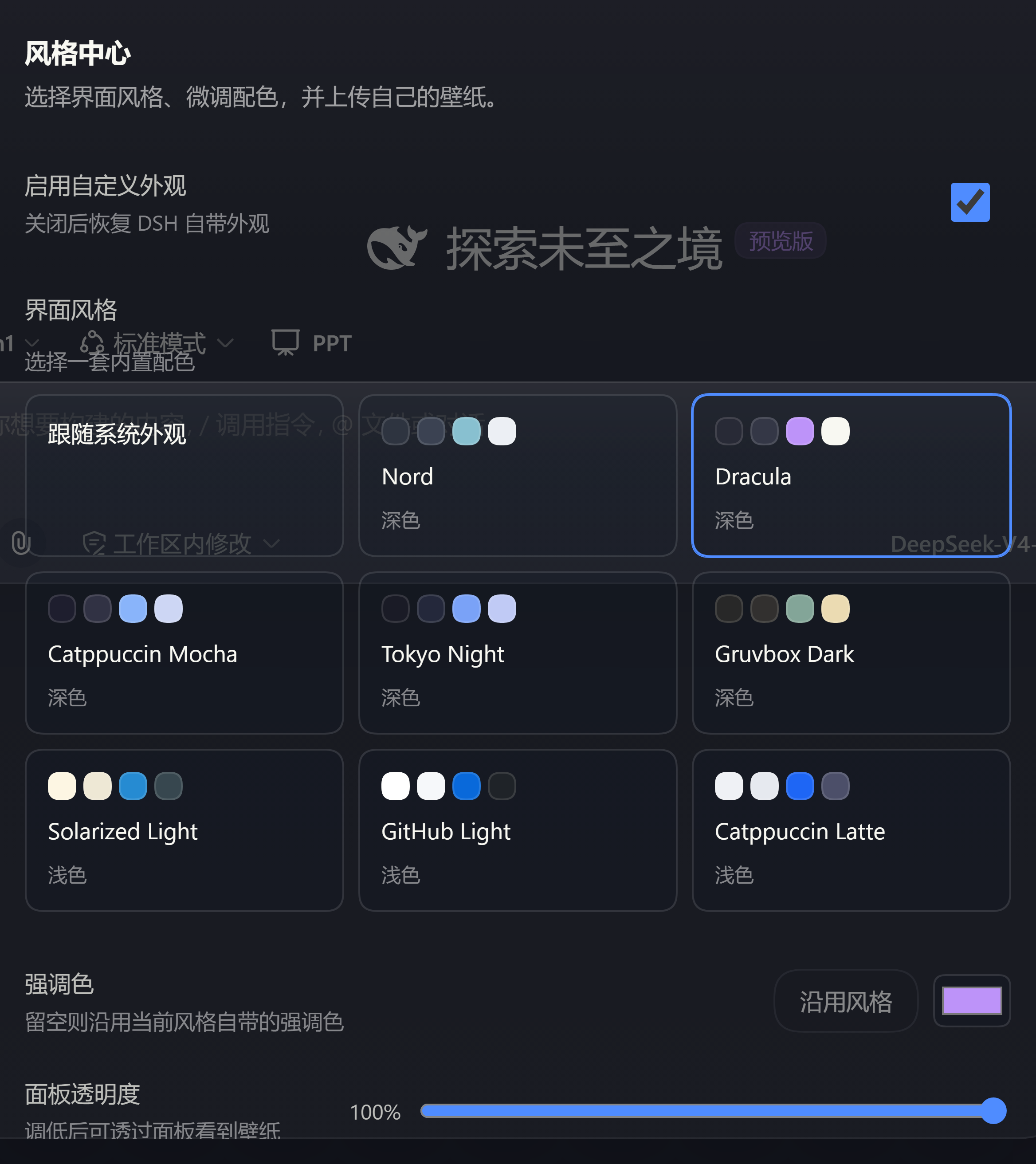 3
No screenshots
by Au1314
Theme studio for the DeepSeek Harness web GUI: eight switchable preset styles, accent and panel-translucency fine-tuning, host-side wallpapers painted on the first frame, and a one-click fix when the
★ 0
MIT
TypeScript
Sep 26, 2026
dsh plugin --profile web add dsh-style-hub