
dsh-whale-boot-theme
Manifest validOne install for a whale-girl boot animation, a cyber code-eye video background and a holographic dark theme. The skin and background video (CC BY-NC-SA) are downloaded from the upstream repo on first
dsh-whale-boot-theme
一套开箱即用的「鲸鱼娘」主题,装完重启一次就位:
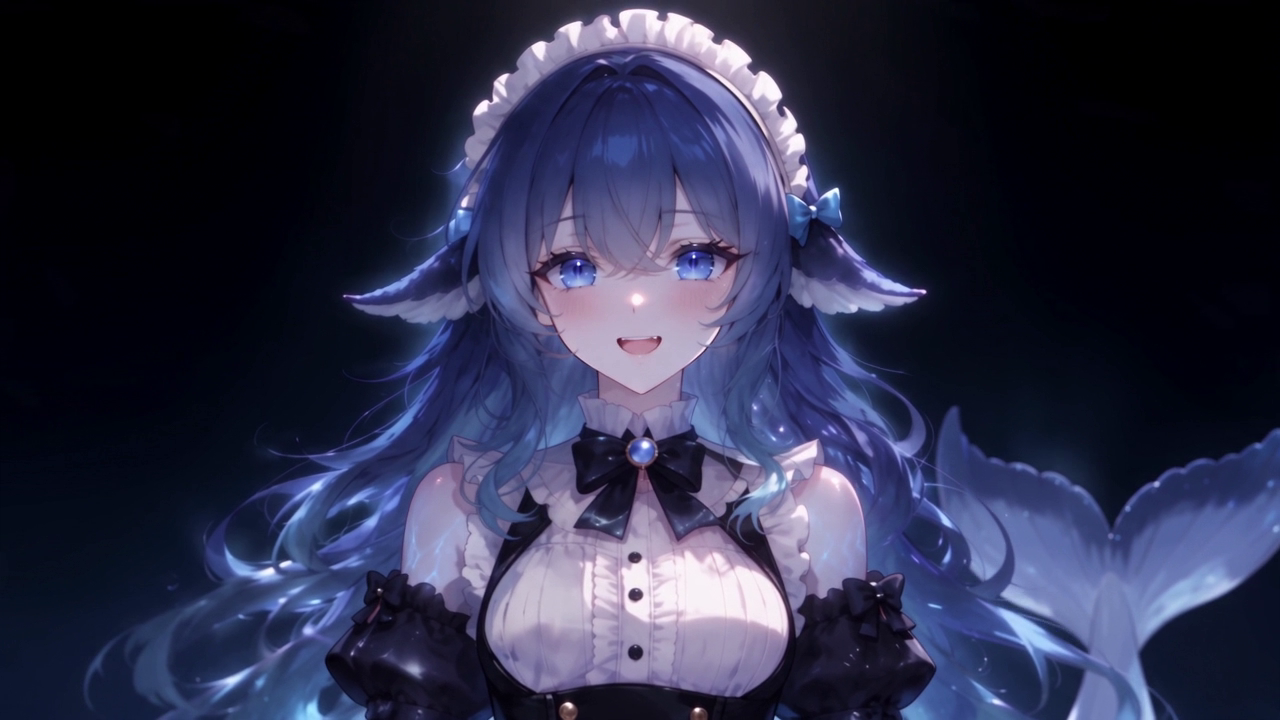
- 开机动画 —— 霓虹线条里走出来的鲸鱼娘,闭眼 → 睁眼。本地片段,MIT,随包内置。
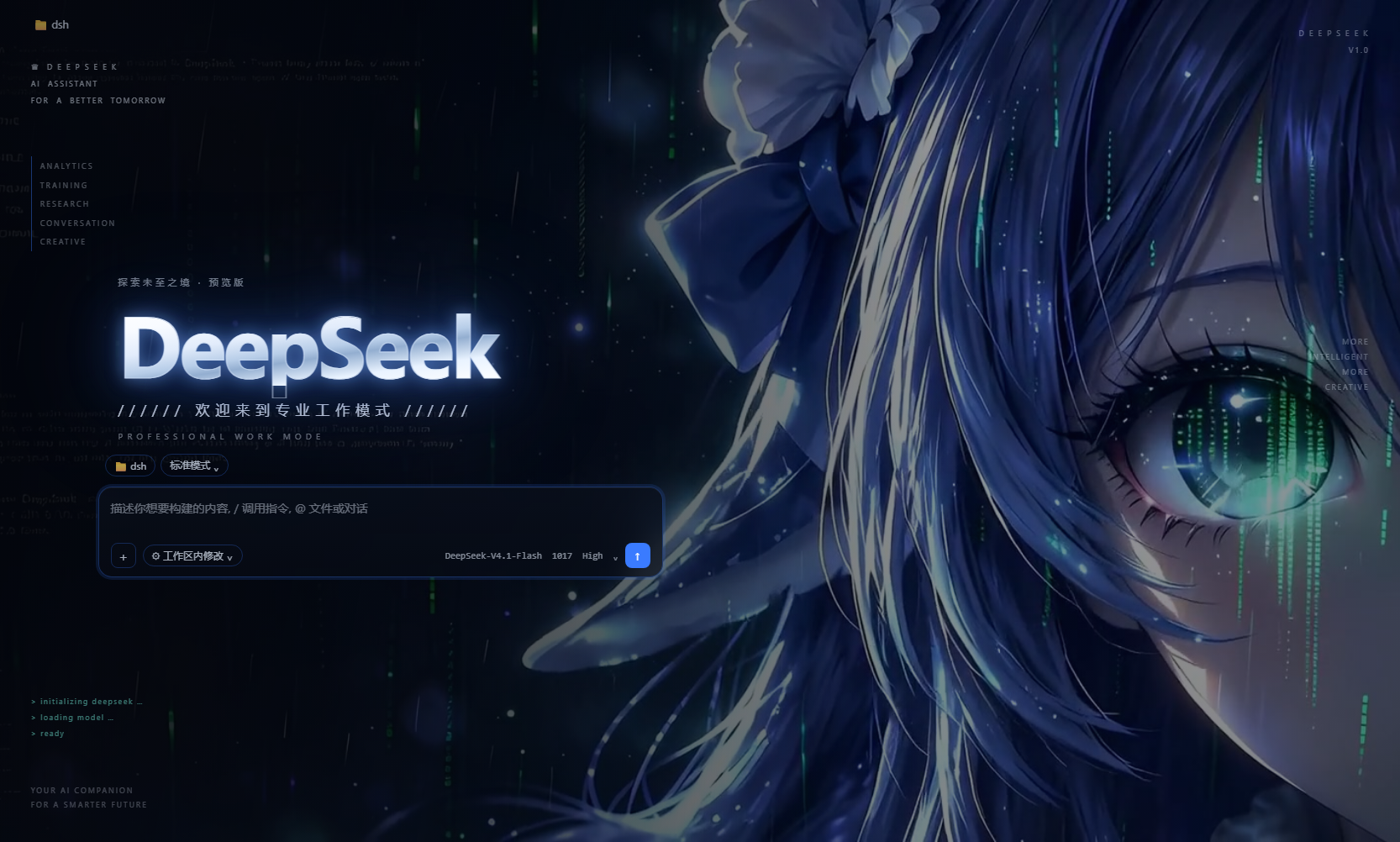
- 动态背景 —— 蓝发少女的脸部与眼睛特写,眼里淌着代码,青色数据雨一直在下。
- 整套主题 —— 冷黑蓝底、1px 全息结构线、电光蓝品牌色、青色状态色;面全是薄玻璃,背后永远在流动。
- 首屏左岸版式 —— 空对话时首页不再是居中的三件套:输入卡靠左一栏、DeepSeek 金属大字标、中文副题、左边沿 HUD 细目与四角角标,右半屏整块留给动态背景。这段是我们自己写的附录 CSS,追加在作者
patches.css末尾,整段删掉即可复原。
背景与主题的作者是 stushansusu(CC BY-NC-SA 4.0),本插件不打包它们,而是在首次 启动时从原作者仓库下载、校验 sha256、再应用到本机。详见 NOTICE。
安装
# 从 GitHub 装(还没上 npm 之前用这条)
dsh plugin add github:bluestar2019/dsh-whale-boot-theme
网络打不开 GitHub 时,走 Gitee 镜像:
dsh plugin add git+https://gitee.com/maisutong/dsh-whale-boot-theme-0.1.0.git
上架 npm 之后也可以直接写包名:
dsh plugin add dsh-whale-boot-theme
本地开发时也可以直接装目录:
dsh plugin add file:/path/to/dsh-whale-boot-theme
装完重启一次 DSH:插件在启动后约 2.5 秒跑一次安装流程(宿主半边,没有界面),
日志里会出现 dsh-whale-boot-theme 的四五行进度。之后每次启动都是幂等的:文件齐了就
直接跳过,不会重复下载。
它到底做了什么
启动后,按下面的顺序,每一步失败都不影响后面,最终结果写进
$DSH_HOME/profiles/<profile>/.dsh-whale-boot-theme.json:
| 步骤 | 行为 |
|---|---|
| 下载皮肤 | 把 skin.json / skin.css / patches.css / assets/whale-fantasy-loop.mp4 下载到 $DSH_HOME/skins/whale-fantasy/。三个镜像依次尝试,.part 临时文件 + 原子 rename,大文件带停滞看门狗,视频校验 sha256。 |
| 可读性调优 | 改 skin.css 里 4 个背景 token、加深 skin.json 的 scrim(改动内容逐条写在 NOTICE 里)。 |
| 首屏版式 | 把随包的 assets/hero-left.css 追加到 patches.css 末尾。已装过则以 HERO-LEFT 标记定位、整段替换(升级自动换新,不叠加);作者原版 CSS 一个字节都不改。 |
| 激活主题 | 写 $DSH_HOME/skin-center-active.json。只在没人选过皮肤时(空 / 还是内置默认的 blue-fantasy)才写,绝不覆盖你自己的选择。 |
| 装开机动画 | 如果装了 @ljwei-stak/dsh-boot-animation,把内置片段复制进它的自定义视频目录,并改配置让它成为开屏片段。没装就静默跳过。 |
配置
在 cordis.patch.yml 里给插件传 config(全部可省略):
- id: dsh-whale-boot-theme
  config:
    downloadAssets: true      # false = 不联网,只做本机已有文件的调优
    tuneReadability: true     # false = 保持作者原版的透明度/遮罩
    heroLayout: true          # false = 不追加首屏左岸版式(保持居中三件套)
    activateSkin: true        # false = 只装不激活
    installBootClip: true     # false = 不动开机动画
    skinId: whale-fantasy     # 皮肤目录名,必须与作者 skin.json 的 id 一致(CSS 按 id 作用域)
    ref: de02a7fc92a34ec4e565592e6a2cfa85ecae18b1   # 上游 commit,钉版本保证可重复
想换配色/透明度,最省事的办法是装完之后直接改
$DSH_HOME/skins/whale-fantasy/skin.css,并把 tuneReadability 关掉,免得下次启动被覆盖。
网络
只访问三个域名,全部是上游素材的镜像,没有别的地方:
cdn.jsdelivr.netfastly.jsdelivr.netraw.githubusercontent.com
没有任何遥测、没有收集、没有上传。
已知限制
- 暗色专用:这张皮肤的配色是照着夜里那块画面量出来的,亮色模式下会很难看。
- 开机动画那一步依赖第三方插件
@ljwei-stak/dsh-boot-animation;它改名或改配置结构, 这一步就会退化成「跳过」。 - 上游仓库被删/改路径时,下载会失败(皮肤不会坏,只是不更新)。
ref钉着 commit, 所以内容本身是稳定的。 - 皮肤中心的「背景不透明度」滑块对这张皮肤无效(它写的是
--dsw-skin-scrim,而这张 皮肤自己定义了 token)——所以本插件才直接改皮肤文件。
开发
# 干跑:装进一个临时 DSH_HOME,检查落盘结果(会真的下载 6.3 MB)
node test-dryrun.mjs

# 用真实皮肤中心的校验器验证产物能否被加载(fail-closed,非法字段会被静默丢弃)
node test-validate.mjs

# 打包内容预览
pnpm pack --dry-run
本机跑 node 的小抄(Windows,DSH 桌面端自带 Electron):
$env:ELECTRON_RUN_AS_NODE=1
& 'C:\Users\<you>\AppData\Local\Programs\DeepSeek Harness\DeepSeek Harness.exe' .\test-dryrun.mjs
仓库
- 主仓库(市场收录用):https://github.com/bluestar2019/dsh-whale-boot-theme
- 国内镜像(直连可用):https://gitee.com/maisutong/dsh-whale-boot-theme-0.1.0
网络打不开 GitHub 时,可以直接从镜像装:
dsh plugin add git+https://gitee.com/maisutong/dsh-whale-boot-theme-0.1.0.git
许可
- 代码:MIT(见 LICENSE)
- 内置开机动画:MIT,作者 Alice-Marx(见 NOTICE 第 1 条)
- 运行时下载的皮肤与背景视频:CC BY-NC-SA 4.0,作者 stushansusu(见 NOTICE 第 2 条)
非商业。想商用请先换掉第 2 条里的美术。
Comments
Loading…
Similar plugins
No screenshots
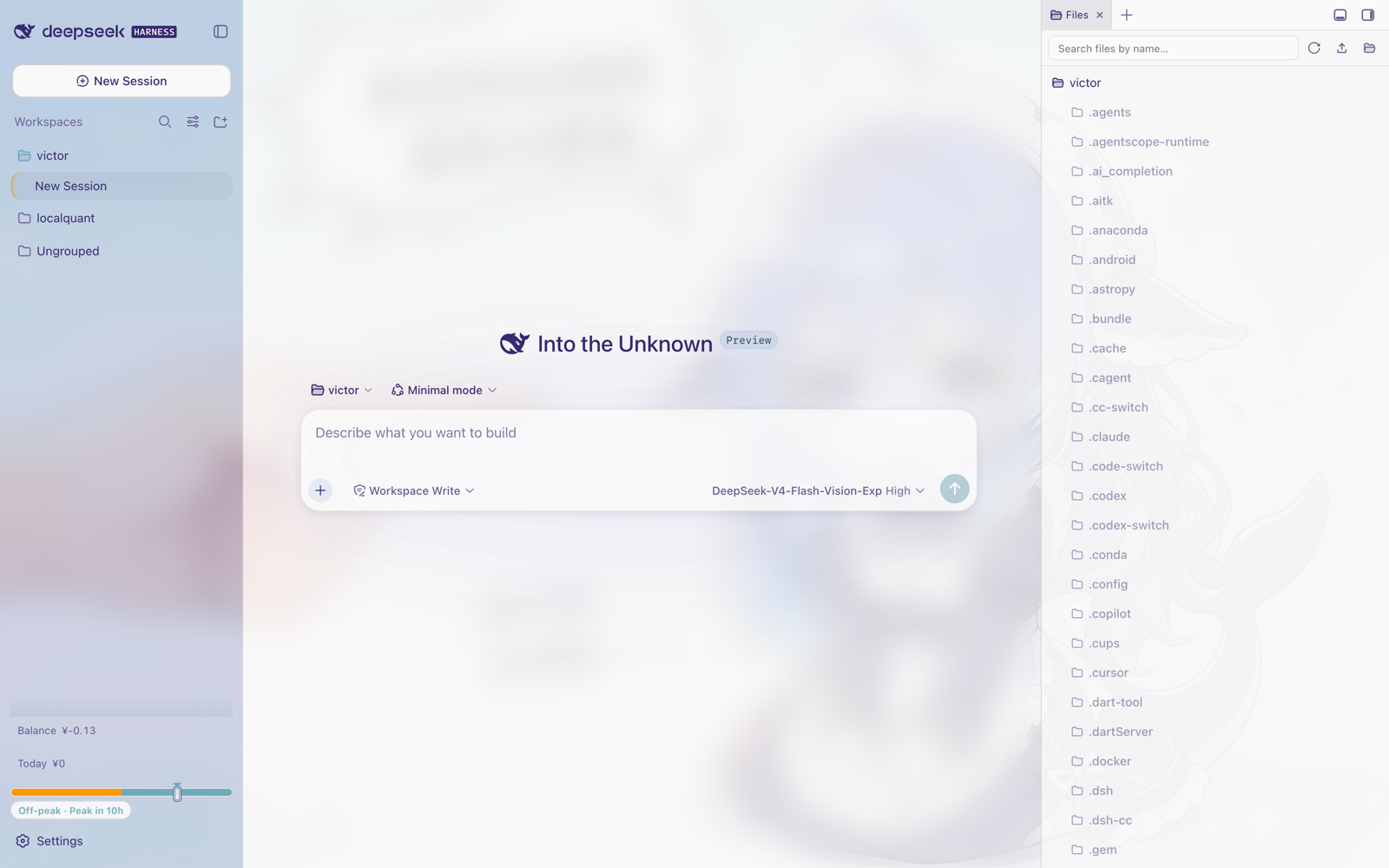
Whale Girl light theme for the DSH Web UI, ported from a DreamSkin skin package: registers one native runtime theme with a full --dsw-* token remap derived from the source palette, layers the artwork
★ 1
↓ 222/wk
MIT
JavaScript
dsh plugin --profile web add dsh-theme-whalegirl✦
No screenshots
Deep-sea whale-blue reskin for the DSH Web GUI: 14 theme tokens in light and dark, five whale-tail-maid placements, a clock and weather card, and a collapsible hardware readout (CPU, memory, GPU, per-
★ 0
dsh plugin --profile web add dsh-whale-decor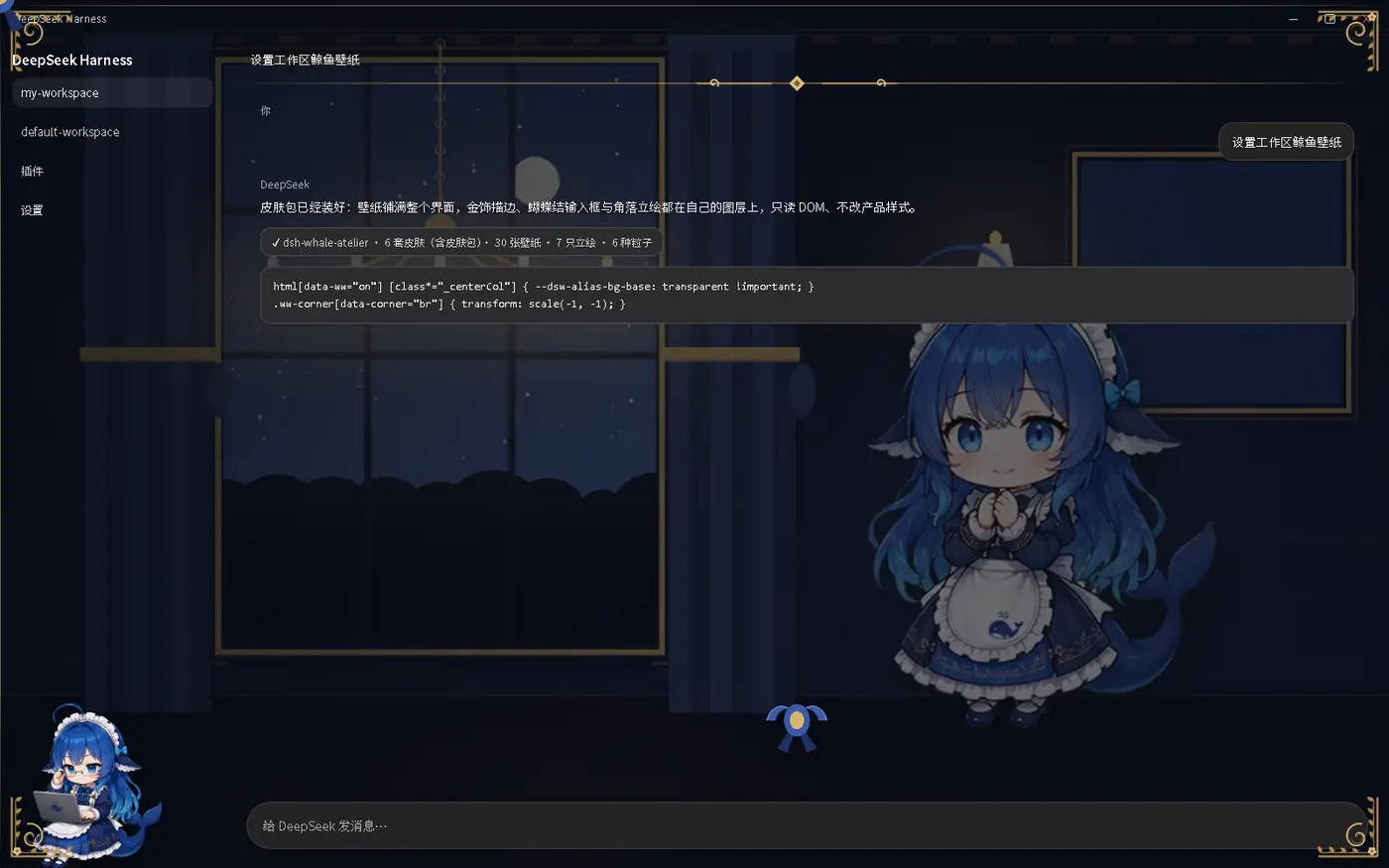 6
6No screenshots
by Cicero010
DeepSeek Harness 的鲸鱼皮肤包:全界面壁纸 + 金/银描边装饰 + 蕾丝蝴蝶结 + 角落立绘 + 环境粒子,支持第三方皮肤包与 Agent 状态联动
★ 3
MIT
Python
Oct 5, 2026
dsh plugin --profile web add dsh-whale-atelier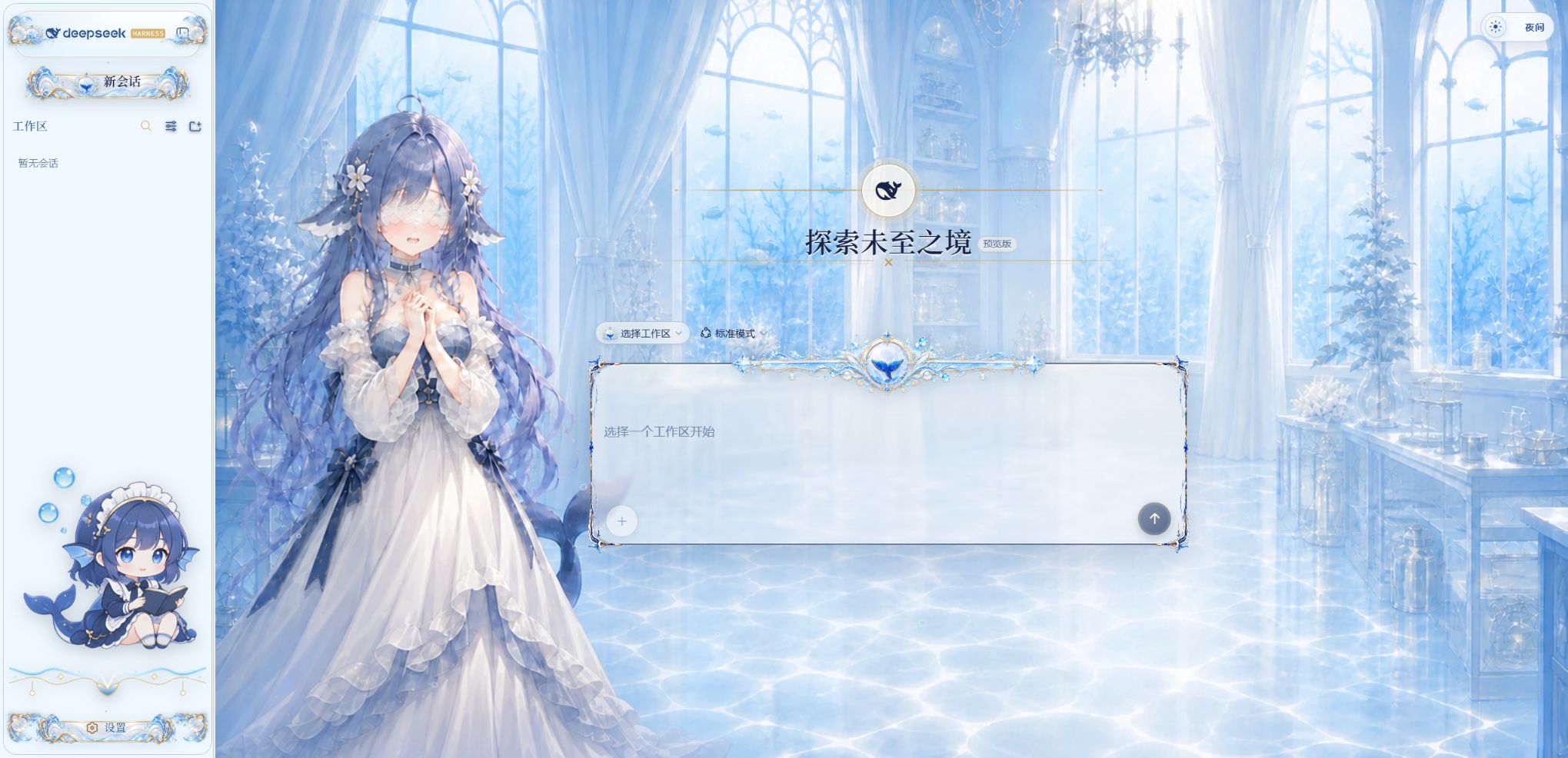 2
2No screenshots
Non-commercial day/night whale-girl skin for official Harness rc.7: current no-viewport-frame layout, paired crystal-workshop and moon-tide scenes, chibi companions, translucent ornaments, and lightwe
★ 127
NOASSERTION
TypeScript
dsh plugin --profile web add @dsh-external/dsh-client-ui-skin-deep-whale-day-night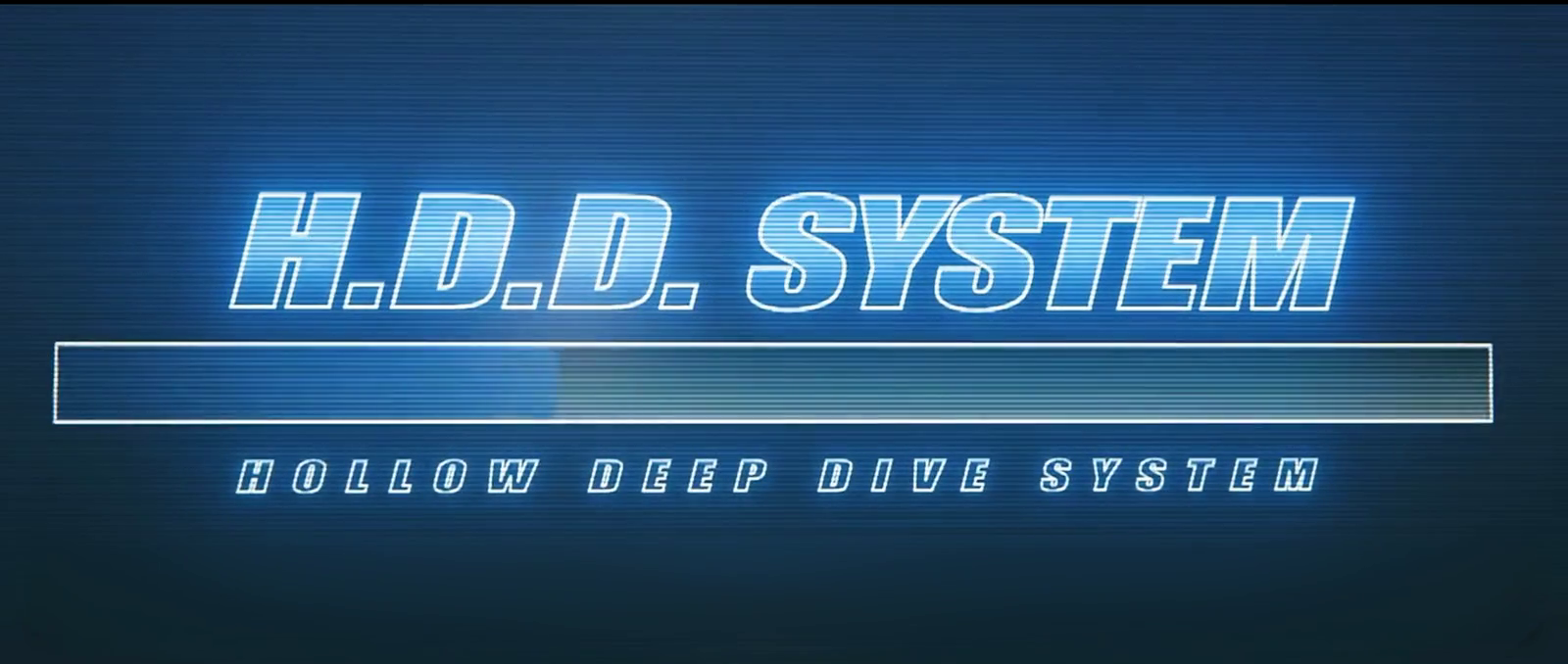 4
4No screenshots
by AssassinVIX
H.D.D skin for the DSH Web UI: full-screen boot animation, an animated eye core with idle, thinking and done states, a time-of-day greeting, and optional local GPT-SoVITS voice.
★ 13
JavaScript
Oct 29, 2026
dsh plugin --profile web add dsh-fairy-zzz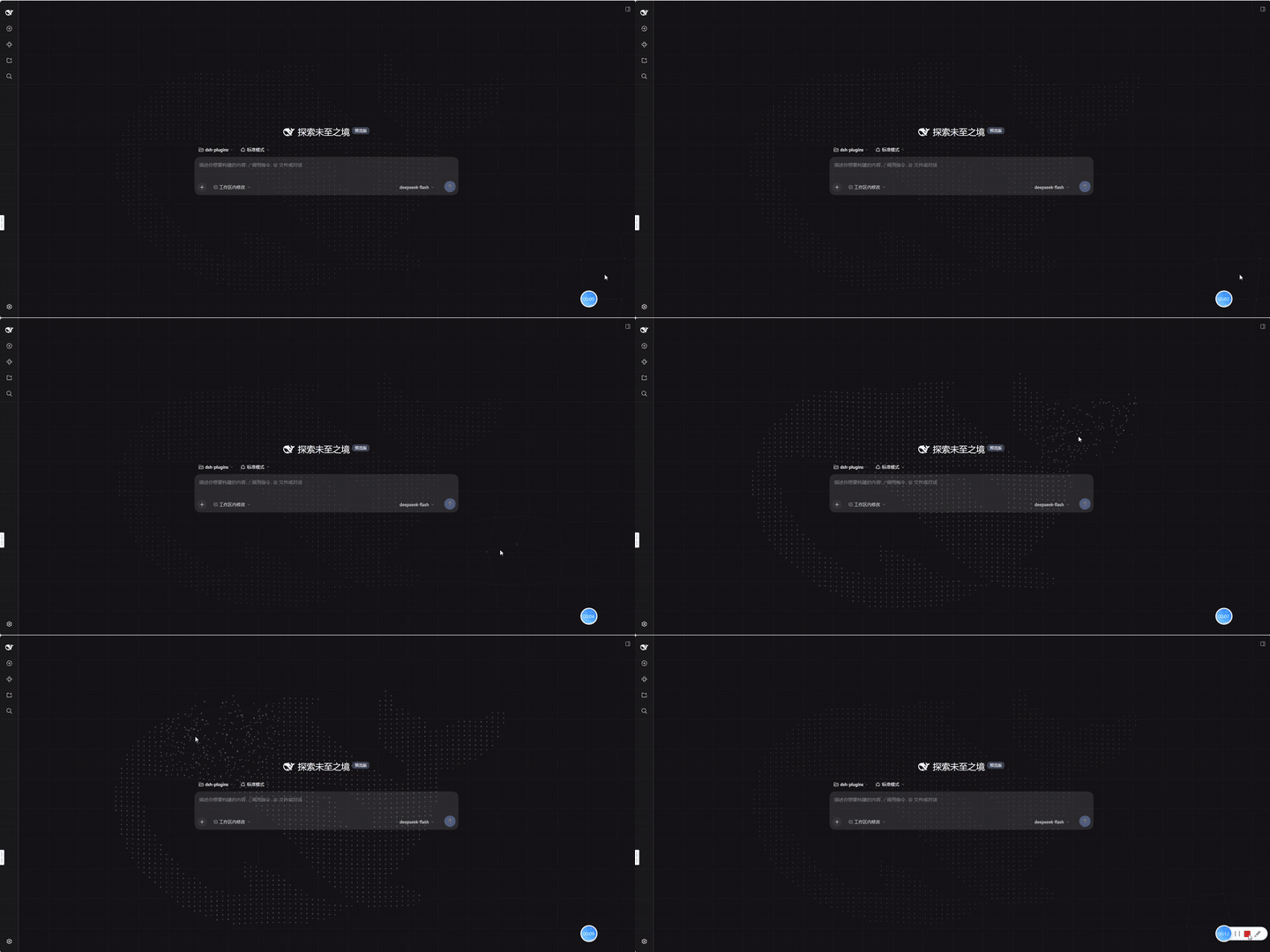
No screenshots
by kviiinh
Animated whale particle background for the DeepSeek Harness (dsh) Web UI - assembling from its scattered shell, breathing at idle, and being pushed around by the pointer
★ 0
MIT
TypeScript
Oct 20, 2026
dsh plugin --profile web add dsh-whale-particles-bg