
dsh-voicepack-plugin
Manifest validVoice pack for the DSH WeChat persona: 15 Edge neural voices (9 female / 6 male, dialects, Cantonese, Taiwan) plus optional RVC timbres, spoken as native WeChat voice bubbles.
dsh-voicepack-plugin — 微信语音包


独立仓库:https://github.com/banzhangdeerfenzhiyi/dsh-voicepack-plugin 属于 DSH 微信人格工具链;不替换已有的
dsh-wechatagent-voice-plugin(它的send_voice继续用默认音色)。
给 DeepSeek Harness 里的微信人格机器人加一套语音包:15 个 Edge 神经音色 (9 女声 / 6 男声,含东北话、陕西话、粤语、台湾腔)+ 可选 RVC 音色层 (大肥鱼=男声、派蒙、影),用指定音色说出真实微信语音条。
与已有 dsh-wechatagent-voice-plugin 的关系:那个插件的 send_voice 用默认音色
说话;本插件负责「换音色」——用户说“用男声说 / 换个声音 / 用云希的声音念 /
用大肥鱼的声音说”时,调用本插件的 send_voice_pack。两个插件共用同一条
Edge TTS → SILK → 本机 hook /SendVoiceMsg 通道。
目录
dsh-voicepack-plugin/
├── index.mjs            # 插件入口:注册 voice_pack_list / send_voice_pack,注入规则与策略
├── src/
│   ├── voices.mjs       # 音色目录(Edge 女声/男声/方言 + RVC 预设)与解析
│   ├── speech.mjs       # Edge TTS → 可选 RVC → PCM → SILK
│   ├── text.mjs         # 把回复文本清理成适合朗读的内容并分段
│   └── wechat.mjs       # 会话 → 微信聊天 → wxid → 本机 hook 发语音条
├── python/rvc_convert.py # Applio RVC 转换(路径全部走环境变量)
├── tools/
│   ├── install.mjs      # 装进 DSH profile(写 cordis.patch.yml,可 --remove)
│   ├── list-voices.mjs  # 命令行预览音色目录
│   └── test-voice.mjs   # 不走 DSH 直接合成一条语音(可 --send)
├── test/unit.test.mjs   # 纯本地测试(目录解析/配置/RVC 降级)
└── package.json
也可以在 DSH 的「添加插件」里填本仓库的 GitHub 地址(不是 npm 包名)安装: DSH 会拉取仓库并读取
package.json的dsh.bundle。包名方式只适用于已发布到 npm 的插件。
安装方式
方式 A:DSH「添加插件」填 GitHub 地址(推荐,现在就能用)
DSH 桌面版 → 插件 → 添加插件,输入本仓库地址:
https://github.com/banzhangdeerfenzhiyi/dsh-voicepack-plugin
DSH 会拉取仓库并读取 package.json 的 dsh.bundle,按 cordis.patch.yml 加载插件。
安装完成后重启 DeepSeek Harness。
方式 B:命令行安装(等价于 A)
dsh plugin --profile desktop add https://github.com/banzhangdeerfenzhiyi/dsh-voicepack-plugin
方式 C:npm 包名(已发布,最省事)
dsh plugin --profile desktop add dsh-voicepack-plugin
当前版本:
0.1.0(npm 页面)。 中国大陆镜像源同步可能延迟几分钟;如果暂时装不到,指向官方源https://registry.npmjs.org即可。
安装时如果弹出「需要允许安装脚本」:依赖
msedge-tts带有一个preinstall: npx only-allow pnpm检查脚本(只是强制使用 pnpm,无其他动作),点 「允许这些脚本并重试」 即可继续安装。
方式 D:本地脚本(开发者)
npm install
node tools/install.mjs     # 自动探测路径并写入 profile patch
# 重启 DSH
环境要求
- Windows + DSH 桌面版;WeChatAgent 本机 hook(默认
http://127.0.0.1:30001)及其工作区 (包含state/accounts与config/wechatagent.json)。 - Node ≥ 22.13。
- 可选:RVC 环境(
applio/core.py+venv312+ 音色模型)——没有时只用 Edge 音色,不影响使用。
安装
npm install
node tools/install.mjs        # 自动探测 WeChatAgent 工作区/RVC 目录并写入 profile patch
# 重启 DeepSeek Harness
node tools/list-voices.mjs    # 命令行预览音色
node tools/test-voice.mjs --text "你好呀" --voice 云希
参数:--target <dir> 自定义安装目录、--workspace <dir>、--rvc-root <dir>、
--remove 卸载、--profile <name>。
工具
voice_pack_list
列出音色目录,可按 gender(female/male/all)、locale、tag 过滤。
返回内容包含每个音色的中文名、id、性别和标签,以及 RVC 预设。
send_voice_pack
| 参数 | 说明 |
|---|---|
text | 要念出来的口语内容(建议 ≤120 字,会自动清理 markdown 并分段) |
voice | 可选 Edge 音色:云希/晓伊/晓晓/东北话/粤语男声…或完整 id |
rvc | 可选 RVC 音色层:大肥鱼(男声)、派蒙(女声)、影 |
rate / pitch | 可选语速/音高,如 +10% / +40Hz |
maxChars | 可选每条语音字数上限 |
发到当前 DSH 会话绑定的微信聊天(与 send_voice 相同映射);RVC 模型缺失时
自动退回纯 Edge 音色而不是报错。
音色一览(全部在 Edge 朗读服务实测可用)
- 女声:晓晓、晓伊(默认)、晓萱
- 男声:云希(年轻常用)、云健(播音)、云扬(新闻磁性)、云夏(少年)
- 方言:晓北(东北话)、晓妮(陕西话)
- 粤语:曉曼、曉佳、雲龍(男);台湾腔:曉臻、曉雨、雲哲(男)
- RVC 音色:派蒙(女声,pitch -5)、大肥鱼(男声)、影(女声)
注:晓辰/晓涵/云野/云枫/云皓/云泽等音色只在 Azure 语音服务提供, Edge 朗读接口会拒绝,所以没有列进来;需要它们可以接 Azure TTS。
插件生态与配合使用
这套工具链拆成 4 个独立仓库,按「基础设施 → 语音能力 → 点歌 / 换音色」分层:
| 仓库 | 作用 | 什么时候需要 |
|---|---|---|
| wechat-agent-bundle | WeChatAgent 安装包(0.4.1,含已授权匹配微信 4.1.10.27 客户端)+ DSH 接入插件 + Hook 部署脚本/教程 | 微信侧接入 DSH 的基础设施(语音条、人格聊天) |
| dsh-wechat-deploy-plugin | 在聊天里检查 / 准备 / 启动 / 重启微信 Hook | Hook 没就绪、版本不匹配、语音发不出去时先跑它 |
| dsh-voicepack-plugin | 15 个 Edge 音色 + 3 个 RVC 音色,用指定音色说微信语音条 | 想换音色 / 男声说话 |
| dsh-qqmusic-plugin | QQ 音乐点歌 + AI 翻唱(默认 30 秒语音条) | 想听「她」唱歌 |
| 本仓库 dsh-voicepack-plugin | 指定音色说微信语音条 | 想换音色 / 男声说话 |
配合使用示例(同一台机器)
- 先按 wechat-agent-bundle 装好 WeChatAgent 与 DSH 接入插件,登录微信。
- 用 dsh-wechat-deploy-plugin 的
wechat_deploy_status确认 Hookready—— 语音条通道就绪。 - 在微信里:
- 「唱首稻香」→ 本插件渲染翻唱并发出语音条;
- 「用男声说晚安」→ dsh-voicepack-plugin 用指定音色发声;
- 「检查一下微信部署」→ dsh-wechat-deploy-plugin 体检 Hook。
- 三个插件共用同一条「Edge TTS / RVC → SILK → 本机 hook」语音通道,互不替换:
原有
dsh-wechatagent-voice-plugin的send_voice继续用默认音色说话,本插件负责「唱歌」, 语音包负责「换音色」。
排错
| 现象 | 处理 |
|---|---|
| 提示找不到 WeChatAgent 工作区 | 配置 workspace 或设置 WECHATAGENT_WORKSPACE |
| 语音没发出去 | 看 ~/.dsh/voicepack/voicepack.log;确认 WeChatAgent hook 在运行、当前会话绑定微信 |
| RVC 音色没生效 | 看日志里的 rvc= 字段;检查 rvcRoot、模型文件是否存在(缺失会自动退回 Edge 音色) |
| Edge TTS 失败 | 需要联网访问 Edge 朗读服务;稍后重试 |
注意
- 音色由微软 Edge 朗读服务提供,免费但非官方接口;RVC 音色模型是第三方资产,请使用你有权使用的音色。
- 语音内容仅供个人娱乐,不要用于冒充、诈骗或侵权。
Comments
Loading…
Similar plugins
by tangzheng202202
Real-time duplex voice over Volcengine streaming ASR/TTS: agent reply narration, barge-in, wake word, live captions, 30 Chinese voices and a reply-first acknowledgment; builds in the DSH monorepo.
★ 0
MIT
TypeScript
Oct 17, 2026
dsh plugin --profile web add dsh-voice-liveby lgquan
Continuous voice conversations for DSH with hands-free listening, push-to-talk, speech recognition, TTS replies, and background Agent delegation.
★ 3
↓ 504/wk
MIT
TypeScript
Oct 27, 2026
dsh plugin --profile web add @flowingspring/dsh-vocoby unifilitence
Desktop notifications for DSH Desktop that actually speak: Windows TTS out of the box, VOICEVOX voice packs optional, and an idle gate that waits for subagents before saying 'done'.
★ 3
↓ 917/wk
MIT
JavaScript
Oct 25, 2026
dsh plugin --profile web add dsh-notify-sayby supersyh-sss
Voice assistant for dsh web: say the wake phrase (e.g. "小鲸") to activate hands-free dictation — what you say is transcribed and typed into the chat box automatically. Supports spoken edit commands (se
★ 4
↓ 192/wk
MIT
JavaScript
Sep 2, 2026
dsh plugin --profile web add dsh-voice-assistant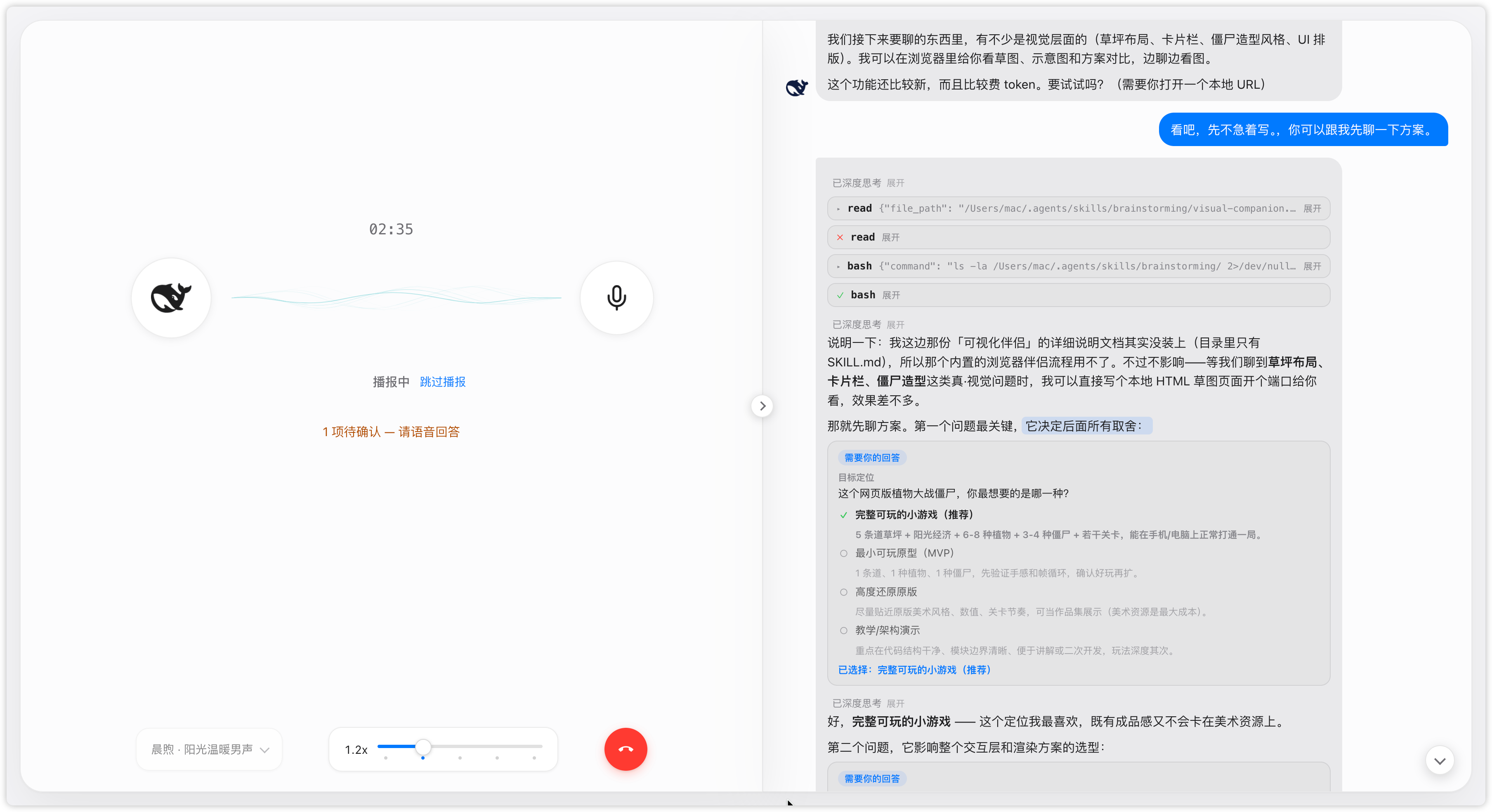 4
No screenshots
by duoduoqian708
Voice conversation mode for the DSH Web GUI: tap the mic to start a full-screen call, talk hands-free, and hear each reply read aloud as it streams. Bilingual (Chinese/English) UI, light and dark them
★ 2
↓ 159/wk
MIT
HTML
Sep 13, 2026
dsh plugin --profile web add dsh-voice-talkby PandaPolo
Give a DeepSeek Harness agent a voice it owns — offer_call rings the human (接听/拒接/稍后); local-first TTS/STT via CrispASR + Qwen3-TTS (9 voices, 2 CN dialects). DSH 0.1.2-rc.1 compatible. Fork of dsh-vo
★ 4
↓ 769/wk
MIT
TypeScript
Nov 6, 2026
dsh plugin --profile web add dsh-voice-call