

browser-hands
Discovered★ 27Give your AI agent hands in your own browser: Chrome extension + local MCP server. Logged-in, parallel, low CPU.
Browser Hands
A fast, local Chrome MCP server for AI agents. Your browser, your logins, near-zero overhead.


Browser Hands is a Chrome extension plus a small local MCP (Model Context Protocol) server. It lets any MCP-capable agent (Claude Code, Codex, Cursor and others) drive the Chrome you already use: click, type, read pages, take screenshots, run JavaScript and record GIFs, without a cloud VM or a headless browser.
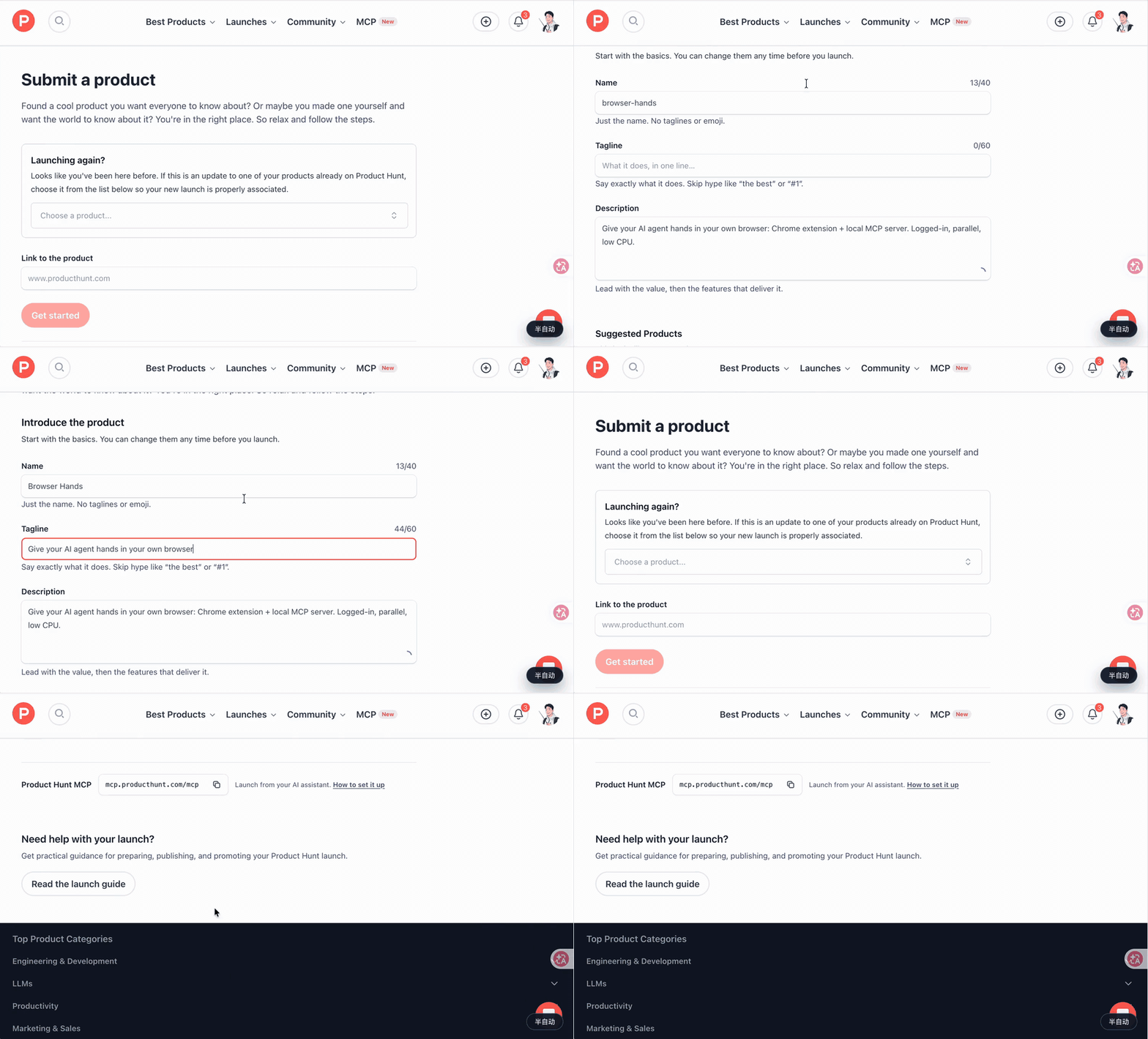
An agent filling in a Product Hunt launch form in my own logged-in Chrome (sped up, idle waits removed). MP4
Demo 1: Bulk work in one shot. An agent learns one form, then injects a script to submit it across many sites, stopping before every final submit.
Demo 2: Parallel agents, multiple profiles. Several agents work at once in their own tab groups, across two Chrome profiles (work and personal), with no cross-talk.
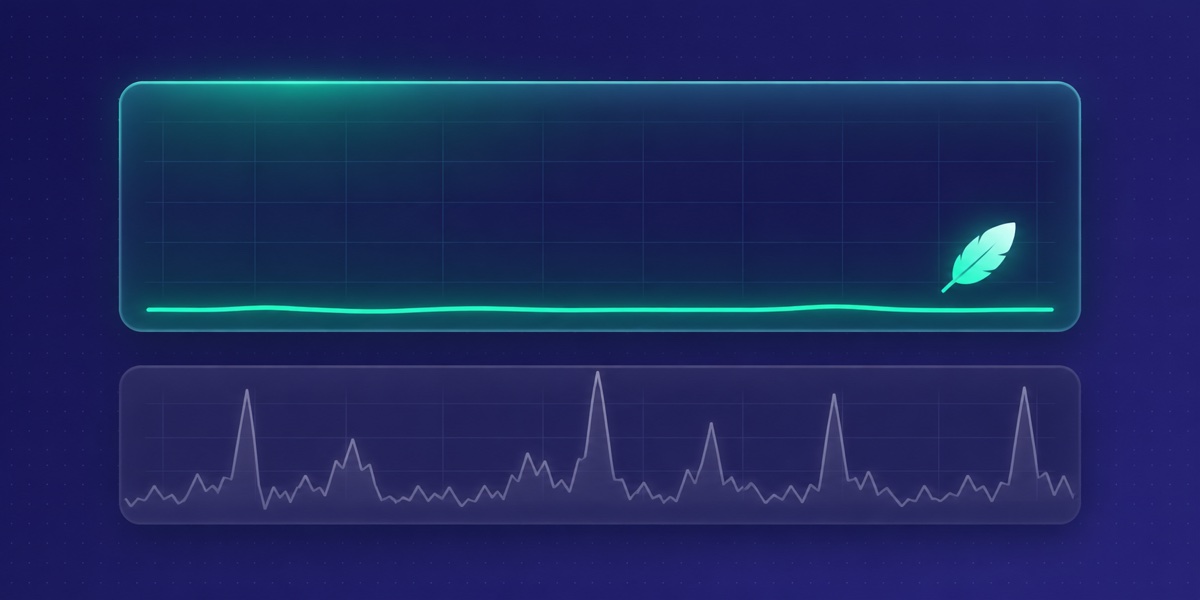
Demo 3: Screenshots that don't melt your laptop. Continuous screenshots next to Activity Monitor. Chrome scales the image itself; no in-page canvas re-encoding.
Why Browser Hands
Most browser automation for agents means a cloud VM, a heavy headless browser, or an extension that eats your CPU and takes over your session.
- Local only. No cloud, no accounts, no sidebar chat, no per-site permission popups. Your agent talks to your Chrome through a local process.
- Familiar tool interface. 16 of the 26 tools use the same names and arguments as the browser tools agents already know from Claude in Chrome, so existing prompts mostly carry over. The other 10 are Browser Hands additions.
- Small footprint. Screenshots are scaled by Chrome itself through the DevTools Protocol. No in-page canvas work, no animated overlays.
Features
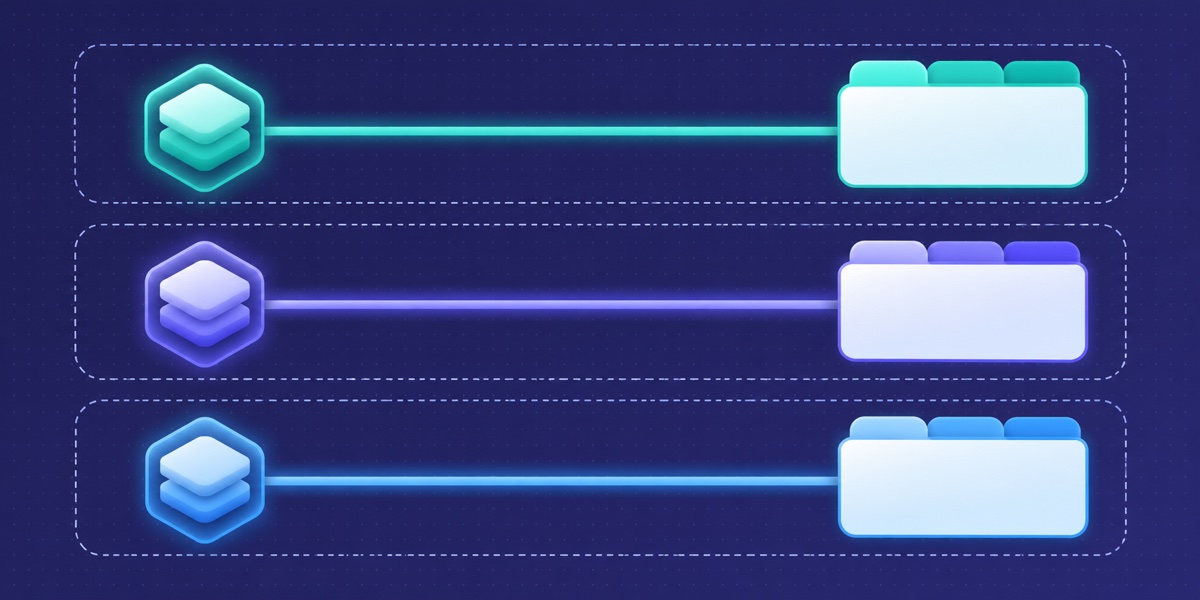
- Parallel agents without cross-talk. Each agent session gets its own Chrome tab group and can only see and act on tabs inside it.
- Multiple profiles. Install the extension in several Chrome profiles. The agent sees each profile's name and signed-in email and can switch between them.
quick_taskexecutor. Hand over a route (each step plus what you expect to see) and a fast small model clicks through it, about 0.2–0.5 s per decision, handing control back when unsure.stopBeforehard-blocks named buttons such as "Submit" or "Pay". Needs a Typesafe or OpenRouter API key; every other tool works without one.- Token-efficient by default. Agents read the accessibility tree and page text first and fall back to screenshots only when needed. For repetitive work they are steered toward one injected script that returns compact JSON.
- Human in the loop. Agents are told to stop before final submit, payment, send and delete, and to pause for you on real CAPTCHAs.
- GIF recording. Record a session as a GIF for sharing, debugging or review.
Quick start
Requirements: macOS, Node.js 18+, Google Chrome.
-
Install (the MCP server is a single ~450 KB JS file):
curl -fsSL https://github.com/214140846/browser-hands/releases/latest/download/install.sh | shFiles go to
~/.thundermcp. Run with--dry-runto see what it would do, or--uninstallto remove it. -
Load the extension: open
chrome://extensions, turn on Developer mode, click "Load unpacked" and pick~/.thundermcp/extension. -
Connect your agent. If the
claudeCLI is installed, the installer registers Browser Hands with Claude Code for you. For other agents, add this to their MCP config (use the full path to your home directory; most clients do not expand~):{ "mcpServers": { "thundermcp": { "command": "node", "args": ["/Users/you/.thundermcp/thundermcp.mjs", "mcp"] } } }
Build from source: bun install && bun run build && sh install.sh (uses the local dist/thundermcp.mjs and extension/).
How it works
graph TD
    A[AI agent<br/>Claude Code, Cursor, ...] <-->|MCP over stdio| B(Browser Hands server<br/>Node.js)
    B <-->|Native messaging| C{Chrome extension}
    C <-->|DevTools Protocol + DOM| D[Tab group: agent 1]
    C <-->|DevTools Protocol + DOM| E[Tab group: agent 2]
Tools
26 tools in total.
Same names and arguments as Claude in Chrome (16):
tabs_context_mcp, tabs_create_mcp, tabs_close_mcp, read_page, get_page_text, find, computer, form_input, navigate, resize_window, javascript_tool, read_console_messages, read_network_requests, file_upload, upload_image, gif_creator
Browser Hands additions (10):
| Tool | What it does |
|---|---|
browser_batch | Run several simple actions in one call. |
quick_find / quick_check | Ask the fast model to locate an element or check a statement about the page. |
quick_task, quick_task_status, quick_task_result, quick_task_stop | Run a known route with the fast executor in the background. |
list_connected_browsers, select_browser, switch_browser | See every connected Chrome profile (name and email) and choose which one to drive. |
Benchmarks
Measured on a MacBook with a pre-release build, using a real e-commerce exchange flow (find order, pick item, choose new variant, review page, stop before submit).
CPU
| Scenario | Result |
|---|---|
| Another browser-agent extension, heavy news page (read + scroll + screenshot) | Chrome uses +108% CPU vs. idle (about one extra core) |
| Browser Hands extension process, two agents on two profiles | 1.4% average |
| Browser Hands, full exchange flow | Chrome 4.9% average |
Cost and speed (same flow, same tools)
| Agent model | Time | Cost |
|---|---|---|
| Claude Opus | 112 s | $0.79 |
| Claude Haiku | 87–100 s | $0.03–0.05 (about 4–5% of Opus) |
Text-first reads and script batching are what let a small model finish the whole flow.
Parallel reliability
3 agents ran the full flow at the same time in one Chrome: all finished in 116–135 s, with 0 actions on the wrong tab.
FAQ
Will my Claude in Chrome prompts work? Mostly. The 16 shared tools take the same names and arguments; behaviour and output text are Browser Hands's own.
Does anything go to the cloud? No. Agent, local MCP server, your Chrome. Only the quick_* tools call the small-model API you configure.
Will it click "Pay" or "Submit" on its own? Agents are instructed to stop before final submit, payment, send and delete, and stopBefore lets you hard-block named buttons in quick_task.
CAPTCHAs? It does not solve them. It pauses and asks you to.
Linux / Windows? macOS is tested. The installer also runs on Linux, but that path is experimental and untested. Windows is not supported.
Contributing
PRs are welcome. See CONTRIBUTING.md for how to run the unit and end-to-end tests.
License
MIT. See LICENSE. Third-party components and their licenses are listed in NOTICE.
Browser Hands is an independent open-source project. It is not affiliated with, endorsed by, or sponsored by Anthropic. Its tool interface is designed to match Claude in Chrome's browser tools for developer convenience only; it was written independently, and no Claude in Chrome source code was copied.
Comments
Loading…
Similar plugins
by Tencent
Let AI agents use your real, logged-in browser without interrupting your work. CLI + extension for browser automation across any shell-capable AI agent.
★ 10.5k
↓ 17k/wk
MIT
TypeScript
Nov 17, 2026
dsh plugin --profile terminal add @wxg-prc-cpg/browser-skill-dsh-pluginby KasenRi
Controlled browser automation for DeepSeek Harness: the agent_browser tool and BrowserAutomationService drive a real Chromium or Chrome page (or an explicit CDP endpoint) through the agent-browser CLI
★ 0
MIT
JavaScript
Sep 19, 2026
dsh plugin --profile web add @kasenri/dsh-browserby ZSeven-W
DeepSeek Harness plugin for browser automation, headless first. Every agent gets its own throwaway Chrome/Edge/Chromium profile, short-lived semantic references instead of CSS selectors, scoped subtre
★ 8
MIT
JavaScript
Sep 24, 2026
dsh plugin --profile web add @zseven-w/dsh-browserby newbeebnb
Keyless web powers for any MCP client: web_search, JS-rendered web_extract over dual CDP Chrome with proxy failover, and 7 real-browser page_* tools in an isolated context.
★ 0
MIT
JavaScript
Sep 8, 2026
dsh plugin --profile web add hermes-web-mcpby chushixixin
Expose DeepSeek Harness agent capabilities as an MCP server (brain=Hermes, arms=Harness)
★ 16
↓ 68/wk
MIT
TypeScript
Aug 15, 2026
dsh plugin --profile web add @chushixixin/dsh-harness-mcp-serverby caob23
Chrome 浏览器扩展 + DeepSeek Harness 插件,让 AI Agent 直接操控你的真实浏览器。
★ 41
↓ 189/wk
AGPL-3.0
JavaScript
Oct 20, 2026
dsh plugin --profile web add @caob23/dsh-browser-control